Quick Answer
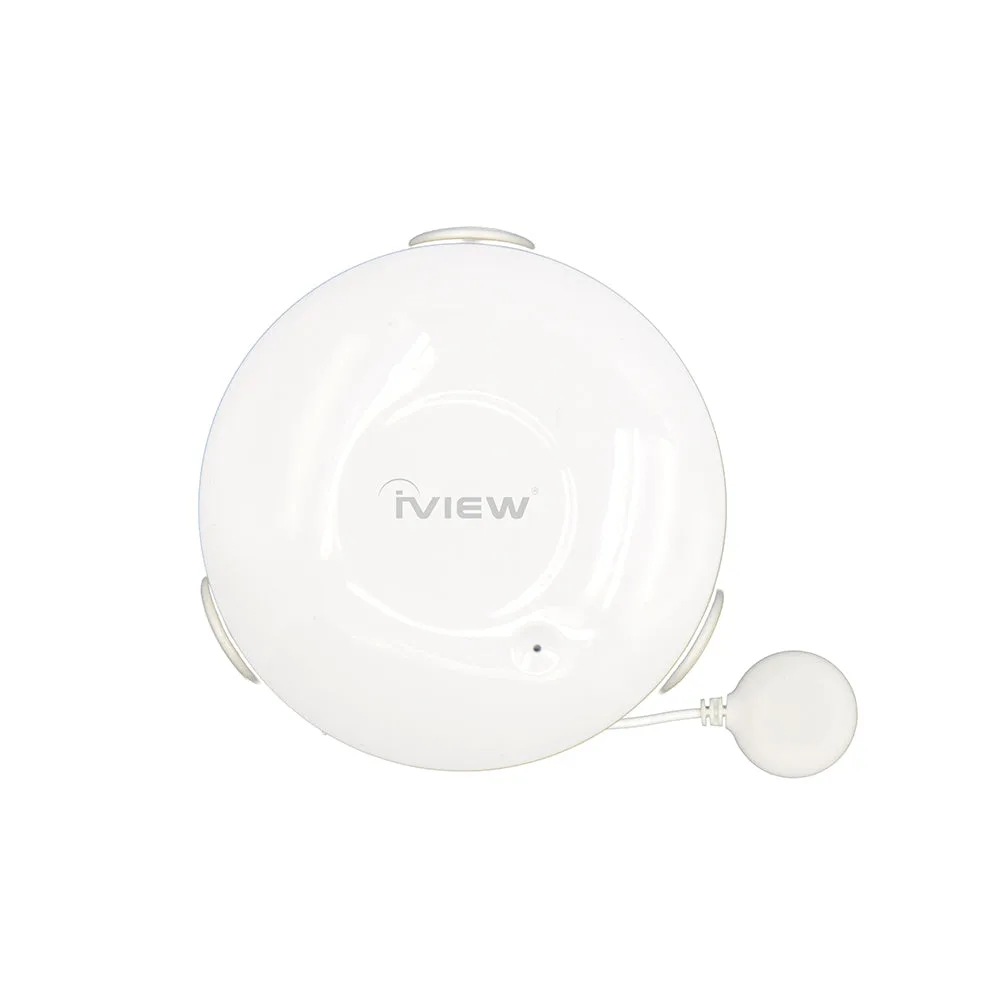
Water leak sensor batteries typically last several years, depending on usage and standby power draw. For example, the iView S300 Water Sensor has a standby time of up to 5 years and can last about 4 years with normal use (2 alerts per month). When the battery runs low, replace it promptly to keep your leak detection active.
How Long Does a Water Leak Sensor Battery Actually Last?
The battery life of a water leak sensor depends on its design, standby current, and how often it triggers alerts. Many sensors, like the iView S300, list a standby time of up to 5 years and a use time of about 4 years when activated twice a month. This means you might go several years before needing a replacement, but it’s wise to check the manufacturer’s specs for your specific model.
Signs That Your Water Leak Sensor Battery Is Dying
Most smart water leak sensors send a low-battery notification to your phone, but you should also watch for delayed alerts or a sensor that fails to respond during a test. If your sensor doesn’t push an alarm when you manually test it, the battery may be too weak. Replace the battery as soon as you see a low-battery warning to avoid missing a real leak.
How to Replace the Battery in Your Water Leak Sensor
Replacing the battery is usually straightforward: open the sensor casing, remove the old battery, and insert a new CR2 battery with the correct polarity. Always use a fresh battery from a reputable brand. After replacement, test the sensor by placing it in a small amount of water to confirm it sends an alert. If your sensor uses a different battery type, check the manual for compatibility.
Tips to Extend Water Leak Sensor Battery Life
To maximize battery life, place your sensor in a location where it won’t experience frequent false triggers, such as near a sink but not directly in the path of splashes. Keep the sensor within the recommended wireless range (e.g., 45 meters for the iView S300) to avoid constant reconnection attempts, which can drain the battery. Also, ensure the operating temperature stays within the specified range (0–40°C) to prevent performance issues.
Frequently Asked Questions
How often should I test my water leak sensor?
Test your sensor at least once a month by pressing the test button or using a damp cloth. This ensures the battery and sensor are working. Monthly testing helps catch battery issues early.
Can I use a rechargeable battery in my water leak sensor?
Rechargeable batteries often have lower voltage and may not last as long as standard CR2 batteries. Stick to the recommended battery type for reliable performance. Use a fresh non-rechargeable CR2 for best results.
What should I do if my sensor still doesn't work after battery replacement?
Check that the battery is inserted correctly, reset the sensor according to the manual, and re-pair it with your app. If it still fails, contact support. Persistent issues may indicate a hardware problem.
Product Facts: iView S300 Water Sensor
- S300 Water Sensor - Water Leakage Detection, Water Damage Prevention & Realtime Push Alerts: Battery: CR2x1, Standby Current: 10uA, Standby Time: 5 years, Use Time: 4 years (2 times/month) This gives you a clear expectation of long battery life—up to 5 years in standby—so you can plan maintenance without frequent replacements.
- S300 Water Sensor - Water Leakage Detection, Water Damage Prevention & Realtime Push Alerts: Wireless Type: 2.4 GHz, Protocol: IEEE 802.11 b/g/n, Wireless Range: 45m Stable Wi-Fi connection reduces battery drain from reconnection attempts, helping your sensor last closer to its rated 4-year use time.