Quick answer
Put sensors where water collects first, not where the pipe runs. In the kitchen, that means the cabinet floor under the sink, the dishwasher base, and the refrigerator's ice-maker line. In a basement, prioritize the floor drain, water heater base, sump pit rim, and washing machine. Keep each unit flat on the lowest point, within 2.4 GHz Wi-Fi range, and test it before you trust it.
Map the water paths before you buy anything
Walk the kitchen and basement with a flashlight and list every point where a supply line, drain, or appliance connects. Leaks rarely appear at the middle of a pipe; they show up at joints, valves, hose connections, and the base of anything holding water. That list becomes your placement map, and it usually has more spots than one sensor can cover.
Rank each spot by two things: how often it gets wet and how much damage a slow drip would cause. A refrigerator ice-maker line behind cabinetry and a basement water heater both sit high on that list because the leak is hidden and runs continuously.
Kitchen spots that catch leaks early
Inside the sink base cabinet, set the sensor on the cabinet floor beside the drain tailpiece, not directly under it where a splash can trigger a false alarm. Add a second unit at the dishwasher's front corner if the appliance sits on a raised platform, since water can travel along the frame before reaching the floor.
For a refrigerator with a water line, place a sensor on the floor behind or beside the unit where the tubing enters. If the ice maker or water dispenser has ever dripped, this is the first place to monitor.
Basement spots that matter most
The floor drain is the single best basement location because it is the lowest point water reaches. Put a sensor on the concrete beside the drain, not inside the grate. Next, place one at the base of the water heater and one at the sump pit rim if you have a sump pump.
For a washing machine, set the sensor behind the unit near the supply hoses and drain standpipe. If the basement has a finished ceiling below a bathroom, a sensor on the floor under that bathroom catches overflow that would otherwise soak insulation unnoticed.
Mount it flat, low, and in Wi-Fi range
Water spreads sideways before it spreads down, so the sensor's contacts need to sit on the surface where liquid will pool. Lay the unit flat rather than propping it on a shelf or taping it to a pipe. If you must raise it, keep the sensing side at the lowest practical point.
Check signal before final placement. A basement corner behind a furnace can be far enough from the router to drop alerts, and 2.4 GHz coverage is what these devices use. If the signal is weak, move the sensor a few feet toward the router rather than adding hardware.
Test each sensor and set the alert routine
After placement, trigger every unit with a few drops of water on a paper towel touching the contacts, confirm the push alert arrives on your phone, then dry the contacts completely. Repeat once a season, and replace the battery on schedule rather than waiting for a low-battery warning.
Decide in advance who responds and what they do first: shut off the nearest valve, then check the sensor location. An alert that nobody acts on is the same as no sensor at all.
Placement steps in order
- 1. List every water connection: Walk the kitchen and basement and write down each supply line, drain, valve, and appliance base. Common mistake: placing sensors along the middle of a pipe run instead of at joints and appliance bases where leaks actually start. Your list should have more spots than sensors; that is normal.
- 2. Start at the lowest point: Put the first sensor on the kitchen cabinet floor under the sink and the next at the basement floor drain or sump rim. Common mistake: mounting the unit on a shelf or pipe, where water has to rise before it triggers. Flat on the floor beats elevated every time.
- 3. Cover the hidden appliances: Add sensors behind the refrigerator water line, at the dishwasher base, at the water heater base, and behind the washing machine hoses. Common mistake: skipping the refrigerator because the leak is slow and invisible. Hidden lines cause the most damage per gallon.
- 4. Confirm 2.4 GHz signal at each spot: Check the app signal indicator at the final location before securing anything. Common mistake: assuming whole-home Wi-Fi means the basement corner is covered. Move a few feet toward the router if the signal is weak.
- 5. Test with water, then dry: Touch a damp paper towel to the contacts, confirm the realtime push alert reaches your phone, then dry the unit fully. Common mistake: testing once at setup and never again. Retest each season and replace the battery on schedule.
Product facts that affect placement
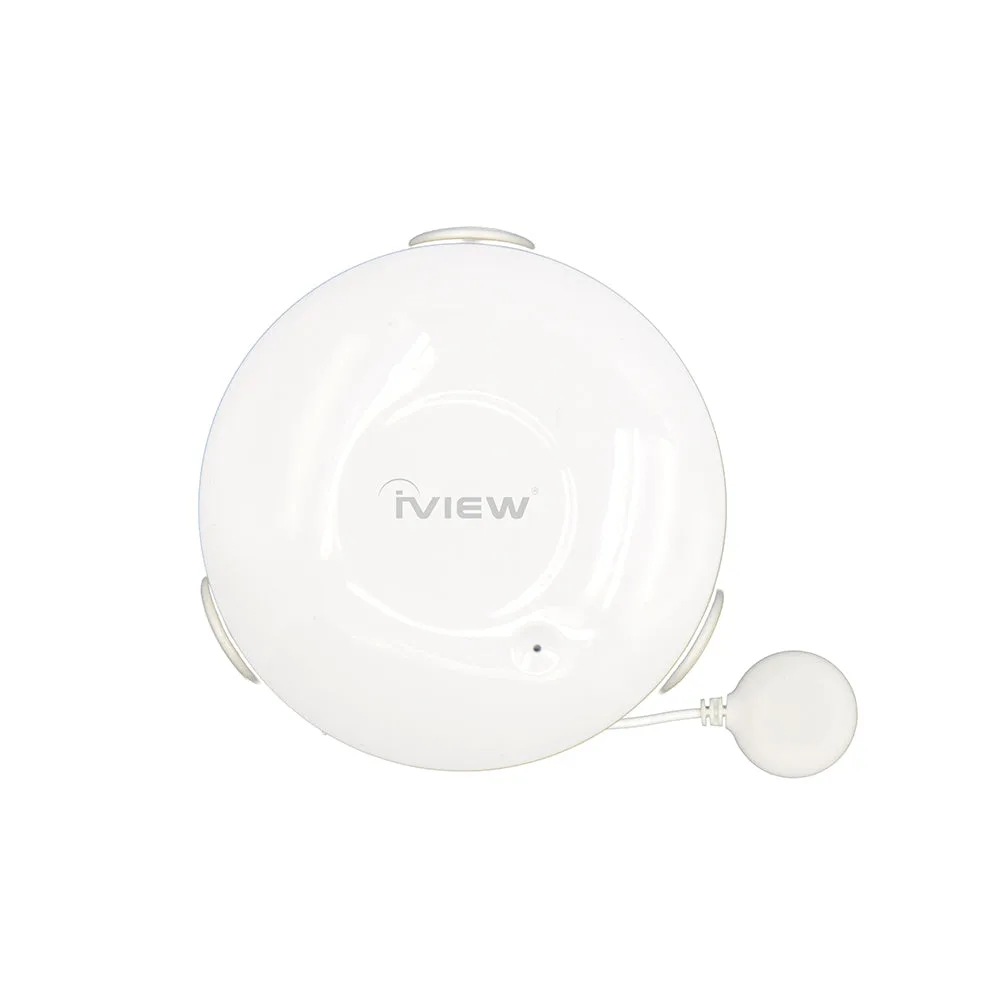
- S300 Water Sensor - Water Leakage Detection, Water Damage Prevention & Realtime Push Alerts: Wireless type: 2.4 GHz only; protocol IEEE 802.11 b/g/n; wireless range up to 45m. A basement sensor more than roughly 45m from the router, or behind thick masonry, may not report reliably, so test signal before mounting.
- S300 Water Sensor - Water Leakage Detection, Water Damage Prevention & Realtime Push Alerts: Battery: CR2 x 1; standby current 10uA; standby time 5 years; use time about 4 years at 2 checks per month. You can place these in low-traffic spots like a sump pit rim without frequent battery swaps, but plan an annual test to confirm the unit still reports.
- S300 Water Sensor - Water Leakage Detection, Water Damage Prevention & Realtime Push Alerts: Operating temperature 0-40°C (32-104°F); operating humidity 20-85%. Keep sensors out of freezing crawl spaces and steam-heavy areas, since conditions outside that range are not covered.
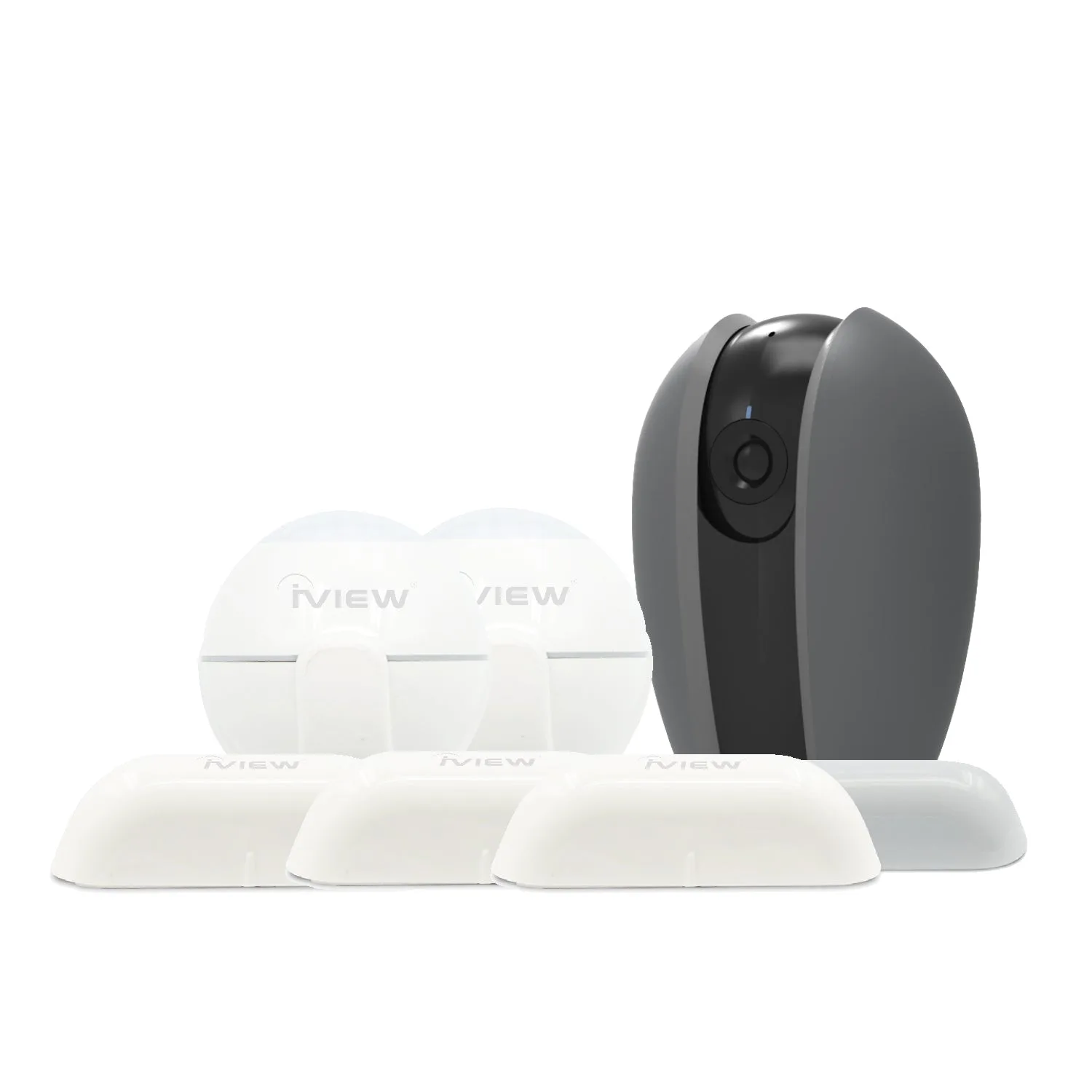
- Safe Guard Kit (1 × Smart Home Security Camera, 2 × Motion Sensors, 3 × Door & Window Sensors): Safe Guard Kit includes 1 CAM100 panoramic camera, 2 S100 door sensors, and 2 S200 motion sensors; devices use 2.4 GHz Wi-Fi. If you want to see the leak area after an alert, the camera gives visual confirmation, but the kit's sensors are for doors and motion, not water, so pair it with dedicated water sensors.