Quick answer
The Anker Prime Docking Station (14-in-1, Triple Display, DisplayLink) with DL7400 can power up to three external displays simultaneously, charge your laptop and peripherals, and connect a wide range of USB-C and legacy devices through its 14 ports.
What types of displays can it drive?
The docking station supports triple display setups via DisplayLink technology, which allows you to connect monitors using USB-C, HDMI, or DisplayPort connections. This is ideal for professionals who need multiple screens for tasks like coding, video editing, or financial analysis.
Keep in mind that DisplayLink requires a software driver on your computer, and while it works with most modern laptops, performance may vary slightly depending on your system's graphics capabilities.
Can it charge my laptop?
Yes, the docking station provides power delivery to your laptop through its USB-C upstream port. However, the exact charging wattage depends on your laptop model and the power adapter you use. For best results, use the included power supply.
If your laptop requires more than 100W, you may need to use its original charger alongside the dock for full-speed charging.
What peripherals can I connect?
With 14 ports, you can connect keyboards, mice, external storage drives, printers, audio devices, and more. The dock includes multiple USB-A and USB-C ports, an Ethernet port for wired internet, and an audio jack.
Note that high-power devices like external hard drives may need their own power source if they draw more than the port can supply.
Frequently asked questions
How many monitors can I connect?
You can connect up to three external monitors simultaneously using the DisplayLink technology. The dock supports a mix of HDMI, DisplayPort, and USB-C connections.
Will it charge my MacBook or Windows laptop?
Yes, the dock delivers power to your laptop via the USB-C upstream port. Charging speed depends on your laptop's power requirements and the included power adapter. If your laptop needs more than 100W, consider using its original charger for full-speed charging.
Can I use it with a tablet or smartphone?
The dock is designed primarily for laptops, but you can connect USB-C tablets or smartphones that support display output. However, charging and display capabilities may be limited compared to a laptop.
Does it work with both USB-C and Thunderbolt laptops?
Yes, the dock works with any laptop that has a USB-C port supporting DisplayPort Alt Mode or USB-C with DisplayLink. Thunderbolt 3 and 4 laptops are also compatible, but the dock does not use Thunderbolt technology itself.
Product facts
-
Anker Prime Docking Station (14-in-1, Triple Display, DisplayLink) with DL7400: The Anker Prime Docking Station (14-in-1, Triple Display, DisplayLink) with DL7400 supports triple display setups, making it ideal for multitasking and enhancing productivity. This means you can connect up to three monitors to your laptop, effectively turning your workspace into a powerful multi-screen command center.
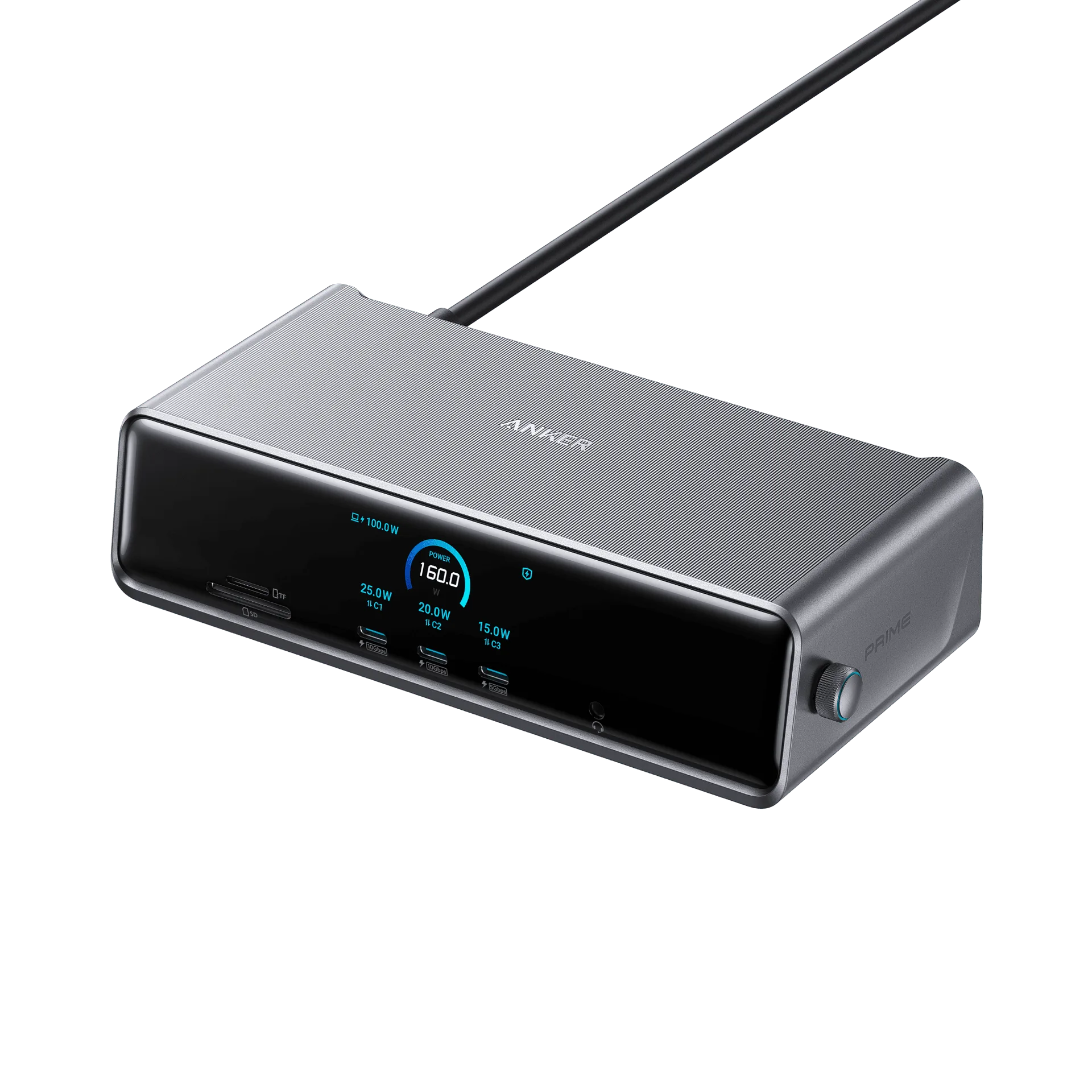
Anker Prime Docking Station (14-in-1, Triple Display, DisplayLink) with DL7400