Quick Answer
A 14-in-1 docking station turns one USB-C port on your laptop into a full desktop hub with multiple displays, data transfer, and charging, saving you from plugging and unplugging devices.
Why More Ports Matter for Productivity
Modern laptops, especially thin models, often have only one or two USB-C ports. A 14-in-1 docking station adds a variety of ports—HDMI, DisplayPort, USB-A, Ethernet, SD card, and audio—so you can connect monitors, external drives, and peripherals at once. This reduces cable clutter and lets you switch from mobile to desktop mode with a single connection.
Trade-Offs: Power Delivery and Video Limits
While a 14-in-1 dock offers many ports, not all support the same bandwidth. For instance, if you connect multiple 4K monitors, check whether the dock can handle the combined video output at 60 Hz. Also, some docks provide passthrough charging, but the wattage may be lower than your laptop's original charger, so verify power delivery specs for heavy workloads.
Frequently Asked Questions
What's the difference between a 14-in-1 and an 11-in-1 docking station?
A 14-in-1 typically adds extra USB-A ports, a second HDMI or DisplayPort, or an SD/microSD card slot compared to an 11-in-1. The extra ports help if you connect many peripherals or multiple external monitors simultaneously.
Will a 14-in-1 docking station work with my MacBook?
Yes, most USB-C docking stations work with MacBooks, but check for macOS compatibility and driver requirements. Some features like DisplayPort over USB-C or certain video resolutions may need macOS support. Always verify the dock's video output specs match your MacBook's capabilities (e.g., M1/M2/M3 chips limit external displays without additional software).
Can I use a 14-in-1 docking station for gaming?
Yes, but performance depends on the dock's data and video bandwidth. For high-refresh-rate gaming monitors, ensure the dock supports HDMI 2.1 or DisplayPort 1.4. Also, the dock won't improve your laptop's graphics performance.
Does a 14-in-1 docking station charge my laptop?
Many 14-in-1 docks support USB-C Power Delivery (PD) passthrough, typically at 60W–100W. Check the dock's PD spec—if it's lower than your laptop's charger, the battery may drain during heavy use. For a power-hungry laptop, choose a dock with at least 85W PD to maintain charge under load.
Product Facts
-
Anker 563 USB-C Hub (11-in-1): The Anker 563 USB-C Hub (11-in-1) expands your connectivity options, letting you connect multiple devices through a single USB-C port. It provides a comprehensive set of ports for monitors, storage, and more. If you don't need the full 14 ports, an 11-in-1 hub like the Anker 563 offers a balanced set of connections at a lower price point, making it a practical choice for most laptop users.
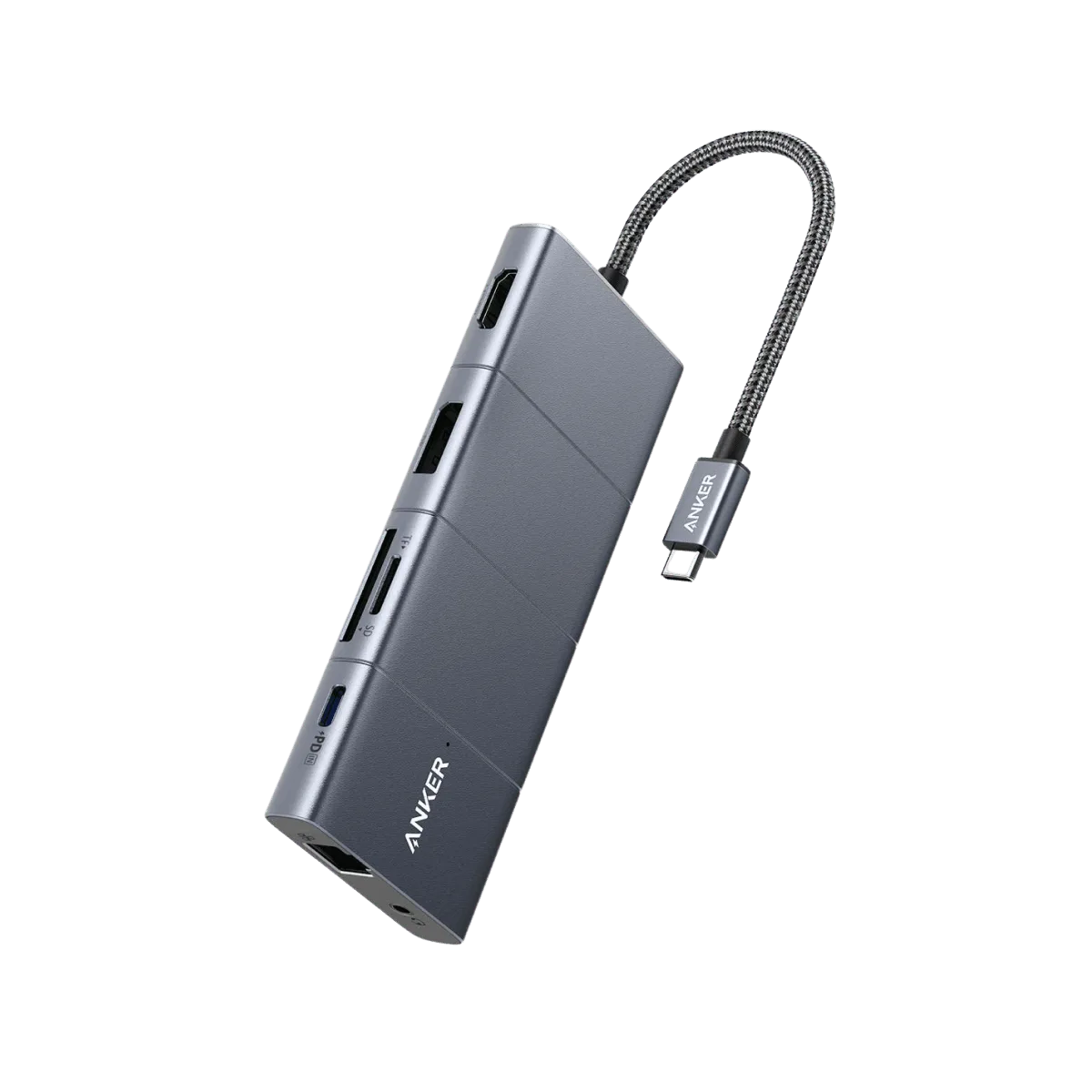
Anker <b>563</b> USB-C Hub (11-in-1)