Quick Answer
Genesis New Capacitors restore clean audio, stable video, and reliable power to aging Sega Genesis consoles. If your console shows symptoms like buzzing audio or rolling video, a recap is the most effective fix.
Why Capacitors Fail in Older Consoles
Capacitors store and release electrical charge to smooth power delivery and filter signals. Over time, electrolytic capacitors dry out, leak, or drift out of tolerance—especially in consoles from the early 90s. This is a natural aging process, not a defect.
When capacitors fail, you might notice lower audio volume, extra hum, or video that rolls or has ghosting. These symptoms often appear gradually, so it's easy to ignore them until the console becomes unplayable.
What a Recap Actually Fixes
Replacing old capacitors with new ones restores the original signal integrity. For the Sega Genesis, the most common improvements are clearer audio without hum, stable video output, and more consistent power delivery to the CPU and video chip.
A recap is a preventive measure too. Old capacitors can leak electrolyte onto the motherboard, causing corrosion that damages traces and components. Replacing them before they leak protects the board from permanent harm.
When a Recap Isn't the Only Fix
Not every Genesis problem is capacitor-related. If your console shows no power at all, the issue could be a faulty power jack, a dead voltage regulator, or a broken trace. If video is completely absent, the video encoder chip might be failing.
In those cases, a recap alone won't solve the problem. You might need a deeper repair or a replacement console. If you're unsure, a diagnostic service can pinpoint the issue before you spend money on parts.
Diagnosis: Is Your Genesis Ready for a Recap?
- Symptom: Audio hum, low volume, or distorted sound; video rolling, ghosting, or interference; console resets or freezes randomly. If you notice any of these, capacitors are a likely culprit.
- Likely Cause: Aged electrolytic capacitors that have drifted out of tolerance or begun leaking, affecting power and signal filtering. Inspect the motherboard for visible bulging or leaked fluid around capacitors.
- Corrective Action: Replace all capacitors with a Genesis New Capacitors kit matched to your model (Model 1, 2, 3, or 32x). If you're not comfortable soldering, consider a professional recap service. After recapping, test audio, video, and power stability before reassembling.
- Stop or Choose Another Option: If the console shows no power at all, or if video remains absent after a recap, the issue may be a faulty power jack, voltage regulator, or video chip. Stop and seek a diagnostic repair service instead of replacing more parts blindly. A professional diagnosis can save you money and avoid further damage.
Product Facts
-
Genesis New Capacitors: Genesis New Capacitors are replacement capacitors available for Model 1, Model 2, Model 3, and 32x. You can match the exact capacitor set to your console revision, ensuring proper fit and reliable performance.
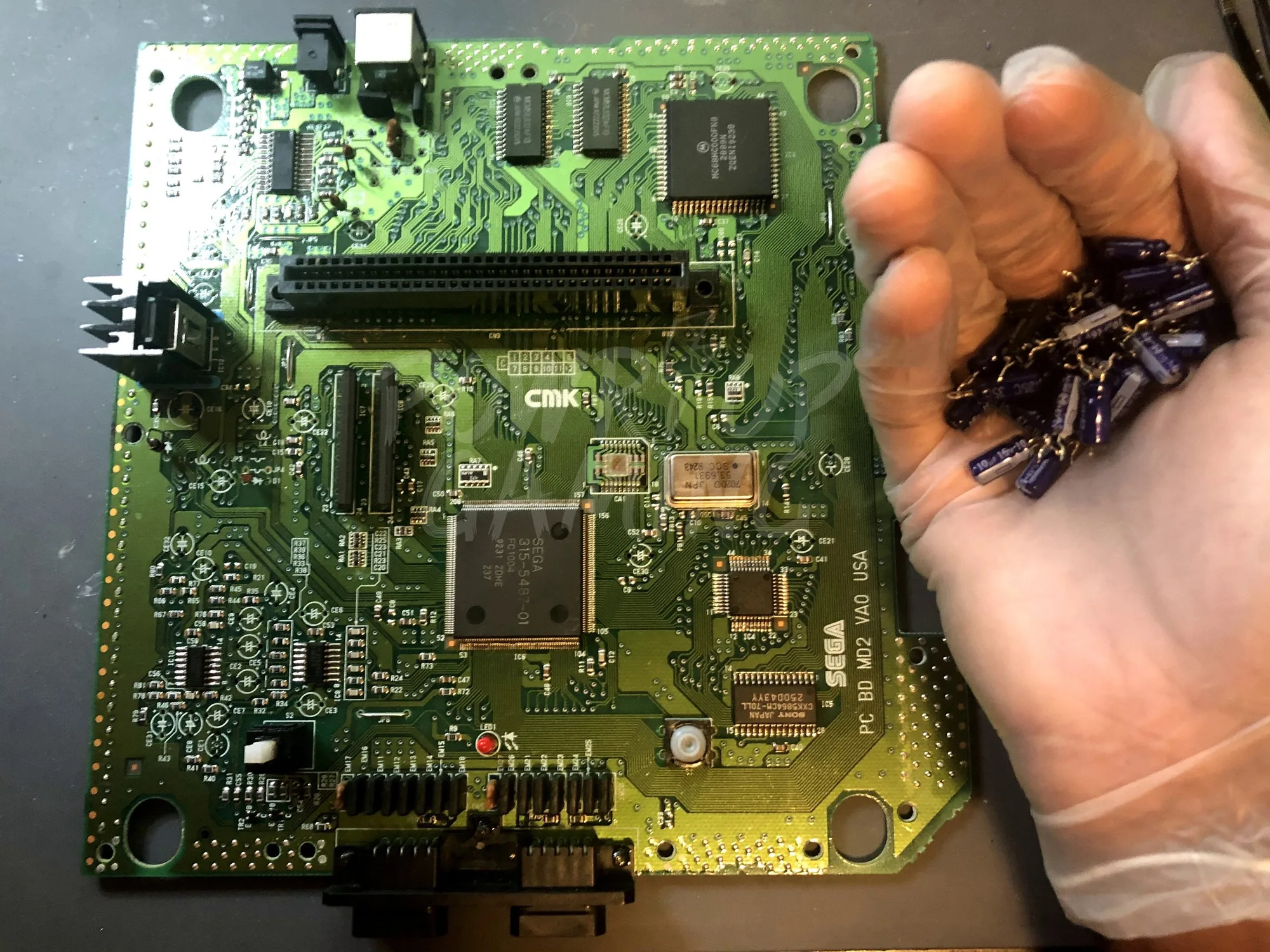
Genesis New Capacitors