Quick answer
A business travel tech kit should hold charging cables, a compact power bank, a wall adapter, earbuds, a USB drive, and a screen cloth, nothing more. Choose a pouch that fits your laptop bag's front pocket or a sling you can carry separately. If you carry a briefcase, pick a slim organizer; if you move between meetings and transit all day, a sling pack keeps your electronics accessible without opening your main bag.
A tech kit for business travel is not a junk drawer for every cable you own. It is a small, repeatable system that keeps your work devices charged, your data accessible, and your bag organized through airports, trains, and client offices. The goal is to carry only what you will actually use on a typical trip, then refill it before the next one.
The right organizer depends less on how many gadgets you own and more on how you carry your laptop. A briefcase user needs a flat pouch that slides into a front pocket. A backpack or sling user can choose a slightly deeper case with more internal structure. This guide gives you concrete decision rules for both.
What belongs in a business travel tech kit
Start with charging. Pack one short USB-C cable for your laptop, one longer cable for your phone, and a compact wall adapter with at least two ports. Add a power bank only if your travel days regularly exceed eight hours away from an outlet. A small screen cloth and a USB drive round out the core. If your laptop uses a proprietary charger, that brick goes in the kit too, which immediately makes a larger pouch necessary.
Leave out anything you can buy at a hotel front desk or airport kiosk. Spare earbuds, multiple dongles you rarely use, and a second charging brick all add weight and bulk. The best tech organizer is the one you can zip closed without rearranging. If you struggle to close it, you are carrying too much, not using the wrong pouch.
- Keep cables coiled with hook-and-loop ties, not rubber bands that degrade.
- Label both ends of every cable with a small sticker so you can identify them in low light.
- Store the kit in the same pocket every trip so you never have to search for it.
How to choose the right organizer size and layout
Measure the front pocket of your laptop bag before you buy. A flat tech pouch that is too thick will bulge and make the bag unstable. If your briefcase has a gusseted front pocket, you have more depth to work with. If it has a slim slip pocket, look for a pouch under two inches deep. Elastic loops hold cables better than mesh pockets, but mesh lets you see what is inside without opening the whole kit.
Consider whether you want a standalone kit or one that integrates with your bag. Some sling packs and backpacks have built-in organization panels, which means you can skip a separate pouch entirely. That saves weight and one more thing to keep track of. The trade-off is that you cannot move your tech kit to a different bag without unpacking it.
- Lay out your gear on a table, then measure the smallest rectangle that holds it all.
- Choose a pouch with a light interior color so dark cables do not disappear inside.
- Look for a water-resistant lining if you often travel in rain or snow.
Cable organizer buying guide: what to look for
The best cable organizer for business travel has a few non-negotiable features: a smooth zipper that will not snag on fabric, a loop or handle so you can pull it out of a tight pocket, and enough structure to keep its shape when empty. Soft-sided pouches collapse and make it hard to find anything. A lightly padded case protects fragile items like a power bank or a small external drive.
Do not overlook the zipper. A cheap zipper that catches on the lining will fail at the worst moment. Test it in the store if you can, or read the product description for YKK or equivalent hardware. Also check whether the pouch has a dedicated pocket for a passport or a few cards. That turns your tech kit into a single grab-and-go item for airport security.
- Avoid pouches with dark, cavernous interiors; you will lose small items.
- Prefer a case with at least one zippered internal pocket for loose SIM cards or adapters.
- If you carry a laptop, choose a kit that fits inside the laptop compartment rather than a separate bag.
When a sling or backpack does the job better
If you frequently work from co-working spaces, client sites, or airport lounges, a sling pack or small backpack can replace a separate tech kit. You carry your electronics on your body, which means you never have to open your main luggage to reach a cable. This is especially useful on short trips where your laptop bag is also your personal item.
The trade-off is that a sling or backpack adds bulk to your silhouette and may not match a formal business dress code. For those situations, a slim briefcase with a dedicated tech organizer is the better choice. Decide based on your daily uniform, not just on convenience.
- A sling pack works well for casual business travel and tech-heavy day trips.
- A briefcase with a flat tech pouch looks more professional in conservative industries.
- If you carry both a laptop and a tablet, look for a bag with separate padded compartments.
Decision rules for building your tech kit
- If you carry a briefcase: Choose a flat, slim tech pouch that slides into the front pocket without bulging. Prioritize a water-resistant lining and a light interior so you can see dark cables. Measure the pocket depth first; anything over two inches will make the briefcase feel unbalanced.
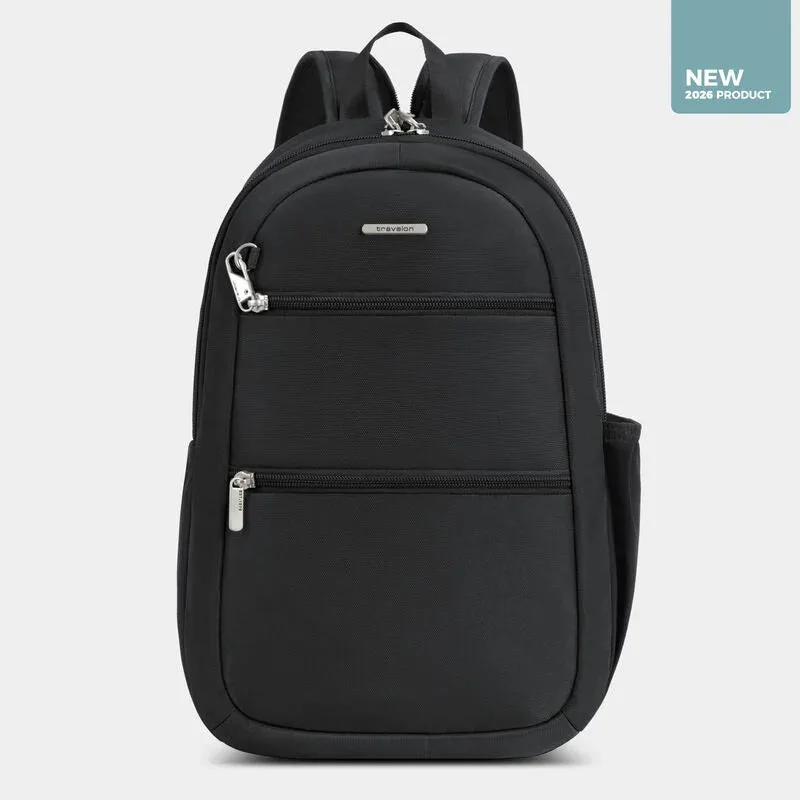
- If you carry a backpack or sling: You can use a slightly larger kit with elastic loops and a handle. Or skip the separate pouch if your bag has a built-in organization panel. A sling pack like the Travelon A-T Classic Convertible Sling Backpack keeps your tech accessible without opening your main bag.
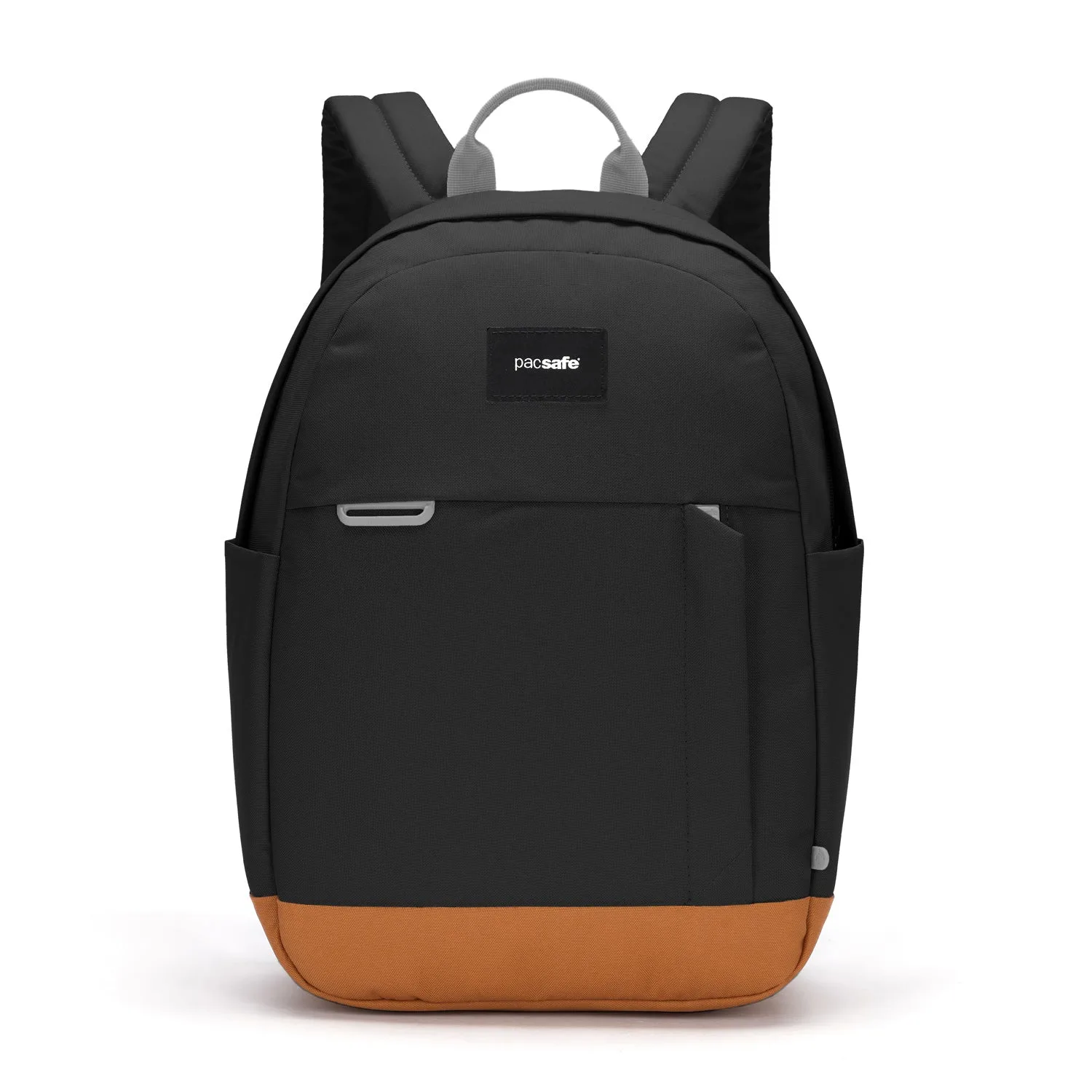
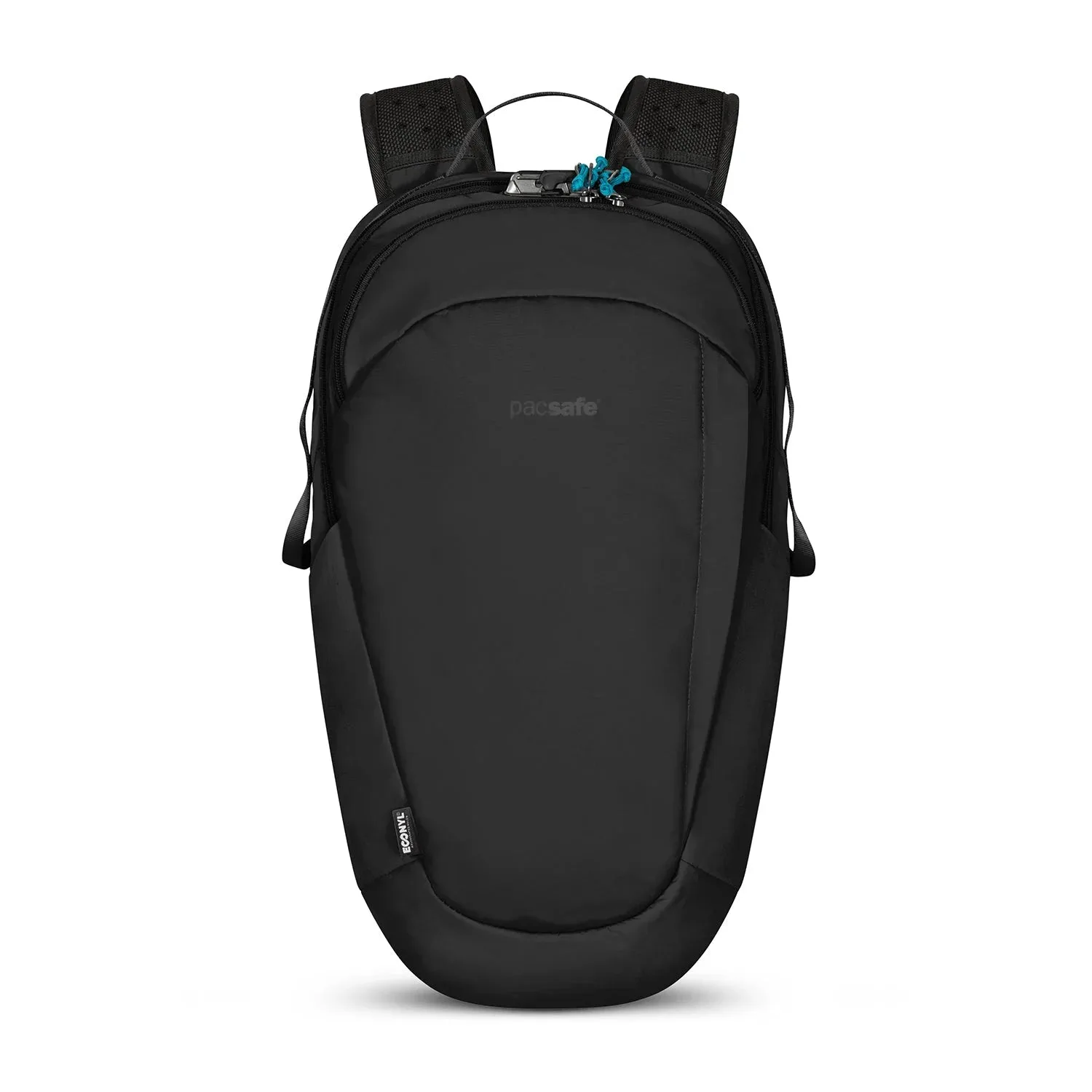
- If you travel with a laptop and tablet: Look for a bag with separate padded compartments, like the Pacsafe® Go 15L Backpack, which fits a 13-inch laptop and has a hidden pocket for valuables. Separate compartments prevent scratches and let you pull out one device without disturbing the other.
- If you want one bag for everything: A convertible sling backpack can serve as your personal item and your tech kit. The trade-off is that you lose the ability to leave your kit behind in a hotel safe. Choose this only if you are comfortable carrying your electronics with you at all times.
Products that fit a business travel tech kit
- Pacsafe® Go 15L Backpack: This compact anti-theft backpack fits a 13-inch laptop and includes a hidden storage pocket, cut-resistant materials and straps, securable zippers, and an RFID blocking pocket. If you want your tech kit integrated into a secure daypack, this backpack gives you a dedicated laptop sleeve plus protected storage for a phone and wallet, so you can skip a separate pouch on short trips.
- Travelon A-T Classic Convertible Sling Backpack: Part of the Travelon Anti-Theft Classic collection, this convertible sling backpack offers five-point anti-theft protection and a timeless design built for everyday dependability. The sling design keeps your electronics accessible without removing your bag, and the anti-theft features add peace of mind in crowded transit hubs. It converts to a backpack, so you can change carry style as your day changes.
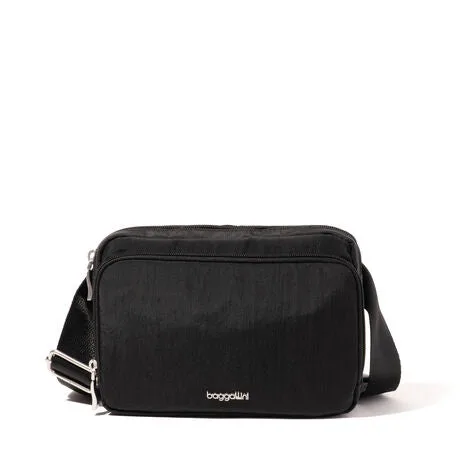
- Modern Belt Bag: This waist pack has two zipper compartments, RFID protection with six credit card slots, a privacy pocket, and a waist strap that adjusts from 32 to 50 inches. A belt bag is not a full tech kit, but it can hold your phone, cards, and a short charging cable for quick trips through security. It pairs well with a larger bag when you want your essentials on your body.
Who this guide is for
Best for
- Business travelers who carry a laptop, phone, and charging cables and want a repeatable packing system.
- Frequent flyers who need to access electronics quickly at security or in a lounge.
- Commuters who want to move a tech kit between a briefcase and a backpack without repacking.
Not for
- Travelers who carry a full camera kit or multiple large power bricks; you need a dedicated camera bag or a larger organizer.
- Anyone who prefers to check a bag and keep only a wallet and phone on their person.
Build your tech kit around the devices you actually use on a typical business trip, then choose an organizer that fits the bag you already carry. A slim pouch for briefcase users, a sling or backpack for mobile workers, and a belt bag for quick trips will cover most situations. Keep it simple, keep it consistent, and you will never dig for a cable again.