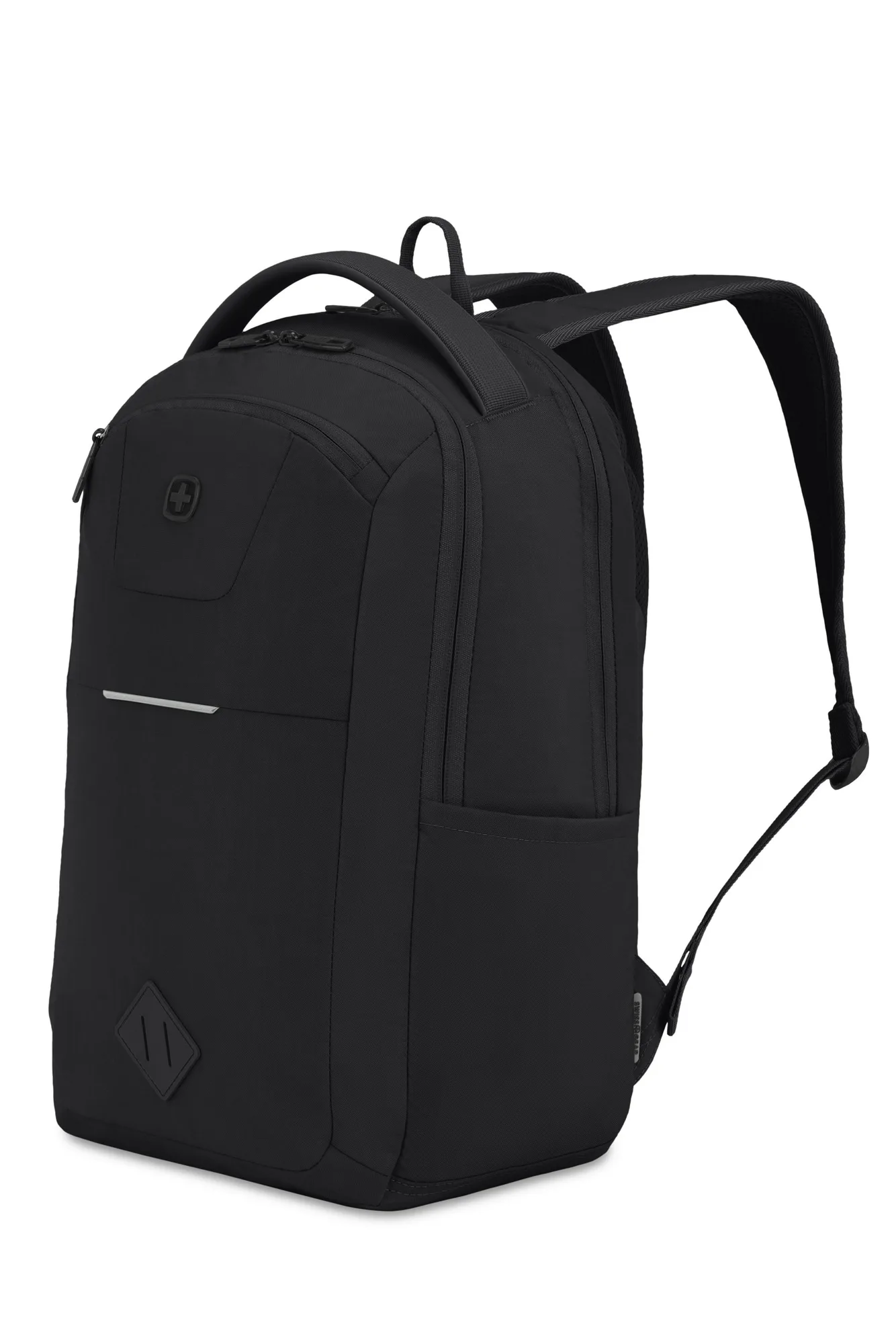
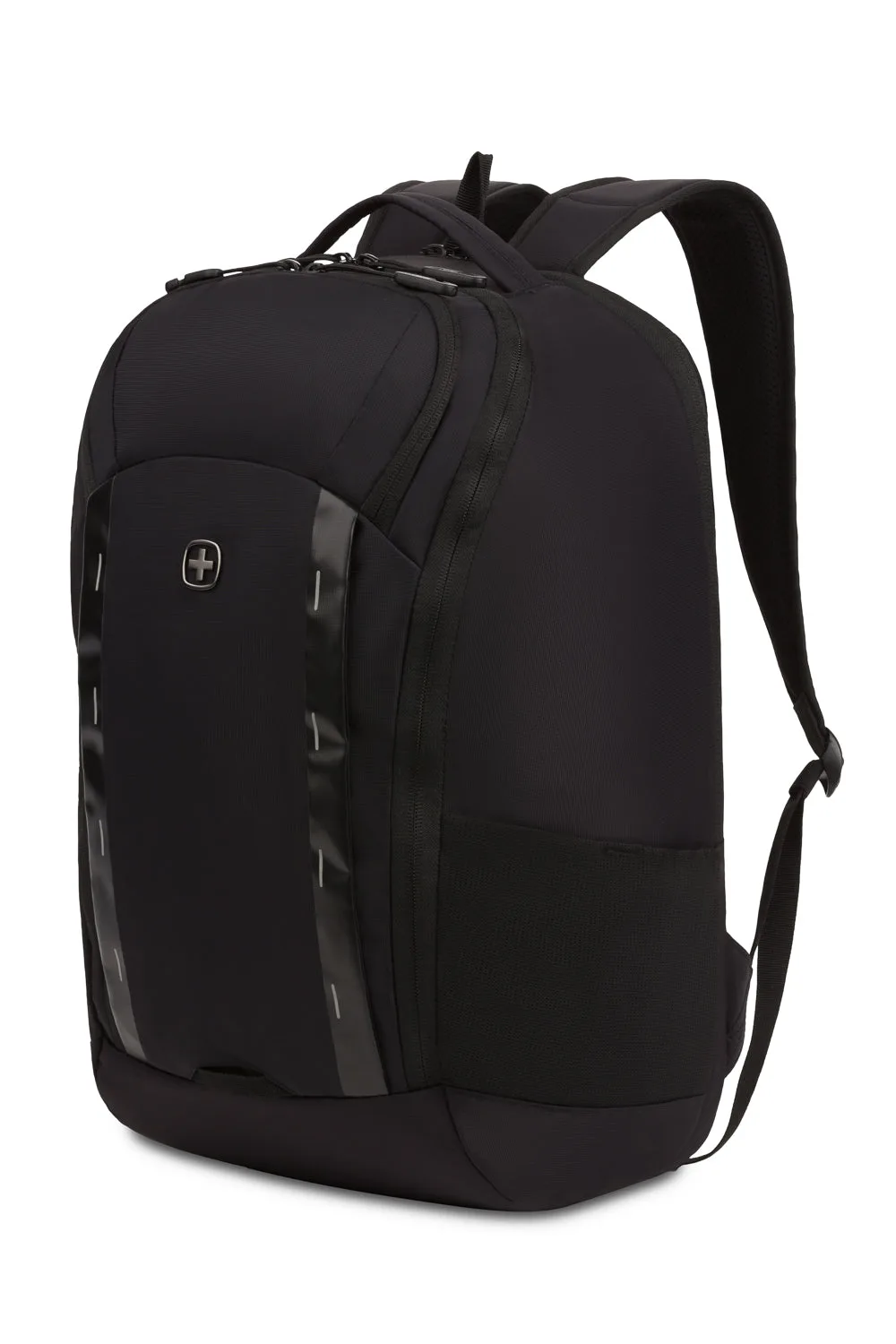
Quick answer
Choose a gaming laptop travel backpack with a padded, anti-scratch laptop compartment that matches your exact screen size, a separate tablet sleeve, and a lay-flat ScanSmart panel if you fly often. Prioritize durable fabric, secure zippers, and enough depth for a charger and headset. Skip any bag that does not list a laptop size or padding details.
A gaming laptop is heavier, thicker, and more expensive to replace than a standard ultrabook, so the backpack you travel with matters more than most people think. The wrong bag can leave your machine rattling against a water bottle or force you to unpack it at airport security.
This guide walks through the exact steps to evaluate a gaming laptop backpack for travel, from measuring your device to checking zipper security and airport-friendly access. Each step includes a common mistake to avoid so you can protect your gaming gear without overbuying.
Step 1: Measure your laptop before you shop
Most gaming laptops run 15 to 17 inches, and some 18-inch models exceed the padded pocket dimensions of a standard backpack. Measure the width, depth, and thickness of your closed laptop, then compare those numbers to the stated laptop compartment size. A bag listed for 16 inches may not fit a thick 17-inch gaming rig even if the screen size sounds close.
If the product page does not list a laptop size, treat that as a limitation. You cannot assume a bag fits your device just because it looks large. Look for a padded laptop pocket with a stated maximum, and check whether a tablet sleeve is separate or shares the same compartment.
- Common mistake: buying by screen size alone and ignoring thickness, which is where gaming laptops usually exceed slim-bag limits.
Step 2: Check the padding and lining
Gaming laptops generate heat and have fragile hinges, so the compartment needs more than a thin fabric wall. Look for padded compartments with anti-scratch lining that cradles the device and reduces abrasion during commutes. A soft-lined front pocket also helps for accessories that could scratch the lid.
The SWISSGEAR 3866 Laptop Slimcase is an example of a business-oriented bag with padded compartments and anti-scratch lining, plus an essentials organizer for power cords and chargers. If your gaming setup travels with a bulky power brick, that organizer style keeps cables from pressing against the laptop.
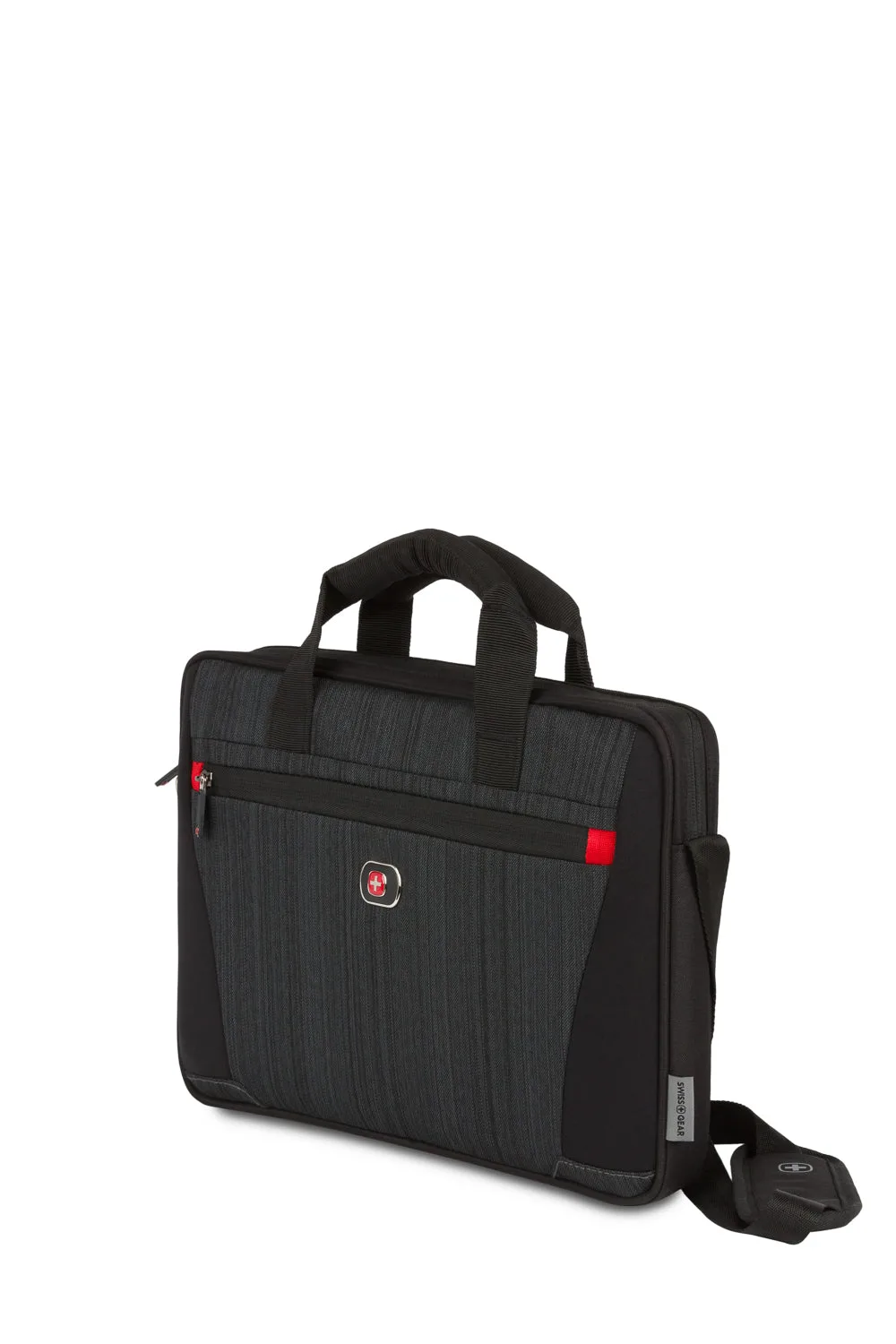
SWISSGEAR 3866 Laptop Slimcase
- Checkpoint: press the laptop compartment from the outside. If you can feel the bag's back panel through the padding, it is too thin for a heavy gaming machine.
Step 3: Decide if you need ScanSmart airport access
If you fly with your gaming laptop, a ScanSmart compartment lets the back panel fully unzip and lay flat so you can clear TSA without removing the laptop or tablet. That saves time and reduces the risk of dropping a heavy device on a security belt. For road trips and train travel, this feature matters less.
The SWISSGEAR Travel Tech Elite USB ScanSmart Laptop Backpack has a TSA-friendly lay-flat back panel with room for a tablet and a laptop, plus a front quick access pocket. Its durable, abrasion-resistant polyester fabric suits frequent handling, and the ScanSmart layout keeps your gaming laptop secured while you move through checkpoints.
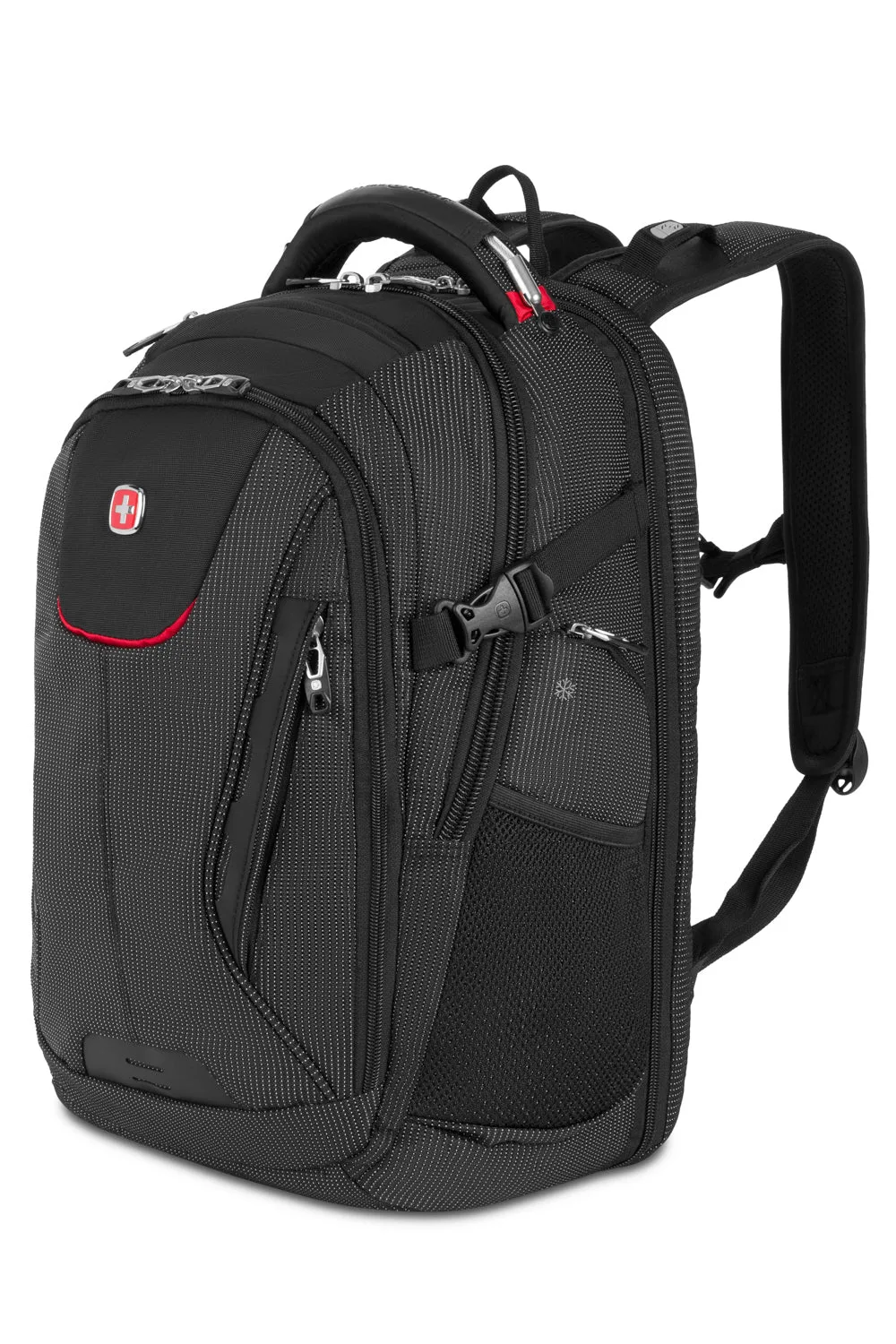
SWISSGEAR Travel Tech Elite USB ScanSmart Laptop Backpack
- Common mistake: assuming every backpack with a laptop sleeve is airport-friendly. Only a lay-flat ScanSmart panel gives you the no-removal benefit.
Step 4: Match capacity to your travel style
A gaming laptop backpack for travel needs room for the laptop, charger, headset, mouse, and a change of clothes for short trips. A compact school-style bag may fit the laptop but leave no space for a power brick and controller. A larger travel pack adds bulk but keeps gear organized.
The SWISSGEAR Campus Laptop Backpack fits devices up to 16 inches with a dedicated tablet sleeve and a main compartment for books, files, and daily essentials. That layout works for a light gaming setup, but a 17-inch gaming laptop with a large charger will need a roomier travel-oriented model.
- Checkpoint: pack your charger and headset first, then see if the laptop still slides in without forcing the zipper.
Step 5: Prioritize security features for crowded transit
Airports, trains, and buses are where bags get opened without your knowledge. Anti-grab zipper pulls that lock onto high-strength nylon webbing make it harder for someone to quietly unzip your bag. Robust nylon loops and lockable zipper designs add another layer of deterrence.
The SWISSGEAR Viibe Pro Laptop Backpack uses anti-grab zipper pulls and robust nylon loops for urban commuting, while the SWISSGEAR Viibe Flex Laptop Backpack uses No-Grab zipper pulls that lock onto high-strength nylon webbing. For travel with gaming gear, these features are worth prioritizing over cosmetic details.
- Common mistake: choosing a bag with decorative zipper pulls that offer no locking or anti-grab function.
Step 6: Verify carry comfort for heavy loads
A gaming laptop plus charger can easily exceed 8 pounds, so shoulder straps and back panel design matter. Look for padded straps, a breathable back panel, and a bag that distributes weight rather than hanging from thin straps. A sternum strap helps on long walks through terminals.
The SWISSGEAR Mini 1900 ScanSmart Laptop Backpack is a compact option with a back ScanSmart compartment that fully unzips and lays flat, plus a spacious main compartment with a file pocket and an RFID-protected organizer pocket. It suits shorter trips where you want security and quick access without a full-size pack.
- Checkpoint: load the bag with your actual gear and walk for ten minutes. If your shoulders ache, the strap padding is insufficient.
Your 6-step gaming laptop backpack checklist
- Measure the laptop: Record width, depth, and thickness, then compare to the stated laptop compartment size. If no size is listed, do not assume it fits.
- Inspect padding and lining: Look for padded compartments with anti-scratch lining and a soft-lined accessory pocket. Press from outside; if you feel the back panel, padding is too thin.
- Confirm ScanSmart access: Choose a lay-flat ScanSmart panel if you fly and want to keep the laptop in the bag. Only lay-flat designs give the no-removal benefit.
- Match capacity to your kit: Test-fit the charger, headset, and controller before committing to a bag. If the zipper strains, size up.
- Check security features: Prioritize anti-grab or No-Grab zipper pulls and lockable zipper designs. Decorative pulls offer no real protection.
- Test carry comfort: Load the bag with your actual gear and walk for ten minutes. Shoulder ache means the strap padding is insufficient.
Gaming laptop backpack features worth knowing
- SWISSGEAR Travel Tech Elite USB ScanSmart Laptop Backpack: TSA-friendly lay-flat back panel with room for a tablet and a laptop, plus abrasion-resistant polyester fabric. Lets you clear security without removing your gaming laptop and holds up to frequent travel handling.
- SWISSGEAR Mini 1900 ScanSmart Laptop Backpack: Back ScanSmart compartment fully unzips and lays flat, with a file pocket and RFID-protected organizer pocket. Compact airport-friendly option that protects cards and keeps documents accessible during short trips.
- SWISSGEAR Viibe Pro Laptop Backpack: Anti-grab zipper pulls and robust nylon loops designed for daily commuting on public transport. Adds deterrence against pickpockets in crowded terminals and transit hubs.
- SWISSGEAR 3866 Laptop Slimcase: Padded compartments with anti-scratch lining and an essentials organizer for power cords, chargers, and business cards. Keeps a gaming laptop and its power brick separated and protected from scratches.
A gaming laptop travel backpack is a protection decision, not a style one. Measure your device, verify the padding and ScanSmart access, and choose security features that match how you travel. When a product page omits laptop dimensions, treat that as a reason to look elsewhere rather than a detail you can assume.