Quick answer
If your long exposure is too bright, you are almost certainly letting in more light than the ND rating claims or you metered after the filter was already on. If it is too dark, you have overcorrected the shutter or stacked more stop reduction than you needed. Meter without the filter, apply the exact stop math, then check the histogram and adjust in one-third stops.
Meter first, filter second
The most common ND filter exposure problem is metering through the filter. When a dense ND is mounted, the camera's meter is working with very little light and will often push the exposure longer than necessary, producing a bright result. Instead, meter the scene without the filter, note the shutter speed, then calculate long exposure time by doubling that speed for each stop of ND. A 1/125s reading with a 6-stop filter becomes roughly 1/2s; with a 10-stop filter it becomes roughly 8s. If the scene is too dark to meter accurately, raise ISO temporarily to get a reading, then return to base ISO before shooting.
Check the stop math against the actual filter
A 3-stop ND is not the same as a 6-stop ND, and the difference is easy to misapply when you are switching between magnetic systems. If a 3-stop filter gives you a bright frame, you may have calculated for 6 stops. If a 6-stop filter gives you a dark frame, you may have calculated for 3 stops. Write the stop value on your filter pouch or use a stop calculator app so you are not guessing at the water's edge.
Watch for light leaks and forgotten accessories
Bright long exposures with a dark sky and a blown center often mean light is entering through the viewfinder, the filter holder, or a gap between stacked filters. Cover the viewfinder, seat the filter fully, and avoid stacking more than one ND unless the holder is designed for it. If you are using a circular ND with a CPL, check that the CPL is not adding unexpected density or reflections that change your exposure.
When the image is too dark, stop adding stops
Too-dark long exposures usually come from overcorrecting after a bright first frame. Do not jump from 6 stops to 10 stops without checking the histogram. Adjust in one-third stops from your calculated time, and remember that reciprocity failure is not a factor with modern digital sensors in the same way it was with film. If the scene is simply too dark for a long exposure, open the aperture or raise ISO slightly rather than forcing a longer shutter.
Diagnosis: match the symptom to the fix
- Whole frame too bright: You likely metered through the filter or used a lower stop value than you calculated. Meter without the filter, reapply the stop math, and shoot again. If the second frame is still bright, check for light leaks around the holder.
- Bright center with dark edges: This points to light entering through the viewfinder or a gap between stacked filters. Cover the viewfinder and reseat the filter. If the pattern persists, remove any stacked filters and test with one ND only.
- Whole frame too dark: You probably applied more stops than the filter provides or overcorrected after a bright frame. Reduce the shutter time by one-third stop increments. If it is still dark, open the aperture or raise ISO slightly instead of extending the shutter.
- Inconsistent brightness across frames: Changing light, a loose filter, or a drifting polarizer can cause this. Lock the filter, avoid touching the CPL between frames, and bracket your exposures. If the light is changing fast, bracket in one-stop increments and pick the best frame later.
Filters that make stop math easier
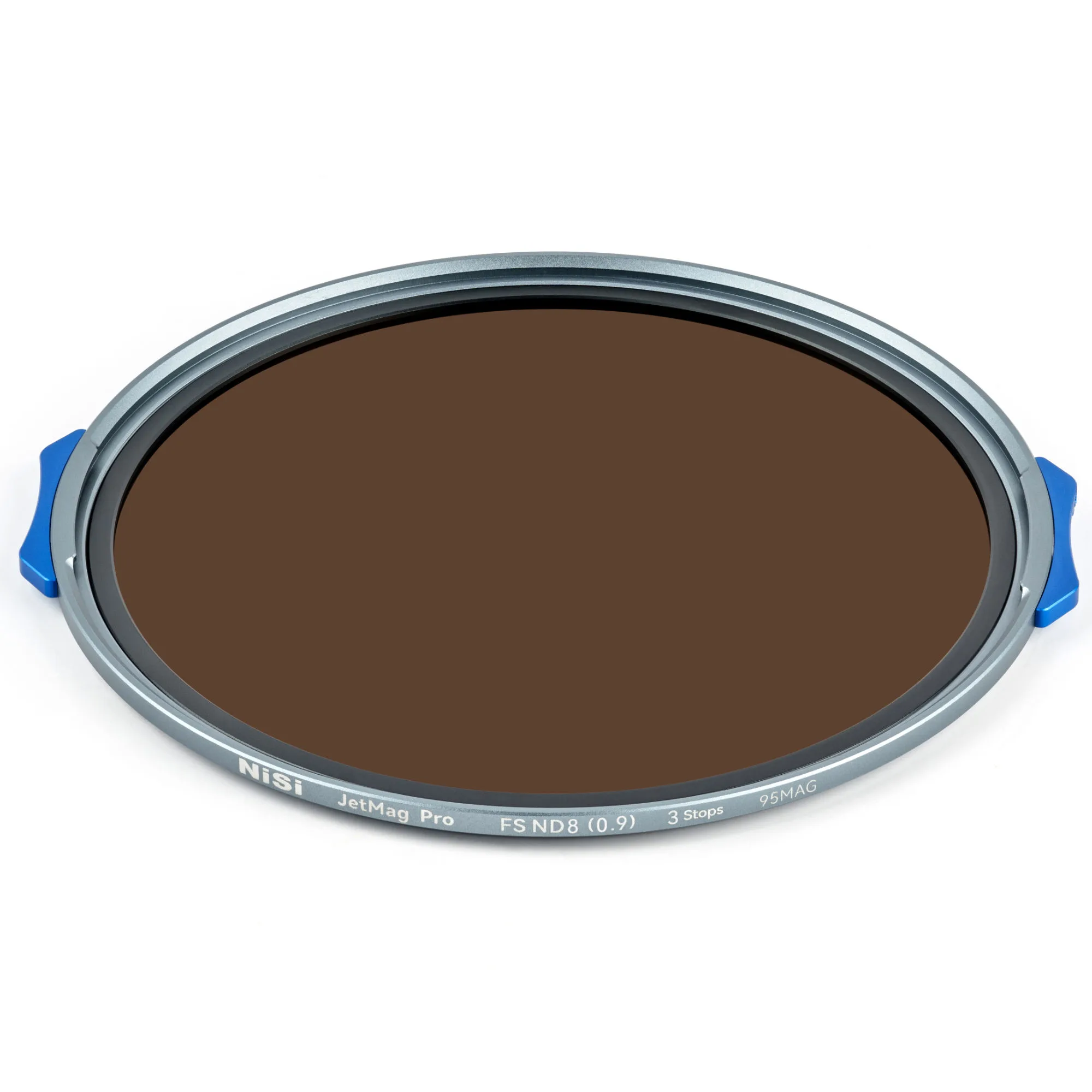
- NiSi JetMag Pro FS ND8(0.9) 95MAG Magnetic Filter (3 Stop): 3-Stop Light Reduction with Full Spectrum ND Technology for pure neutral color and no color cast. A clean 3-stop base makes it easier to calculate long exposure time and avoids color shifts that can make a bright frame look warmer than the scene.
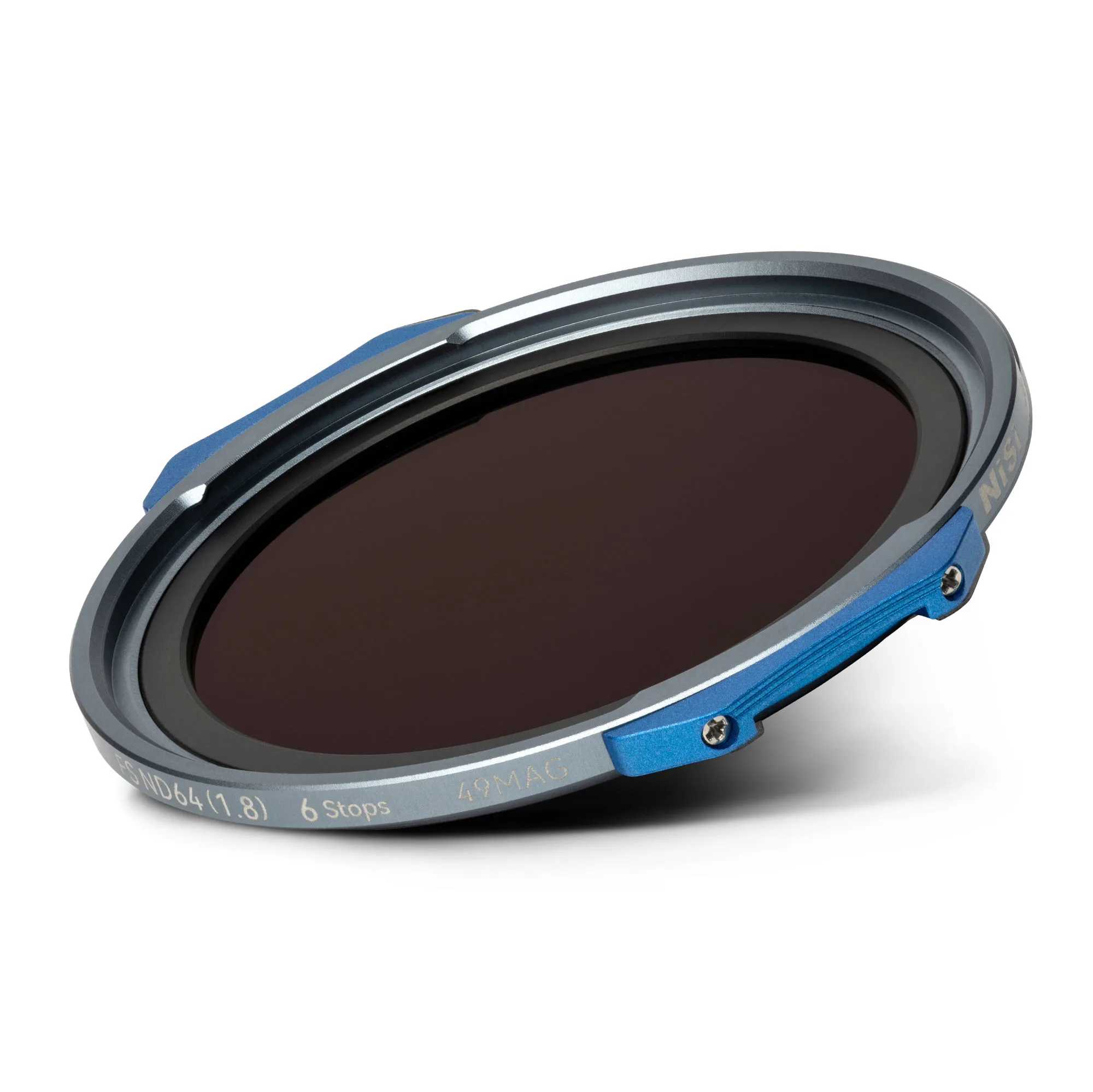
- NiSi JetMag Pro FS ND64(1.8) 49MAG Magnetic Filter (6 Stop): 6-Stop Light Reduction with Full Spectrum ND Technology and blue-colored handles for quick identification. The 6-stop rating is a common source of overexposure when photographers accidentally apply 10-stop math; the colored handles help you confirm the right filter before you calculate.
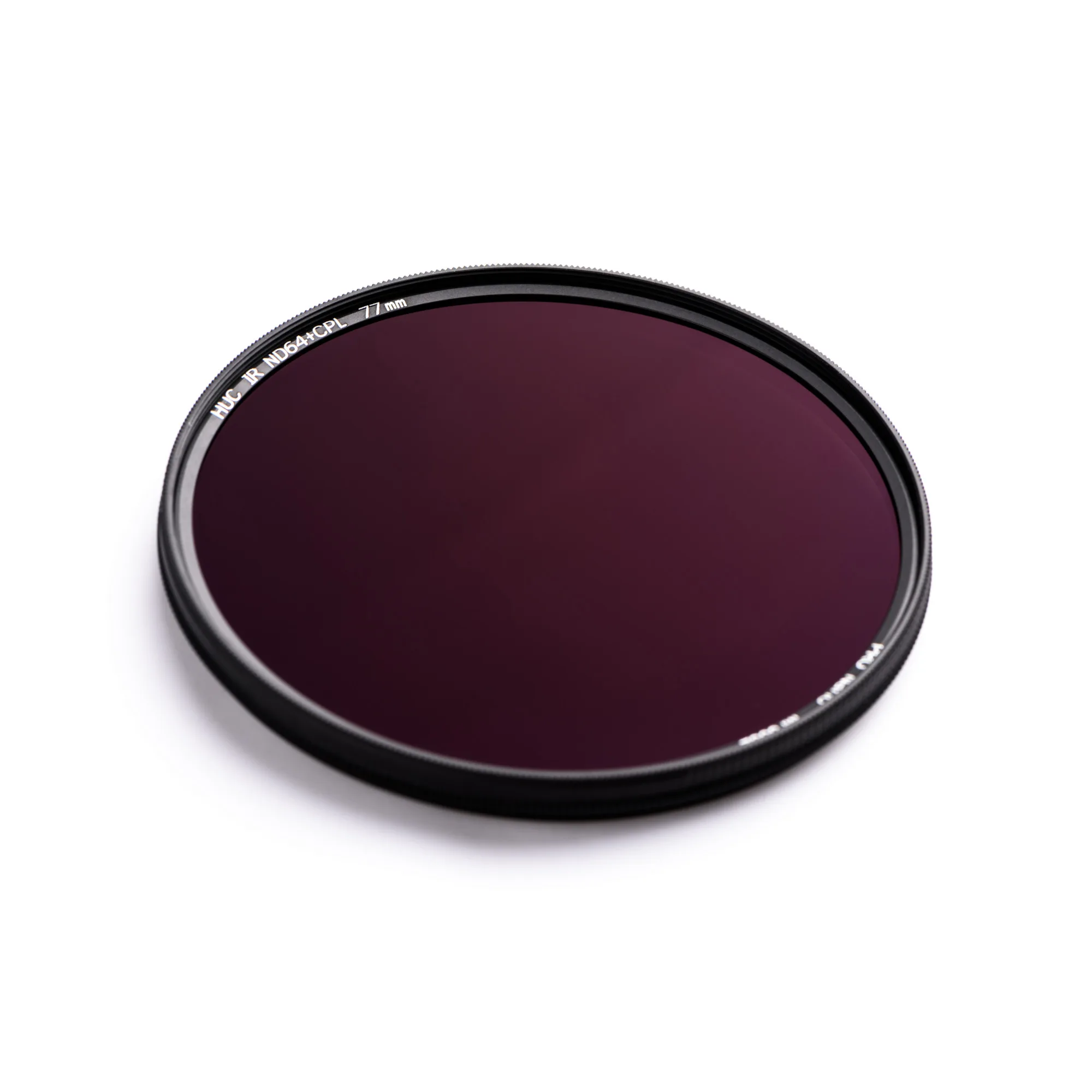
- NiSi HUC PRO Nano IR ND64 + CPL 82mm Multifunctional Filter: ND64 + CPL combination with IR coating and waterproof, oil-proof design. Combining ND and polarizing in one filter reduces stacking and light-leak risk, which is a frequent cause of uneven or overly bright long exposures.