Quick answer
Most scratched negatives are caused by abrasive grit in the camera or cassette, a dirty or worn squeegee, or touching dry emulsion with dry fingers. Stop using squeegees and dry wiping, rewash the film in clean water with a drop of wetting agent, and hang it to dry in a dust-free place. If the scratch is a clear line on the base side, it may not print; if it breaks the emulsion and shows on the print, no polish will restore the missing image.
Separate base-side scratches from emulsion-side damage
Hold the negative at an angle against a light. A scratch on the shiny base side often looks like a faint line and may not show in a scan or print because the image layer is untouched. A scratch on the dull emulsion side scatters light and usually prints as a dark or light line. Before you clean anything, check both sides with a loupe. If the emulsion is cut through, cleaning will not fix it. If the line sits on the base, a careful clean and re-dry can remove the cause and sometimes the mark.
Check the camera, cassette, and tank before blaming the film
Grit travels. A single grain of sand or dried chemistry in the camera back, the felt light trap of a 35mm cassette, or the loading groove of a developing tank can score every frame as the film passes. Run a dry, soft brush or a puff of air through the film path and the cassette mouth. Rinse and dry the tank and reel before loading. If the scratches run the full length of the roll at the same position, the damage happened in the camera or cassette. If scratches appear only on some frames, look at how you handled the film during processing.
Stop using a squeegee and stop dry wiping
Squeegees are the most common processing cause of scratched negatives. A worn or dirty blade drags grit across the wet emulsion. Dry wiping with a cloth or fingers is worse: dust acts like sandpaper. The safest routine is to rinse the developed film in clean water with a wetting agent, shake off the excess, and hang it to dry without touching the surface. If you must remove a drip, use a clean, damp sponge only once at the very end of the roll, and never reuse it without rinsing. For most black-and-white films, a wetting-agent rinse and a dust-free drying space give clean, streak-free negatives without any physical contact.
Clean a scratched negative only when the mark is on the base side
If the scratch is on the base side and you can see it, first try a re-wash: soak the negative in clean water with a drop of wetting agent for a minute, then hang it to dry. Do not rub. If a residue remains, use only photographic-grade negative cleaner on a clean, lint-free wipe, and work in one direction with very light pressure. Test on the edge of the frame first. If the line does not move, stop. Further polishing removes the image layer and makes the scratch permanent. For prints, a digital scan and retouching is often the only reliable repair for emulsion-side damage.
Prevent the next roll from scratching
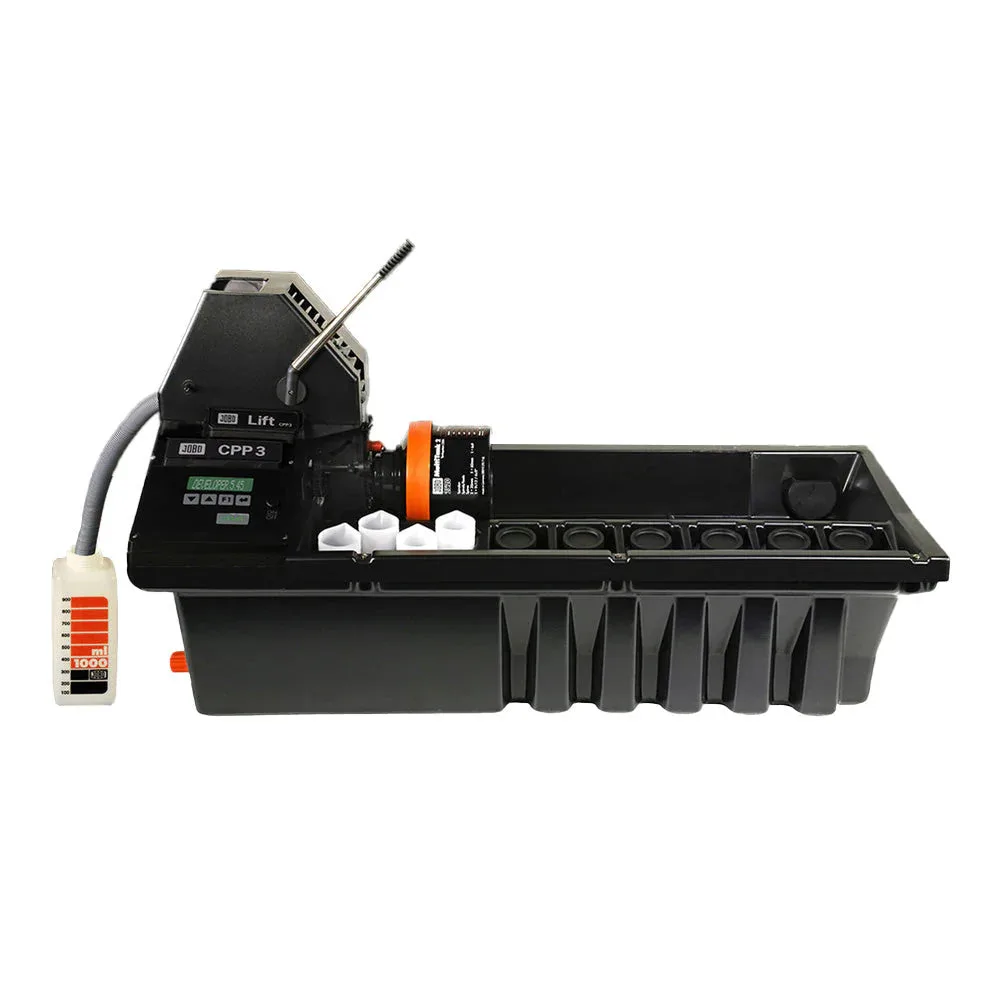
Keep a dedicated clean workspace. Change the wetting agent regularly, because it can grow contaminants. Store negatives in print-thru pages or archival sleeves, and keep the sleeves clean. When you load film into a tank, avoid pulling the film across the reel lips. If you use a rotary processor, make sure the tank and lift are clean and the chemistry is mixed without undissolved particles; a processor with automatic agitation and temperature control reduces the handling steps where grit gets introduced. A simple, consistent routine prevents most scratches before they happen.
Know when to stop fixing and reshoot
If the scratch breaks the emulsion and appears in every print, no cleaning or polishing will bring back the image. At that point, stop. Reshoot the frame if the subject allows, or scan and retouch the best frame you have. If the damage is limited to one or two frames, continue with the rest of the roll and note the cause so you can fix the camera or process before the next roll. Chasing a deep scratch with abrasive tools only adds more damage.
Scratch diagnosis: symptom, cause, action, stop point
- Clear line along the full roll, base side: Likely camera or cassette grit. Clean the film path and cassette mouth before the next roll. If the line does not print, no repair is needed.
- Line on the emulsion side, visible in prints: Likely squeegee or dry wiping damage. Stop using squeegees and dry cloths; rewash and re-dry without touching the surface. If the scratch breaks the emulsion, cleaning will not restore the image.
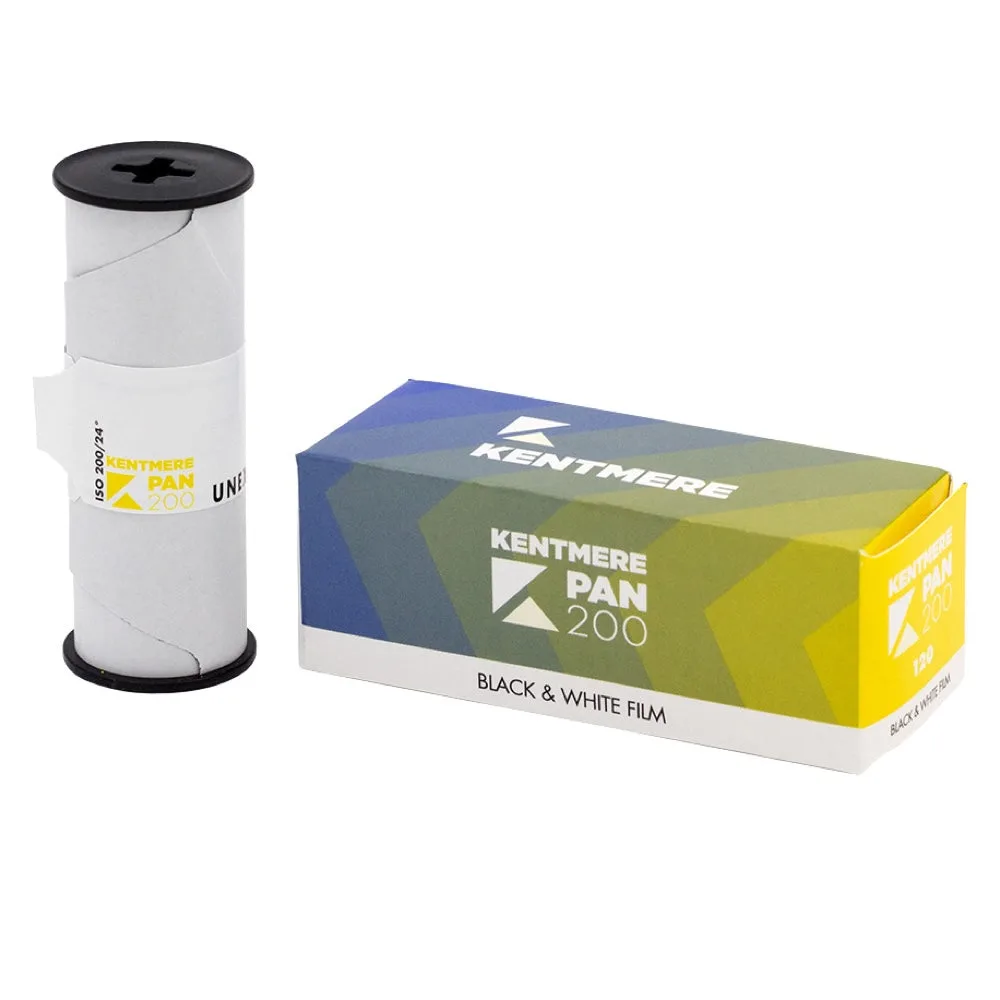
- Scratches on some frames only: Likely handling during loading or drying. Check the reel, the drying area, and how you hang the film. If the cause is unclear, process a test roll of Kentmere PAN 200 to isolate the step.
Tools that reduce handling scratches
- Jobo CPP-3 Film & Print Processor with lift: Jobo CPP-3 Film & Print Processor with lift offers automatic agitation and automatic temperature control for colour and B/W roll and sheet films. Automated agitation and temperature control reduce the manual handling steps where grit and uneven drying cause scratches, especially when processing multiple rolls.
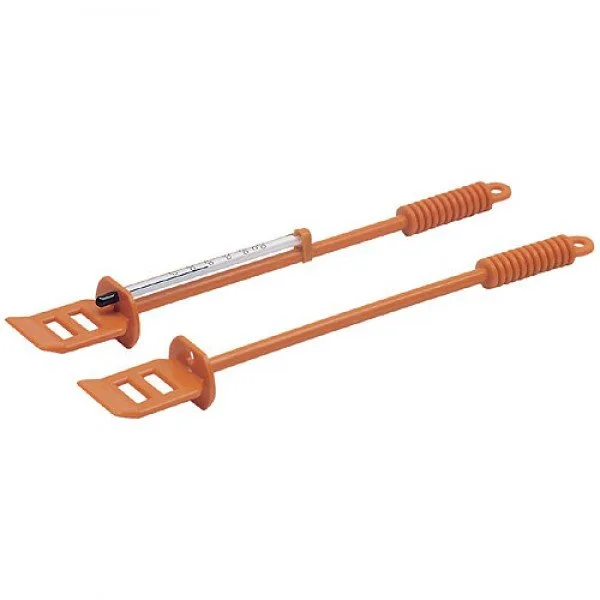
- AP Thermometer Stirrer: AP Thermometer Stirrer combines stirring and temperature measurement in one tool for colour and black & white film processing. Mixing chemistry without undissolved particles and checking temperature with one clean tool lowers the chance of abrasive crystals reaching the film.
- Kentmere PAN 200 - 120: Kentmere PAN 200 - 120 is a black & white 120 roll film positioned for students, beginners, and educational darkrooms. An affordable film lets you practise a scratch-free loading, processing, and drying routine without risking expensive stock.