Quick answer
Most Chromatic sticky buttons are caused by grime built up around the button posts, a rubber pad that has shifted or hardened, or a shell that was reassembled slightly off-center. Clean the button wells with isopropyl alcohol first, then reseat the rubber pads. If the button still catches after that, the pad or the shell tolerance is the problem, and replacing the pad or contacting ModRetro support is the right next step.
Symptom: the button presses but does not spring back cleanly
A sticky Chromatic button usually announces itself in one of three ways: it feels mushy on the downstroke, it stays depressed for a fraction of a second after you release it, or it grinds audibly when pressed at an angle. These are different symptoms and they point to different causes. Mushiness is almost always the rubber pad losing elasticity. A delayed return is usually friction between the button post and the shell opening. Grinding is debris or a misaligned post.
Before you open anything, test each button individually with the console powered off. Press straight down, then press at a slight angle toward each corner. If the button only sticks when pressed off-center, the issue is mechanical alignment rather than the pad or the contacts. That distinction saves you from disassembling a console that only needed a shell screw loosened a quarter turn.
Cause 1: grime and skin oil around the button posts
The most common cause of a sticky button on any handheld, including the Chromatic, is accumulated skin oil, dust, and food residue migrating into the gap between the button and the shell. Over months of play, that film turns tacky and creates drag on the button post. It is not visible from the outside, which is why players often assume the button is broken when it is simply dirty.
The fix is straightforward: power the console off, remove the shell screws, and lift the button out. Wipe the button post and the inside of the button well with a cotton swab dampened with 90% isopropyl alcohol. Do not soak the shell or drip alcohol onto the board. Let everything dry for a few minutes before reassembling. If the button returns crisply after this, you have solved it and no parts are needed.
Cause 2: a shifted or hardened rubber pad
Under each Chromatic button sits a rubber pad that provides the spring-back force. If the pad shifts slightly during a previous reassembly, or if it has hardened with age and heat, the button will feel sticky or slow even when the shell and post are perfectly clean. You can usually see a shifted pad by looking at the pad's alignment nubs against the shell posts. A hardened pad will look shiny and feel stiff rather than pliable.
Reseat a shifted pad by lifting it and setting it back onto its alignment posts. If the pad is hardened, reseating will not help; the rubber has lost its elasticity and needs to be replaced. Replacement pads are inexpensive, but confirm the correct pad layout for your Chromatic model before ordering, since button spacing can differ between revisions.
Cause 3: shell screws over-tightened or a misaligned shell
If you recently opened your Chromatic, or if it took a knock, the shell halves may be slightly misaligned. That shifts the button openings relative to the posts and creates friction on one side of the button. The tell is a button that sticks in one direction but moves freely in others.
Loosen all shell screws a half turn, press the sticky button a few times to let the shell settle, then tighten the screws in a cross pattern, snug but not forced. Over-tightening is a real cause of sticky buttons on compact handhelds because it flexes the shell inward. If the button frees up, stop there. If it still catches, the shell or post may be warped and that is a support issue, not a cleaning issue.
When to stop and choose another option
Stop cleaning and reseating if the button post is visibly cracked, if the pad has torn, or if the button sticks even with the shell removed. Those are not maintenance problems. A cracked post or torn pad needs a replacement part, and a button that binds with the shell off points to a manufacturing tolerance issue that you should raise with ModRetro support rather than force.
Also stop if you are not comfortable removing the shell. The Chromatic is a compact console and the screws are small; stripping one turns a ten-minute cleaning job into a repair. In that case, a can of compressed air directed into the button gap while working the button can dislodge loose debris without opening anything, though it will not fix oil-based grime.
Chromatic button diagnosis checklist
- Sticks only when pressed off-center: The button post is rubbing against the shell opening. Loosen the shell screws a half turn, work the button, then re-tighten in a cross pattern. If it frees up, you are done. If not, check for a warped shell.
- Feels mushy and slow to return: The rubber pad has likely hardened or shifted. Open the shell, reseat the pad on its alignment posts, and replace it if the rubber feels stiff or shiny. A new pad is the fix; cleaning alone will not restore spring-back.
- Grinds or crunches when pressed: Debris is trapped between the post and the shell. Remove the button and clean both surfaces with 90% isopropyl alcohol on a cotton swab. If grinding continues after cleaning, inspect the post for cracks.
- Sticks even with the shell removed: This is not a maintenance issue. A cracked post or out-of-spec shell is the cause. Contact ModRetro support instead of forcing the button.
A related controller worth knowing about
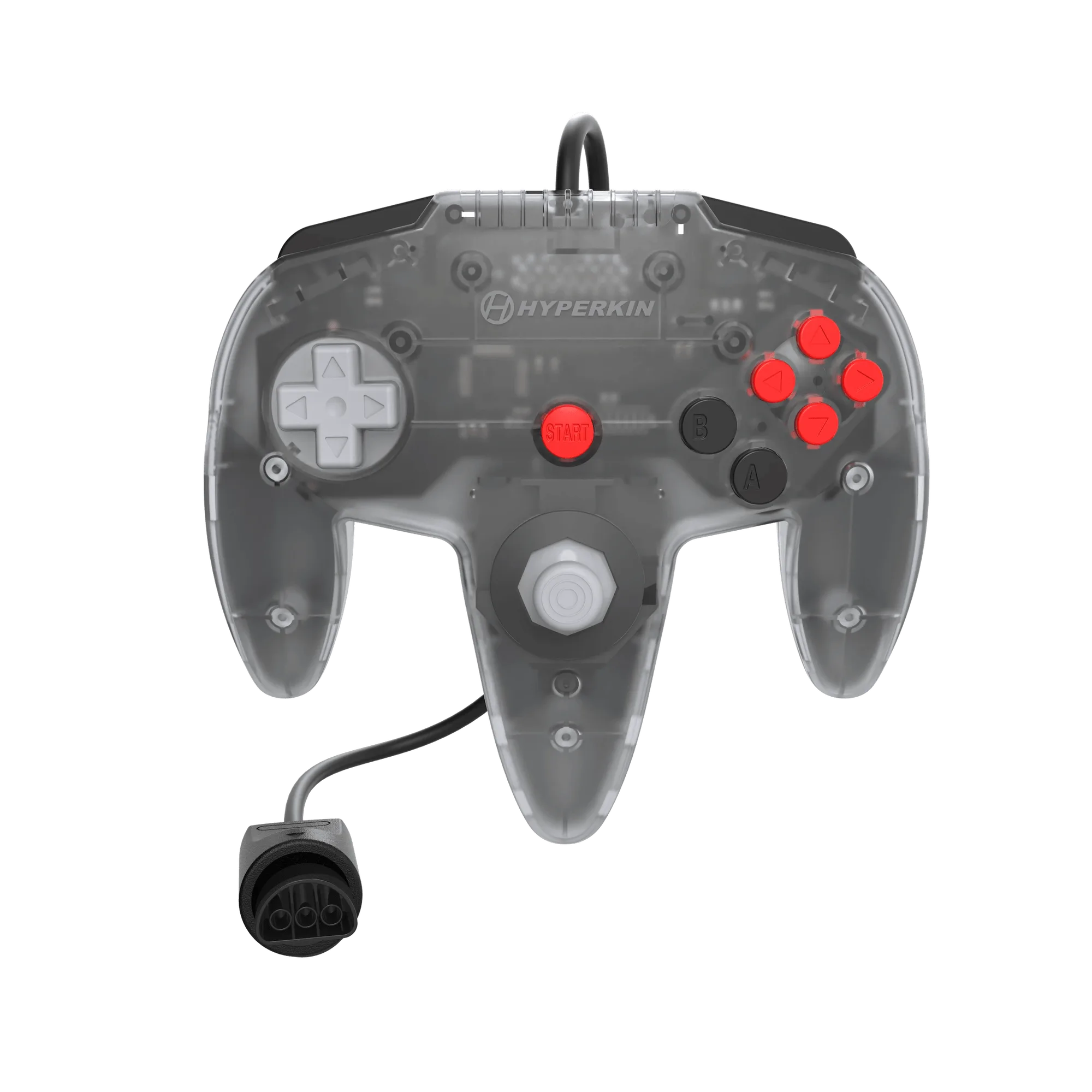
- Hyperkin Captain+ Wired Controller: The Hyperkin Captain+ Wired Controller for M64 and N64 uses Hall Effect joystick technology for drift-free precision. If you also play on an M64 or N64 and your original controller's stick has gone loose, this is the modern replacement path rather than trying to repair a worn analog stick.