Quick answer
Most blurry iPhone lens photos come from four things: the clip-on lens is not seated flat over the camera, focus is locked on the wrong distance, the glass is smudged, or you are shooting a subject the lens was never built for. Clean the glass, re-seat the lens until it sits flush, tap to focus on your actual subject, and shoot again. If the image is still soft at that point, the problem is the lens or the shot, not your technique.
Start with the symptom, not the gear
Blur has a shape. Softness across the entire frame points to glass, alignment, or focus. Softness only at the edges points to the lens design itself. Softness in one corner points to a tilted clip. Motion smear points to shutter speed. Before you clean, adjust, or replace anything, shoot one test frame of a still subject on a table with the phone braced. That single frame separates a handling problem from a hardware problem.
If the test frame is sharp but your real photos are not, stop diagnosing the lens. The issue is how you are holding, focusing, or timing the shot.
- Whole frame soft: cleaning, seating, or focus
- Edges soft only: lens design, not a defect
- One corner soft: the clip is tilted
- Directional smear: motion, not optics
The alignment problem most people miss
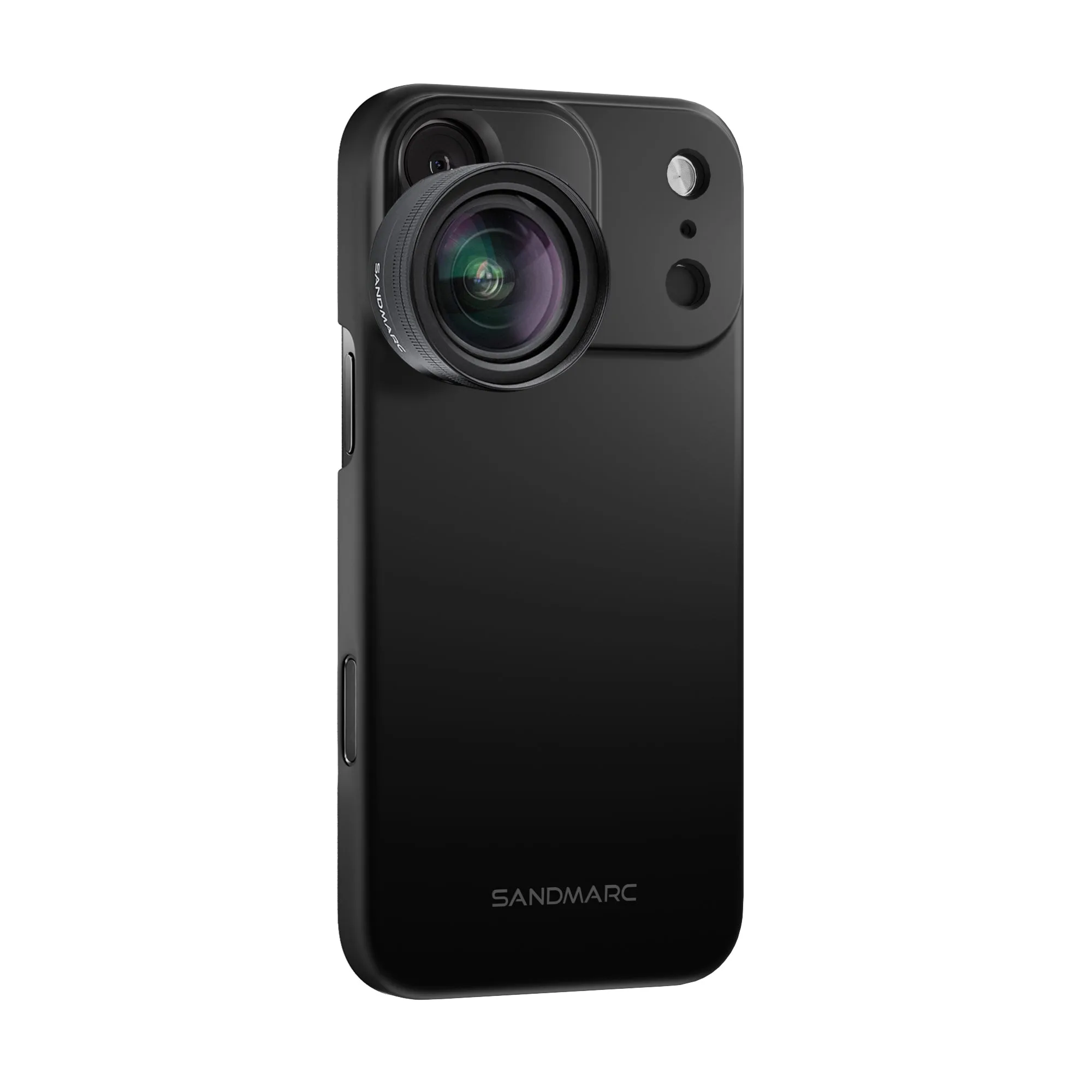
A clip-on lens only works when its optical center sits directly over the phone's camera. Slide it a millimeter and you get a soft, uneven frame that looks like a focus failure but is really an iphone lens alignment problem. The fix is mechanical: remove the lens, clean both surfaces, and re-seat it until the barrel sits flush with no rocking. If your lens uses a dedicated case, mount the lens to the case rather than the bare phone, because the case holds the barrel in a fixed position instead of letting it drift.
Check alignment by pointing at a straight edge, like a doorframe or a window sill, and looking at whether the line stays straight across the frame. A tilted clip bends that line.
Focus lock and tap-to-focus mistakes
When an iphone lens is not focusing, the cause is often that the phone locked focus on the background before you added the lens, or that you tapped to focus on the wrong plane. Tap directly on your subject, wait for the focus box to settle, then shoot. If the phone keeps hunting, lock focus and exposure by pressing and holding on the subject, then reframe.
Close-focus lenses make this worse. If you are shooting something small, move the phone physically closer or farther until the subject snaps into focus, rather than trusting autofocus to find it.
Clean glass, and clean it correctly
A fingerprint on the front element scatters light and reads as haze, especially against bright backgrounds. Use a microfiber cloth and breathe on the glass rather than spraying liquid onto it. Clean the phone's own camera lens too, not just the add-on, because a smudge underneath the clip will stay in every frame no matter how well the add-on is seated.
If you shoot in cold or humid conditions, let the lens reach room temperature before you judge sharpness. Fogging looks exactly like a focus failure and clears on its own.
When the lens is simply being asked to do too much
Every lens has a working distance and a light requirement. A wide lens shot from two centimeters away will not focus. A telephoto shot in dim light will go soft because the phone raises ISO and drops shutter speed. If your blurry photos iphone lens fix attempts keep failing in the same conditions, change the condition before you change the lens: add light, brace the phone, or step back to the distance the lens was designed for.
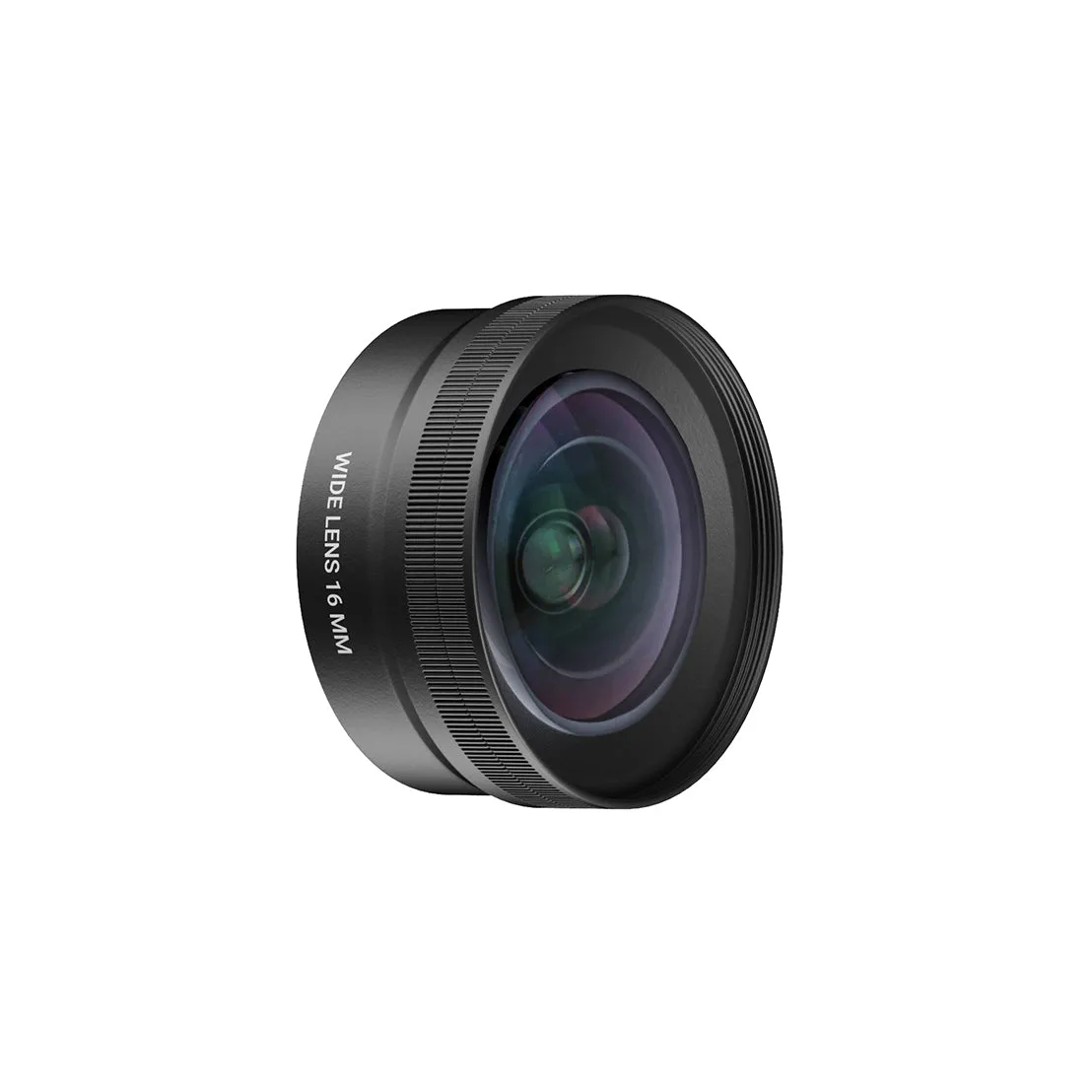
wide lens
This is the point where you should stop troubleshooting and choose another option. If a lens is consistently soft only at the edges, that is its optical character, not a fault. If it is soft everywhere in good light and correct alignment, it is the wrong lens for that shot.
Diagnose your blur in four checks
- Whole frame is soft: Clean the add-on glass and the phone's camera lens, then re-seat the clip until the barrel sits flush with no rocking. If a braced test frame is still soft, the issue is the lens or the light, not your hands.
- One corner or edge is soft: Point at a straight edge and check whether it stays straight. A bent line means the clip is tilted or the lens is off-center. Re-seat or switch to a case-mounted lens. Edge softness that survives correct alignment is the lens design.
- Subject never snaps into focus: Tap to focus on the subject, then move the phone closer or farther to find the lens's working distance. If it only fails at one distance, you are outside that lens's range, not dealing with a fault.
- Sharp on a table, blurry in hand: Brace the phone, add light, and shoot a still subject before blaming the optics. Stop here and change your shooting conditions rather than buying a replacement lens.
Where a different lens actually solves the problem
- Wide Lens Edition - iPhone 18 Pro Max: The SANDMARC Wide Lens captures 2x more field of view while using the iPhone 18 Pro's main camera, and the catalog notes it avoids the fisheye distortion and weaker low-light performance of the built-in 0.5x Ultra-Wide. If your blur comes from cropping into the Ultra-Wide or from edge distortion, shooting wide on the main camera instead keeps detail and low-light quality where you need it.
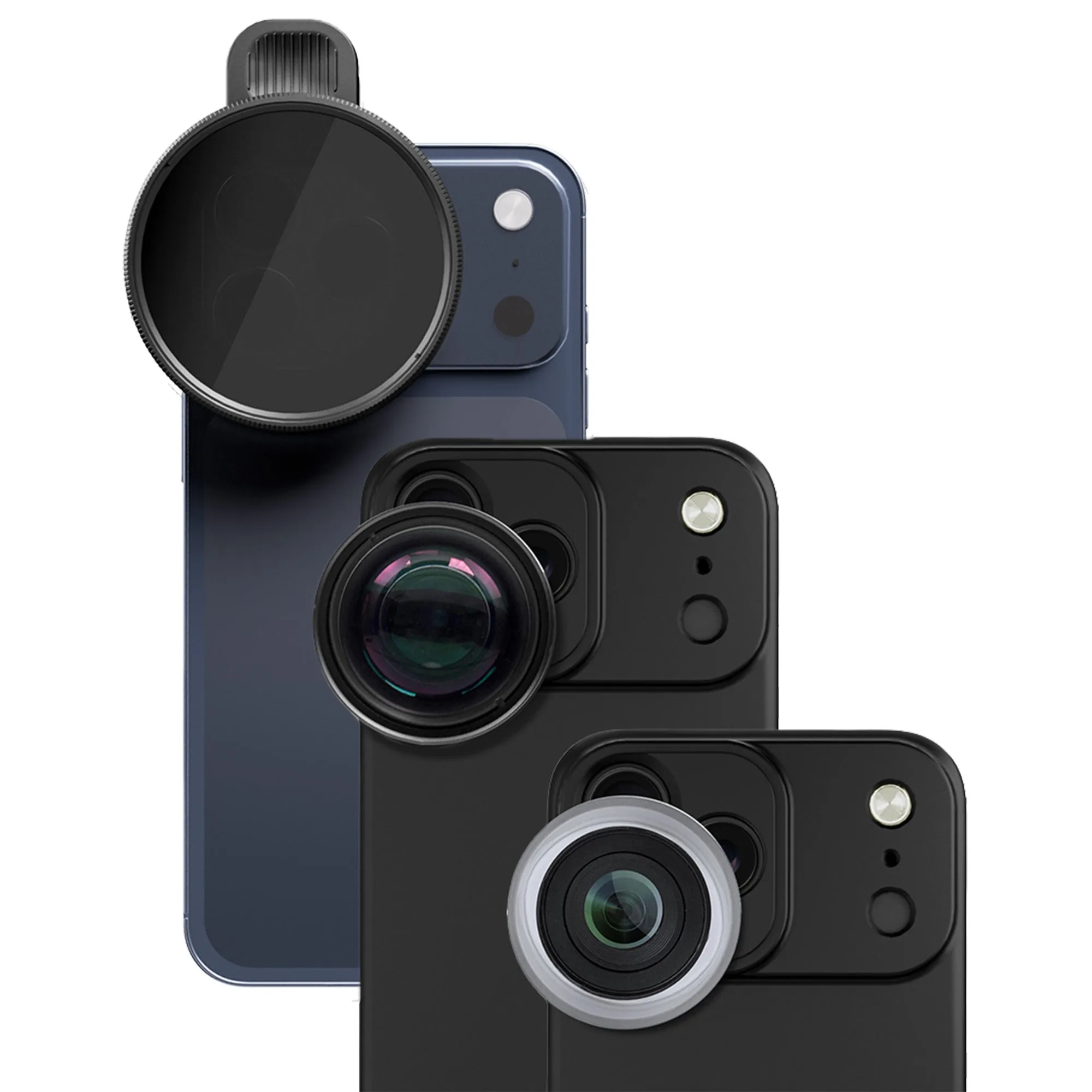
- Photography Edition - iPhone 17 Pro Max: The Photography Edition includes a Drama Filter, Macro, and Telephoto lens, each made from multi-coated optics and supplied with a dedicated case and clip mount; the Drama Filter attaches directly onto the Telephoto Lens. A dedicated case mount removes the alignment drift that causes one-corner softness, which is the most common mechanical cause of blurry iPhone lens photos.