Quick answer
Most LED flicker on camera is a mismatch, not a broken light. Turn the dimmer to full and see if the flicker stops. If it does, the driver is pulse-width modulating at low output. If it doesn't, adjust shutter speed in small steps until the banding disappears. If banding survives both tests, the fixture or its power source is the problem, not your camera settings.
Identify the symptom before you change anything
Flicker and banding look different on a monitor, and they have different causes. Full-frame flicker is a brightness pulse across the whole image, usually visible as a slow throb or a fast strobe. Rolling banding is a dark horizontal bar that scrolls through the frame, caused by the sensor reading the image line by line while the light output pulses. A single hard flicker at the start of a take is usually a power or connection issue, not a dimming issue.
Write down which one you see and at what dimmer level. That single note cuts the diagnosis in half, because dimming-related PWM almost always shows up as banding at low output and disappears at full output.
Test the dimmer first, because it is the most common cause
Cheap and mid-range LED fixtures often dim by switching the light on and off very fast, which is PWM. At 100 percent the light is on continuously, so there is nothing to beat against your shutter. At 10 percent the off-time is long, and a camera shutter that samples at a different rate catches those gaps as bands or flicker.
Set the light to full and shoot a five-second clip. If the image is clean, your fixture is fine and the fix is either to dim with a different method, add diffusion or ND to bring exposure down without touching the dimmer, or move the light further away and keep it at full output.
Match shutter speed to the light, not the other way around
If the flicker persists at full output, change shutter speed in small increments while watching the monitor. On many cameras, stepping from 1/50 to 1/60 or 1/100 removes banding because the shutter window now covers a whole number of light cycles. Shutter angle behaves the same way on cinema cameras, so try 172.8 or 180 degrees if your camera offers it.
This is a fix, not a cure. If you need a specific shutter for motion blur, and only one shutter speed is clean, that tells you the fixture's driver is the limiting factor. Note the clean shutter value and decide whether you can live with it for the shoot.
Check power, cables, and everything sharing the circuit
A light that flickers only on some outlets is usually seeing unstable voltage. Move it to a different circuit, remove any dimmer pack or household dimmer from the chain, and check that the cable and connector are seated. Battery power can also cause flicker near the end of a run, so swap to a fresh block and retest.
If the light is on the same circuit as a large motor, compressor, or another high-draw fixture, isolate it. This is a five-minute test and it rules out a whole category of causes before you blame the light.
When to stop troubleshooting and change the fixture
Stop adjusting when the flicker survives full output, a clean shutter speed, and an isolated power source. At that point the driver is the problem, and no camera setting will fix it. This is common with very inexpensive panels and with older fixtures that were never designed for high-frame-rate or slow-motion work.
For interviews, narrative, and any shoot where you cannot control shutter, choose a fixture that is specified as flicker-free or designed for multi-camera and high-speed capture. That is a purchase decision, not a settings decision, and it is worth making before the shoot day rather than during it.
Flicker diagnosis checklist
- Banding only at low dim levels: Set the light to full output and shoot a test clip. If the bands disappear, the driver is pulse-width modulating and the dimmer is the cause. Fix: keep the fixture at full and control exposure with diffusion, ND, or distance.
- Flicker at every dim level: Step shutter speed or shutter angle in small increments while watching the monitor. Note any value that produces a clean image. If one shutter speed is clean, use it and accept the motion-blur tradeoff; if none are clean, move on.
- Flicker only on certain outlets or near the end of a battery: Move to a different circuit, remove dimmer packs from the chain, reseat cables, and test on a fresh battery. If the flicker follows the power source, the light is fine and the supply is the problem.
- Flicker survives full output, a clean shutter, and clean power: The driver is the limiting factor and no camera setting will correct it. Stop troubleshooting and switch to a fixture specified as flicker-free or built for high-speed and multi-camera work.
Gear that avoids the problem
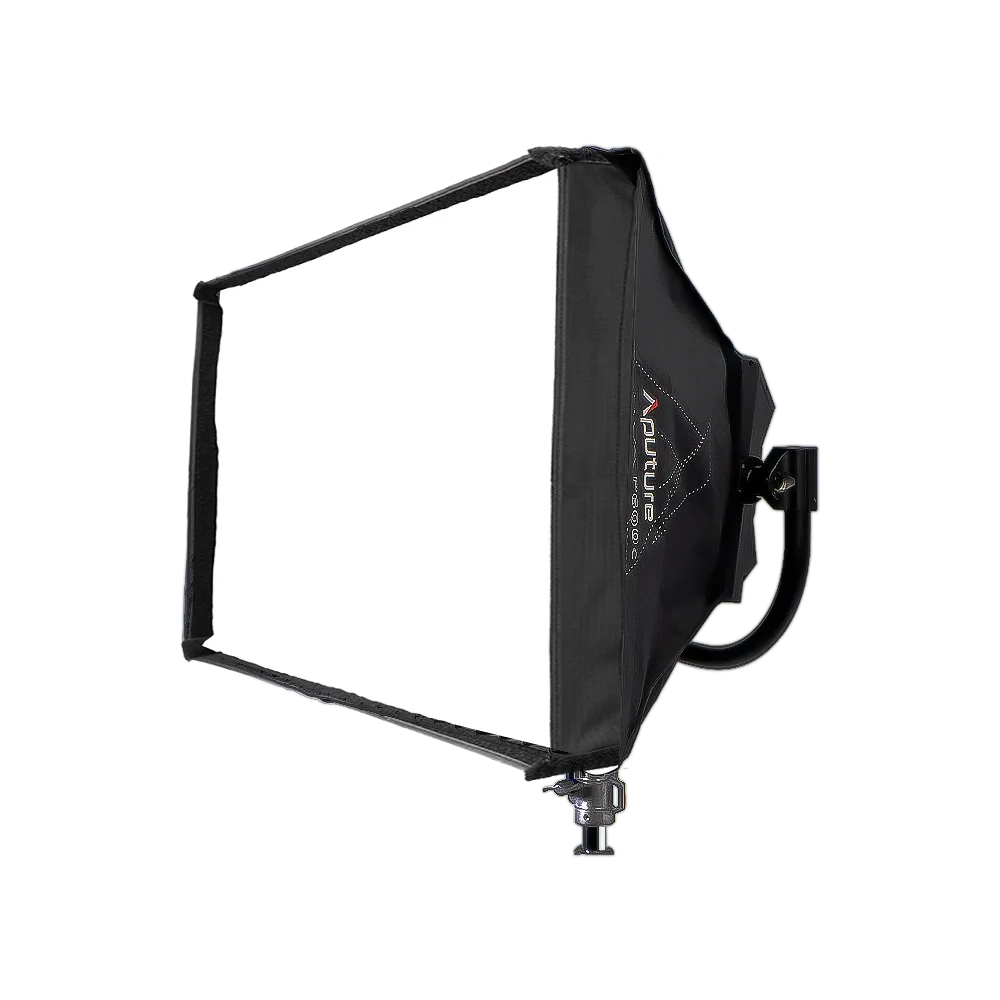
- Aputure NOVA P600c Softbox: Softbox modifier built for the Aputure Nova P600C panel, mounting to the front to create a defined soft key with controlled spill, and folding down for transport. If you are dimming a P600C down for a soft key and getting banding, the softbox lets you keep the panel at a higher, cleaner output and shape the light instead of fighting the dimmer.
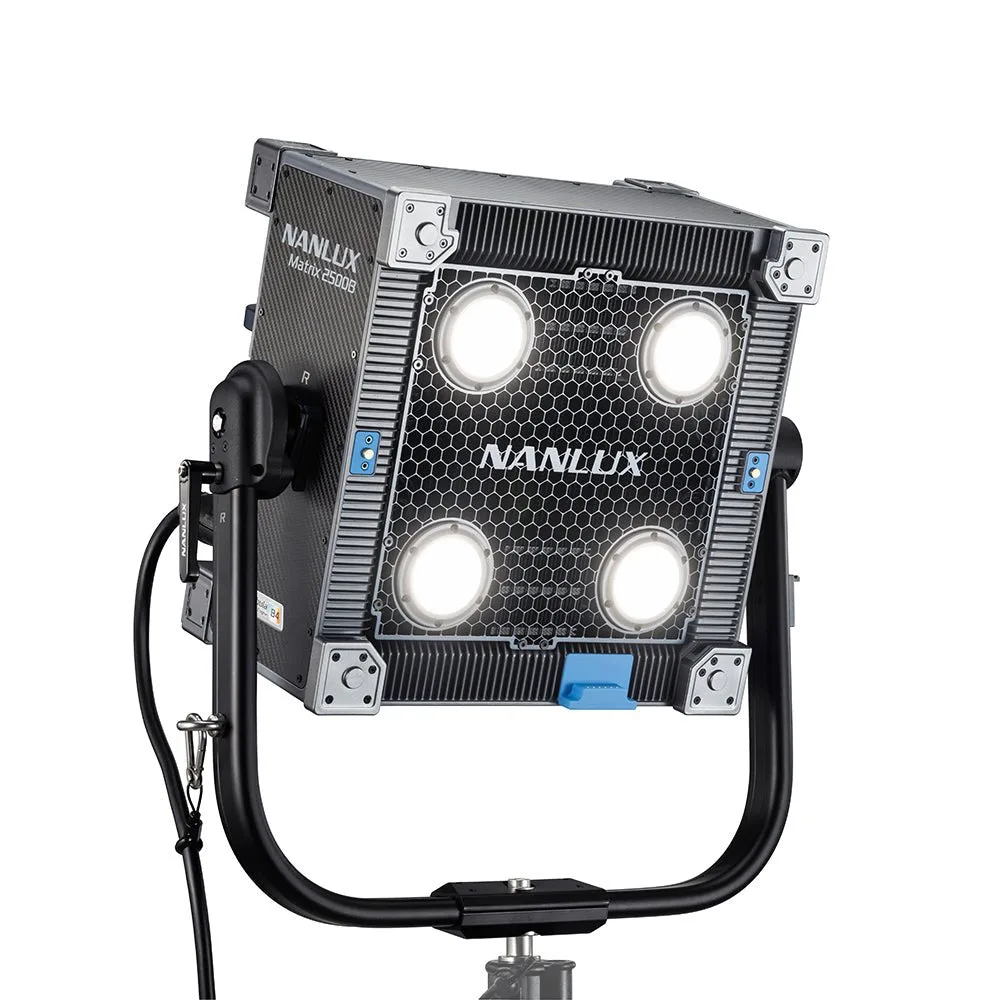
- NANLUX Matrix 2500B LED Bi-color Multi-source Spot Light: NANLUX Matrix 2500B is a bi-color multi-source spot light with a four-head integrated structure, built for film, broadcast, studio, and location lighting and for modular arrays. A fixture in this class is aimed at professional set work where flicker-free output and color accuracy matter, so it is a reasonable step up when a consumer panel keeps banding at low dim levels.
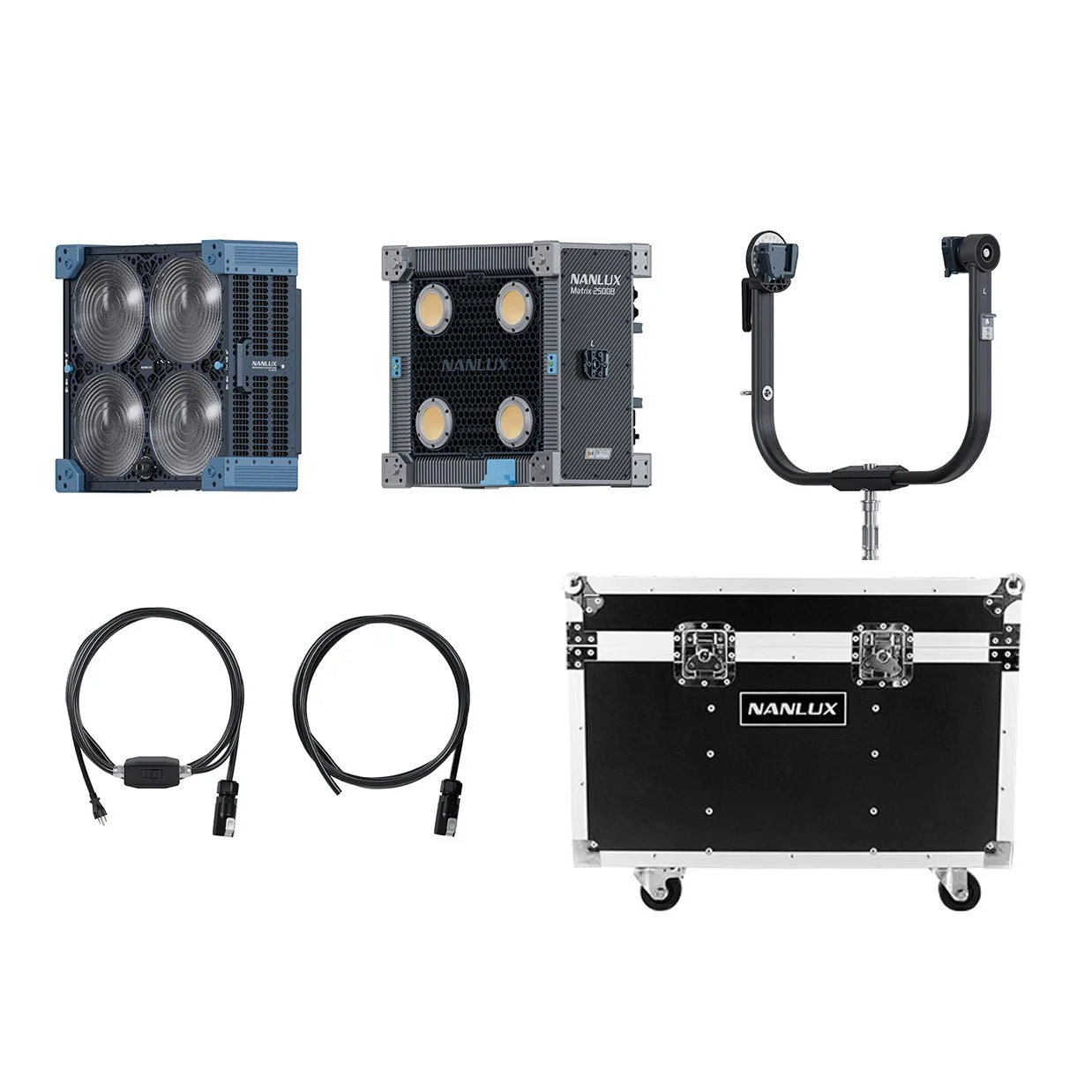
- NANLUX Matrix 2500B LED Bi-color Multi-source Spot Light with Flight Case: Same NANLUX Matrix 2500B fixture supplied with a flight case. Choose this version if the light will travel between locations; the case protects a fixture in this price range, but it does not change the light output or flicker behavior.