Quick answer
Replace your mousepad when the surface no longer delivers consistent glide, even after a proper clean. If you feel rough patches, slow spots, or uneven tracking that persists for more than a week, the coating or weave has degraded. Cleaning buys time, but it cannot restore a worn surface. For cloth pads, most gamers see meaningful degradation within 12 to 24 months of regular use.
The wear signs that actually matter
Not every mark on a mousepad is a death sentence. Dust, skin oils, and light surface shine often disappear after a gentle wash. The signs that matter are the ones you can feel with your mouse, not just see with your eyes. Run your fingertip across the center of the pad and then the edges. If the center feels noticeably smoother or slicker than the edges, the weave has flattened from friction. That is real wear.
Another reliable test is the slow-drag check. Move your mouse slowly across the pad in a straight line. A healthy pad feels uniform. A worn pad will have patches where the mouse drags or glides differently. If you need to adjust your sensitivity or grip to compensate for those patches, the pad is no longer doing its job.
What causes surface degradation
Mousepad wear comes from three main sources: friction, moisture, and pressure. Every swipe of your mouse creates microscopic abrasion on the weave or coating. Over thousands of hours, that abrasion flattens the texture and reduces glide consistency. Sweat and skin oils accelerate the process by softening the surface and attracting grit that acts like sandpaper.
Pressure matters too. If you press down hard during tracking, you compress the pad and wear down the areas under your mouse feet faster. Mouse feet themselves also play a role. Worn or dirty skates create more drag and can scratch the surface. Keeping your skates clean and replacing them when they feel rough is one of the cheapest ways to extend pad life.
When cleaning is enough and when it is not
Cleaning is the right first step for most surface complaints. A lukewarm water bath with a drop of mild soap, followed by air drying, removes oils and grit that cause temporary slowdown. If the pad feels like new after cleaning, you have bought yourself more time. If it still feels inconsistent, cleaning has reached its limit.
Do not use harsh chemicals, scrubbing brushes, or a washing machine. Those can break down the adhesive between the surface and the base, causing bubbles or peeling. Once the base separates or the edges fray, no amount of cleaning will fix it. That is when replacement becomes the practical choice.
How to choose a replacement that lasts
When you replace a cloth pad, look for a tight, consistent weave and a stitched edge if fraying has been a problem for you. A stitched edge prevents the layers from separating and adds months of usable life. If you want to move away from cloth entirely, a glass pad removes the weave-wear problem because there is no fabric to flatten. It will not absorb sweat or oils the same way, and it feels much faster, so it suits players who want speed and easy cleaning.
For cloth pads, consider whether you want a control surface or a speed surface. Control pads have a slightly rougher texture that slows the mouse and adds stopping power. Speed pads are smoother and faster but can feel less precise for micro-adjustments. Neither is better; they just wear differently. Speed surfaces often show shine sooner because the coating is thinner, while control surfaces tend to flatten and slow down over time.
Diagnose your mousepad: symptom, cause, and action
- Shiny or slick patch in the center: The weave has flattened from friction and skin oils. This is the most common wear pattern. Clean first. If the shine remains and glide is inconsistent, replace the pad.
- Edges fraying or base separating: Moisture and washing have broken down the adhesive or the edge stitching has failed. This is not repairable. Replace with a stitched-edge pad or a glass pad.
- Slow spots that move around after cleaning: Dirt or oil is still trapped in the weave, or your mouse skates are dirty or worn. Clean the pad and replace skates. If slow spots persist, the surface is degraded.
- Mouse feels scratchy or noisy: Worn mouse feet or grit on the pad surface are creating drag. Replace skates first. If scratching continues, the pad surface is damaged.
- Pad still feels inconsistent after a full clean and new skates: The surface material itself has degraded beyond what maintenance can fix. Replace the pad. Choose a stitched cloth pad or a glass pad based on whether you want control or speed.
Products that solve specific wear problems
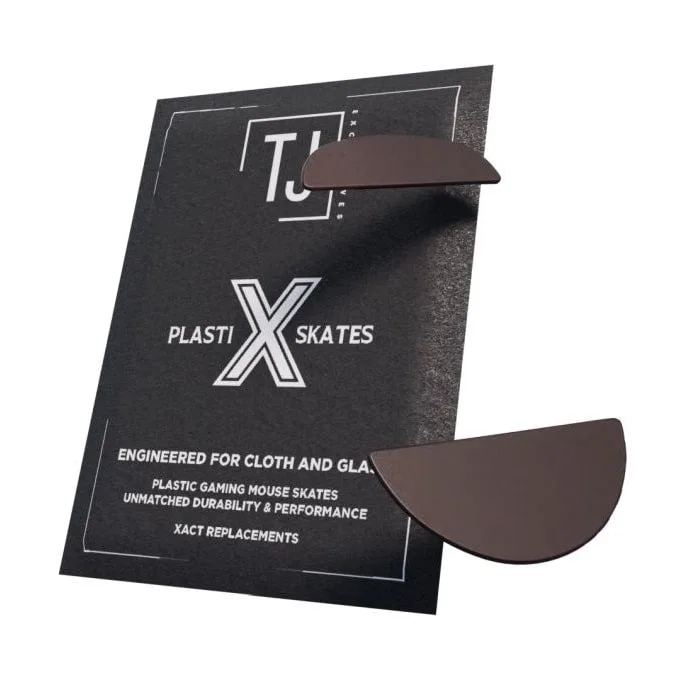
- PlastiX Xact Replacements - Lamzu Atlantis OG V2: PlastiX Xact Replacement skates are engineered for cloth pads and also work on hard pads, with high wear resistance. If your pad feels scratchy or inconsistent, worn mouse feet may be the cause. Replacing skates is cheaper than replacing the pad and can restore smooth glide immediately.
- Meiy Glass MousePad: The Meiy Glass MousePad uses an ultra-smooth glass surface designed for fast, wide mouse movements and aggressive playstyles. Glass pads do not have a cloth weave to flatten, so they avoid the most common type of surface degradation. They are a long-term alternative if you are tired of replacing cloth pads.
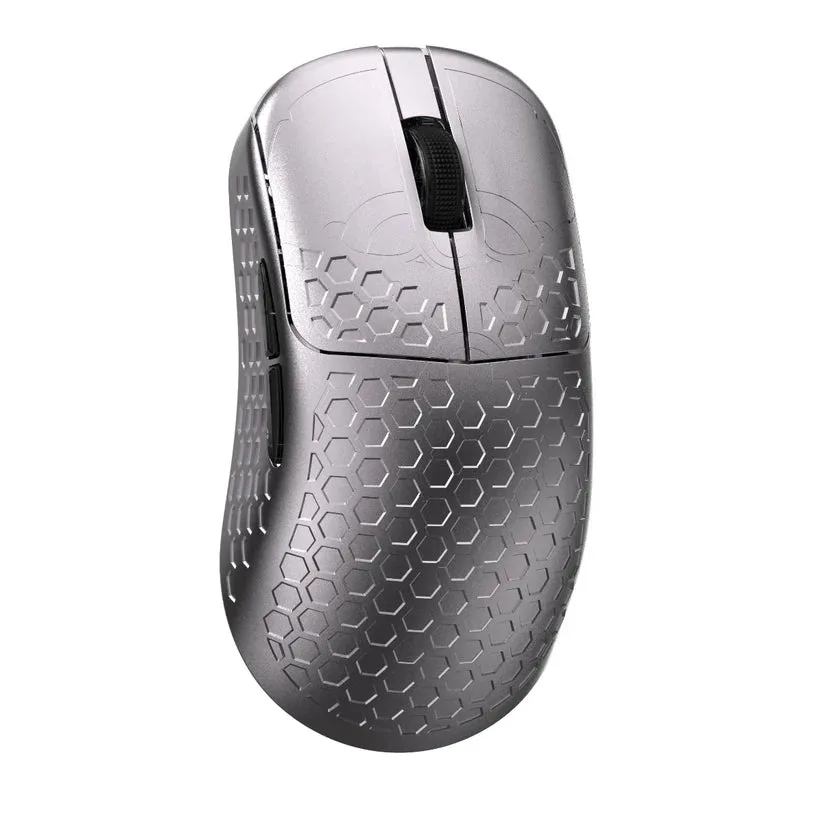
- FineMax Noah - Magnesium Wireless Gaming Mouse: The FineMax Noah is a magnesium alloy wireless gaming mouse built for lightweight, precise performance. A lighter mouse reduces downward pressure on your pad, which can slow the rate of surface compression and wear in high-friction areas.