Quick answer
If your Toniebox won't charge, start with the charging cable and port—they cause most issues. If those are fine, the battery may simply need replacement.
Why Toniebox charging problems happen
Toniebox charging issues usually come down to a few common culprits: a worn or incompatible charging cable, a dirty or damaged charging port, or an aging battery. Because the Toniebox is designed for young kids, it gets bumped, dropped, and covered in snack crumbs—all of which can affect charging.
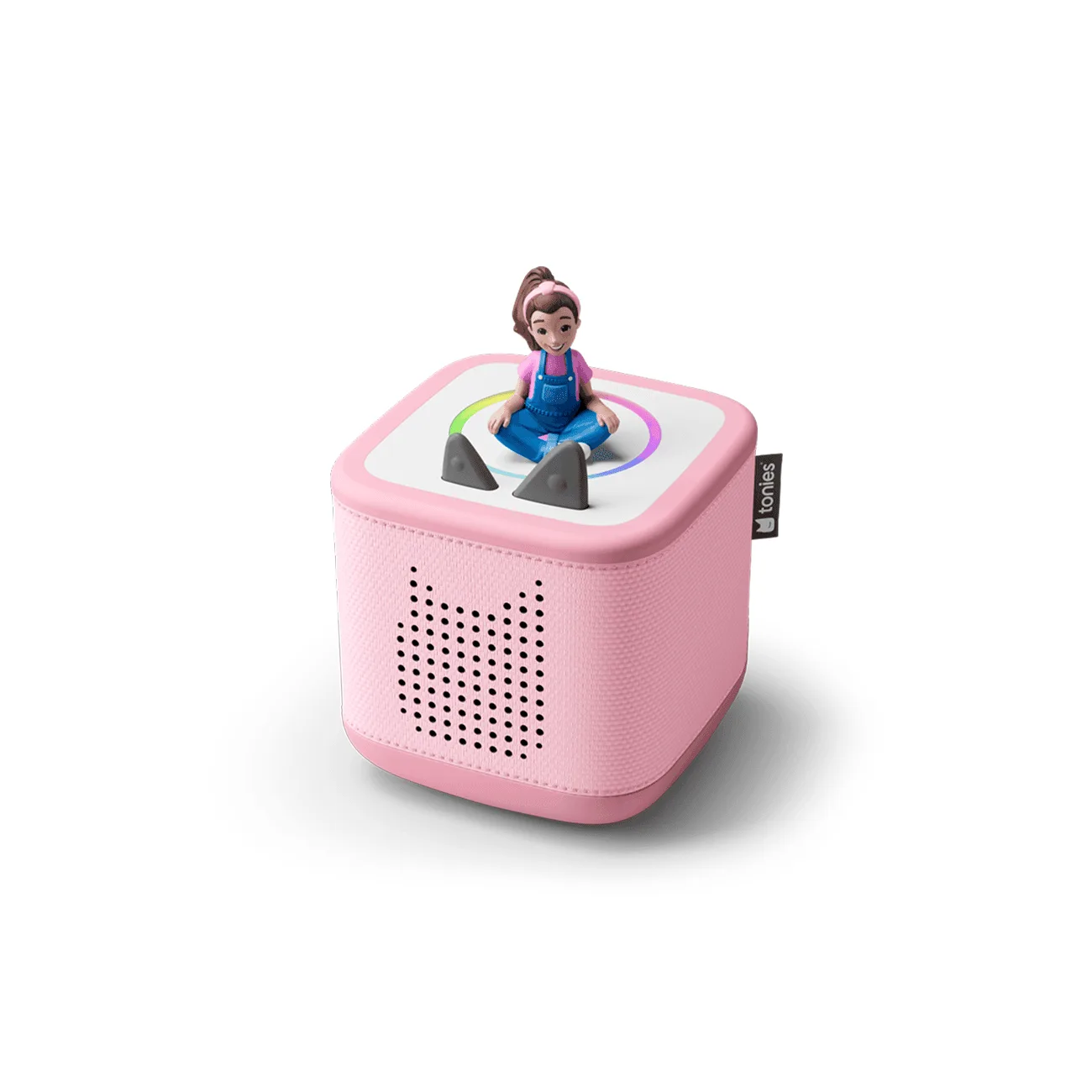
The Toniebox 2 models, like the Sunset Red or Cloud Pink starter sets, use a magnetic charging cable. That magnet is convenient, but it also means the connection can be interrupted if the cable isn't seated properly or if debris gets stuck to the contacts.
Before you assume the worst, remember that a Toniebox that won't turn on might not be a charging problem at all. A completely drained battery can take a few minutes to show any sign of life, so patience is part of the fix.
When to consider a replacement or upgrade
If your Toniebox is several years old and has been used daily, the internal battery may have reached the end of its life. Toniebox batteries are not user-replaceable in the traditional sense, so you'll need to decide between a repair or a new device.
If you're already thinking about upgrading, starter sets like the PAW Patrol: Chase Toniebox 2 Starter Set or the Ms. Rachel Toniebox 2 Starter Set give you a fresh device plus a popular Tonie figurine—often at a lower price than buying the box alone.
For families who want a complete bundle, the Bluey Toniebox 2 Sky Blue Play Set includes extra Tonies, a carrying case, and a sleeve, making it a strong value if you're starting over.
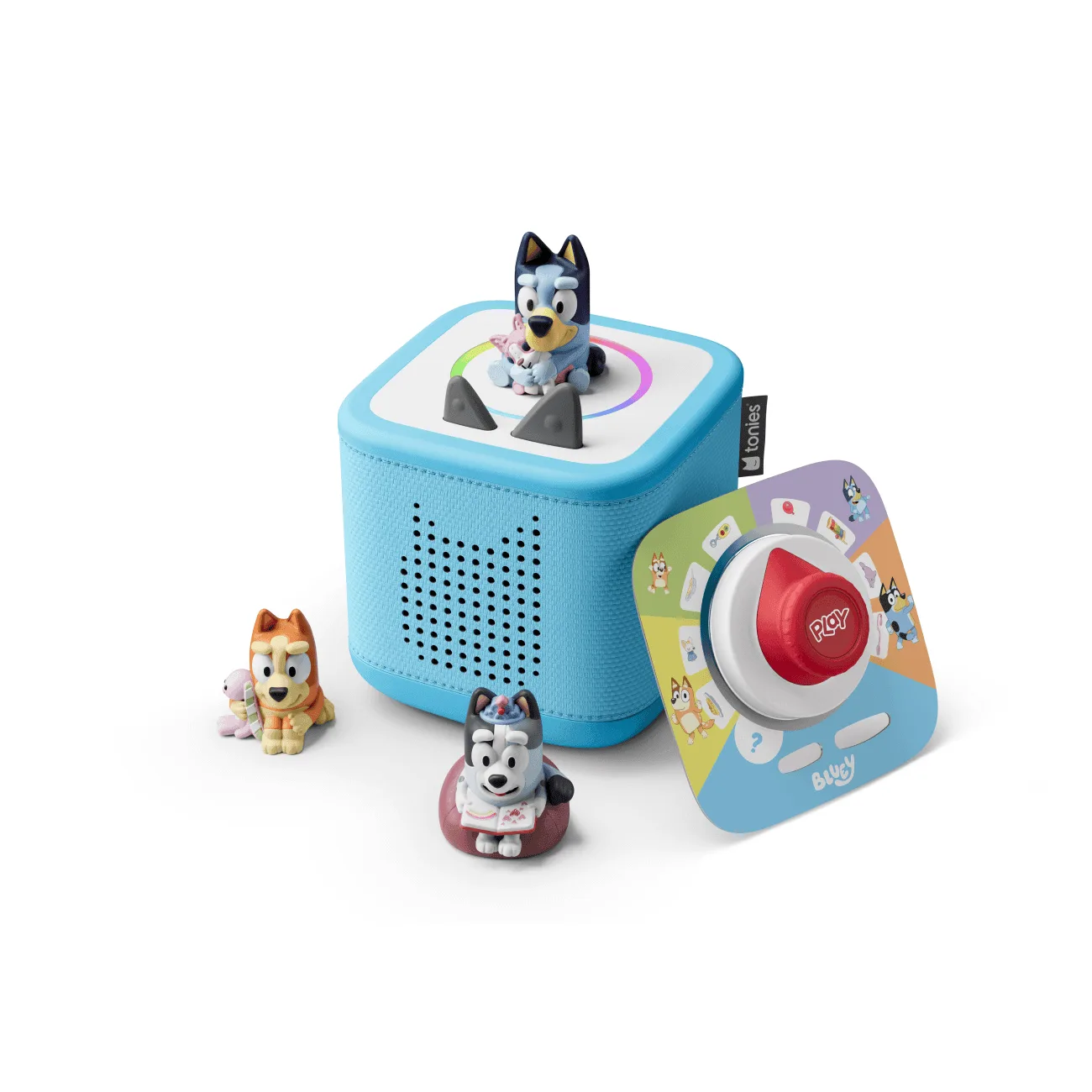
Bluey Toniebox 2 Sky Blue Play Set
Diagnose and fix your Toniebox charging problem
- Symptom: No charging light or response: Plug in the charging cable and check for a light. If there's no light at all, the cable or port is the likely issue, not the battery.
- Cause: Faulty cable or connection: Try a different USB power adapter and cable. Make sure the magnetic tip is fully seated and free of lint or debris. If a different cable works, replace the old one. Always test with a known-good cable before blaming the battery.
- Cause: Dirty or damaged charging port: Gently clean the charging contacts on both the Toniebox and the cable with a dry, soft cloth or a cotton swab. If you see visible damage—bent pins, cracks—stop here and contact Tonies support or consider a replacement. If the port is physically damaged, do not attempt DIY repair; seek professional help.
- Cause: Battery completely drained: Plug in the Toniebox and leave it for at least 5–10 minutes. A fully drained battery may not respond immediately. If it still won't turn on after 30 minutes, the battery is likely dead.
- Cause: Aging battery: If your Toniebox is over 2–3 years old and won't hold a charge even after a full overnight charge, the battery has likely degraded. At this point, decide: repair it through Tonies support or replace the device. A new starter set is often the most cost-effective way to get a working Toniebox again.
Products that can help
-
PAW Patrol: Chase Toniebox 2 Starter Set- Sunset Red: This starter set includes the Sunset Red Toniebox 2 and a PAW Patrol: Chase Tonie figurine. If your current Toniebox battery is dead and not worth repairing, this set gives you a new device plus a popular character Tonie at a bundled price.
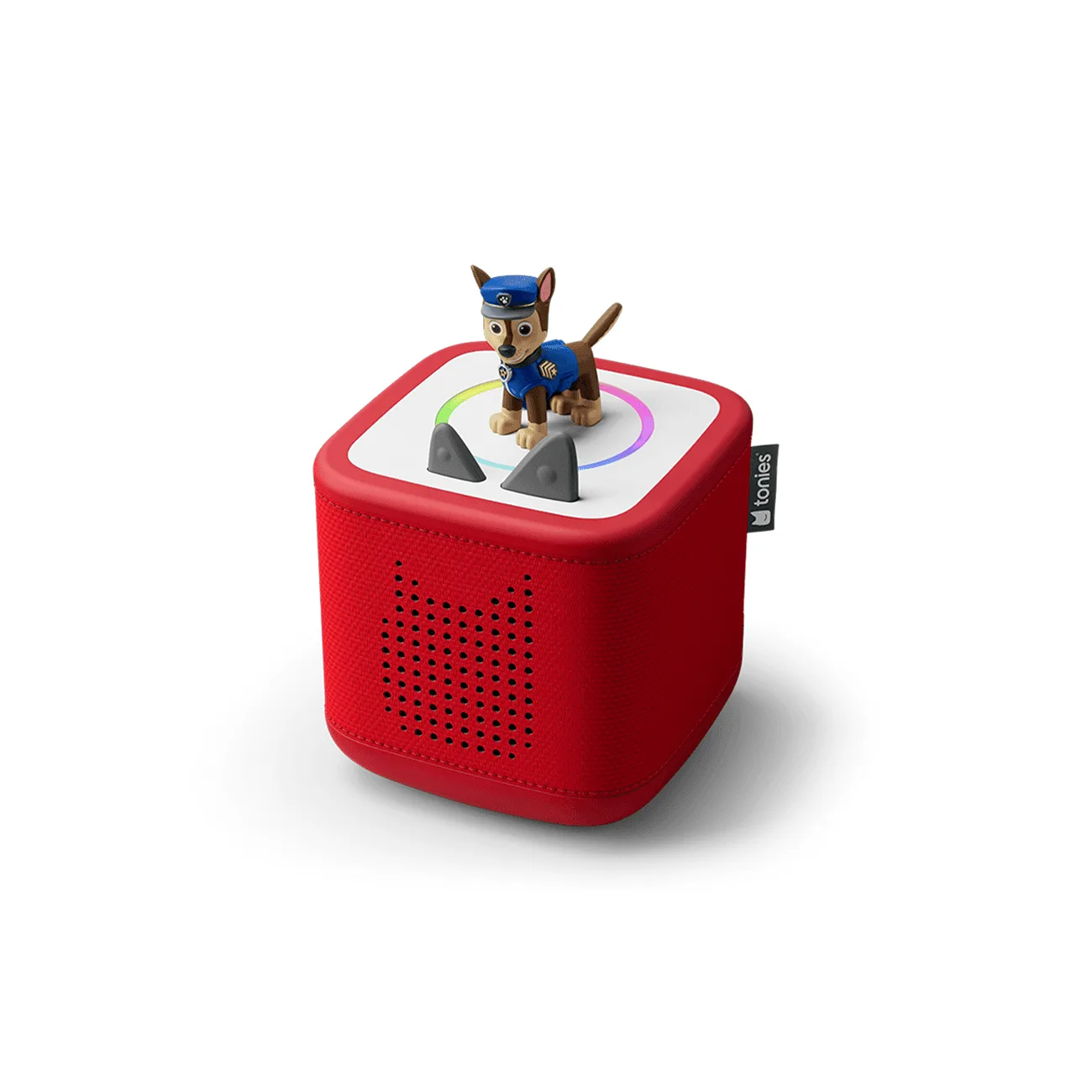
PAW Patrol: Chase Toniebox 2 Starter Set- Sunset Red
-
Ms. Rachel Toniebox 2 Starter Set - Cloud Pink: This starter set includes a Ms. Rachel Tonie figurine and a Toniebox 2 in Cloud Pink. A fresh Toniebox 2 ensures reliable charging and playback, and the Ms. Rachel Tonie is a hit with toddlers and preschoolers.