Quick Answer
Most Ameda pump power failures come from a loose connection, a dead battery, or a damaged power cable. Start by checking the power adapter or USB cable for visible wear, then test a different outlet or USB port. If the pump still won't turn on, the issue may be internal and require a replacement part.
Step 1: Check the Power Source and Connections
Before assuming the pump itself is broken, verify that the power source is working. If you're using the Ameda Pearl Breast Pump Power Adapter, make sure it's firmly plugged into both the wall outlet and the pump's power port. A loose connection is the most common reason a Pearl pump won't turn on. If you're using the Ameda GLO USB Charging Cable, ensure the USB end is fully inserted into a compatible USB port—try a different port if the first one doesn't work.
If the pump still doesn't respond, test the outlet with another device (like a phone charger) to rule out a dead outlet or blown fuse. For battery-powered use, confirm the batteries are fresh and inserted correctly with the proper polarity.
Step 2: Inspect the Power Cable for Damage
Cables can wear out over time, especially if they're frequently packed in a pumping bag or bent at sharp angles. Look for frayed wires, kinks, or exposed metal along the length of the Ameda GLO USB Charging Cable or the Pearl Breast Pump Power Adapter cord. Even a small break in the insulation can interrupt power flow. If you see any damage, stop using the cable immediately—it's a safety risk and a likely cause of your power issue.
A damaged cable cannot be repaired safely; it must be replaced. Both the Pearl adapter and the GLO USB cable are available as standalone accessories, so you don't need to buy a whole new pump.
Step 3: Test with a Different Power Accessory
If the pump still won't turn on after checking connections and cable condition, try a different power source if you have one. For example, if you normally use the Pearl adapter, try running the pump on batteries (if supported) or with a different compatible USB cable. This helps isolate whether the problem is with the pump itself or the power accessory.
If the pump works with an alternative power source, the original adapter or cable is likely faulty. If the pump doesn't work with any power source, the issue may be internal, and you should contact Ameda support or consult your pump's warranty.
Diagnosis: Why Your Ameda Pump Won't Turn On
- Symptom: Pump shows no lights, no motor sound, and no response when pressing the power button. This indicates a complete loss of power, not a software or motor fault.
- Likely Cause: Most often a loose connection, dead battery, or damaged power cable. Less common: a failed internal power board. Start with the simplest fix—check connections and cable condition.
- Corrective Action: 1. Re-seat the power adapter or USB cable at both ends. 2. Test a different outlet or USB port. 3. Inspect the cable for damage. 4. Try an alternative power source if available. If the pump works with a different power source, replace the faulty accessory.
- Stop or Choose Another Option: If the pump still doesn't turn on after trying a known-good power source and cable, the issue is internal. Do not attempt to open the pump housing. Contact Ameda support or check your warranty for repair or replacement options.
Power Accessories That Can Fix the Issue
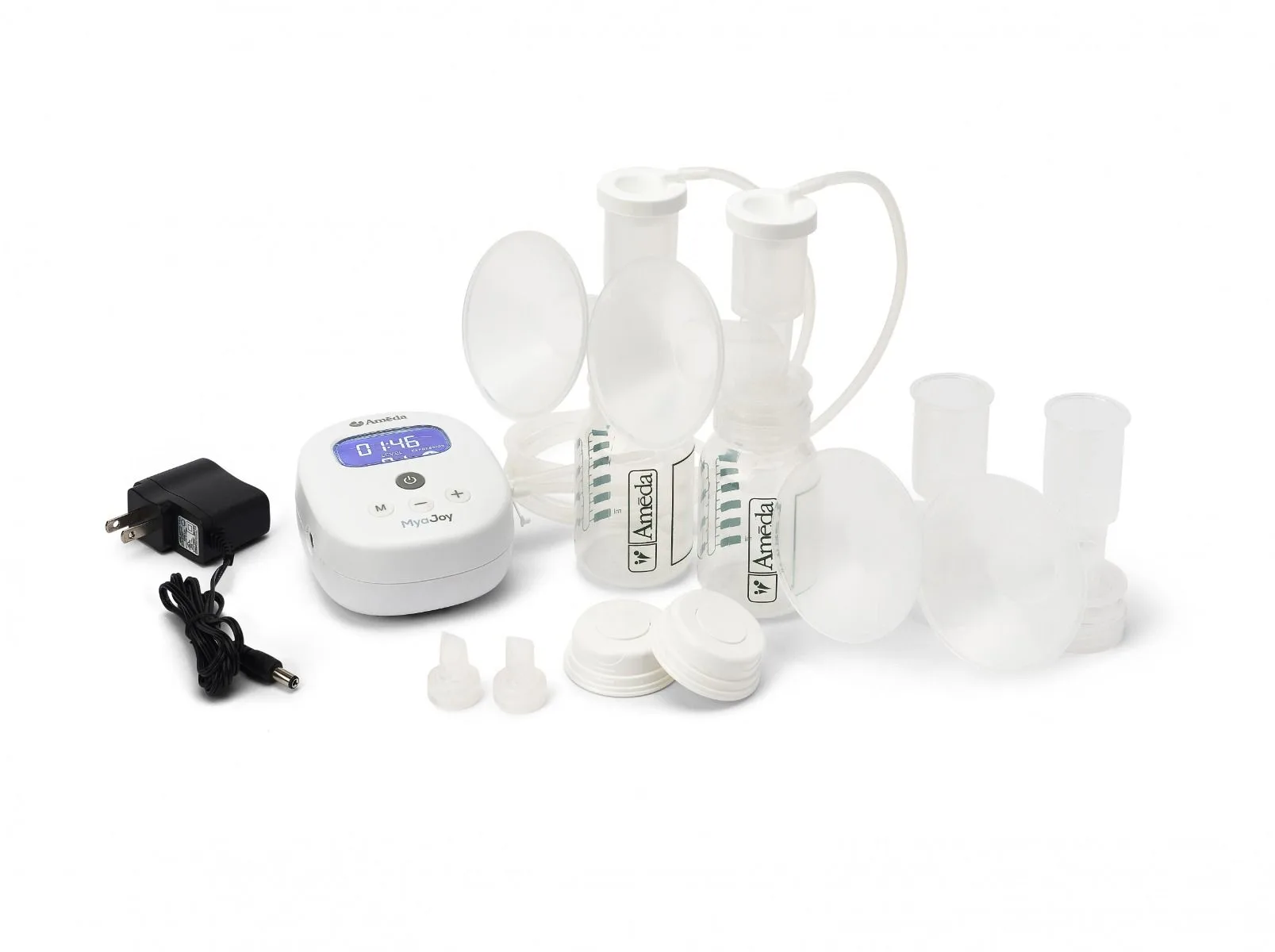
- Pearl Breast Pump Power Adapter: The Ameda Pearl Breast Pump Power Adapter provides a consistent and reliable power source for your Ameda Pearl breast pump. Designed to fit securely and supply the correct voltage, it ensures optimal pump performance. Its compact, lightweight construction makes it ideal for travel or convenient everyday use at home. If your original Pearl adapter is damaged or lost, replacing it with this exact adapter restores safe, consistent power and avoids voltage mismatch issues that could harm the pump.
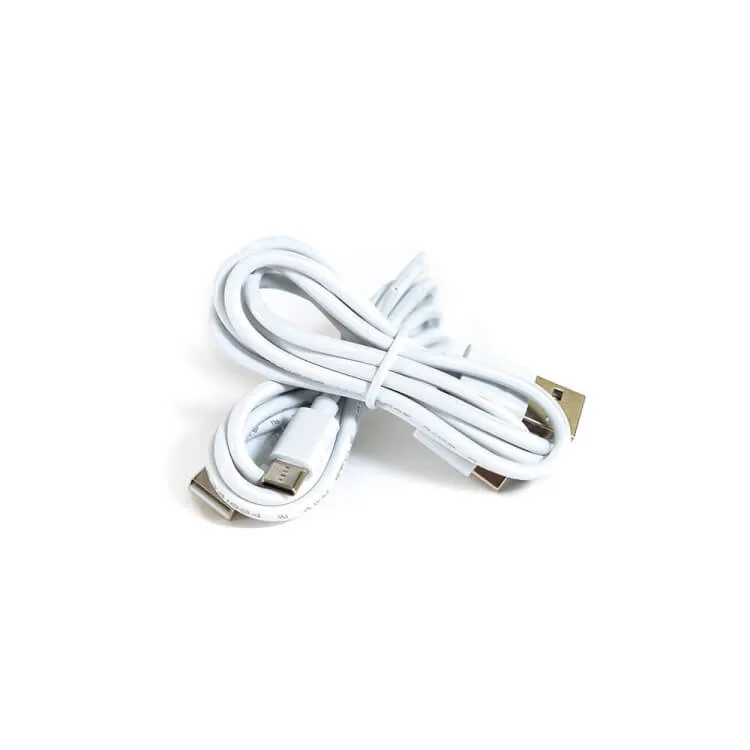
- Ameda GLO USB Charging Cable: Power your GLO Wearable Breast Pump with ease using the Ameda GLO USB Charging Cable. This compact and durable charging cable ensures your pump is always ready, whether you're at home, at work, or traveling. Compatible with standard USB ports, it's easy to plug in anywhere and conveniently charge your pump as needed. The flexible cable design makes it easy to pack in your pumping bag or purse without taking up much space. A worn or broken USB cable is a common cause of charging failures. Swapping in a fresh GLO USB cable is a quick, low-cost fix before assuming the pump battery is dead.