Quick Answer
If your blackhead remover isn't working, the most common reasons are incorrect suction technique, insufficient skin preparation, or using a device that lacks adjustable intensity. Try steaming your face first, starting with the lowest suction setting, and gliding—not pressing—the tool across your skin.
Common Reasons Your Blackhead Remover Isn't Working
Many users expect instant results, but blackhead removal requires patience and proper prep. If you're pressing the device hard into your skin, you're likely closing off the suction port and reducing effectiveness. Instead, hold the tool at a slight angle and let the suction do the work.
Another frequent mistake is using the device on dry skin. Blackheads are hardened sebum, and without softening them first, the suction may only skim the surface. A warm towel or facial steamer for five minutes can make a noticeable difference.
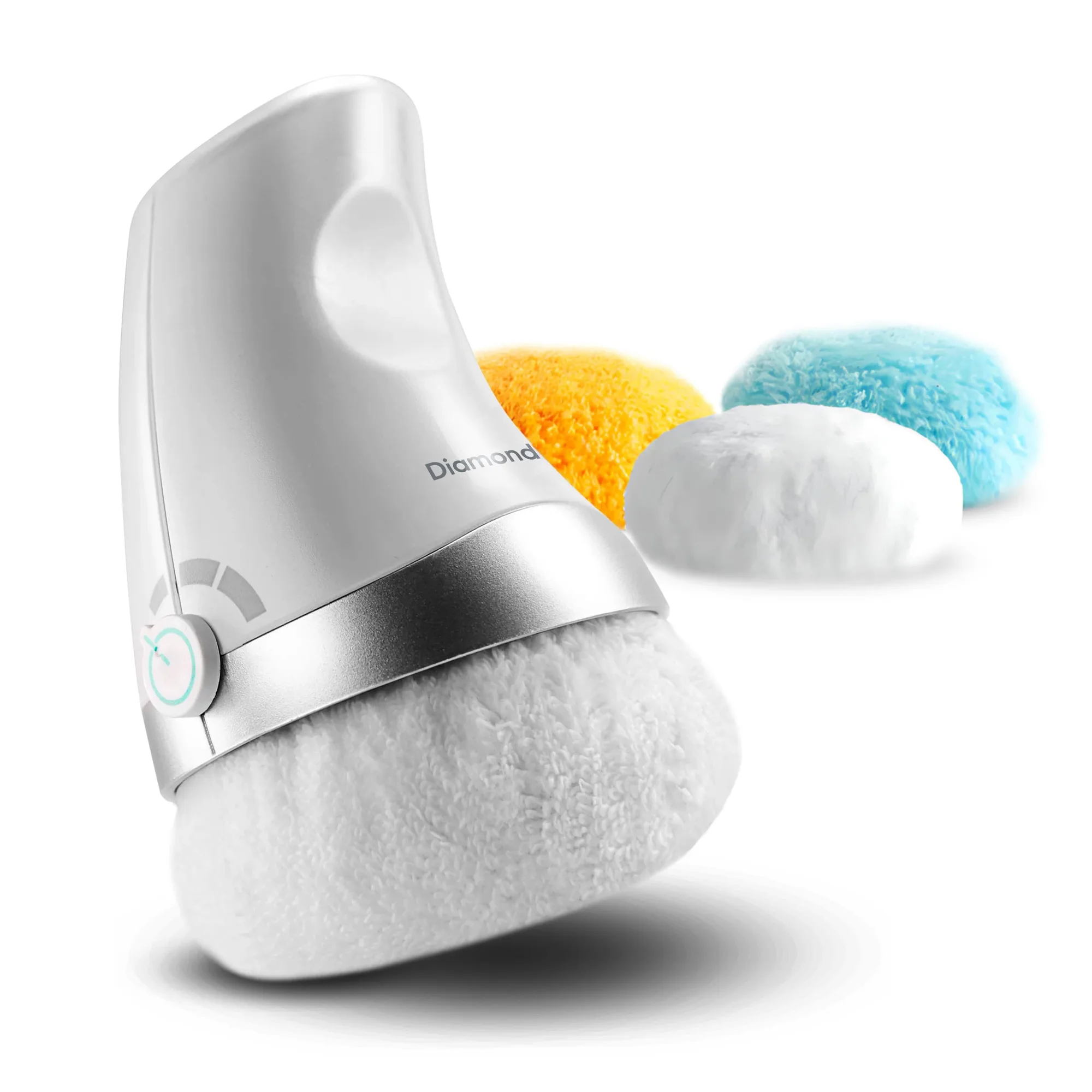
Finally, check your tool's attachments and intensity. A one-size-fits-all approach rarely works. Devices like the SkinClear 3 Blackhead Remover include multiple heads and adjustable levels so you can match the suction to your skin's tolerance and the area you're treating.
How to Use a Blackhead Removal Device Correctly
Start with clean, steamed skin. Pat dry lightly—skin should be damp, not wet. Choose the smallest attachment for the nose and a larger one for the chin or forehead. Set the device to its lowest intensity first, then increase only if you feel no discomfort.
Glide the nozzle in small circles, keeping it flush but not pressed. Each pass should take about two to three seconds. Avoid lingering on one spot for more than a few seconds to prevent bruising or redness. After use, rinse with cool water and apply a non-comedogenic moisturizer.
If you still see stubborn blackheads after two sessions, consider that some blockages may be too deep for suction alone. In that case, a salicylic acid toner or clay mask used between device sessions can help bring them to the surface.
Diagnosis: When to Keep Going vs. When to Stop
- Symptom: No visible blackheads are removed after a full session. Likely cause: skin not prepped or suction too low.
- Likely Cause: Dry skin, pressing too hard, or using the wrong attachment. Corrective action: steam first, use lowest setting, glide don't press.
- Corrective Action: Re-prep skin and try again with adjusted technique. If still ineffective after two attempts, consider a different tool or deeper-clearing product. Checkpoint: If redness or pain occurs, stop immediately.
- Stop / Choose Another Option: If the device consistently fails to remove blackheads even with proper technique, or if it causes persistent irritation, it may not be strong enough for your skin type. A device with more suction power or a different extraction method (e.g., manual extractor or professional treatment) may be more suitable. Verdict: Know when to switch methods to avoid frustration or skin damage.
Product That Can Help
- SkinClear 3 Blackhead Remover: This handheld skincare tool is designed to offer a simple way to support everyday pore care at home. It uses a light suction mechanism that can help lift surface-level buildup from the skin. The device includes several attachments and adjustable intensity levels so it can be adapted to different personal preferences. Adjustable intensity and multiple heads let you tailor the suction to your skin's needs, reducing the risk of ineffective treatment or irritation.