Quick answer
A bent, damaged, or overly thick BNC cable can introduce signal loss or interference. Inspect the connector, check for kinks, and consider a slimmer 90-degree cable for tight rigs.
Why cable thickness and angle matter
Thick BNC cables are harder to route in compact camera rigs, and sharp bends can damage internal shielding or the conductor, leading to intermittent signal loss. A 90-degree connector helps avoid tight bends at the port, reducing strain on the cable and connector.
The SHAPE Skinny 90-Degree BNC Cable is only 2.5mm in diameter, making it much easier to route in tight spaces without kinking, and its 90-degree design keeps the connector aligned with the port, minimizing stress and signal degradation.
Diagnosis steps
- Symptom: Intermittent or complete loss of video signal, flickering, or sparkles on the monitor.
- Likely cause: A damaged BNC connector (bent center pin, loose crimp), a kinked or overly thick cable, or a 90-degree bend that exceeds the cable's bend radius.
- Corrective action: Inspect the connector for visible damage. If the cable is kinked or too thick for your rig, replace it with a slimmer 90-degree BNC cable like the SHAPE Skinny 90-Degree BNC Cable (2.5mm diameter). If the cable is undamaged but still causes signal loss, try a different port or cable to isolate the issue.
Product facts
-
SHAPE Skinny 90-Degree BNC Cable 12 inches Black: At only 2.5mm in diameter, this thin 90-degree male-to-male BNC Cable from SHAPE can be used with nearly any component in your rig and will increase the accuracy of the signals sent from the video adapter. The slim profile avoids kinks in tight rigs, and the 90-degree connector reduces strain on the port, both of which help maintain a stable video signal.
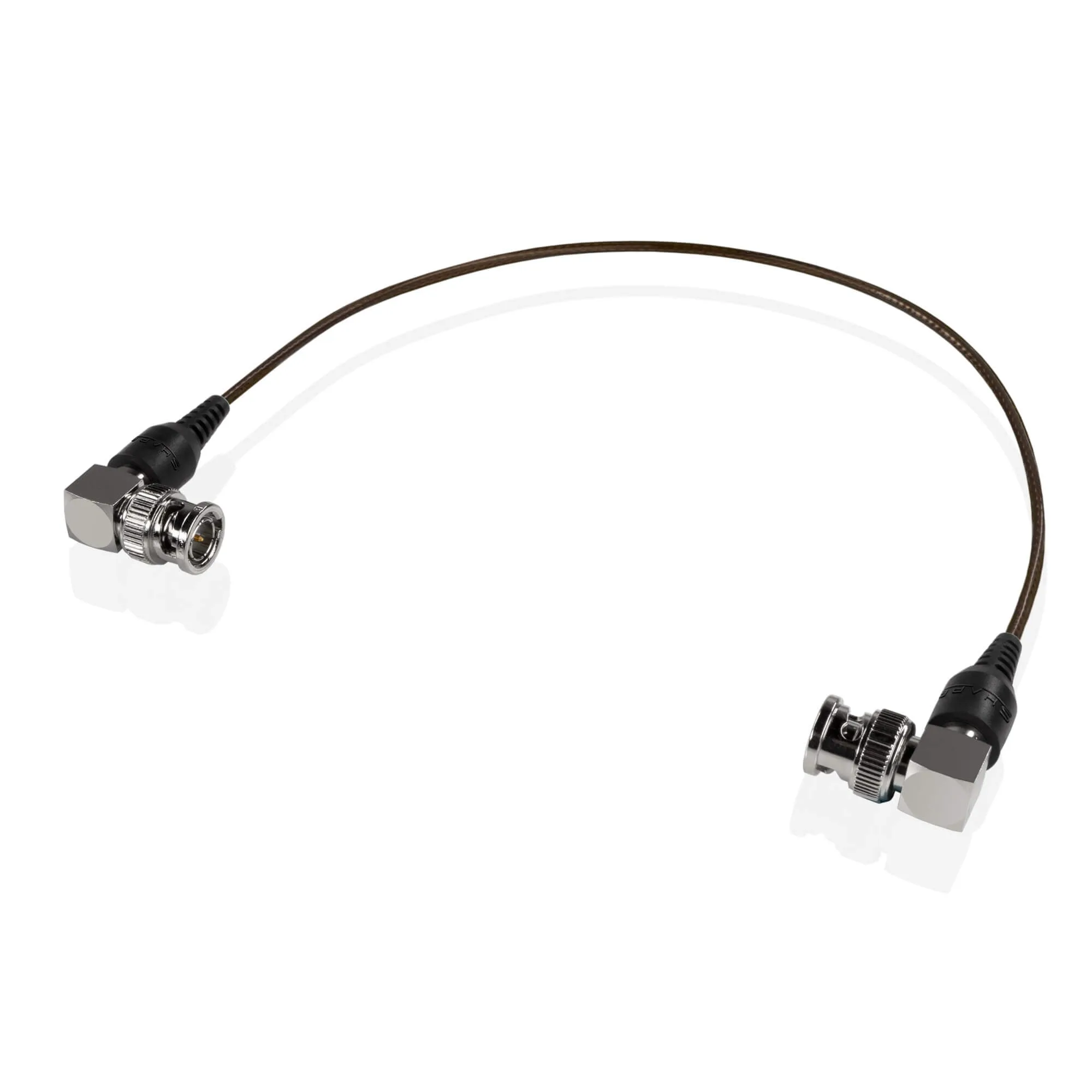
SHAPE Skinny 90-Degree BNC Cable 12 inches Black