Quick answer
Charging stations typically overheat due to poor ventilation, misaligned coils, or incompatible cases. The fix is usually simple: adjust placement, remove thick cases, or switch to a station with built-in thermal management.
Why overheating happens
Wireless charging generates heat as a natural byproduct of energy transfer. When the charging station and device coils are not perfectly aligned, the system works harder and produces more heat. Similarly, placing the station on a soft surface like a bed or carpet blocks airflow and traps heat.
Another common cause is a thick or non-compatible phone case. Cases with magnetic attachments, metal elements, or excessive thickness can interfere with charging efficiency, forcing the station to draw more power and overheat.
When overheating is a safety concern
While most modern charging stations have built-in temperature sensors and auto-shutoff features, prolonged overheating can degrade battery health and, in rare cases, damage the charger. If your station feels hot to the touch (above 110°F / 43°C), it's worth investigating before continued use.
Diagnose and fix your overheating charging station
- Symptom: The charging station or your device feels unusually warm during charging, or charging speed has slowed noticeably.
- Likely cause: Check two things: (1) Is the station on a hard, flat surface with at least 2 inches of clearance on all sides? (2) Is your phone case thicker than 3mm or does it contain metal or a magnetic ring? If both are fine, the cause may be coil misalignment. Try repositioning the device slightly.
- Corrective action: Move the station to a hard surface. Remove any case thicker than 3mm or one with metal/magnetic parts. If the problem persists, realign your phone on the charger until charging starts reliably. After making changes, let the station charge for 10 minutes and feel the temperature again.
- When to stop or choose another option: If the station still overheats after trying these steps, stop using it. Consider a model with active cooling or a larger charging surface, like the SUMMIT ULTRA 3-in-1, which offers better heat dissipation through its open layout. Do not continue using a charger that remains hot to the touch after troubleshooting.
Products that help manage heat
-
SUMMIT ULTRA 3-in-1 Wireless Charging Station: The SUMMIT ULTRA 3-in-1 Wireless Charging Station charges multiple devices simultaneously while reducing desk clutter. Its open design promotes airflow around each device, helping to dissipate heat more effectively than enclosed or stacked chargers.
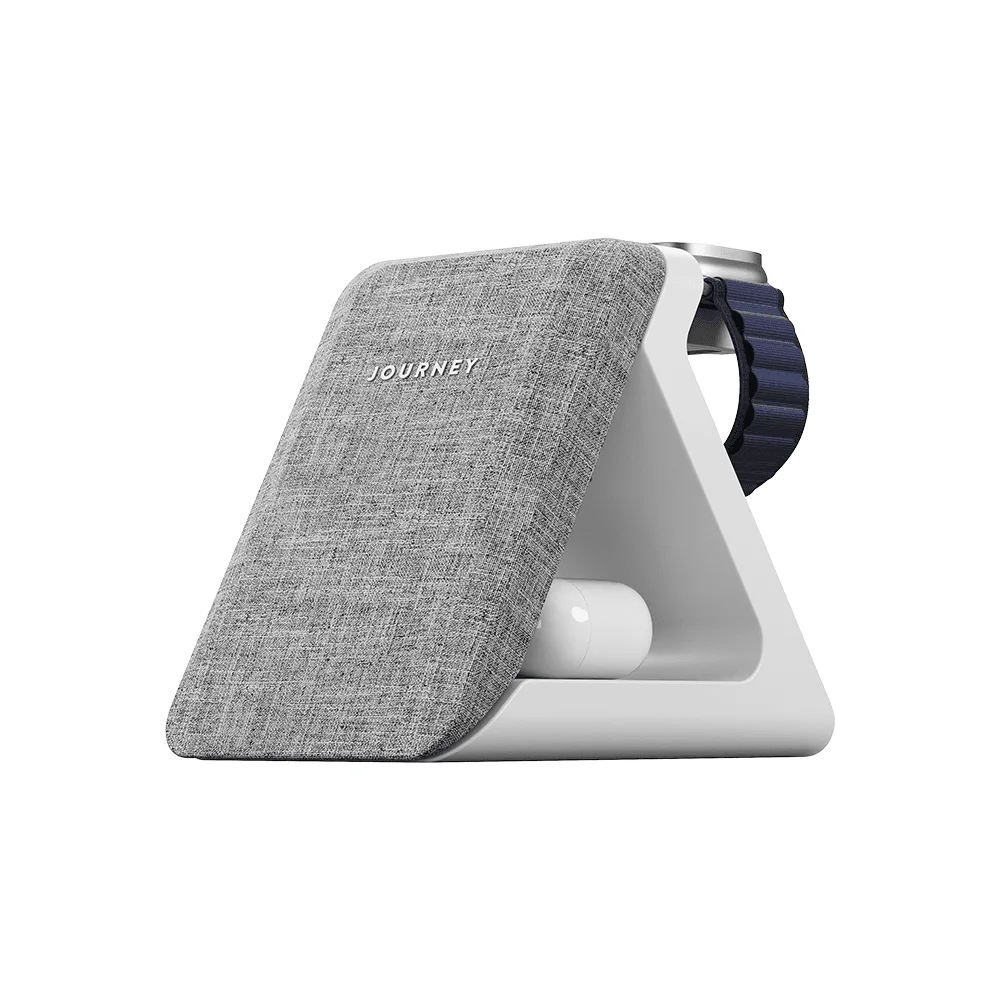
SUMMIT ULTRA 3-in-1 Wireless Charging Station