Quick answer
To prevent scratches on film negatives, handle them with cotton gloves, clean them with an anti-static microfibre cloth, and store them in acid-free negative pages. If you see scratches, identify the source first—often dust or improper handling—before attempting any cleaning.
Dust is the most common culprit
Tiny dust particles on the film surface act like sandpaper. When you slide negatives in and out of sleeves or handle them without protection, these particles can leave fine scratches. An anti-static cleaning cloth helps remove dust without rubbing it into the emulsion. The Calotherm Calocloth is designed for optical surfaces and is washable, so it won't leave behind fibers that could cause more scratches.
Handling without gloves leaves fingerprints and oils
Natural skin oils attract dust and can leave residues that make scratches more likely. Even clean hands can transfer enough oil to create a sticky surface. Cotton gloves, like the Kaiser 100% Cotton Gloves, provide a barrier that prevents fingerprints and keeps the film surface clean. They are lint-free and washable, making them a practical choice for darkroom work.
Storage pages: the right material matters
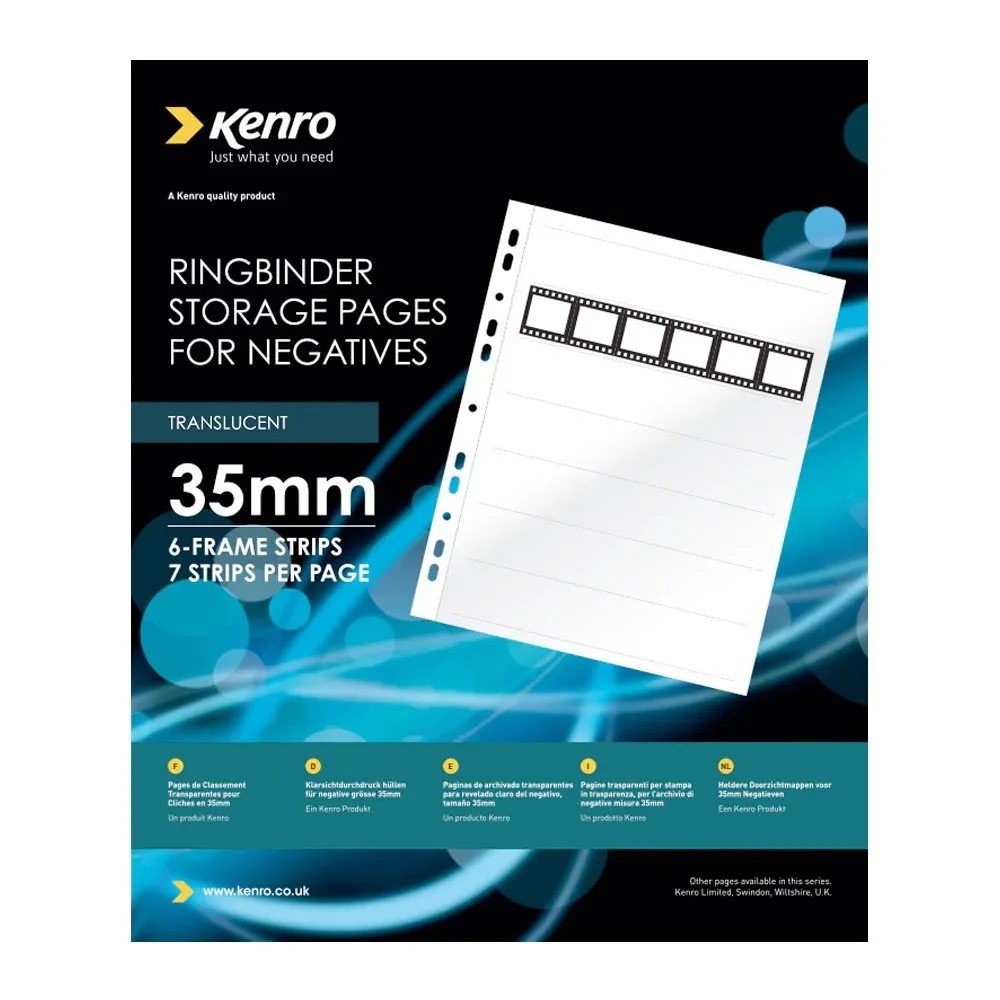
Storing negatives in poor-quality sleeves can cause scratches as you slide them in and out. Acid-free pages, such as the Kenro Negative Pages, are designed for long-term storage and won't degrade over time. The translucent paper option is economical, while print-through acetate allows contact printing without removing the negatives. Both are free from acid and chlorine, which is essential for archival safety.
Diagnose and fix scratches on your negatives
- Symptom: Fine lines running along the length of the film: These are usually caused by dust or grit on the film surface or in the storage sleeve. The scratches appear parallel to the film's direction because that's how the film moves. Inspect your storage sleeves for dust and clean them regularly.
- Likely cause: Dust or grit on the film or sleeve: When you slide the negative in or out, the particles act like sandpaper. Even a few specks can leave noticeable lines. Use an anti-static cloth to gently wipe the film before inserting it into a sleeve.
- Corrective action: Clean the film and storage area: Hold the negative by the edges, use a blower to remove loose dust, then gently wipe with an anti-static microfibre cloth. Ensure the sleeve is clean before sliding the negative back in. If scratches are already deep, they cannot be removed; focus on preventing further damage.
- When to stop or choose another option: If the scratches are deep or you notice emulsion damage, do not try to clean the film further—you may make it worse. Consider scanning the negative as is or seeking professional restoration. For valuable negatives, consult a professional before attempting any cleaning.
Products that help prevent scratches
-
Calotherm Calocloth Anti-static Microfibre Cleaning Cloth: High-tech microfibre fabric for all optical lens systems; washable; 8 x 6 inches; made in the UK. Use it to gently remove dust from negatives before handling or scanning, reducing the risk of scratching.
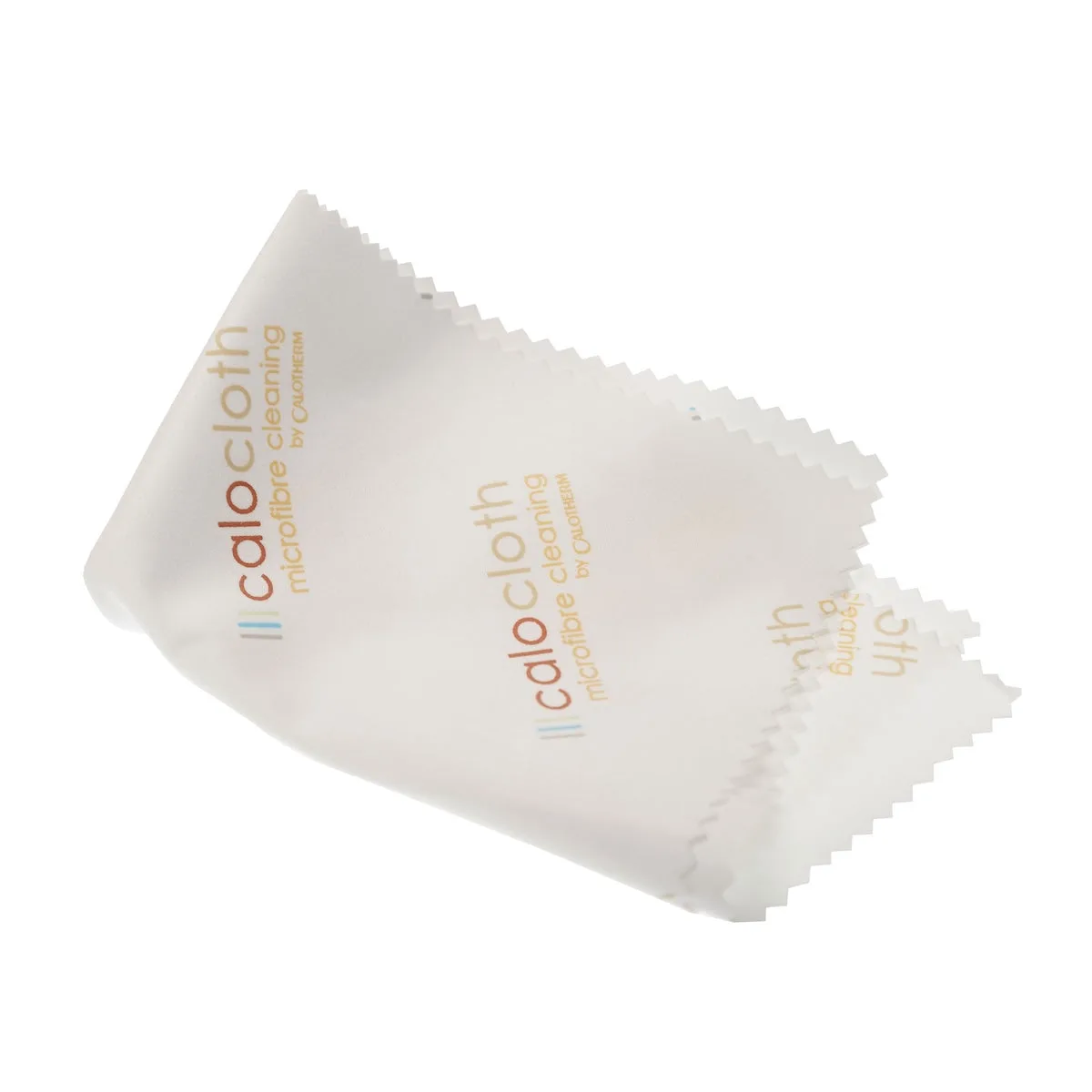
Calotherm Calocloth Anti-static Microfibre Cleaning Cloth
-
Kaiser 100% Cotton Size L Gloves - 1 Pair: 100% cotton, acid-free, easy-care, and washable; prevents fingerprints on photographs, negatives, and slides. Wearing these gloves stops oils and dirt from your hands reaching the film surface, a common cause of scratches.
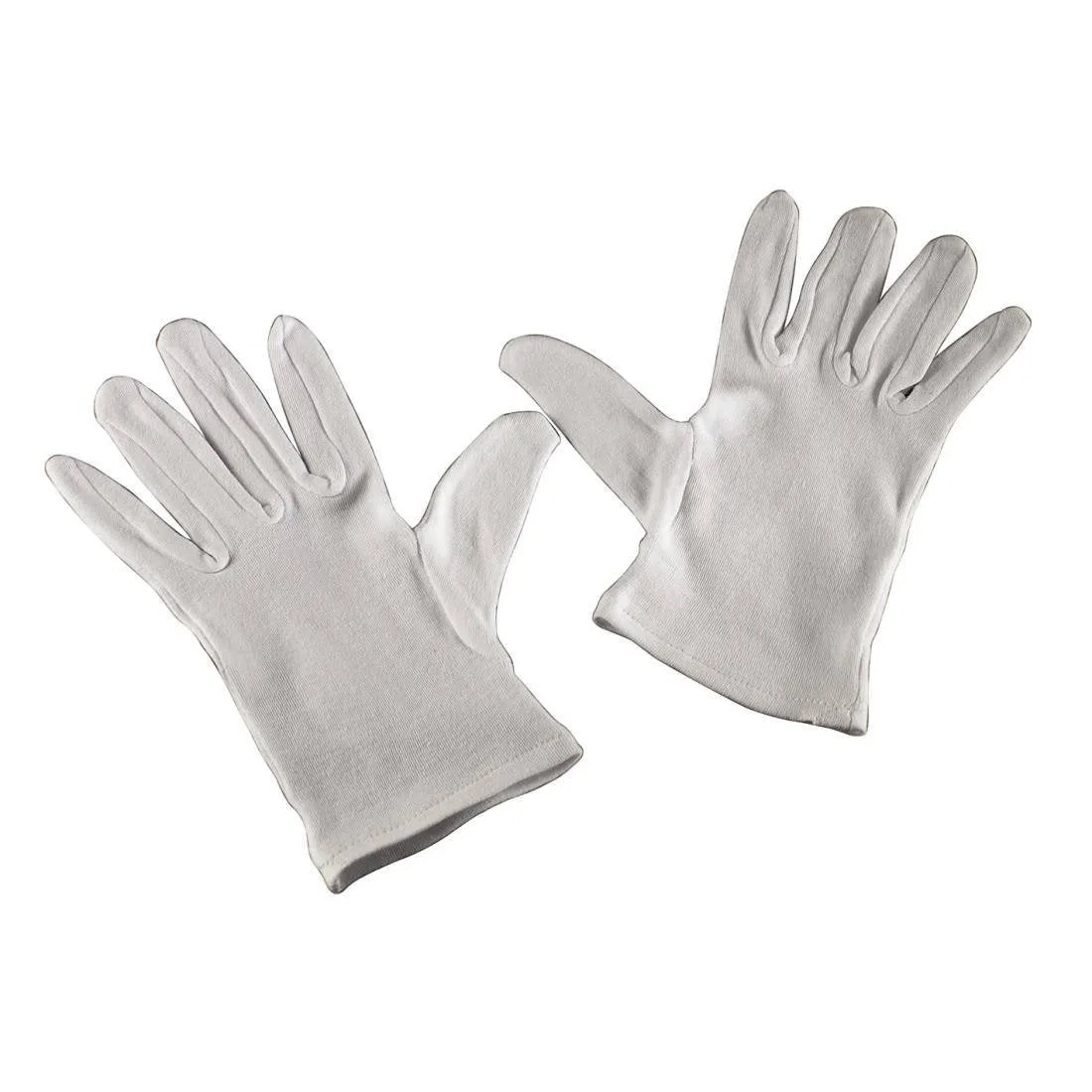
Kaiser 100% Cotton Size L Gloves - 1 Pair
-
Kenro Negative Pages - 35mm 25 sheets: Acid-free and chlorine-free pages for long-term negative storage; includes an indexing card. Storing negatives in these pages protects them from dust and physical damage, and the indexing card helps you track shooting data.