Quick Answer
A soft image from a handheld FX filter usually comes from the filter being too far from the lens, a slight tilt, or your camera focusing on the filter instead of the subject. Adjust the distance, keep the filter parallel, and use manual focus to restore sharpness.
Why Distance and Angle Matter
Handheld filters are designed to be held in front of your lens, not attached. The farther the filter is from the lens, the more it acts like a separate optical element, which can blur the image. Similarly, if the filter is tilted even slightly, it can distort the light path and soften your focus.
The Spectre FX filter, for example, is meant to be dodged in front of the lens to create a ghosting motion blur effect. But if you hold it too far away, that creative blur can turn into an overall lack of sharpness. The same applies to the Handheld Kaleidoscope FX: keeping it close and parallel to the lens preserves the kaleidoscope pattern while keeping your subject crisp.
Focus and Aperture Considerations
Your camera's autofocus may lock onto the filter itself rather than your subject, especially if the filter is close to the lens. Switching to manual focus and setting your focus on the subject can solve this. Also, a wide-open aperture increases the risk of softness; stopping down slightly can add depth of field and reduce the appearance of blur.
If you're using a filter with a strong effect, like the Spectre's ghosting blur, some softness is inherent to the look. But if you want a sharp image with the effect, you need to balance the filter's position and your camera settings.
Diagnose and Fix Your Soft Image
- Symptom: The whole image is soft, even without the filter effect: Your filter is likely too far from the lens. Move it closer until it almost touches the front element, then check your focus. If moving closer doesn't help, your camera may be focusing on the filter.
- Symptom: The edges are blurry but the center is sharp: The filter is probably tilted. Hold it parallel to the lens, and if needed, use a small adjustment to find the sweet spot. If you can't keep it parallel, consider using a filter holder or asking a friend to hold it.
- Symptom: Autofocus locks on the filter, not the subject: Switch to manual focus and focus on your subject. If you're shooting video, use focus peaking to confirm sharpness. If manual focus is difficult, stop down your aperture to increase depth of field.
- Symptom: The image is soft only when the effect is strong: This may be the intended look of the filter. If you want a sharper image, reduce the effect by holding the filter slightly farther or using a smaller aperture. If the softness is part of the creative effect, stop here. If not, try the previous fixes.
Products Mentioned
-
Handheld Spectre FX Filter: The Spectre FX filter creates a ghosting motion blur / slow shutter effect in camera when held directly in front of your lens. Holding it too far from the lens can turn the intended effect into an overall soft image, so keeping it close is key.
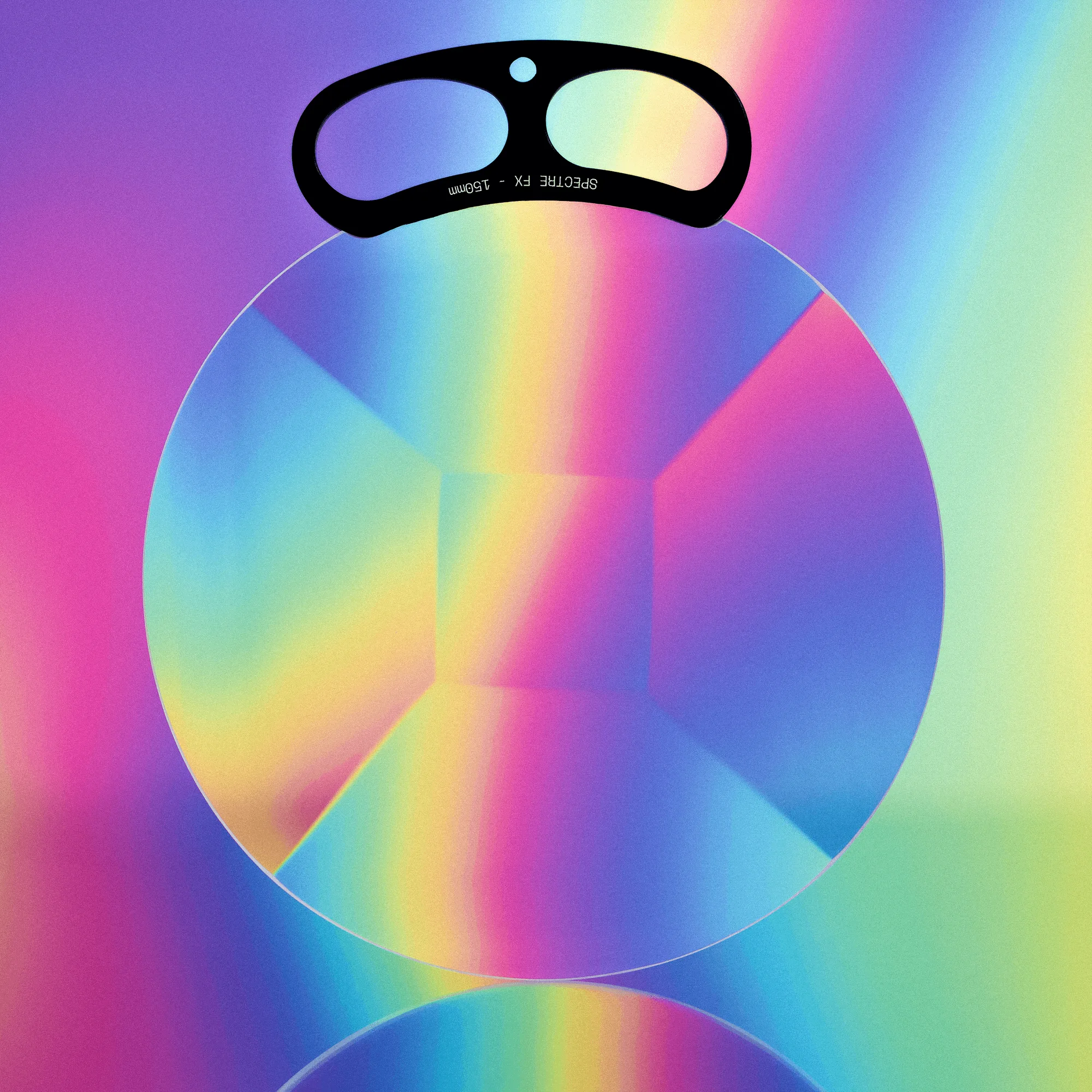
Handheld Spectre FX Filter
-
Handheld Kaleidoscope FX: The Handheld Kaleidoscope FX is available in 100mm and 150mm sizes to suit your shooting needs. Choosing the right size for your lens helps you hold it closer and more parallel, which preserves sharpness.
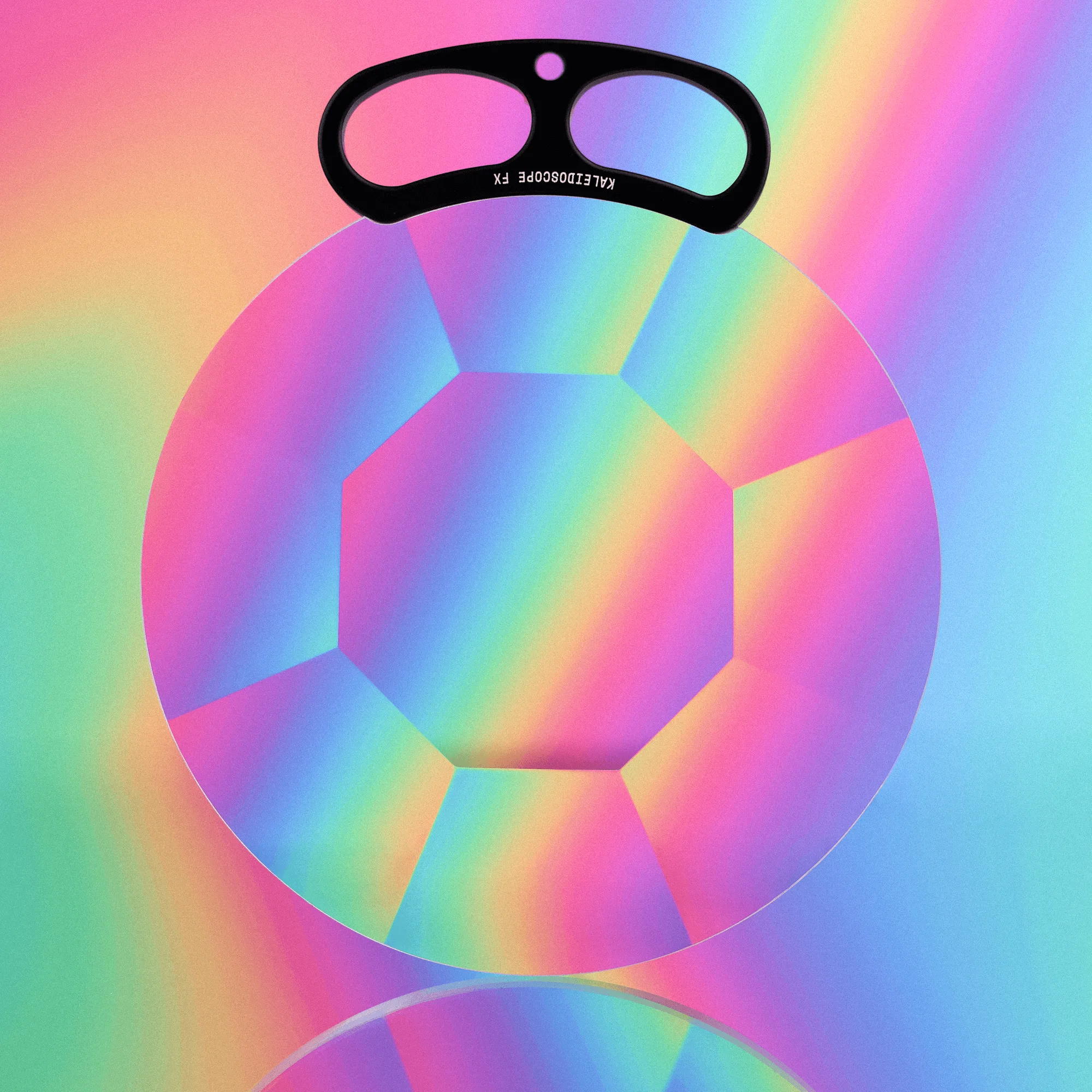
Handheld Kaleidoscope FX