Quick answer
Most MagSafe grip failures come from something between the two surfaces, a case that was never magnetic to begin with, or heat exposure, not from the magnet wearing out. Clean both mating surfaces with a dry, lint-free cloth, remove any metal plate or ring sticker, and re-test with one accessory at a time. If a genuine MagSafe-compatible case still slides after that, the case is the problem, not your technique.
Symptom check: is it slipping, sliding, or not snapping at all?
These are three different faults and they point to different causes. Slipping means the accessory stays attached but rotates or creeps sideways under light hand pressure. Sliding means it holds at rest but detaches when you lift the phone or move quickly. Not snapping at all means you feel no magnetic pull when you bring the accessory close, which almost always means there is no magnet array in the case or an obstruction between the two surfaces.
Test each accessory separately rather than judging the whole system at once. A wallet that slides on a case that holds a charger firmly is a wallet problem, not a case problem. Note whether the failure is rotational, vertical, or total, because that single observation eliminates most of the guesswork below.
The four causes worth checking before you replace anything
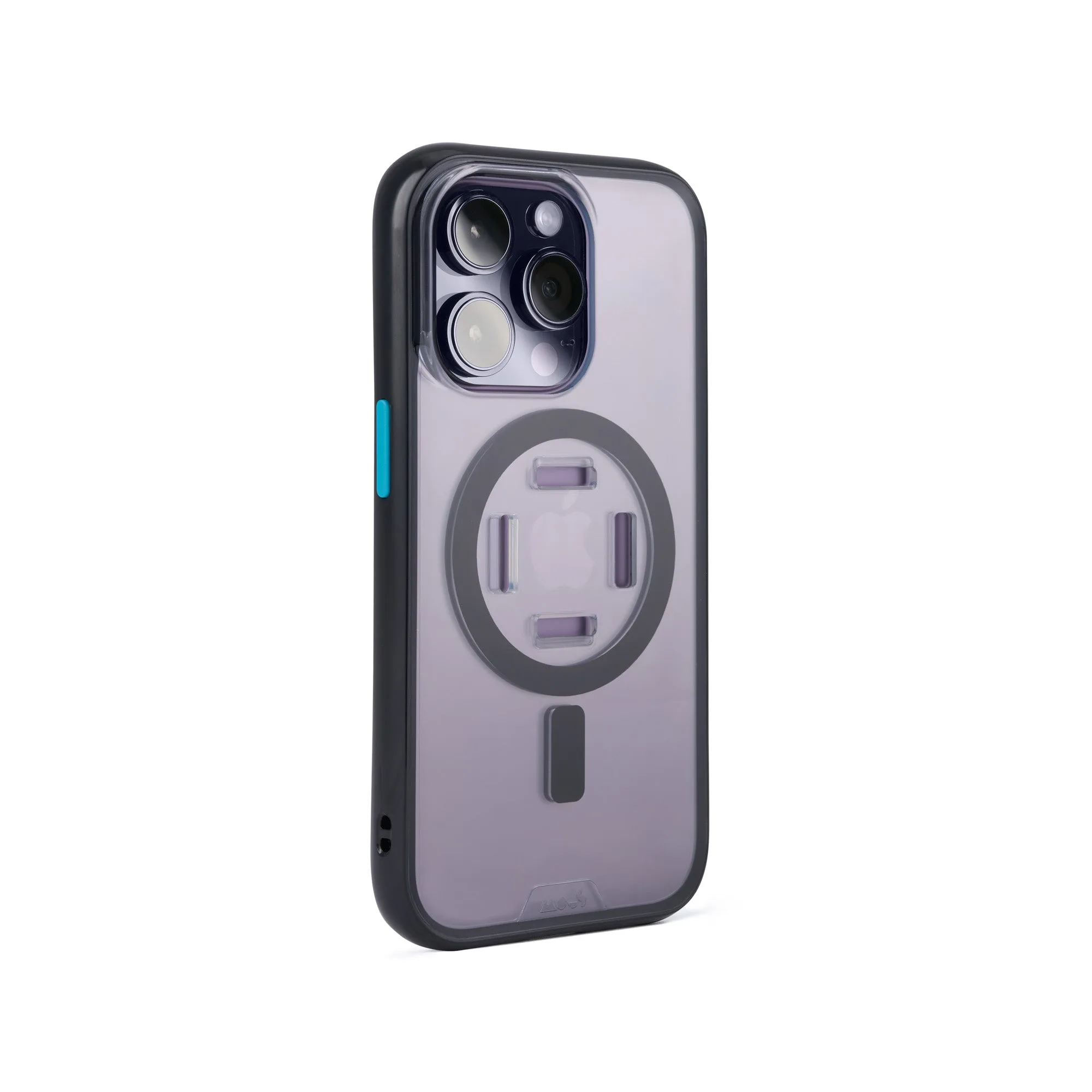
Contamination is the most common and the easiest to rule out. Oils from your hands, pocket lint, and fine dust collect on both the case back and the accessory pad, and even a thin film reduces grip noticeably. Alignment matters too: MagSafe arrays only hold at full strength when the accessory ring sits concentric with the case ring, so an off-centre wallet or a thick camera bump that tilts the accessory will feel weak even on a good case.
Heat is the third cause and the one people miss. A phone that has been charging wirelessly in a warm car or under a pillow can soften adhesives inside an accessory and temporarily reduce holding force. The fourth is the case itself: a case with no magnet array, a metal plate stuck inside it, or a very thick back panel will never hold the way a purpose-built magnetic case does.
- Wipe the case back and the accessory pad with a dry microfibre cloth, then re-test before doing anything else.
- Remove any adhesive metal plate or ring sticker, including ones hidden under a skin or insert.
- Check that the accessory is centred on the case ring, not offset toward the camera.
- Let a warm phone return to room temperature for ten minutes and test again.
How to clean a MagSafe case without damaging the magnet layer
Keep it dry and gentle. A dry microfibre cloth removes most of what causes slipping, and a barely damp cloth with plain water handles sticky residue. Avoid alcohol-based cleaners, abrasive pads, and anything that soaks into the case, because liquid can work under the lining of a magnetic case and loosen the magnet array or leave residue that makes grip worse.
Clean the accessory too, not just the case. The silicone or leather pad on a wallet or mount picks up the same oils, and cleaning only one side of the interface rarely fixes the problem. Once both surfaces are clean, press the accessory into place and rotate it gently with two fingers; it should resist rotation evenly in every direction. Uneven resistance points to an alignment or contamination issue rather than a weak magnet.
When to stop troubleshooting and change your setup
Stop cleaning and re-testing if the case was never advertised as MagSafe compatible, if a metal plate is bonded inside it, or if the back panel is thick enough that the accessory sits visibly proud of the surface. In those situations no amount of care will produce a strong hold, and repeated attempts just risk damaging the case.
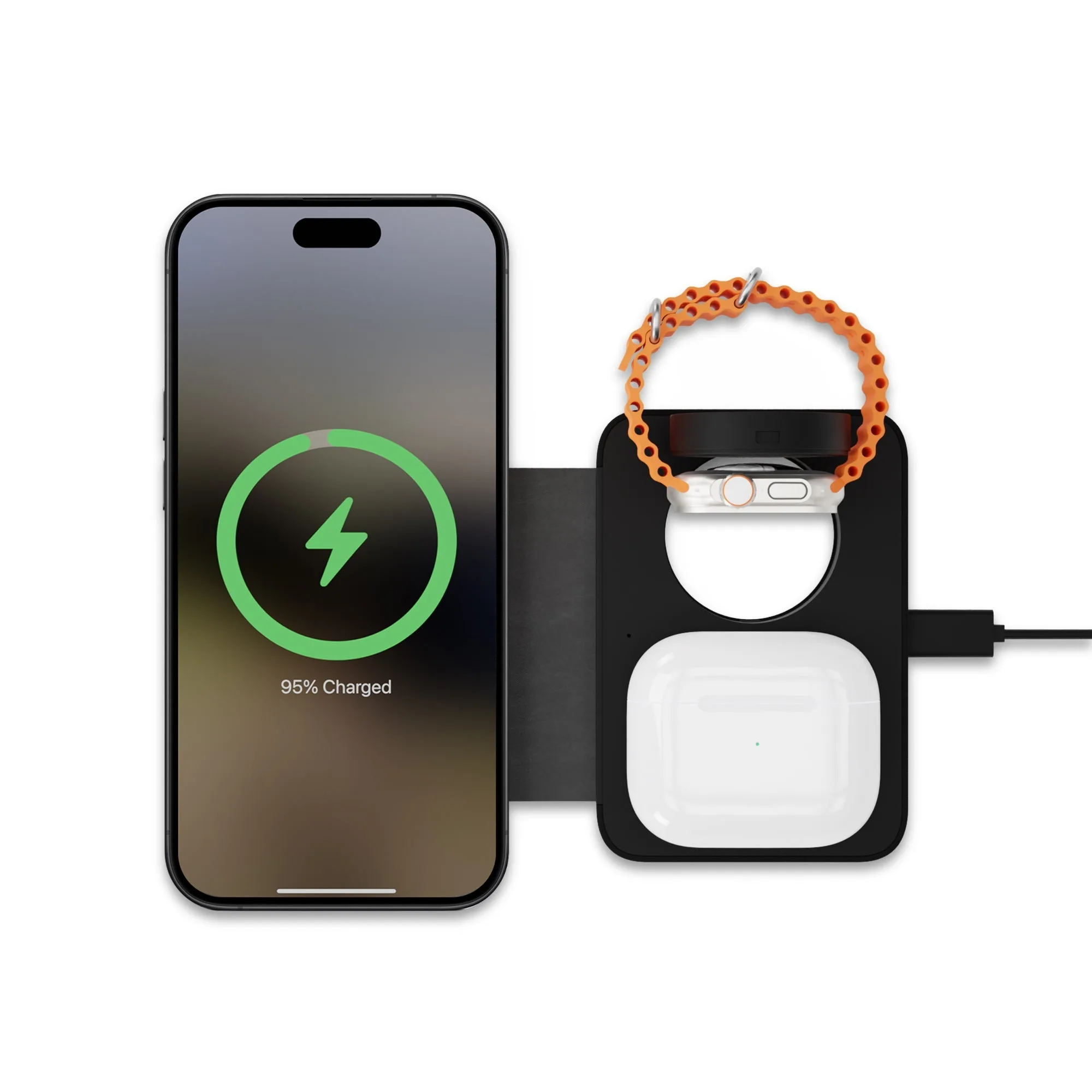
If you use a magnetic case and still want a charger that stays put, a compact multi-device charger with a MagSafe-compatible module removes the alignment guesswork for the charging part of your routine. The 3-In-1 Wireless Portable Charger from the Mous range charges three devices at once, which is useful if you are already juggling a phone, watch, and earbuds on the same bedside surface.
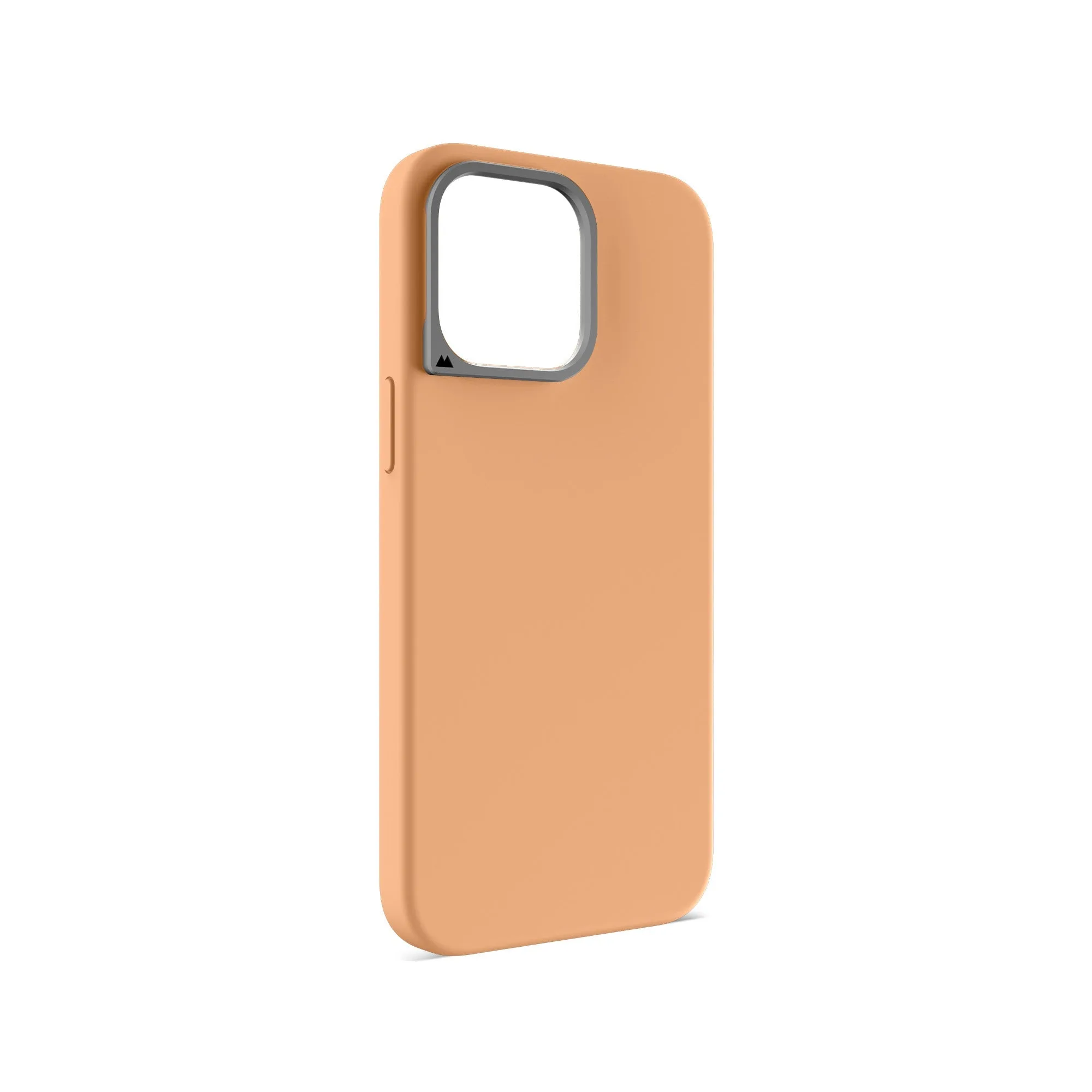
If the case itself is the weak link, replace it with one built around a magnet array rather than adding a sticker to a non-magnetic case. The MagSafe Compatible Black Silicone Phone Case - Minimalist is a slim silicone option with full MagSafe compatibility, so the magnet layer is part of the case rather than an afterthought.
Diagnosis: match the symptom to the fix
- Accessory spins freely but stays attached: Usually contamination or a slightly off-centre ring. Clean both surfaces with a dry microfibre cloth and re-seat the accessory concentrically. If it still spins evenly after cleaning, the case magnet array is fine and the accessory pad is the weak point.
- Accessory holds at rest but drops when you lift the phone: Often a thickness or alignment issue: a thick case back, a camera bump tilting the accessory, or a plate inserted between case and phone. Remove inserts and test again. If it still drops, move to a case designed around a magnet array.
- No magnetic pull at all: The case almost certainly has no magnet array, or a metal plate is blocking it. Cleaning will not help. Stop here and replace the case rather than adding adhesive magnets.
- Grip fades only after wireless charging or a hot car: Heat softens accessory adhesives and temporarily reduces holding force. Let the phone cool to room temperature and retest. If grip returns when cool, the case is fine; change where you charge, not what you carry.
Products that solve the grip problem properly
- MagSafe® Compatible Black Silicone Phone Case - Minimalist: Soft silicone case with full MagSafe compatibility in a slim, sleek design. A case with a built-in magnet array holds accessories at full strength, so you are not relying on an adhesive plate that can shift or weaken.
- 3-In-1 Wireless Portable Charger: Super-light, compact portable charger with a MagSafe compatible charging module, an Apple Watch module, and a wireless earbuds module. A single aligned charging surface for three devices cuts down on the repositioning that makes accessories feel like they are slipping.
- 20W USB—C Power Adaptor — Type A: 20W USB-C power adaptor with a USB-C connection and a compact design suitable for travel or everyday use. A consistent power source keeps wireless charging predictable, so you can tell whether a weak hold is a grip problem or a charging problem.