Quick answer
Your phone gets warm during charging because converting electrical energy into battery chemistry always loses some energy as heat. Fast charging increases that heat, but it should stay warm, not hot. If your phone becomes uncomfortably hot, stop charging, remove the case, and try a different cable or charger. If it still overheats, the battery or charging port likely needs professional service.
Common causes of phone overheating while charging
Heat during charging comes from three main sources: the charger converting AC to DC, the phone's charging circuitry, and the battery itself. Fast charging pushes more power through the system, so it naturally generates more heat. But overheating usually points to a specific bottleneck. A damaged cable, a charger that doesn't communicate properly, a thick case that traps heat, or a battery that is aging can all raise temperatures beyond normal.
Ambient temperature matters too. Charging in direct sunlight, on a bed, or inside a hot car makes it harder for the phone to dissipate heat. If the phone is also running navigation or games while charging, the processor adds its own heat on top of charging heat.
Fast charging heat: what's normal and what's not
It's normal for a phone to feel warm—up to about 40°C (104°F) on the surface—during fast charging. That's the system working as designed. But if the phone becomes too hot to hold comfortably, or if you see a temperature warning, that's a sign to intervene. Many phones automatically slow charging or stop altogether when they get too hot, which is a safety feature, not a malfunction.
The key is consistency. If your phone only gets hot with one specific charger or cable, that accessory is the likely culprit. If it overheats with every charger, the phone itself may have a battery or charging port issue.
How to fix fast charging heat: practical steps
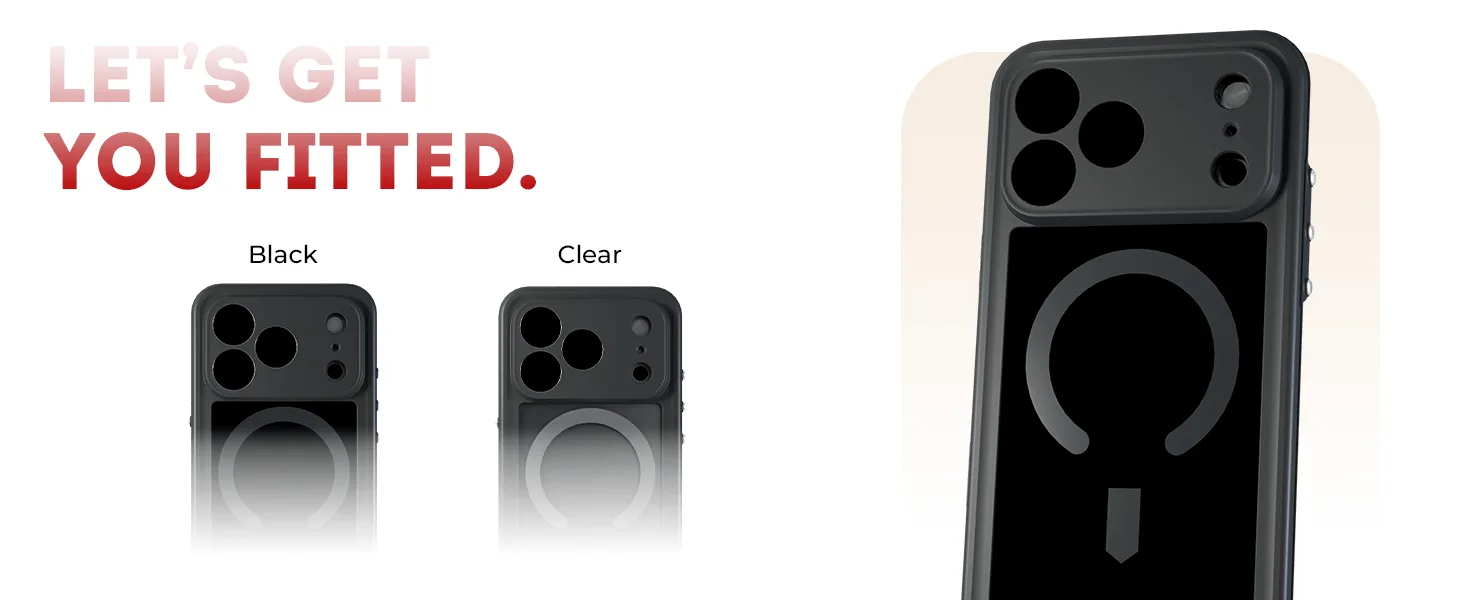
Start by removing your phone case while charging. Cases trap heat, especially thick or poorly ventilated ones. A clear MagSafe case like the COVERT Snap Case from GHOSTEK is slim and designed to let heat escape more easily than bulky rugged cases, but any case will reduce cooling. If you need to charge quickly, take it off.
Next, check your cable and charger. Use a certified cable that matches your phone's fast charging standard. A worn or cheap cable can cause resistance and excess heat. If you're using a dual-port charger, try charging only one device at a time to see if heat drops. Charging two devices at once splits the power and can increase heat in the charger itself, which may transfer to the phone.
Avoid charging in direct sunlight or on soft surfaces like beds and couches. Hard, open surfaces allow better airflow. Also, close power-hungry apps and avoid using the phone for gaming or video while charging. If you must use it, expect more heat.
When to stop and seek professional help
If your phone still overheats after trying a different charger, cable, and removing the case, stop charging and seek help. Continuing to charge an overheating phone can damage the battery or pose a safety risk. Look for these red flags: the phone is too hot to touch, the battery drains unusually fast, the charging port looks discolored or feels loose, or you see a temperature warning that appears even when the phone is idle.
In these cases, the issue is likely internal—a failing battery, a damaged charging port, or a problem with the phone's power management. A repair technician can diagnose it. Do not try to cool a hot phone by putting it in a freezer or fridge; sudden temperature changes can cause condensation and further damage.
Diagnosis: match your symptom to the cause and action
- Phone is warm but not hot: This is normal during fast charging. The phone may reach around 40°C (104°F) on the surface. No action needed unless it becomes uncomfortable to hold. Continue charging as usual, but avoid using the phone for heavy tasks.
- Phone gets hot only with one charger or cable: The accessory is likely inefficient or damaged. Try a different certified cable and charger. If the problem persists with the original accessory, replace it. If a new charger solves it, retire the old one.
- Phone gets hot with any charger, even after removing the case: The issue may be internal—battery degradation, a faulty charging port, or power management failure. Stop charging and have the phone inspected by a professional. Do not continue charging if the phone is too hot to touch or shows a temperature warning.
Product facts
- 45W Dual USB-C Wall Charger Fast Charging — NRGlinkWall Charger 45W / White: 45W total power output with dual USB-C ports allows you to charge two devices simultaneously. Charging two devices at once splits the power and can increase heat in the charger. If your phone gets hot, try charging one device at a time to see if that helps.
- iPhone 17 / Air Series Protective Clear MagSafe Cases — COVERTiPhone 17e / Smoke Matte: COVERT Snap Case for iPhone 17e has a clear design with a smoke matte finish and built-in MagSafe compatibility. A slim, MagSafe-compatible case adds protection without the bulk that traps heat. Removing it during fast charging can help your phone stay cooler.