Quick answer
Most soft photos are caused by missed focus, camera shake, or a shutter speed that is too slow for the subject. Check those three first before blaming the lens. If your test shots are sharp on a tripod with manual focus, the problem is technique or settings, not your equipment.
Separate focus errors from motion blur
Look closely at what is sharp in the frame. If something behind or in front of your subject is sharp, you have a focus problem. If nothing is sharp and edges look doubled, you have motion blur. This single check cuts your troubleshooting in half. Front focus and back focus are specific calibration errors where the camera consistently focuses slightly ahead of or behind the intended point. They are less common on modern mirrorless cameras but still appear with adapted lenses or certain body-lens combinations.
- Focus error: something else in the frame is sharp
- Motion blur: nothing is sharp, edges smear in one direction
- Lens defect: one side or corner is soft while the center is sharp
Check shutter speed against your lens and subject
A common cause of blurry photos is simply shooting too slow. For handheld work, use at least 1 over your focal length as a starting point. For a 50mm lens, that means 1/50s or faster. Add speed for moving subjects or if you have unsteady hands. Image stabilization helps but does not freeze a running child or a moving car. If you are already at a fast shutter speed and still see motion blur, check whether stabilization is fighting your panning motion or whether you are stabbing the shutter button instead of rolling your finger.
Rule out cheap filters and dirty glass
A scratched, smudged, or low-quality filter can soften every image you take. Remove all filters and take a test shot. If the image sharpens, the filter was the problem. Clean your front element with a proper cloth and solution. For protection, a multicoated UV filter like the K&F 37mm Classic Blue coat MCUV Lens Filter adds a layer without noticeably degrading sharpness when it is clean and well made. If you stack multiple filters or use a cheap uncoated one, expect some loss of contrast and sharpness, especially in bright light.
Use a test target to confirm where the problem lives
Tape a printed page of text to a wall. Put your camera on a tripod, use a two-second timer, and shoot at a moderate aperture like f/5.6. Focus carefully using magnified live view. If the text is sharp, your lens and sensor are fine. If it is soft, try manual focus. If manual focus is sharp but autofocus is not, you have an autofocus calibration or technique issue. If manual focus is also soft, the lens or sensor may need service.
Know when to stop troubleshooting and change gear
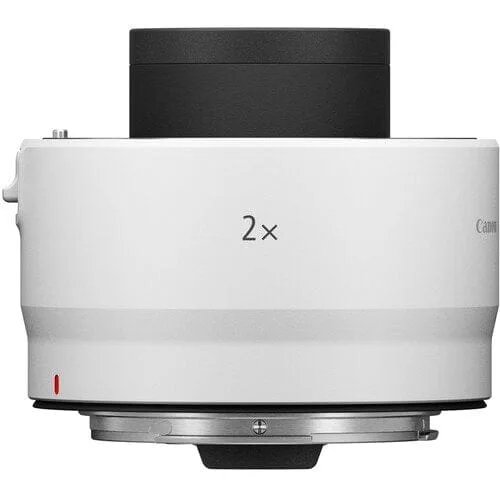
If your test shots are sharp on a tripod with manual focus, stop worrying about the camera. The softness in your normal photos comes from how you are shooting, not from a defective product. If you have confirmed a focus error that cannot be corrected with micro-adjustment or technique, and you need more reach or a different focal length, a teleconverter or a different lens may be the right next step. The Canon Extender RF 2x doubles the focal length of compatible RF lenses, which can help you fill the frame with distant subjects. But it also reduces maximum aperture and can soften fine detail compared to a bare lens. Use it when reach matters more than absolute sharpness.
Sharpness diagnosis checklist
- Symptom: Subject is blurry but background is sharp: Your camera focused behind the subject. Switch to single-point autofocus and place the point on your subject's eye or the most important detail. If this happens consistently with the same lens, test for front or back focus.
- Symptom: Everything in the frame is slightly blurred: This is usually motion blur. Increase shutter speed to at least 1 over your focal length, brace yourself, and use a timer or remote release for still subjects. If sharpness improves, your technique was the cause.
- Symptom: One side of the image is softer than the other: This points to a decentered lens element or a filter that is not seated flat. Remove the filter and test again. If the softness remains without the filter, the lens may need service.
- Symptom: Photos are sharp on a tripod but soft handheld: Your handheld shutter speed is too slow or your stabilization is not working as expected. Check stabilization settings and practice smoother shutter release. If tripod shots are sharp, your gear is fine and the fix is technique.
Gear that can help or hurt sharpness
- Canon Extender RF 2x: Canon Extender RF 2x doubles focal length for compatible RF lenses. Useful for distant subjects, but it can reduce sharpness and light. Test it against your bare lens before relying on it for critical work.
- K&F 37mm Classic Blue coat MCUV Lens Filter: K&F 37mm Classic Blue coat MCUV Lens Filter is a multicoated UV filter. A clean multicoated filter protects your front element with minimal sharpness loss. Remove it if you suspect it is causing softness.
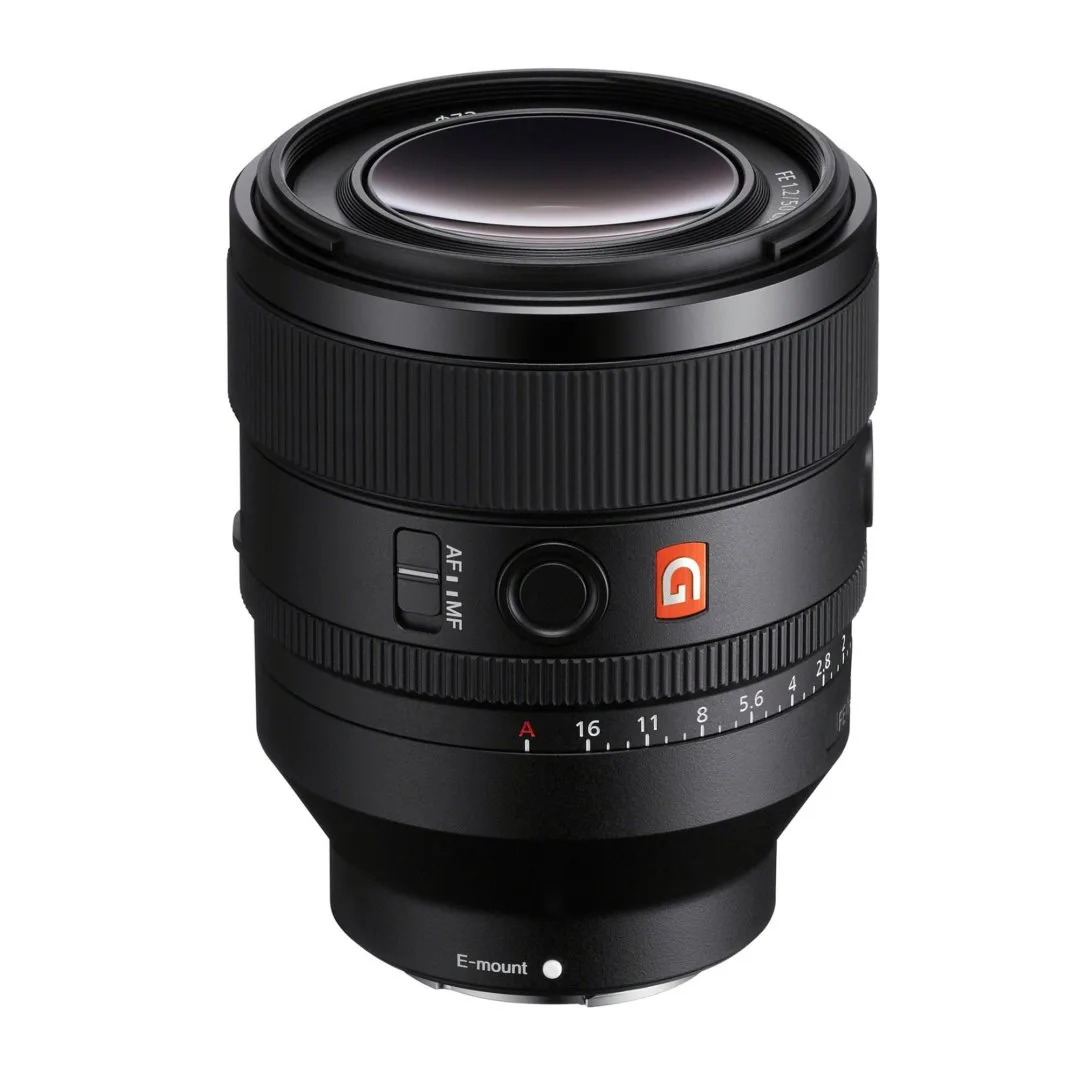
- Sony FE 50mm f1.2 GM Lens: Sony FE 50mm f1.2 GM Lens is a wide-aperture prime. At f1.2, depth of field is very shallow. If your photos look soft, check that your focus point is exactly where you want it before blaming the lens.