Quick Answer
Most charging issues on retro handhelds come from a bad cable, dirty charging port, or a depleted battery that needs a longer initial charge. Start by testing a different USB-C cable and power brick. If the device still won't charge, clean the port gently with a wooden toothpick and try a low-current charger (5V/1A). If nothing works, the battery or charging IC may need professional service.
Common Charging Problems and Their Causes
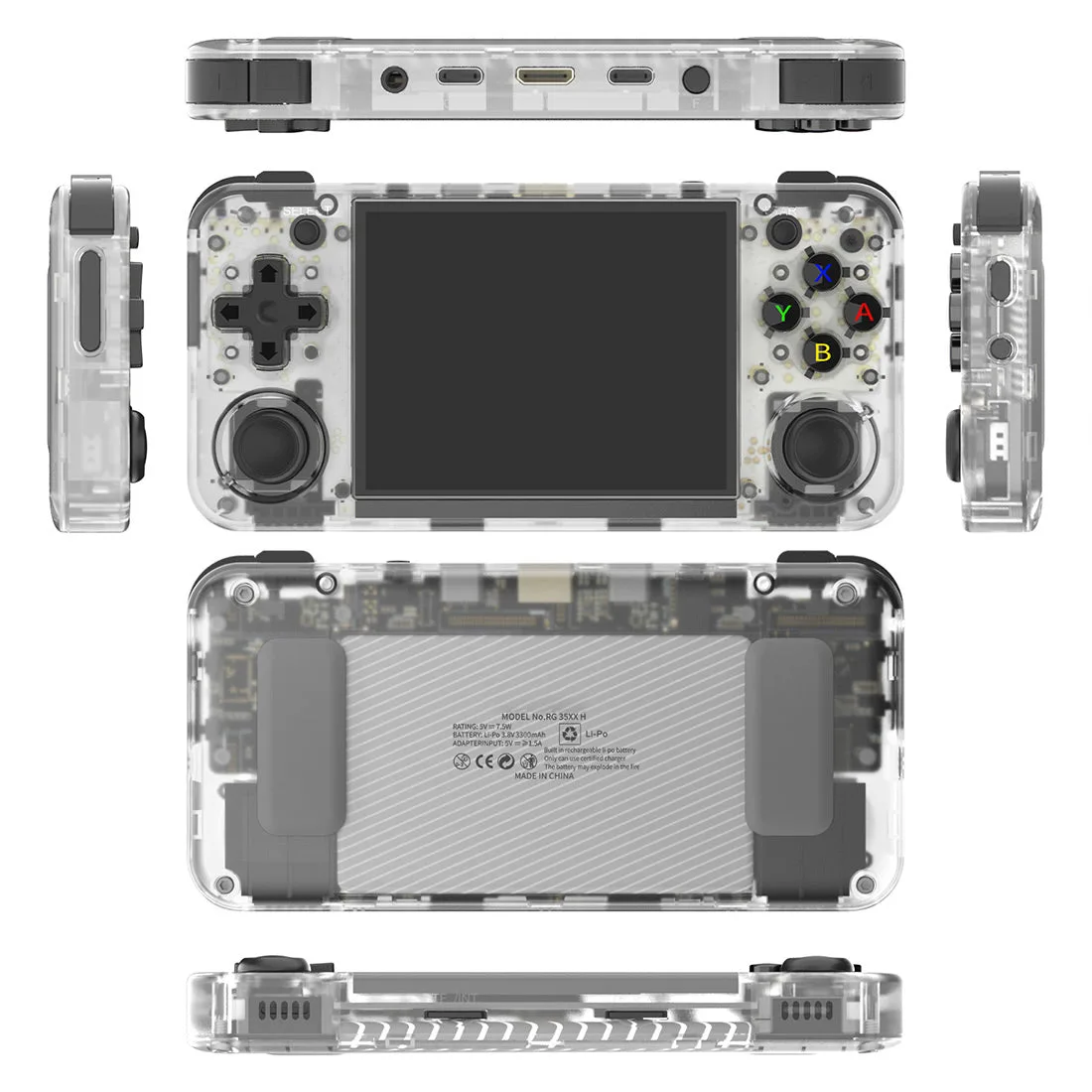
Retro handhelds like the Anbernic RG35XX H use USB-C ports, but not all cables and chargers are equal. A cable that works for a modern phone may not deliver enough power or may lack the correct data lines for charging. Many users also plug the handheld into a high-wattage laptop charger, which can confuse the charging circuit and stop it from drawing power.
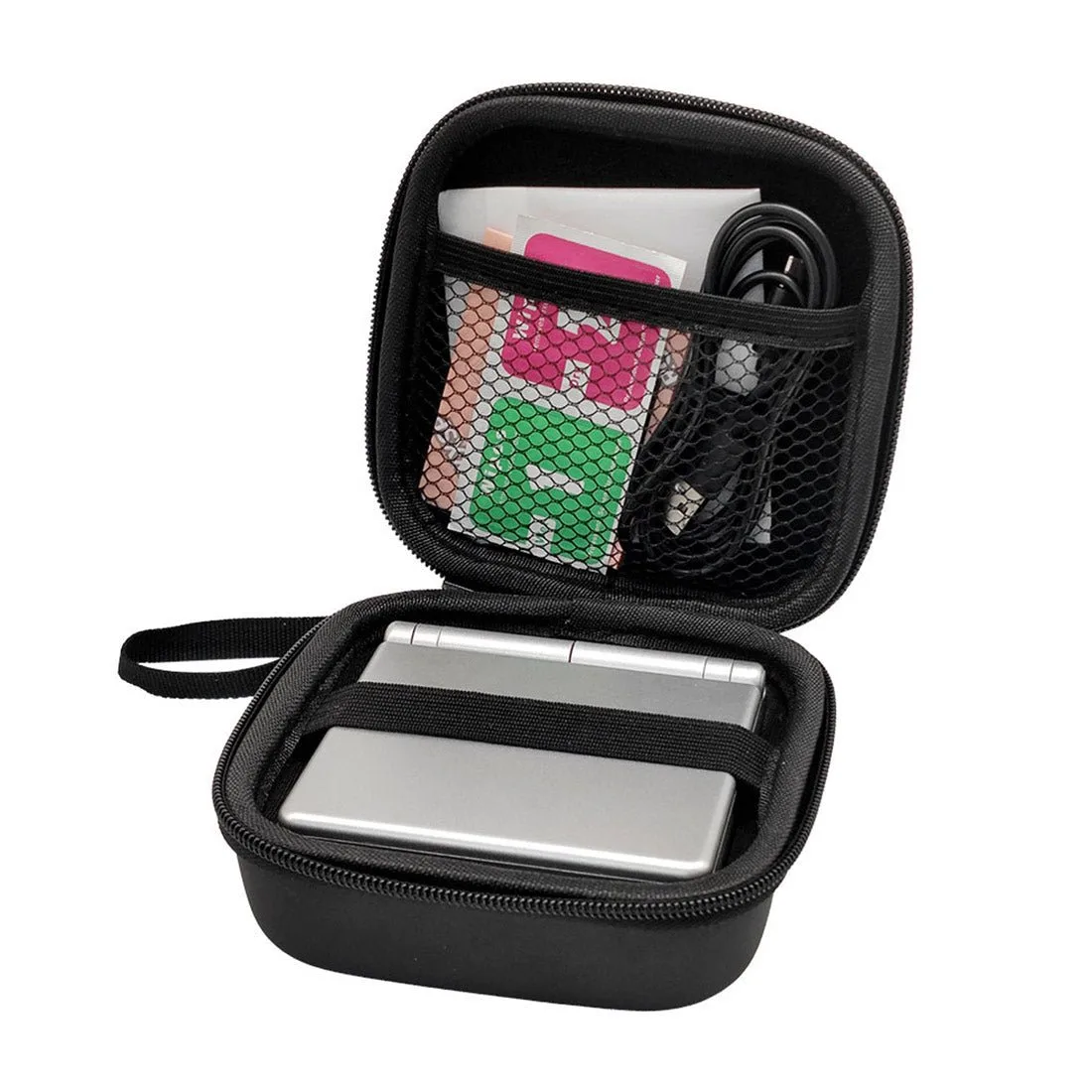
Another frequent culprit is a dirty or slightly damaged charging port. Pocket lint and dust can block the connection, especially if you carry the handheld without a case. Over time, the port's internal pins can bend or break from repeated plugging.
Battery health also matters. Lithium-ion cells lose capacity over time, and if the handheld has been stored for months without charge, the battery may enter a deep discharge state. In that case, the charger sees a short circuit and refuses to send power.
Step-by-Step Troubleshooting
Step 1: Use a known-good USB-C cable and a 5V/1A charger. Avoid fast chargers and power banks with auto-detect features. Plug the cable in firmly, then leave the handheld alone for 30 minutes. If the charging LED lights up, you're good.
Step 2: Inspect the charging port under a bright light. If you see debris, power off the device and gently remove it with a wooden toothpick or a plastic spudger. Do not use metal tools.
Step 3: Try a different power source. Some handhelds charge only when connected to a computer's USB port or a dedicated game console charger. If your device has a reset button (often a pinhole), press it with a paperclip.
Step 4: If the device still shows no sign of charging, connect it to a charger and leave it for 2-3 hours. A deeply discharged battery can take that long to wake up. Do not repeatedly unplug and replug during this time.
When to Consider a Replacement or Repair
If you have tried the steps above and the handheld still does not charge, the issue is likely a failed charging IC, a damaged port, or a dead battery. These repairs require soldering and are not DIY-friendly unless you have experience with microelectronics. Contact the seller or a repair shop that handles retro consoles.
If the handheld is still under warranty, request a replacement unit. For out-of-warranty devices, compare the repair cost against the price of a new console. For example, the Anbernic RG35XX H is priced affordably, so replacing it may be more practical than a paid repair.
Diagnosis at a Glance
- Symptom: No charging LED when plugged in, or LED stays on but battery level does not increase. Check cable and charger first.
- Likely Cause: Faulty USB-C cable, dirty port, deep battery discharge, or failed charging circuit. Try a 5V/1A charger and clean the port.
- Corrective Action: Use a known-good low-current charger, clean port gently, leave device charging for 2-3 hours. If no change, battery or IC may need service.
- Stop or Choose Another Option: If the handheld still won't charge after these steps, do not open the battery or attempt soldering unless you have experience. Contact support or consider a replacement console. Repair cost may exceed replacement price for budget models.
Product Facts
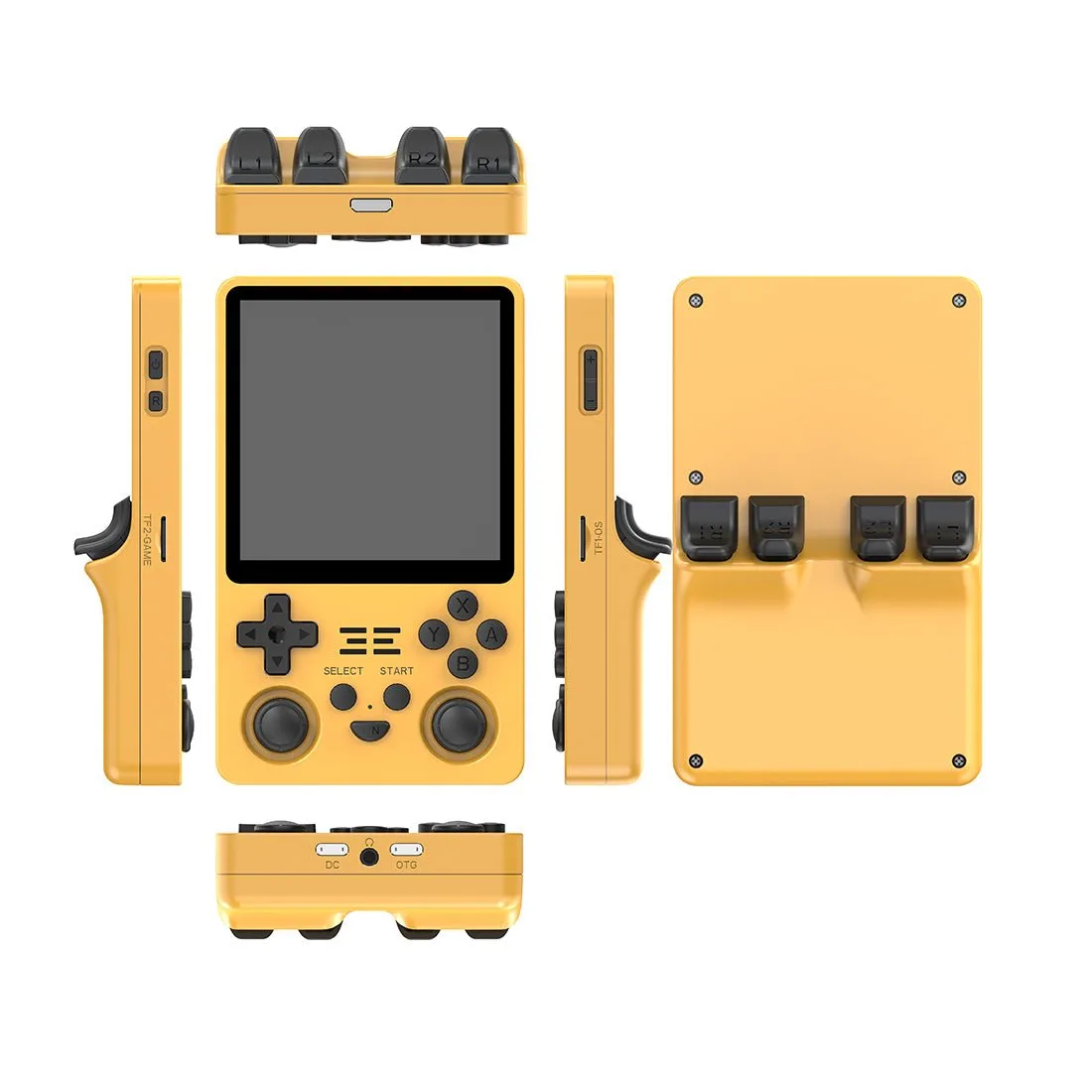
- Anbernic RG35XX H Retro Portable Handheld Game Console: Features a 3.5-inch IPS full-view display with OCA fully laminated 640x480 pixels, supports 2.4G wireless and wired controllers, and Bluetooth controller connection. If your RG35XX H won't charge, you won't be able to use its screen or controller features. Keeping the charging port clean and using the right cable ensures you can enjoy these capabilities.