Quick Answer
A wobbly tripod stand is usually caused by loose locking collars, uneven floor surfaces, or a stand that's undersized for your speaker. Tighten all joints, use a floor pad, and check your speaker weight against the stand's rating. If the wobble persists, the stand may need replacement.
Symptom: The Stand Sways or Shakes During Use
You set up your speaker on a tripod stand, but as soon as the music starts—or even when you walk past—the whole assembly wobbles. This isn't just annoying; it can damage your speaker or cause it to fall, especially at outdoor events or on windy days.
Likely Cause: Loose or Worn Locking Mechanisms
The most common culprit is a loose locking collar or wing nut. Over time, the plastic or metal threads can wear down, or the collar simply wasn't tightened enough. Check every joint: the leg spreader, the height adjustment collar, and the top mounting bracket. If any part feels sloppy, tighten it fully.
Likely Cause: Uneven or Soft Floor Surface
Tripod stands rely on three points of contact. On carpet, grass, or an uneven floor, one leg can sit higher than the others, creating a rocking motion. Use a sturdy floor pad or a piece of plywood under the legs to create a stable base. For outdoor use, consider sandbags or weights on the legs.
Likely Cause: Stand Undersized for the Speaker
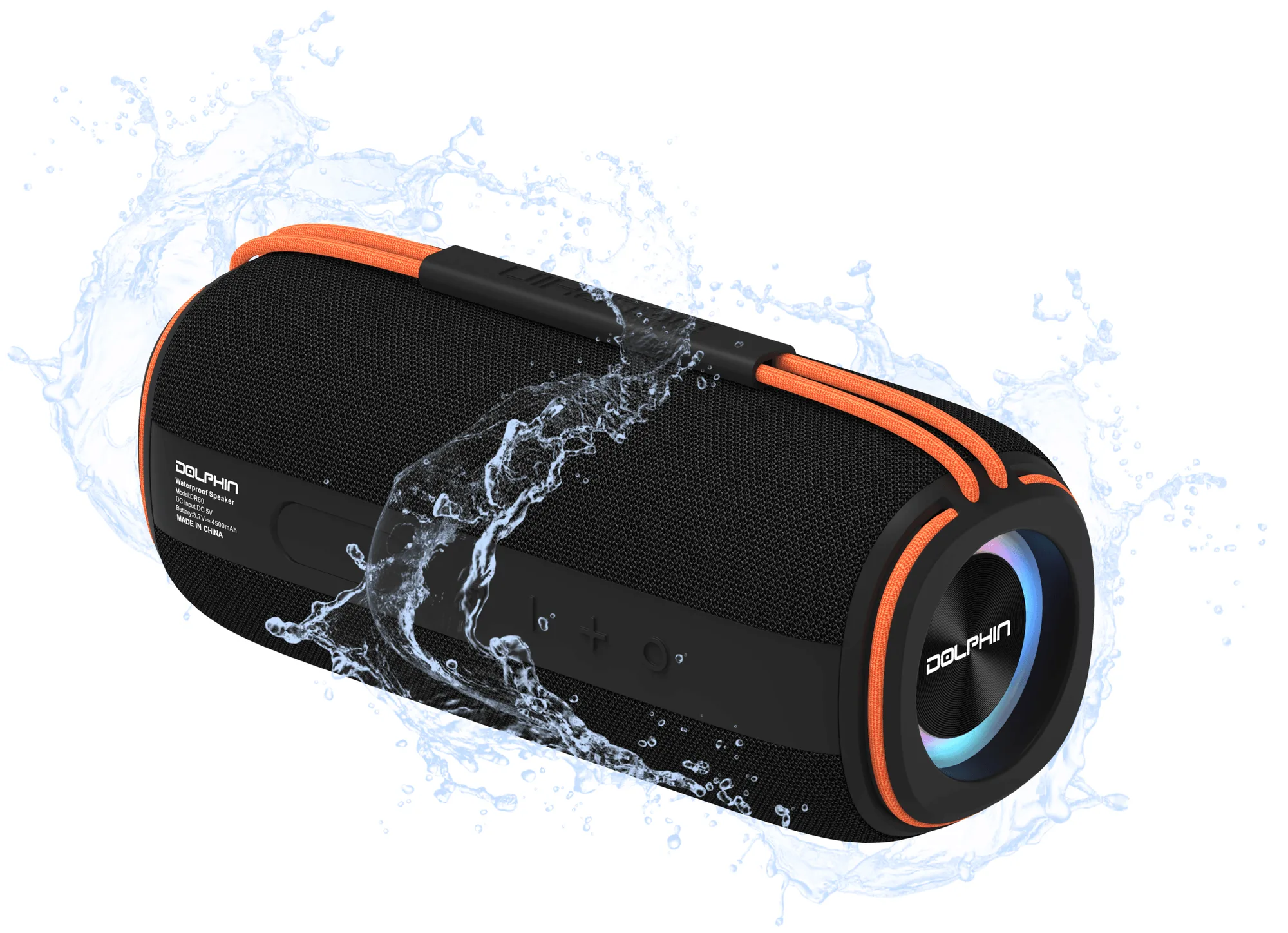
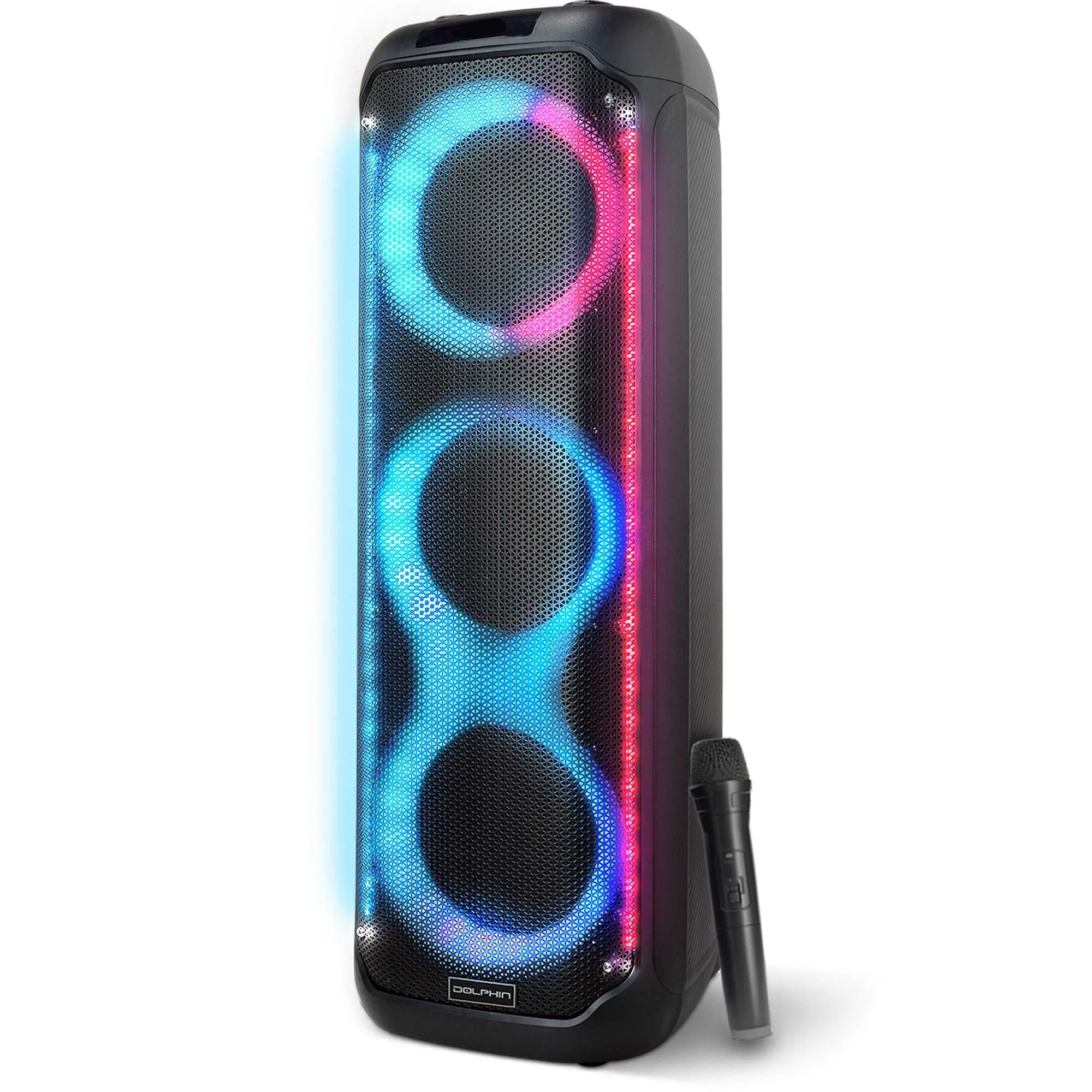
Every tripod stand has a maximum load rating. If your speaker weighs more than that rating, the stand will be unstable. Even if the weight is within limits, a lightweight stand with thin legs will wobble more than a heavier-duty model. For example, a compact boombox like the Diver 60 (30W RMS, lightweight) can work on a basic stand, but a larger party speaker like the KaraokeBox 380 (three 8" woofers) needs a stand rated for at least 50–60 lbs.
Corrective Action: Step-by-Step Fix
1. Remove the speaker and inspect the stand. Tighten all locking collars and leg spreaders. 2. Place the stand on a hard, level surface. If it still rocks, adjust the leg lengths individually to match the floor. 3. Add a rubber floor pad or anti-vibration mat under each foot. 4. Re-mount the speaker and test stability at low volume. If the wobble is gone, you're set.
Diagnosis at a Glance
- Symptom: The stand sways or shakes when the speaker is mounted, even at low volume or when touched. Don't ignore it—a fall can damage your speaker and injure people nearby.
- Likely Cause: Loose locking collars, uneven floor, or an undersized stand are the top three causes. Check all three before buying a new stand.
- Corrective Action: Tighten all joints, level the legs on a hard surface, and add floor pads or weights. If the wobble stops, your fix is complete.
- When to Upgrade: If the wobble continues after tightening and leveling, or if your speaker is heavier than the stand's rated capacity, replace the stand with a heavier-duty model. Invest in a stand rated for at least 1.5x your speaker's weight for a secure setup.
Product Facts
- Diver 60: The Diver 60 Boombox weighs relatively little and has a flexible elastic carry handle. It is not designed for tripod mounting, but its compact size and 30W RMS output make it a good candidate for a small, lightweight stand if you need elevation. If you're using a lightweight boombox, a basic tripod stand will likely hold it securely—just ensure the stand's top plate is large enough to support the Diver 60's base.
- KaraokeBox 380: The KaraokeBox 380 is a Bluetooth tower speaker with three 8" woofers, delivering powerful sound and deep bass. It is rechargeable and has built-in LED lights. This speaker is heavier and produces significant bass vibration. To avoid wobble, you need a heavy-duty tripod stand with a wide leg spread and a secure locking mechanism. A lightweight stand will not provide adequate stability.