Quick answer
A vibrating ring that won't charge usually has a simple fix. Start by checking the charging cable, port, and connection. If your ring is USB-rechargeable, like the Rechargeable Ohare XL or Ride the Pickle, the most common culprits are a loose cable, debris in the port, or a drained battery that needs a few minutes to wake up.
Common reasons a vibrating ring stops charging
Most USB-rechargeable vibrating rings use a magnetic or pin-style charging cable. A poor connection is the most frequent issue — the cable may not be fully seated, or the contacts are dirty. For the Rechargeable Ohare XL, the charging port is recessed, so lint or dried lubricant can block the connection.
Another possibility is a deeply discharged battery. Lithium-ion batteries have a protection circuit that shuts them down when voltage drops too low. The ring may appear dead even though the battery is simply in sleep mode. Plugging it in for 10–15 minutes usually wakes it up.
Less common but still possible: a damaged charging cable, a faulty USB port on your charger, or an internal electronics failure. If you've tried multiple cables and power sources with no result, the ring may need a warranty replacement.
Step-by-step troubleshooting guide
Start by inspecting the charging port on the ring. Use a dry toothpick or soft brush to gently remove any debris. For the Rechargeable Ohare XL, check both the ring's port and the magnetic contacts on the cable. Wipe them with a dry cloth.
Next, try a different USB power source — a computer USB port, a wall adapter (5V/1A recommended), or a power bank. Avoid fast-charging adapters, as they can sometimes confuse the ring's charging circuit. Leave the ring plugged in for at least 15 minutes before checking if it responds.
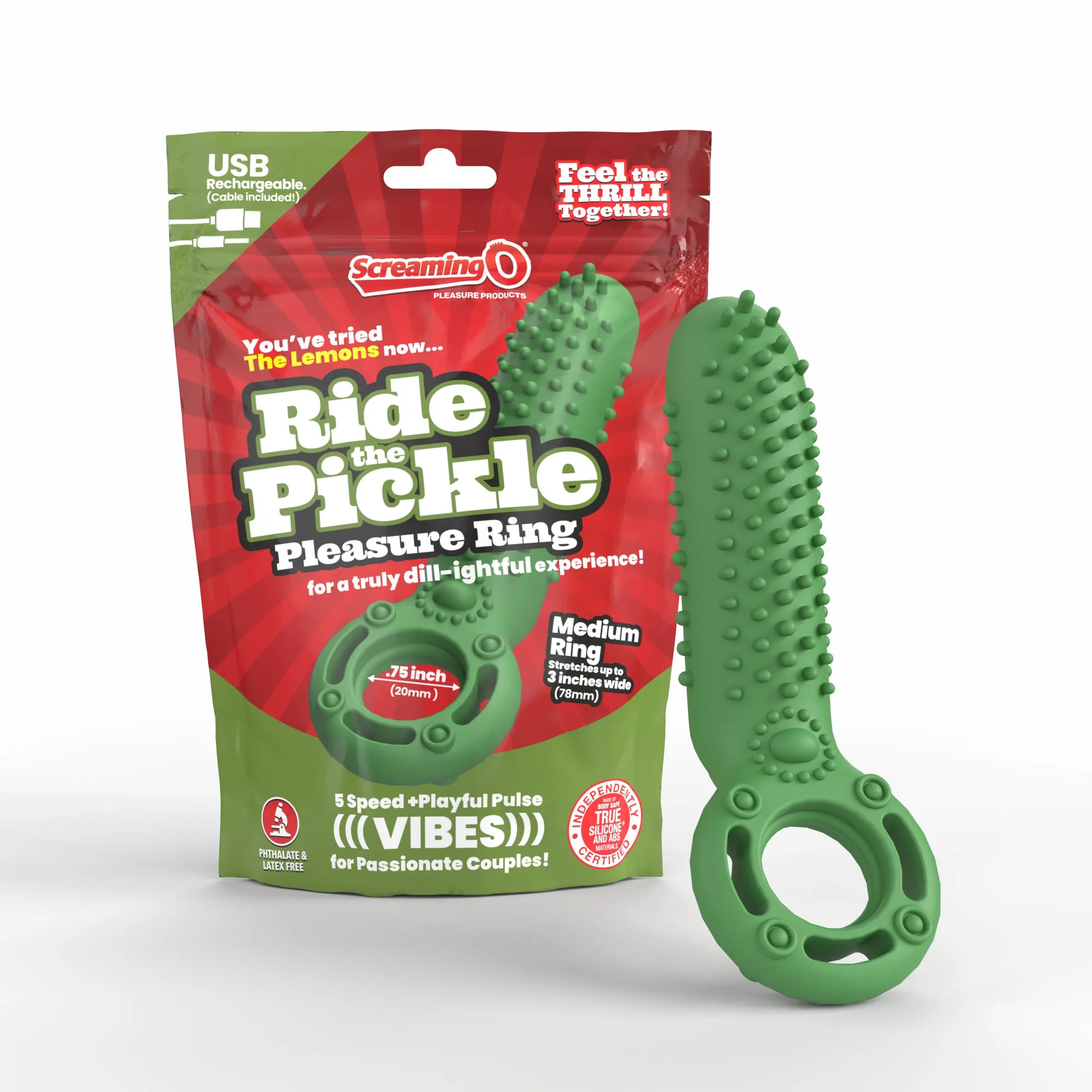
If the ring still shows no signs of charging, test the cable with another compatible device if available. For the Ride the Pickle, the cable is proprietary, so a visual check for bent pins or frayed wires is your best bet. If the cable is damaged, contact the manufacturer for a replacement.
When to stop troubleshooting and seek help
If you've cleaned the contacts, tried multiple power sources, and left the ring charging for 30 minutes with no result, the issue is likely internal. At this point, further disassembly could void the warranty and is not recommended.
The Rechargeable Ohare XL comes with a 2-year limited warranty. If your ring is within that period, contact Screaming O customer support for a replacement. For rings outside warranty, consider recycling the device and purchasing a new one.
Diagnosis: Charging issue or dead toy?
- Symptom: Ring shows no lights, won't turn on, and doesn't respond after being plugged in for several hours. Most common cause is a connection problem, not a dead battery.
- Likely cause: Dirty charging contacts, loose cable connection, or deeply discharged battery in sleep mode. Clean contacts and try a different power source before assuming the ring is broken.
- Corrective action: Clean port and cable contacts with a dry cloth or toothpick. Use a 5V/1A adapter. Leave plugged in for 15–30 minutes. If the ring powers on after this, the fix was successful.
- Stop point: If the ring still doesn't charge after cleaning and trying multiple power sources, do not attempt to open the device. Contact Screaming O support for warranty service or replace the ring.
Product facts that matter for charging
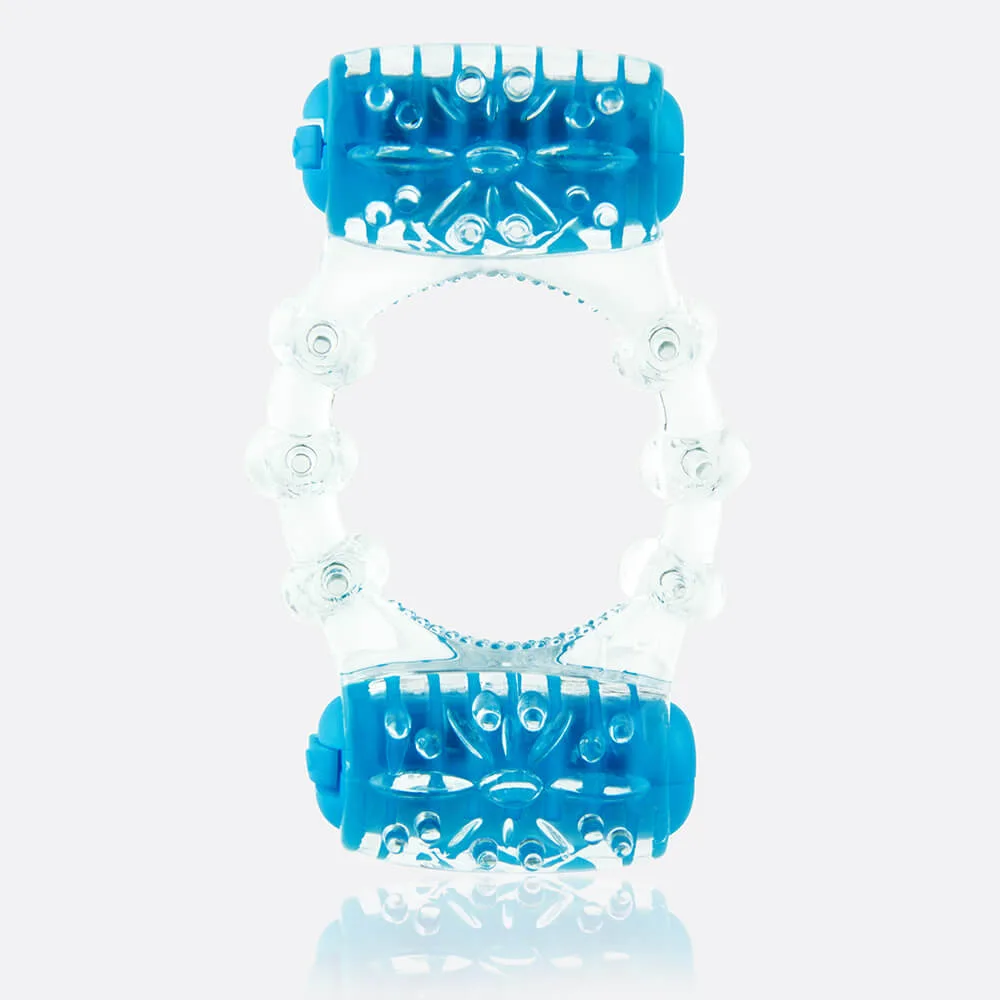
- Rechargeable Ohare XL Vibrating Ring: Rechargeable Ohare XL Vibrating Ring is IPX5 waterproof and rechargeable with 60+ minutes of runtime. IPX5 means it's splash-proof but not fully submersible. Avoid charging when the port is wet, and dry it thoroughly before plugging in.
- Ride the Pickle Vibrating Ring: Ride the Pickle Vibrating Ring is USB rechargeable with a cable included and a medium ring that stretches .75" to 3" wide. The included cable is specific to this model. If you lose it, a standard micro-USB cable won't fit. Keep the original cable in a safe place.