Quick answer
Wireless microphone static is almost always caused by radio interference, a weak battery, a loose connection, or a damaged cable. Start by checking your battery level and moving closer to the receiver. If static continues, scan for a clearer channel and inspect every cable in the signal chain.
What causes wireless microphone static?
Static in a wireless mic system sounds like crackling, popping, or a constant hiss. The most common culprits are radio frequency interference from nearby devices (Wi-Fi routers, LED lights, other wireless mics), a transmitter battery that is too low to maintain a stable signal, physical obstructions between the transmitter and receiver, or a damaged cable that introduces noise into the audio path.
Less common but still possible causes include a mismatched gain structure (the transmitter or receiver level is set too high), a faulty antenna, or operating too far from the receiver. Because the causes are varied, the best approach is to isolate the problem step by step.
Step-by-step troubleshooting
1. Check the transmitter battery. A low battery is the single most common cause of static. Replace it with a fresh one or recharge it fully before testing again. 2. Move closer to the receiver. If the signal improves when you are within 10–15 feet, the issue is range or obstruction. 3. Change the frequency channel. Most wireless systems let you scan for a clean channel manually or automatically. Do a scan and select a channel with no interference bars. 4. Inspect every cable. A bad XLR or 1/4-inch cable can introduce static even if the wireless link is perfect. Swap in a known-good cable to rule this out.
If static persists after these steps, try turning off nearby Wi-Fi routers, Bluetooth devices, and LED dimmers one at a time to see if the noise stops. Also check that the receiver antennas are fully extended and positioned at a 45-degree angle for best reception.
When to consider a different microphone
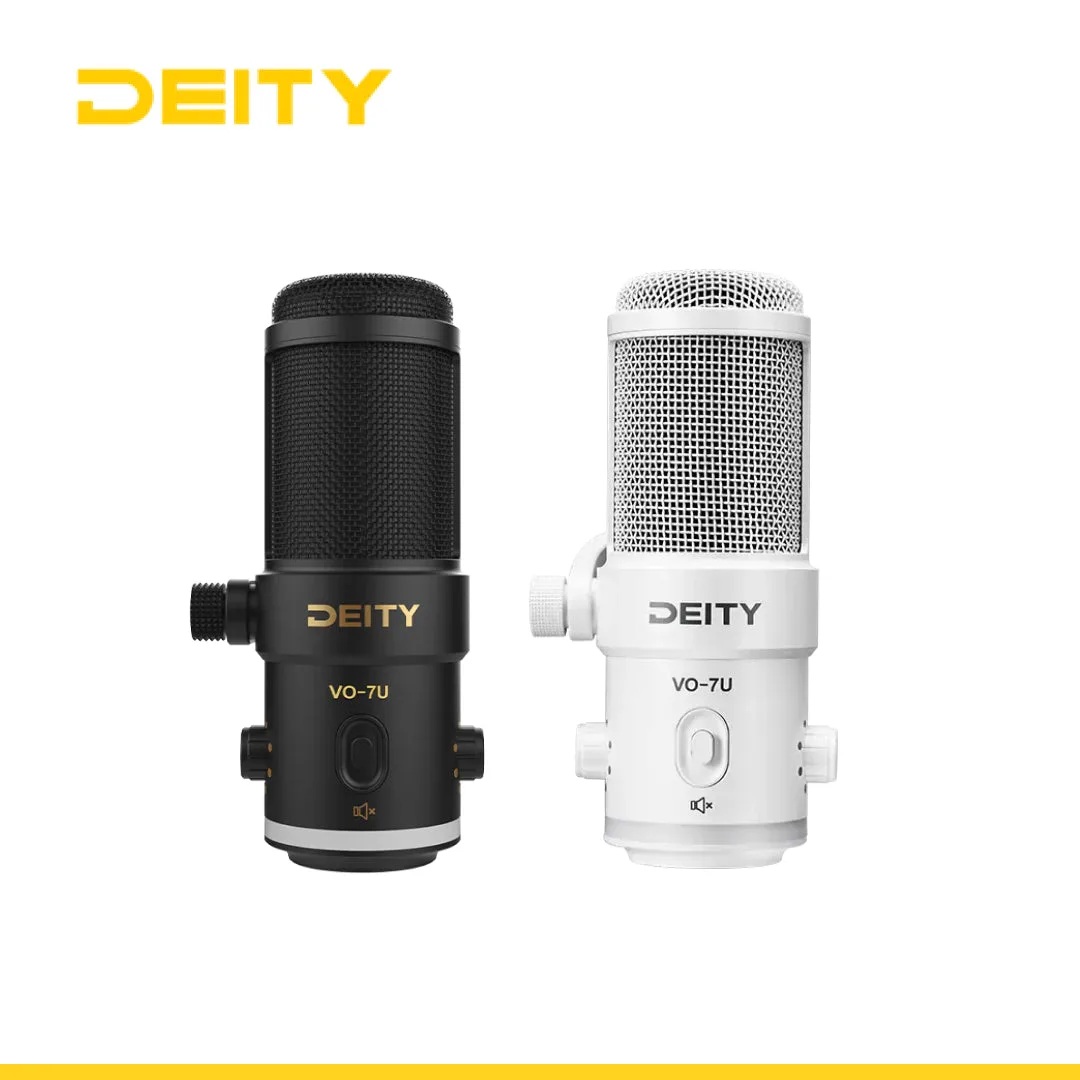
If you have tried every fix and the static remains, the problem may be the microphone capsule itself or the transmitter circuitry. In that case, a wired dynamic microphone can be a reliable backup. A dynamic USB microphone like the Deity VO-7U, for example, uses a tight pickup pattern that rejects room noise and connects directly via USB—no wireless link to introduce interference. It also includes an RGB ring with 12 colors and effects so you can match your stream's aesthetic.
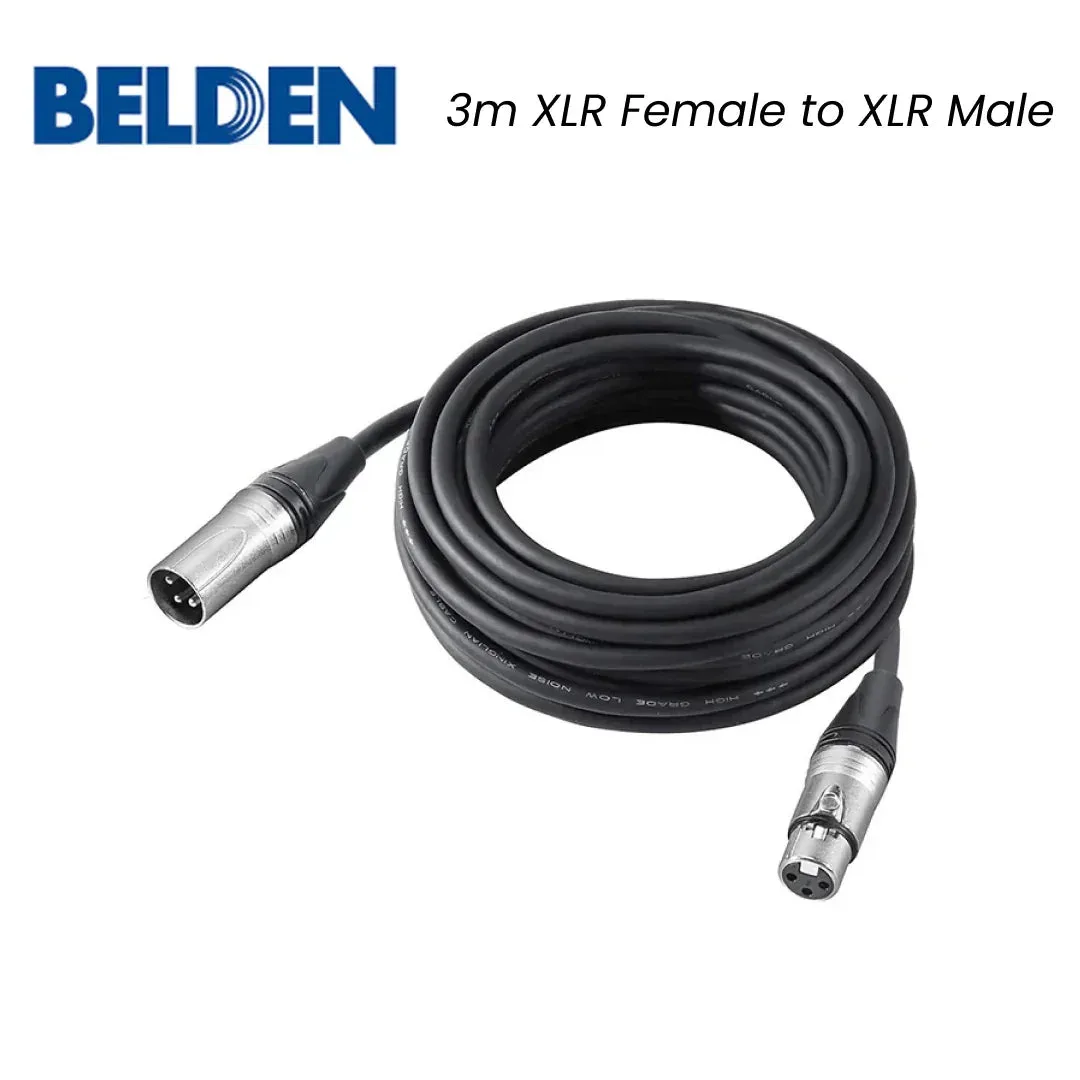
For professional recording environments where cable runs are long, a high-quality balanced XLR cable such as the Belden 1800F with Neutrik connectors can also eliminate noise that a wireless system might pick up. Its oxygen-free copper conductors and self-locking design ensure a clean, secure connection.
Diagnosis at a glance
- Symptom: Crackling, popping, or hissing sound that comes and goes or is constant. The noise is coming from the wireless link or the cable, not the mic capsule itself.
- Likely cause: Low transmitter battery, RF interference, bad cable, or range/obstruction. Start with the battery and channel scan—these fix most cases.
- Corrective action: Replace battery, scan for a clean channel, move closer, swap cables, and turn off nearby electronics one by one. Test after each step so you know exactly what fixed it.
- Stop or choose another option: If static remains after all steps, the transmitter or mic capsule may be faulty. Consider a wired dynamic USB microphone as a reliable alternative. A wired mic like the Deity VO-7U eliminates wireless interference entirely.
Products that can help
- Deity VO-7U Dynamic USB Streamer Microphone With RGB Lights with Tripod Kit (Black, White): The VO-7U is a dynamic USB microphone designed for streamers and podcasters. It features a tight pickup pattern that allows it to reject room noise so your audience hears only you on the other side of their headphones. If wireless static is unfixable, switching to a wired dynamic USB mic eliminates the wireless link entirely while still rejecting background noise.
- Belden 1800F Neutrik Audio Cable 3m XLR Female to XLR Male: This professional microphone cord is designed for microphones or other professional studio recording, mixing, and lighting equipment with 3-Pin XLR connectors. Balanced Mic cable constructed with sturdy metal housing, oxygen-free copper (OFC) conductors, pure copper silver plated XLR pins. A high-quality balanced XLR cable like this one reduces the chance of cable-induced static and ensures a clean signal path in wired setups.