Quick answer
Choose Winter Wonderland Presets for Lightroom if you want fast, non-destructive snow effects and color tones. Pick Let it Snow Brushes & Actions if you need precise brush control and realistic snow textures in Photoshop.
Workflow differences matter
Lightroom presets apply global adjustments with one click, ideal for batch editing. Photoshop actions can include multiple steps and brushes, giving you more creative control but requiring more manual work per image.
Realism vs convenience
The Winter Wonderland Preset Collection includes 32 presets and 5 brushes, offering a blend of automatic snow effects and fine-tuning. Let it Snow uses real snow textures captured from actual snow, which can look more authentic but demands careful placement.
Trade-offs at a glance
- Speed: Lightroom presets apply instantly to RAW files; Photoshop actions require opening the image in Photoshop and running the action, then adjusting layers.
- Control: Photoshop actions and brushes let you paint snow exactly where you want it, change opacity, and blend multiple snow layers. Lightroom presets offer less granular control.
- Realism: Let it Snow uses scanned real snow textures, giving a more authentic look. Winter Wonderland presets simulate snow through color and exposure adjustments. If photorealism is critical, Photoshop actions have the edge.
Product facts
-
Winter Wonderland Preset Collection: Includes 32 Pretty Presets + 5 Brushes for Lightroom. You can apply consistent winter tones quickly and still adjust snow placement with the included brushes.
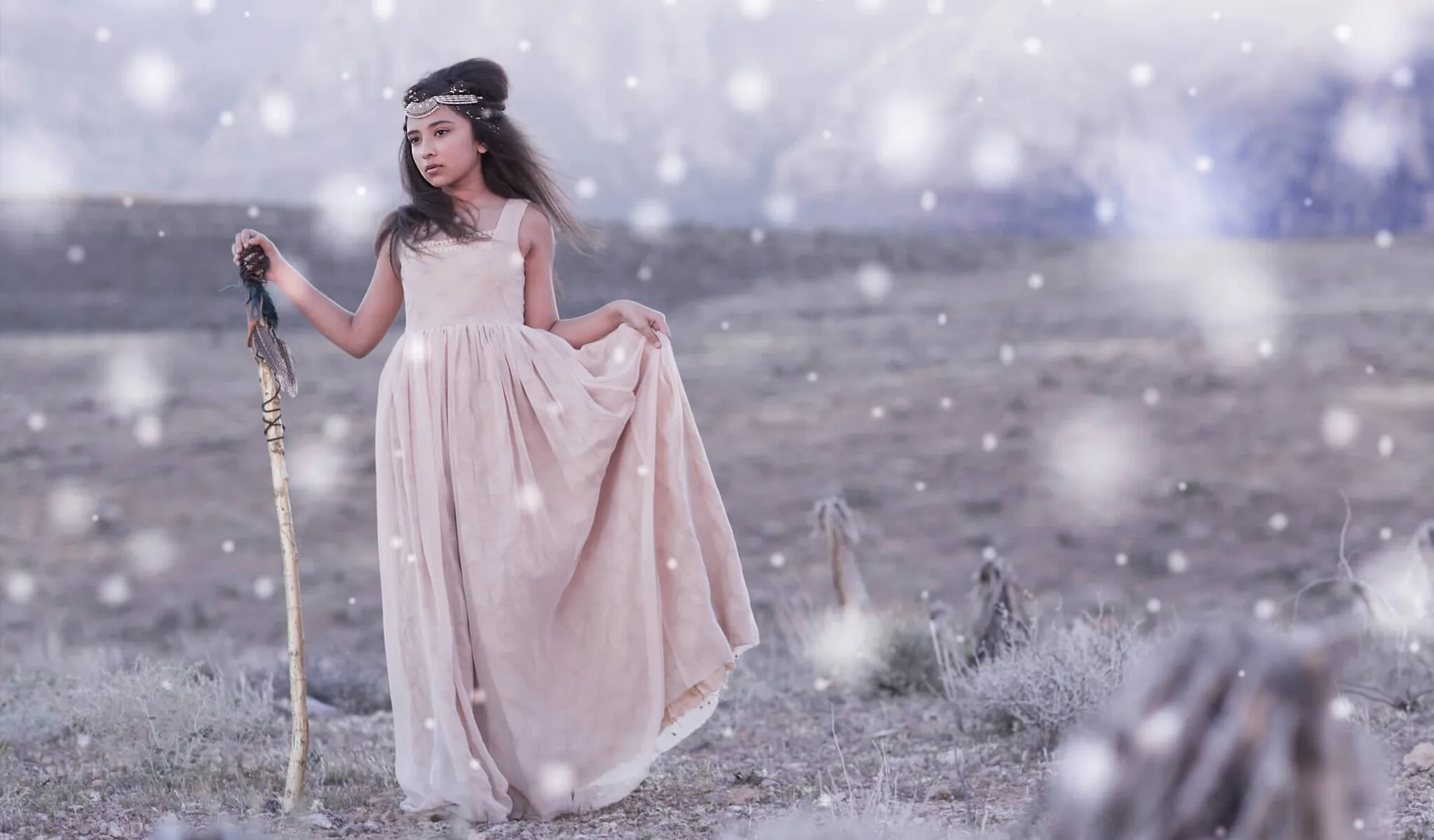
Winter Wonderland Preset Collection
-
"Let it Snow" Brushes and Winter Actions: Snow actions created from 'Real Snow' textures, plus brushes for custom snowfall. The snow looks more organic, but you need to layer and mask each effect manually in Photoshop.
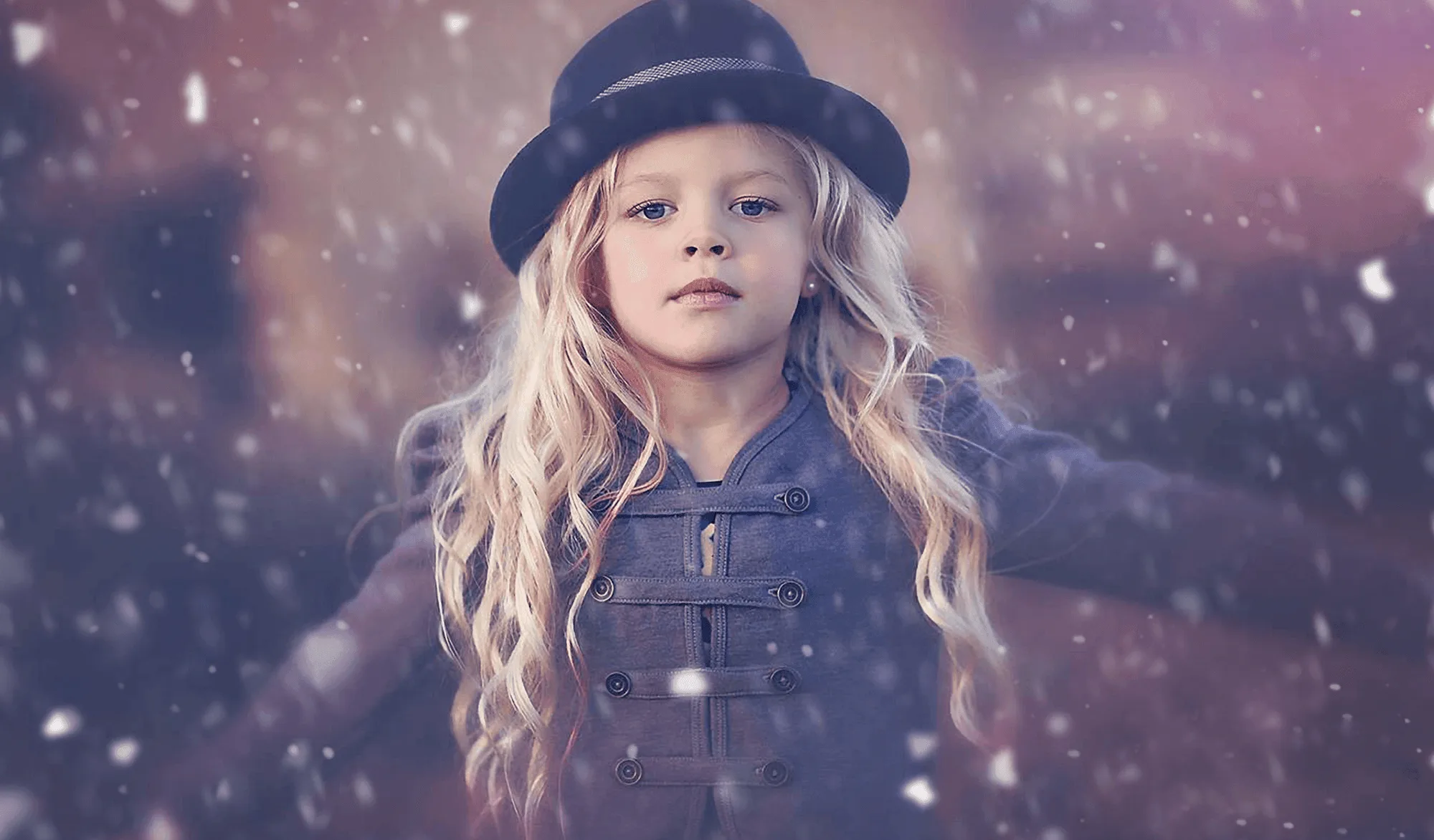
"Let it Snow" Brushes and Winter Actions
Which should you choose?
Best for
- Photographers who shoot in Lightroom and want one-click winter tones with optional brush tweaks
- Users who need consistent snow effects across a large batch of images
Not ideal for
- Editors who need to place snow precisely on complex backgrounds (choose Photoshop actions)
- Those who prefer a fully non-destructive RAW workflow (Lightroom presets are better)