Quick answer
Mount the solar panel where it gets direct sun most of the day, connect it to the camera's USB-C port, and secure both against weather. This guide walks through each step so you avoid the common mistake of placing the panel in shade.
Why solar for the Wyze Battery Cam Pro?
The Wyze Battery Cam Pro runs on removable rechargeable battery packs. Adding the solar panel keeps those packs topped off without you having to bring the camera inside to charge. That means true wire-free operation for months at a time, as long as the panel gets enough light.
The trade-off: solar charging is slower than a wall outlet, so if your camera is in deep shade or faces north in winter, you might still need to swap batteries occasionally.
Step-by-step solar setup
- Choose the right location: Pick a spot on your roof, wall, or ground where the solar panel will receive direct sunlight for at least 4-6 hours per day. South-facing is ideal in the northern hemisphere. Avoid areas under eaves or tree cover. Common mistake: placing the panel where it looks clean but gets shade most of the day. Check sun patterns before drilling.
- Mount the solar panel: Use the included bracket and screws to attach the panel to a stable surface. Angle it toward the sun—usually 30-45 degrees from horizontal. Tighten all hardware so wind doesn't shift it. Leave enough slack in the cable so you can remove the camera from its mount without unplugging the panel.
- Connect the panel to the camera: Plug the solar panel's USB-C cable into the camera's charging port. The camera will start charging immediately if there's light. The charging port door on the camera should close fully to maintain the IP65 weather seal. Common mistake: the cable isn't fully seated or the port door is ajar, letting moisture in. Push until you hear a click and close the door completely.
- Position the camera within cable reach: Mount the Wyze Battery Cam Pro within 10 feet of the panel (or the cable length supplied). The camera can face any direction—it doesn't need to face the sun. Aim it at the area you want to monitor. Test the camera view before finalizing the mount. Move the camera to a better angle while the panel stays put.
- Monitor charging status: In the Wyze app, go to the camera's Device Settings and check Battery Level. After a sunny day, you should see the percentage increase. If it drops over several days, relocate the panel to a sunnier spot. Winter sun is weaker and lower. In cold climates, expect slower charging and plan to swap batteries once or twice per season.
Product facts
-
Wyze Battery Cam Pro + Solar Panel: 2.5K HDR video resolution, wire-free, no hub required, integrated spotlight and siren, radar + PIR motion detection, removable rechargeable battery packs, IP65 weatherproof, 2.4 & 5GHz WiFi support. The camera is fully outdoor-rated and battery-powered, so adding a solar panel is the natural way to eliminate manual recharging while keeping all its smart features active.
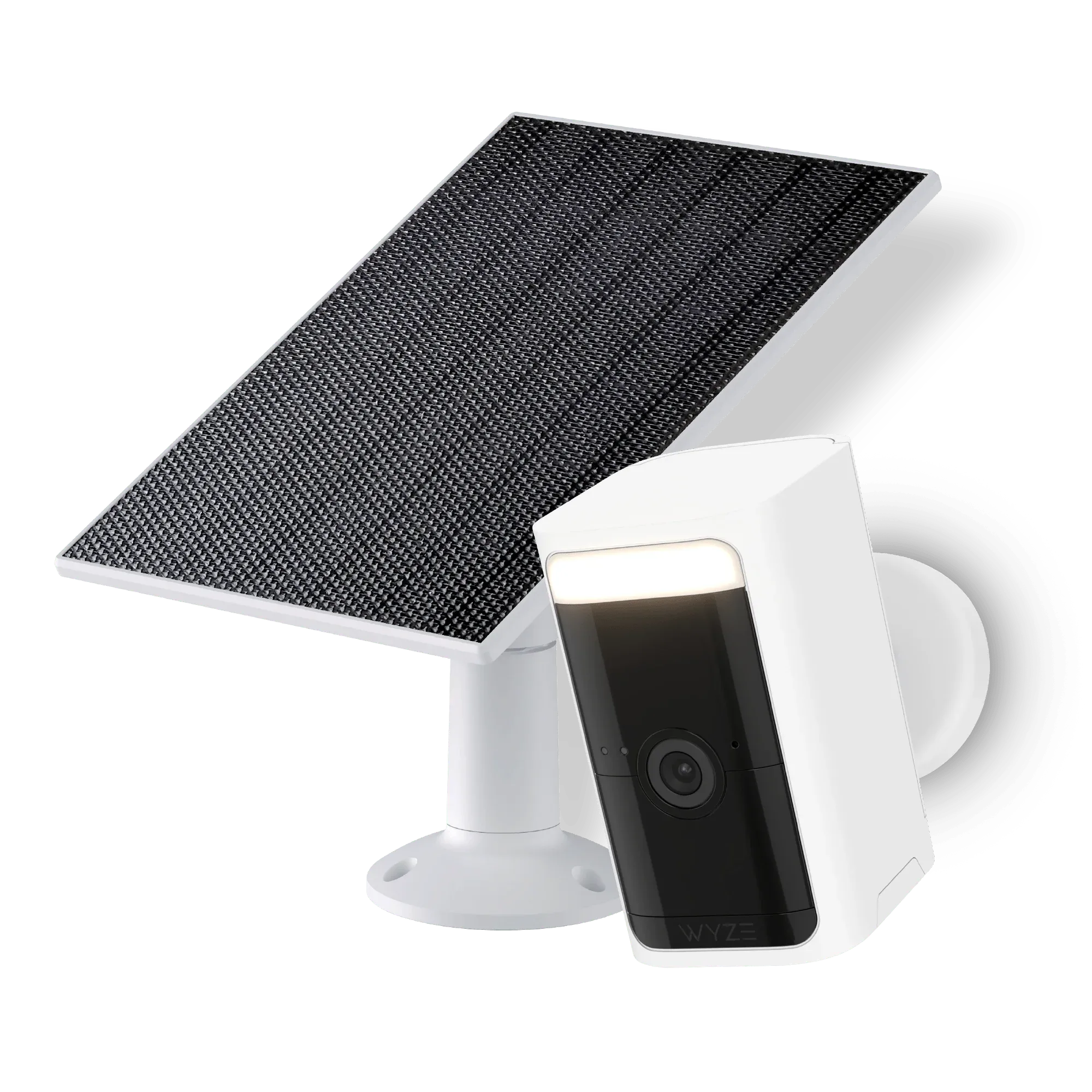
Wyze Battery Cam Pro + Solar Panel


