Quick answer
Choose a single Wyze Cam OG for simple, affordable monitoring of one area. Pick the Wyze Cam OG Stack Kit if you need to cover two adjacent angles from one power outlet, such as a living room corner or a long hallway. The Stack Kit saves you an extra outlet and keeps cables tidy, but adds the cost of a second camera.
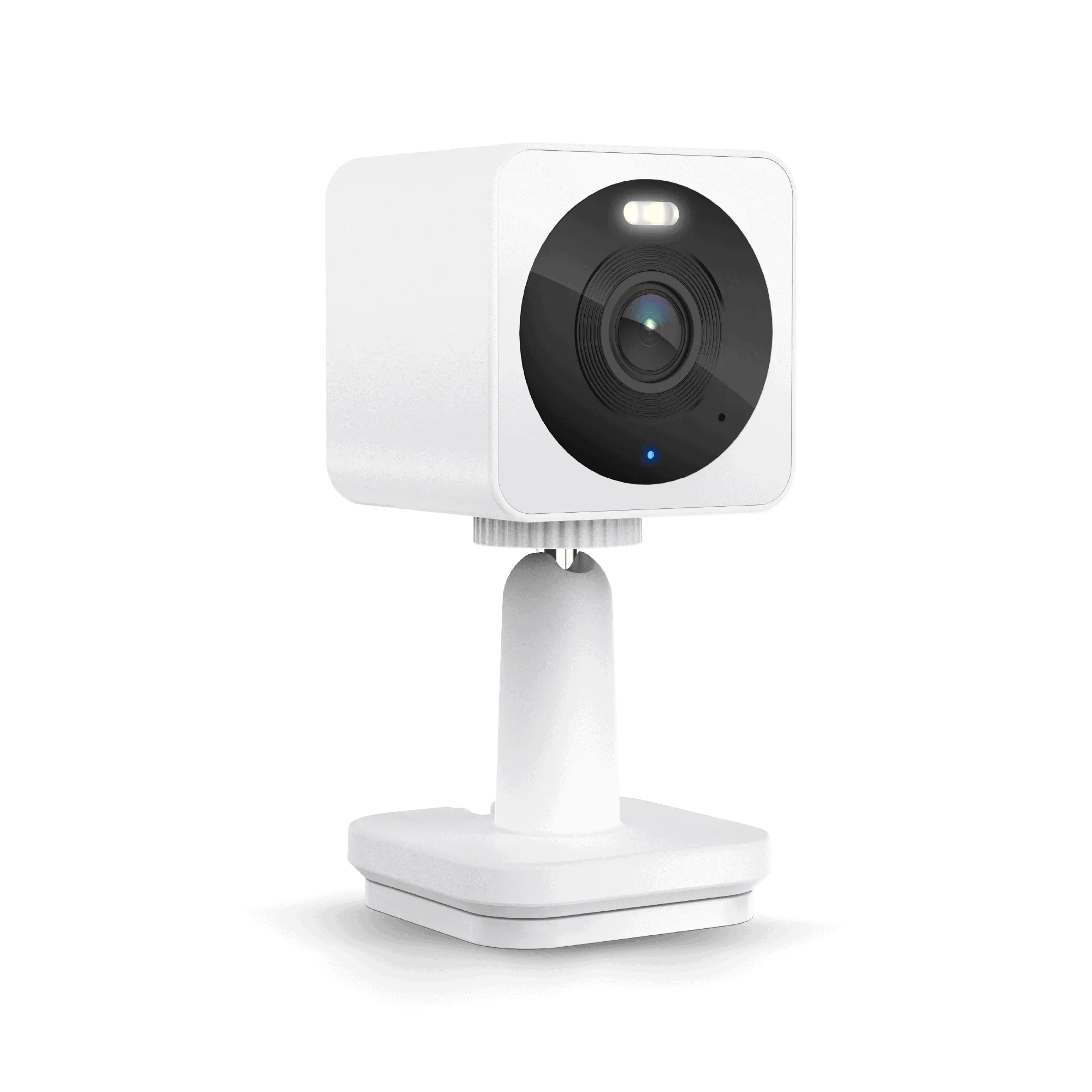
Wyze Cam OG
What each option includes
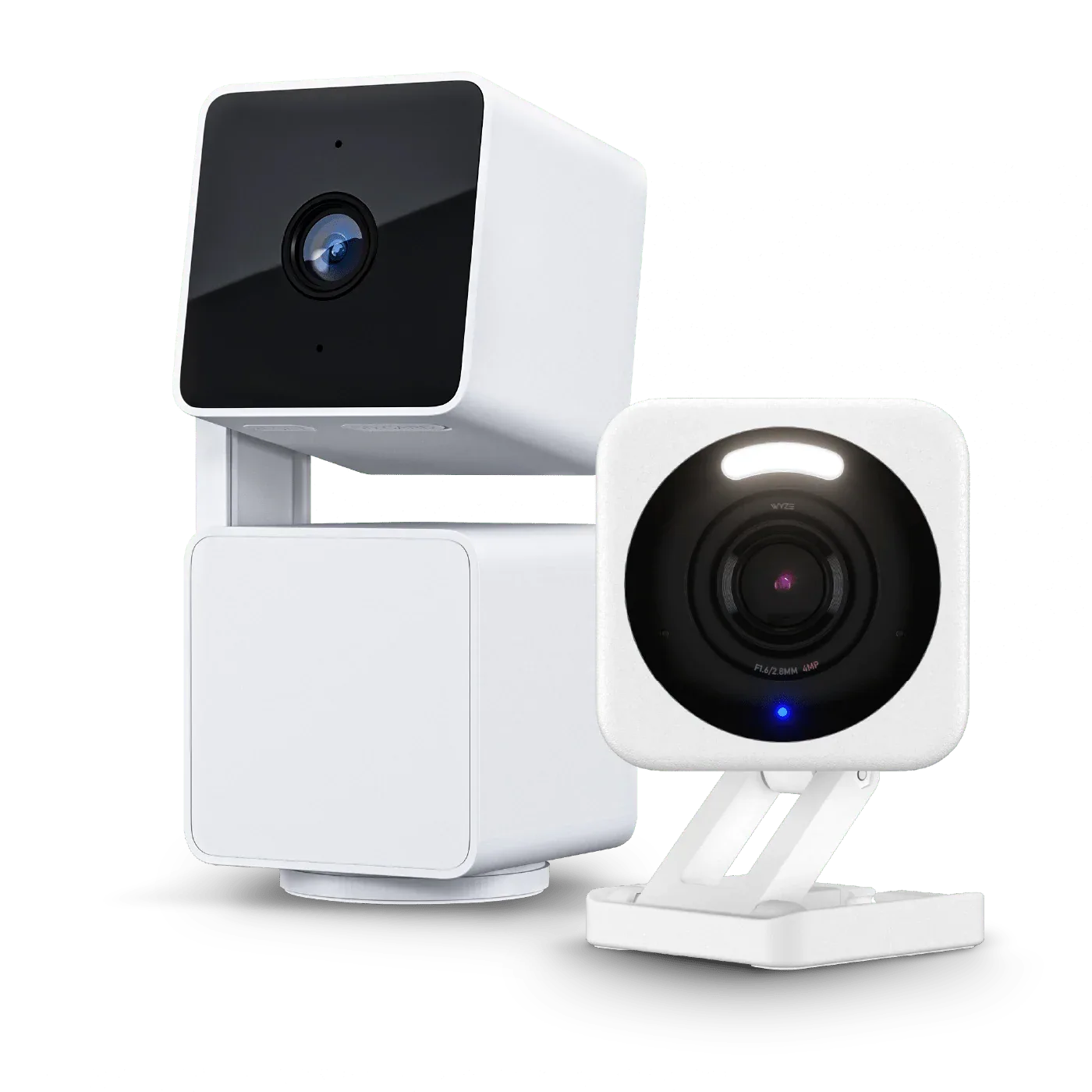
A standalone Wyze Cam OG is a single wired indoor camera that records in 1080p, supports color night vision, and works with Wyze’s free cloud storage or a microSD card. It needs one USB power adapter and one outlet.
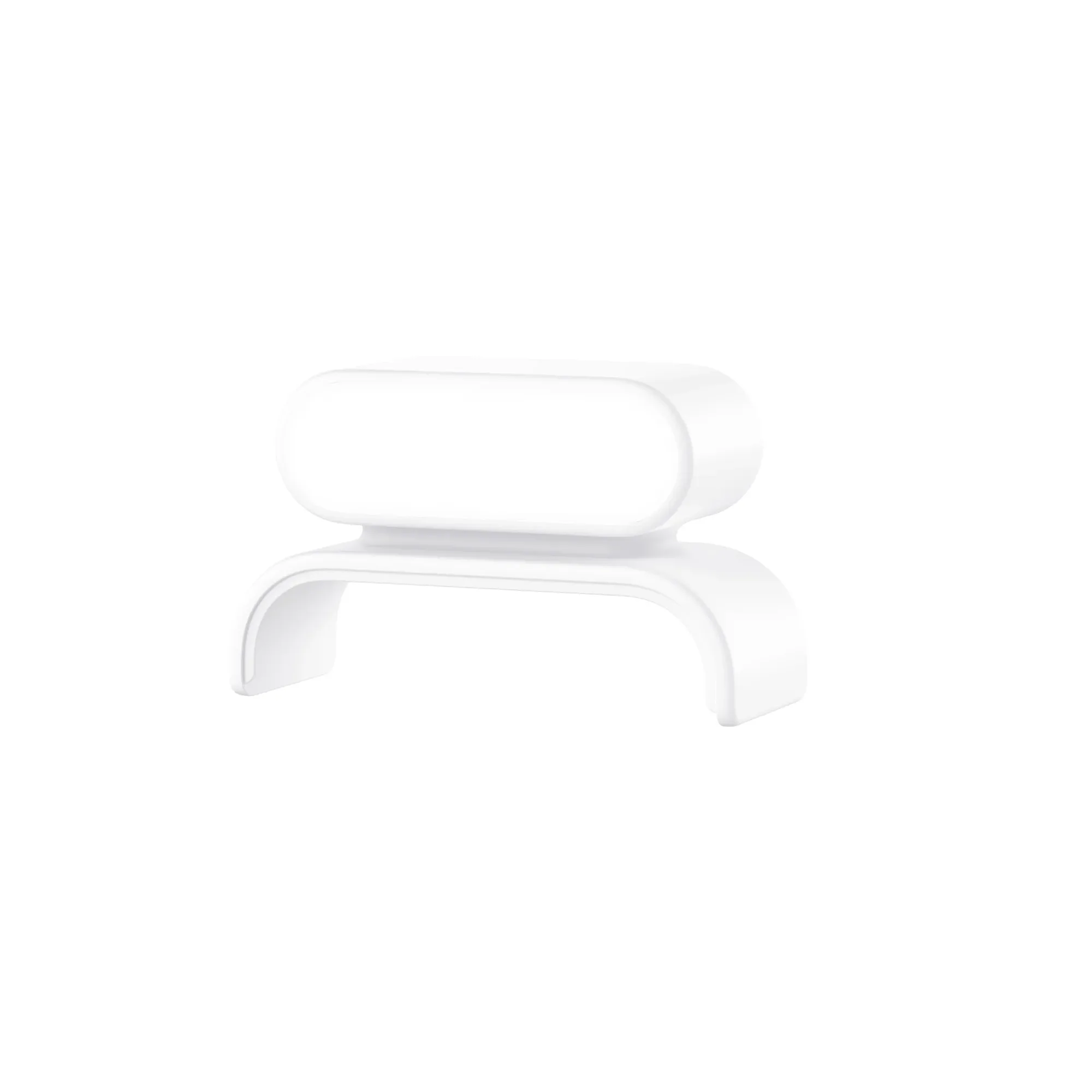
The Wyze Cam OG Stack Kit is an accessory bundle that contains a USB Cable Splitter, a Power Brick, and a Stack Mount. It lets you power and physically stack two Wyze Cam OG or OG Telephoto cameras on top of each other, sharing one outlet. You still need to buy the cameras separately.
Coverage and mounting differences
A single OG camera gives you one fixed view. If you place it in a corner, you see that corner only. The Stack Kit lets you point one camera left and one right, or one up and one down, effectively doubling your coverage from the same mounting point.
The stack mount holds the cameras together vertically, so the footprint on your shelf or wall stays compact. This is handy for tight spots where a second separate camera would clutter the space or require a second outlet.
Power and cable management
With a single OG camera, you plug one USB cable into a wall adapter. With the Stack Kit, the included Power Brick and splitter let you power two cameras through one outlet, reducing cable mess. The splitter also keeps the cables organized behind the stacked cameras.
If you already have a spare outlet near your second camera location, the Stack Kit’s power-sharing advantage matters less. But if outlets are scarce, the kit solves a real wiring headache.
Trade-offs at a glance
- Single OG camera: Simplest setup, lowest upfront cost, and uses one outlet. But you get only one fixed angle. Best for small rooms or single-point monitoring.
- OG Stack Kit (two cameras): Covers two angles from one outlet, keeps cables tidy, and lets you use two OG cameras or mix in an OG Telephoto. Requires buying two cameras and the kit, so total cost is higher. Best for corners, hallways, or any spot where two views beat one.
- Alternative: Duo Cam Pan: A single device with two 2K cameras and motorized pan/tilt. Works outdoors with an optional adapter. Costs more than two OG cameras plus the Stack Kit, but saves mounting space and adds tracking. Consider if you need outdoor use or automated motion tracking.
Product facts
- Wyze Cam OG Stack Kit: Wyze Cam OG Stack Kit includes a USB Cable Splitter, a Power Brick, and Stack Mount that allows you to power and stack-ably mount two Wyze Cam OGs or Wyze Cam OG Telephoto Cameras on top of each other. You can double your camera coverage from one power outlet without extra extension cords or messy cables.
- Wyze Duo Cam Pan: Wyze Duo Cam Pan delivers two 2K cameras in one device for complete coverage. One stays fixed on your priority view while the other pans and tilts to track motion, with color night vision, spotlights, siren, and indoor/outdoor versatility. If you need two views but prefer a single device with pan/tilt tracking and outdoor capability, the Duo Cam Pan is an alternative to stacking two OG cameras.
Which setup fits your home?
Best for
- Budget-conscious users who only need to watch one area, like a nursery or entryway
- Users with limited outlets who want to cover two adjacent angles from a single power source
Not for
- Users who need outdoor-rated cameras (the OG cameras are indoor only)
- Users who prefer a single device with pan/tilt tracking instead of two fixed cameras