Quick answer
Set up your Wyze Sense Leak Sensor and Probe by pairing it with a Wyze Sense Hub or compatible system, placing the sensor near potential leak sources, and testing the alert path before relying on it.
Why placement matters more than sensor count
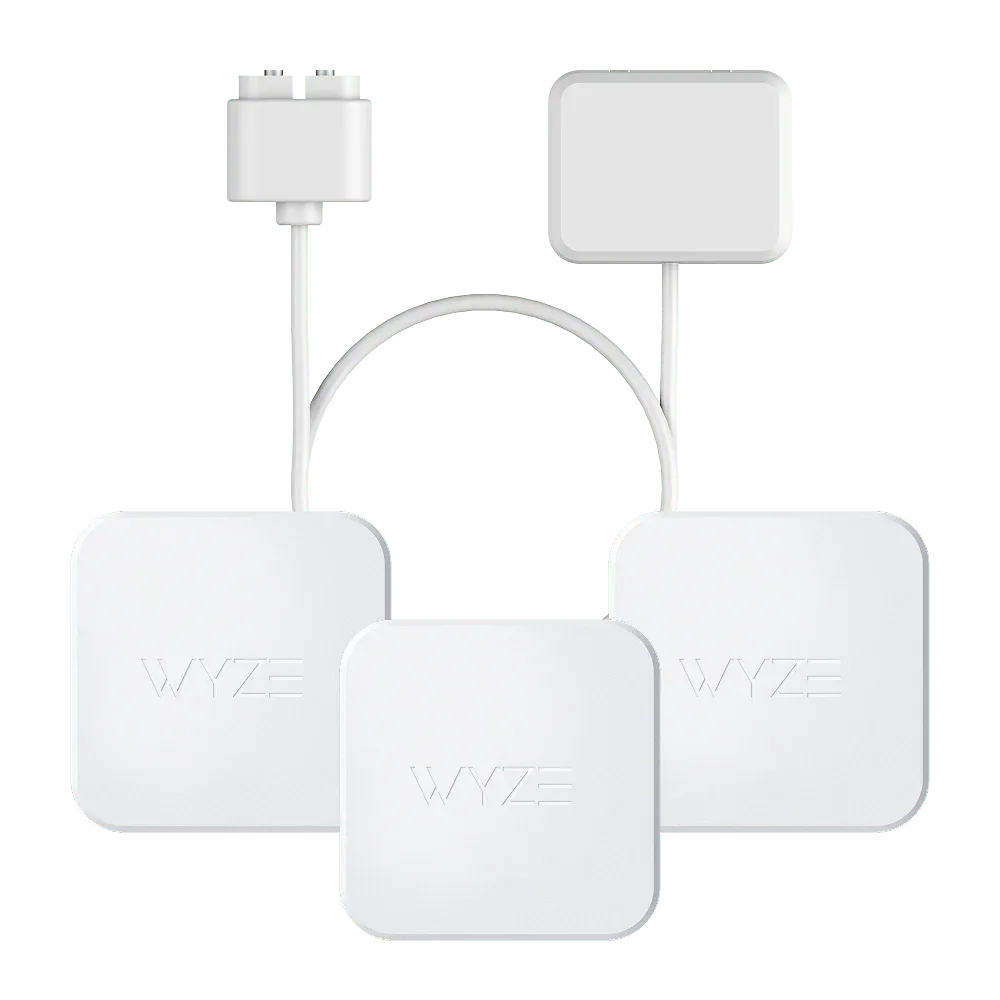
The Wyze Sense Leak Sensor & Probe is available as a 3 Sensors and 1 Probe set or a 2 Probes pack. While having multiple sensors helps, their effectiveness depends entirely on where you put them. A single sensor near a water heater inlet is more useful than three sensors stacked in a dry basement corner. Focus on known risk zones: under sinks, behind toilets, near washing machines, and around water heaters.
The probe version lets you extend detection into tight spaces where the sensor body itself won't fit, such as behind a dishwasher or under a refrigerator. Choose the style that matches your access constraints.
Trade-off: hub dependency
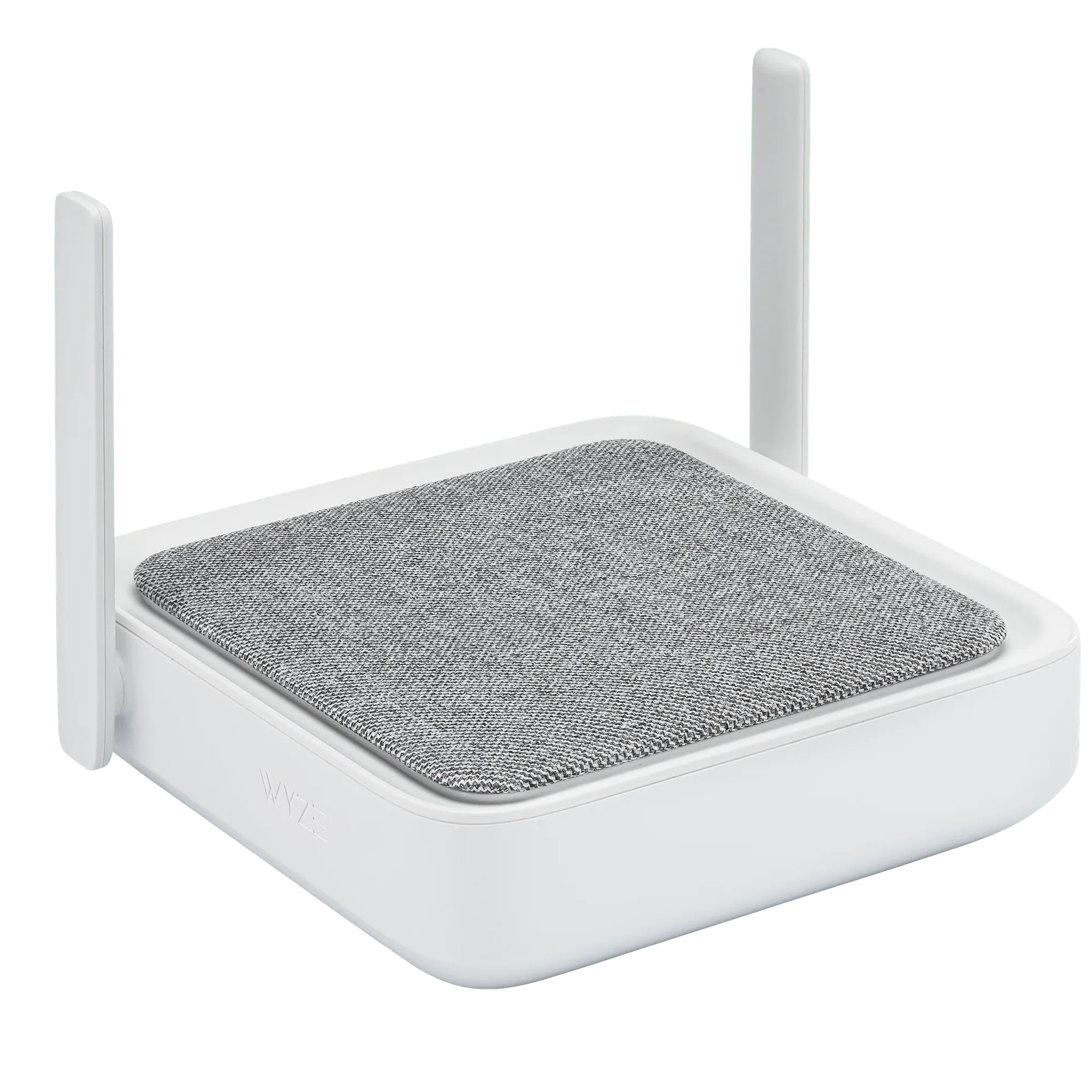
The Wyze Sense Leak Sensor requires a Wyze Sense Hub or a Wyze Sense v2 / Wyze Home Monitoring system to operate. It does not work standalone. If you already own a compatible hub, the added cost is only the sensor. If you are starting from scratch, factor in the hub purchase. The hub coordinates all monitoring components and sends alerts to your phone.
Without the hub, the sensor cannot push notifications. Plan your setup so the hub is within wireless range of all sensors, typically within 100 feet indoors.
Step-by-step setup
- 1. Choose your sensor style and location: Decide whether you need the standard sensor (for open areas like under sinks) or the probe version (for tight spaces behind appliances). Place the sensor flat on the floor or surface where water first would collect. Avoid placing it on uneven or elevated surfaces that could delay detection. A common mistake is setting the sensor on a shelf or ledge where water may not reach it in time. Always place it at the lowest point of the risk area.
- 2. Pair the sensor with your Wyze Sense Hub or system: Open the Wyze app, navigate to the Sense section, and follow the pairing instructions. Typically, you press the sync button on the hub and then the button on the sensor. Wait for the app to confirm the connection. Repeat for each sensor. If pairing fails, move the sensor closer to the hub temporarily. Thick walls or metal appliances can block the signal.
- 3. Test the alert path: Simulate a small leak by placing a damp paper towel on the sensor contacts. Verify that your phone receives a push notification within a few seconds. Also check that the hub emits an audible alert (if supported by your model). Do not skip this step. A sensor that is paired but not triggering alerts is a false sense of security.
- 4. Name and organize sensors in the app: In the Wyze app, give each sensor a descriptive name like Kitchen Sink or Water Heater. This helps you identify the exact leak location when an alert comes in, especially if you have multiple sensors installed. Generic names like Sensor 1 become useless during an emergency. Use location-based names from the start.
- 5. Set up notifications and routines: Configure the app to send push alerts, and optionally set up automations such as turning off a smart water valve if you have one. You can also create a routine that flashes your Wyze lights when a leak is detected. Notifications alone are helpful, but pairing the sensor with an automated shutoff valve can prevent flooding even when you are not home.
What you need
-
Wyze Sense Leak Sensor & Probe: The Wyze Sense Leak Sensor & Probe helps you detect water leaks early, sending alerts to your phone when used with Wyze Sense v2 or Wyze Home Monitoring. This means you can catch a leak before it causes structural damage, even when you are away from home.
Wyze Sense Leak Sensor & Probe
-
Wyze Sense Hub: The Wyze Sense Hub serves as the central connection point for your Wyze monitoring components, coordinating communication and sending alerts as needed. If you don't already have a compatible system, the hub is a necessary addition to enable remote alerts and system coordination.
Wyze Sense Hub