Quick Answer
For a faster, more reliable home network, the Wyze Wi-Fi 6E Mesh Router Pro is a strong choice, offering Wi-Fi 6E speeds up to 2.5 Gbps and coverage up to 2000 square feet per router. Use the FAQ below to answer common setup, range, and troubleshooting questions.
Why Wi-Fi 6E Matters for Your Home
Wi-Fi 6E introduces the 6 GHz band, which is less congested than the traditional 2.4 GHz and 5 GHz bands. This means less interference from neighboring networks and more consistent speeds for demanding activities like 4K streaming and online gaming.
The Wyze Wi-Fi 6E Mesh Router Pro supports up to 75+ devices, making it suitable for busy smart homes. Its mesh design allows you to add multiple units to cover larger areas, eliminating dead spots.
Keep in mind that to experience the full benefits of Wi-Fi 6E, your devices must also support the 6 GHz band. Older devices will still connect, but they won't access the fastest speeds.
Understanding Mesh Coverage and Placement
Each Wyze Wi-Fi 6E Mesh Router Pro covers up to 2000 square feet. For larger homes, adding additional units extends coverage seamlessly, ensuring consistent performance throughout.
Place routers in central, elevated locations away from thick walls and large metal objects. Avoid placing them near microwaves or cordless phones, which can cause interference.
If you have a wired Ethernet connection available, using wired backhaul between mesh units can improve speed and reliability compared to wireless backhaul.
Wyze Wi-Fi 6E Mesh Router Pro FAQ
How do I set up the Wyze Wi-Fi 6E Mesh Router Pro?
Download the Wyze app, create an account, and follow the in-app instructions. Connect the router to your modem, power it on, and the app will guide you through naming your network and setting a password. The entire process typically takes less than 10 minutes. Have your modem's login credentials handy and place the router in a central location before starting.
What is the range of the Wyze Wi-Fi 6E Mesh Router Pro?
Each router covers up to 2000 square feet. For larger homes, add additional units to create a mesh network that eliminates dead zones. Use the Wyze app to check signal strength and optimize placement. For homes over 2000 square feet, consider purchasing a multi-pack or adding extra units.
What speeds can I expect with the Wyze Wi-Fi 6E Mesh Router Pro?
The router supports internet speeds up to 2.5 Gbps, but your actual speed depends on your internet plan and device capabilities. To get the fastest speeds, use devices that support Wi-Fi 6E and connect to the 6 GHz band. Check your internet plan and device specs to ensure you're not the bottleneck.
How do I troubleshoot common issues with the Wyze Wi-Fi 6E Mesh Router Pro?
If you experience slow speeds or dropouts, restart the router and modem. Ensure firmware is up to date via the Wyze app. Check for interference from other electronics and reposition the router if needed. If problems persist, contact Wyze support. Regularly check for firmware updates to keep performance optimal.
Can I use wired backhaul with the Wyze Wi-Fi 6E Mesh Router Pro?
Yes, the router supports wired backhaul. Connect mesh units via Ethernet for a more stable and faster connection between nodes, which is especially helpful in larger homes or where wireless signals are weak. Use Ethernet cables to connect mesh units whenever possible for the best performance.
Product Facts
-
Wyze Wi-Fi 6E Mesh Router Pro: The Wyze Wi-Fi 6E Mesh Router Pro delivers internet speeds up to 2.5 Gbps with the latest Wi-Fi 6E technology and access to the new 6 GHz band. This means you can enjoy faster downloads, smoother streaming, and lower latency, especially for devices that support Wi-Fi 6E.
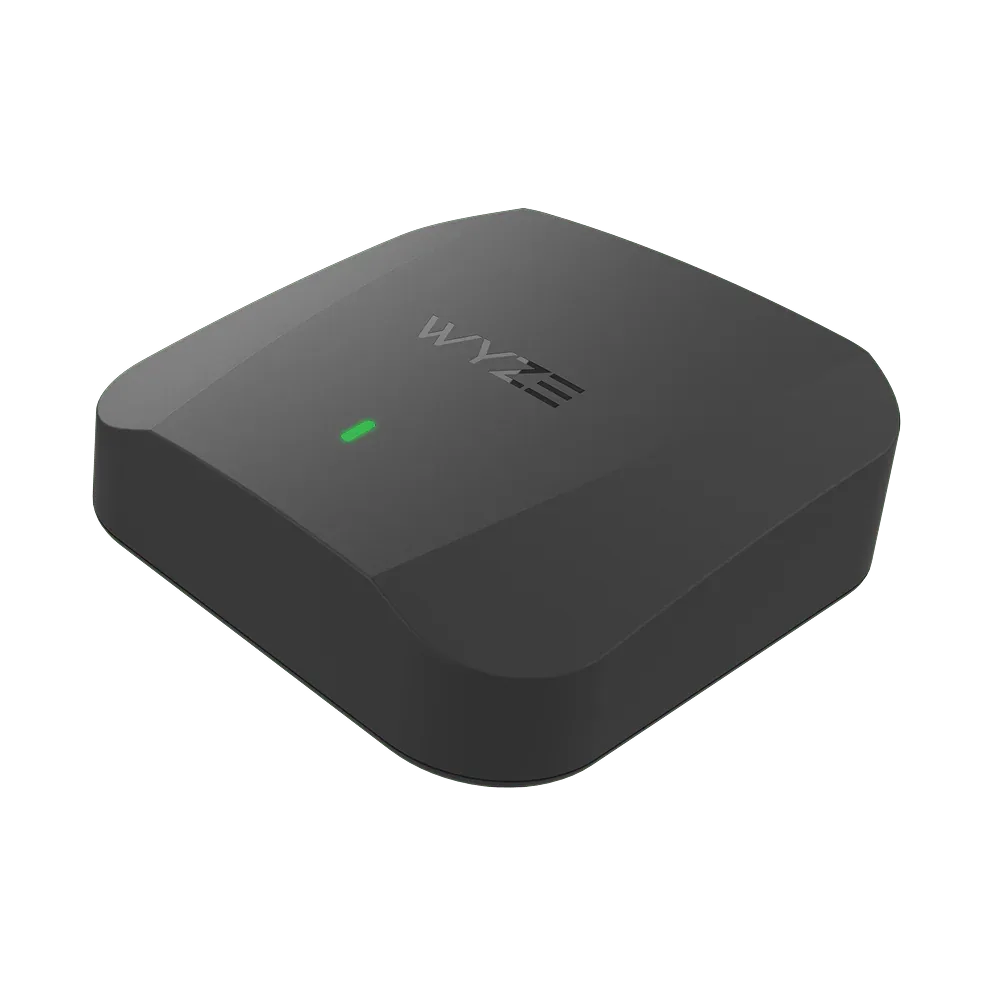
Wyze Wi-Fi 6E Mesh Router Pro