Quick answer
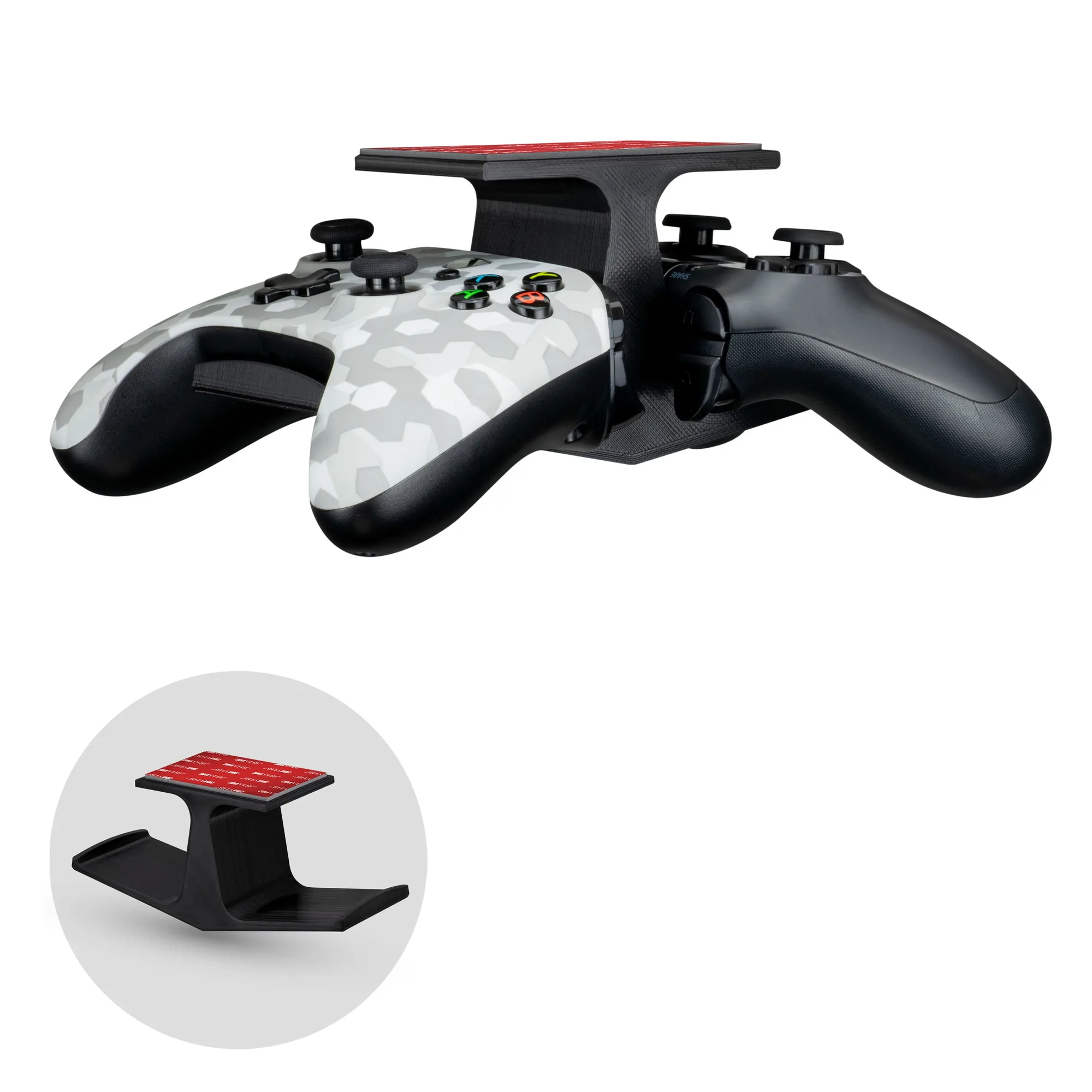
Attach the Retro Frog controller hanger to the top fan grill of your Xbox Series X to hang controllers and headsets, and use the Retro Frog vertical stand to save desk space with your original Xbox.
Why these accessories work well together
If you own both an Xbox Series X and an original Xbox, the Retro Frog hanger and vertical stand are practical additions. The hanger uses the console's top fan grill to keep controllers and headsets within reach, while the vertical stand reduces the footprint of the older console.
One trade-off to note: the vertical stand is designed for original Xbox consoles that play games from the internal hard drive, not the DVD drive. If your unit relies on discs, this stand isn't a fit.
Setup steps
- Prepare the hanger: Unpack the Retro Frog controller hanger and inspect the clips. Align them with the top fan grill of your Xbox Series X. Press down gently until the clips grip the grill securely. Check that the hanger is level and doesn't obstruct airflow.
- Hang your gear: Place your controller on the hanger's hook or cradle, then add your headset on the adjacent hook if available. Balance heavier items to avoid tipping. Avoid overloading one side; distribute weight evenly.
- Position the vertical stand: Place the Retro Frog vertical stand on a stable, flat surface. Slide your original Xbox into the stand, ensuring it fits snugly at either end. Confirm the console's vents are not blocked. Make sure the console is fully seated to prevent wobbling.
Product facts
-
Xbox Series X Controller and Headset Hanger - Retro Frog: Attaches to the top of the Series X fan grill and can hang controllers, headsets, and other accessories. This keeps your most-used gear off the desk and within easy reach without taking up extra surface space.
Xbox Series X Controller and Headset Hanger - Retro Frog
Xbox Series X Controller and Headset Hanger - Retro Frog
-
Vertical Stand for Xbox - Retro Frog: Fits either end of the original Xbox and is intended for consoles that play games from the internal hard drive. It lets you orient the console whichever way suits your setup, but you'll need to confirm your model's disc drive isn't required for gameplay.
Vertical Stand for Xbox - Retro Frog
Vertical Stand for Xbox - Retro Frog