Quick Answer
Use the Solar Connector to XT90 Cable to link your solar panels directly to the SuperBase V power station for efficient charging. This guide walks you through the connection process and highlights key checks to avoid common setup errors.
Why This Cable Matters for Solar Charging
The Solar Connector to XT90 Cable bridges the gap between standard solar panel connectors (MC4 compatible) and the XT90 input on the SuperBase V. Without it, you would need an adapter or a different cable to get power from your panels into the station.
This cable supports a wide input voltage range of 12 to 150VDC and up to 25A current, allowing for up to 3000W of charging power. That makes it suitable for both small portable panels and larger rigid setups, as long as they stay within those limits.
Important Limitation to Know
When the SuperBase V shuts down because its battery is fully depleted, the Hub 2000 cannot automatically wake it up through this cable. You will need to manually restart the power station or use a different wake method. Plan your charging schedule so the station does not drain completely if you rely on automatic recovery.
Step-by-Step Connection Guide
- Check Voltage and Current Limits: Verify that your solar panel array's open-circuit voltage does not exceed 150VDC and that the total current stays under 25A. Exceeding these limits can damage the cable or the SuperBase V. If your panels exceed 150VDC, you need a different cable or a step-down converter.
- Connect the Solar Connector End to Your Panels: Plug the MC4-compatible connector on one end of the cable into your solar panel's output. Ensure the connection is snug and free of debris to prevent arcing or power loss. A loose connection can cause voltage drops and reduce charging efficiency.
- Plug the XT90 Connector into the SuperBase V: Insert the XT90 connector into the corresponding input port on the SuperBase V. Push firmly until it clicks into place. Do not force it if it does not align; check the orientation. The XT90 connector is keyed; if it does not fit easily, rotate it 180 degrees before trying again.
- Power On and Monitor Charging: Turn on the SuperBase V and check the display to confirm it is receiving solar input. The station should show the incoming voltage and current. If no input appears, verify all connections and that the panels are in sunlight. If the station shows no input, the cable might be faulty or the panels may not be producing enough voltage (minimum 12V).
- Plan for Full Discharge Recovery: Remember that if the SuperBase V shuts down from a depleted battery, this cable cannot be woken automatically by the Hub 2000. Manually restart the station or keep the battery above 0% if you need automatic recovery. Set a low-battery alarm on the SuperBase V to avoid unexpected shutdowns during unattended charging.
Product Facts
-
Solar Connector to XT90 Cable (3M): Supports 12 to 150VDC input, 25A max current, and up to 3000W of charging power. This wide voltage range means you can use it with most common solar panel configurations, from small 12V panels to larger 150V arrays, without needing extra adapters.
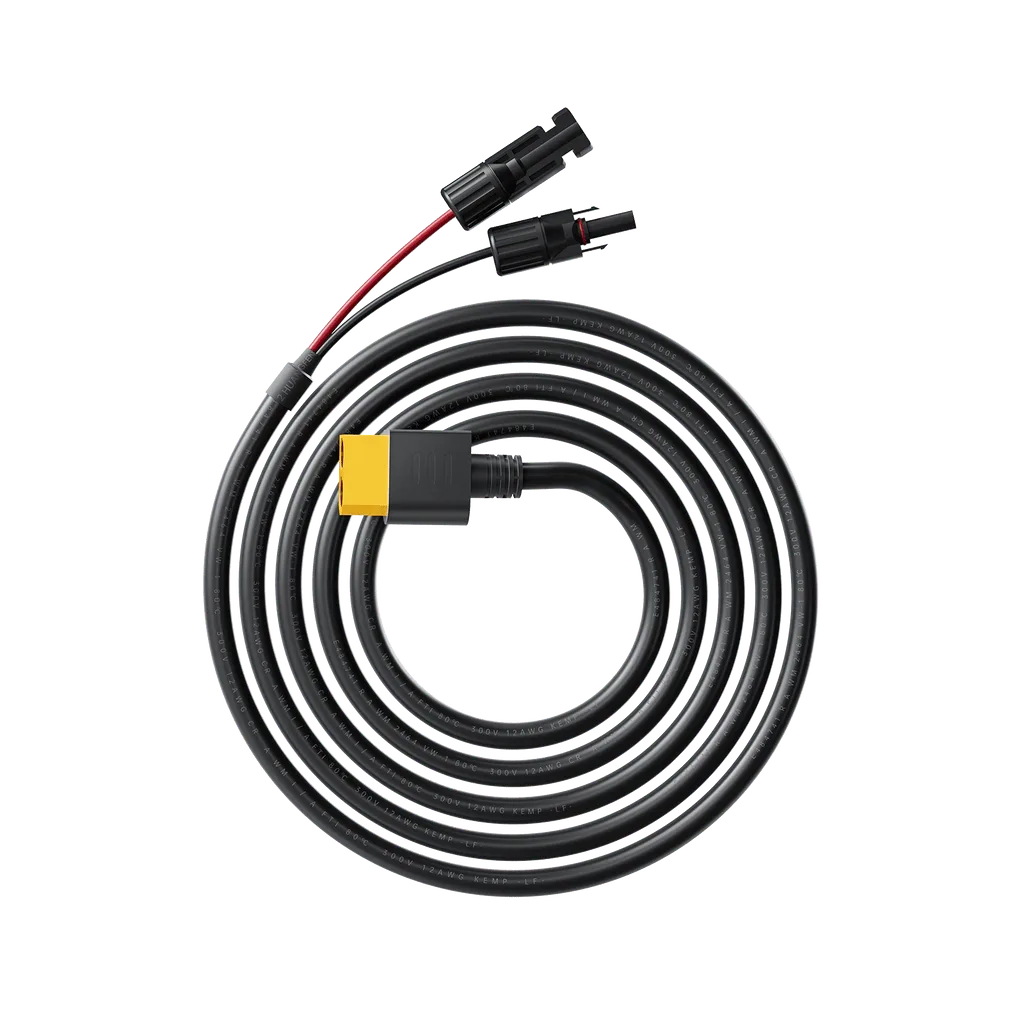
Solar Connector to XT90 Cable (3M)