Quick answer
Store your Zendure SolarFlow battery in a cool, dry place at around 50% charge, and check it every few months. Avoid extreme temperatures and never leave it fully discharged. If you see swelling or damage, stop and contact support.
SolarFlow
Why storage conditions matter for your SolarFlow battery
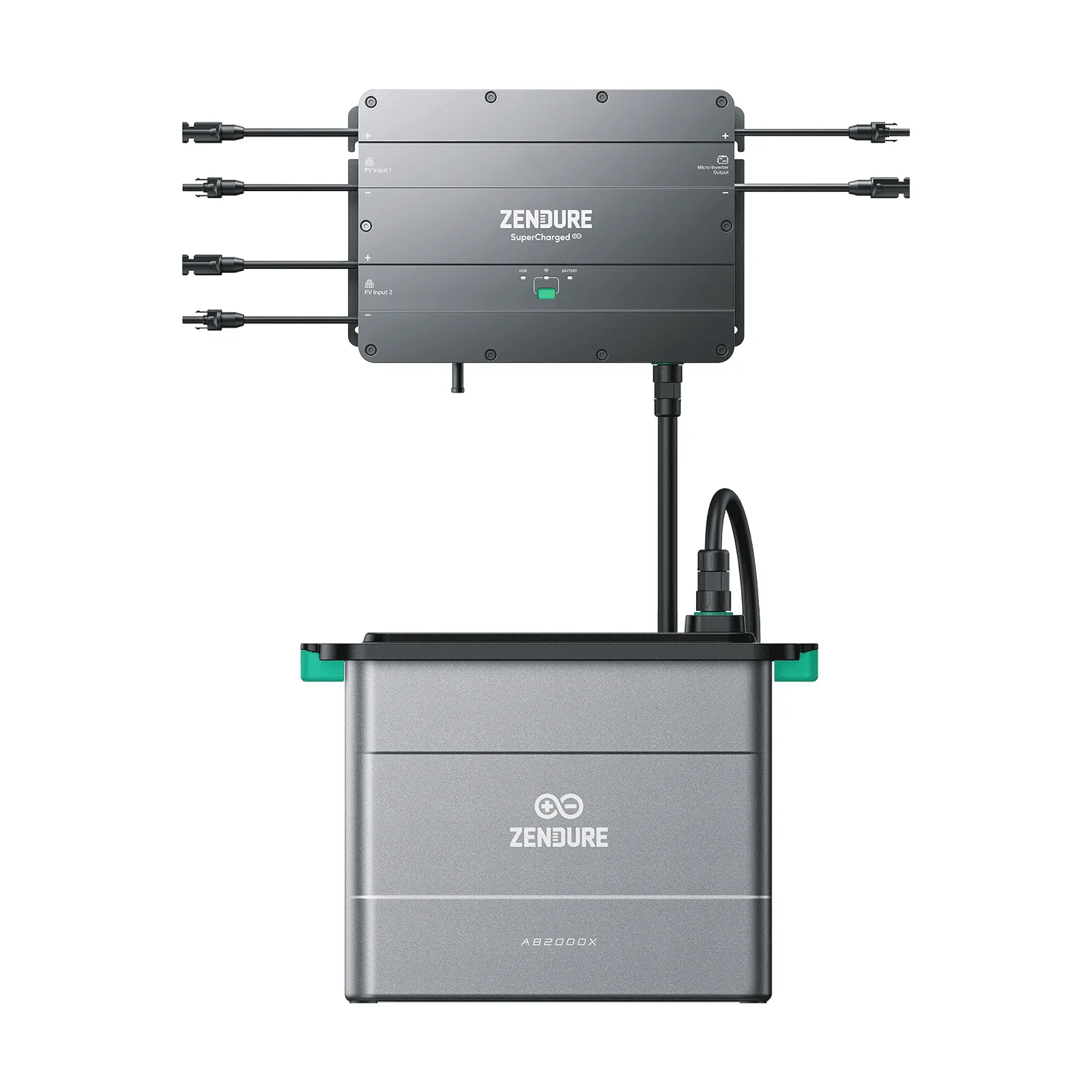
Lithium batteries like the Zendure SolarFlow Battery AB1000 age faster when stored at high charge or in hot environments. Keeping the battery around 50% state of charge reduces stress on the cells. The AB1000 has an IP65 rating, meaning it is dust-tight and protected against water jets, but that doesn't mean it should be stored outdoors in extreme weather. For long-term storage, a climate-controlled space is best.
Step-by-step storage routine
Before storing, discharge or charge the battery to about 50%. Turn it off and disconnect it from the Smart PV Hub and any other equipment. Use the original packaging or a clean, dry container. Store it indoors, away from direct sunlight, and where temperatures stay between 0°C and 25°C (32°F to 77°F). Every three months, check the charge level and top it up to 50% if needed.
Common storage mistakes to avoid
Leaving the battery plugged into the system when not in use can cause slow drain and unnecessary cycling. Storing it in a garage that freezes or an attic that overheats will accelerate capacity loss. Also, don't stack heavy items on top of the battery or cover it in a way that traps moisture. The AB1000 is designed for easy stack-up expansion, but during storage, keep it separate from other batteries to avoid accidental discharge.
Diagnosis: When storage goes wrong
- Symptom: Battery won't hold charge after storage: Likely cause: Stored at 0% or in high heat for months. Corrective action: Charge to 50% and monitor. If capacity doesn't recover, contact Zendure support. If the battery is still under warranty, do not attempt repairs yourself.
- Symptom: Physical swelling or damage: Likely cause: Overcharging, impact, or internal fault. Corrective action: Stop using immediately and move to a fire-safe area. Do not try to charge or discharge. Contact Zendure support or a local battery recycling facility. Do not dispose of in regular trash.
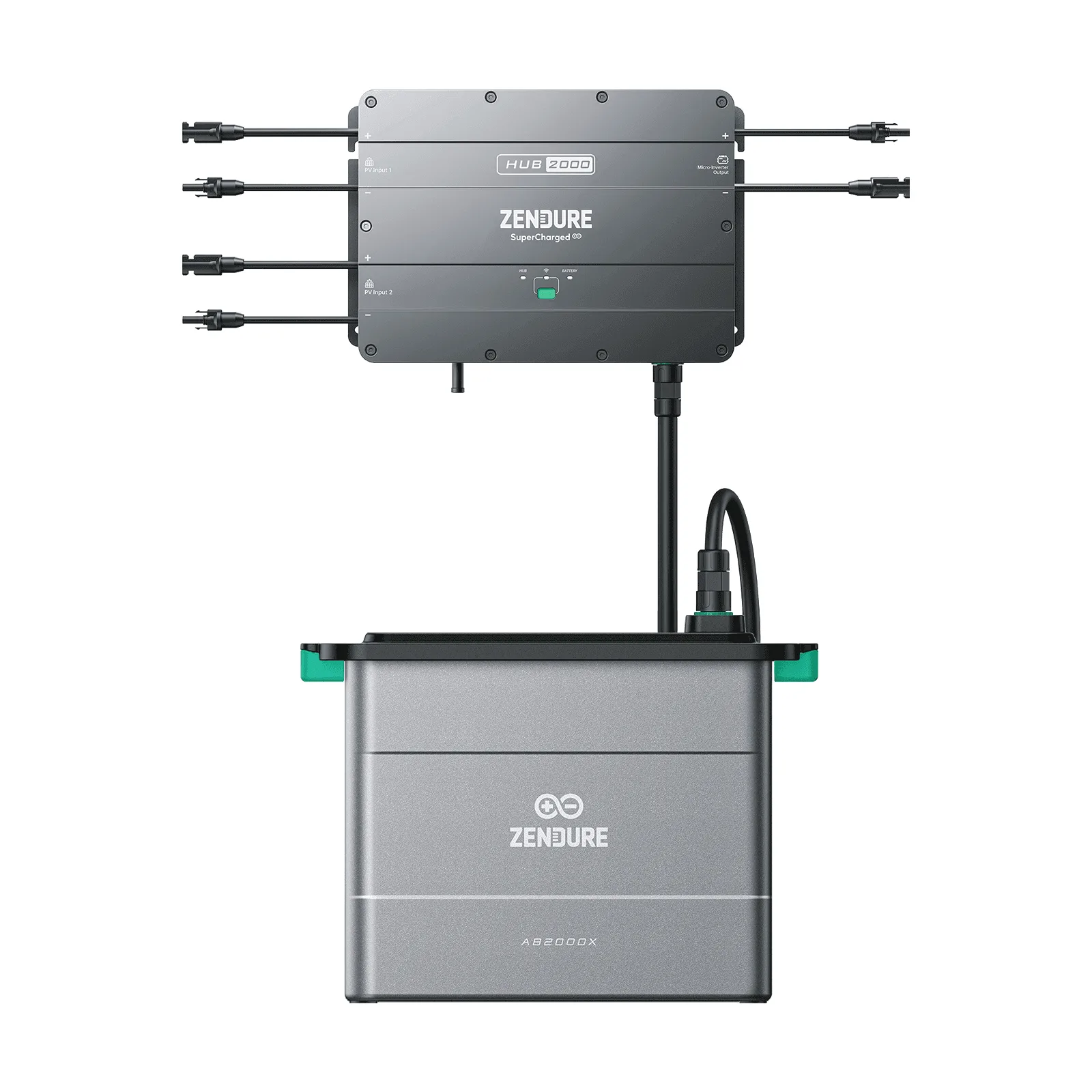
- Symptom: Error codes when reconnecting after storage: Likely cause: Deep discharge or communication error. Corrective action: Reconnect to the Smart PV Hub and check the Zendure app for specific codes. Refer to the error code guide. If codes persist after a full reset, seek professional help.
Product facts
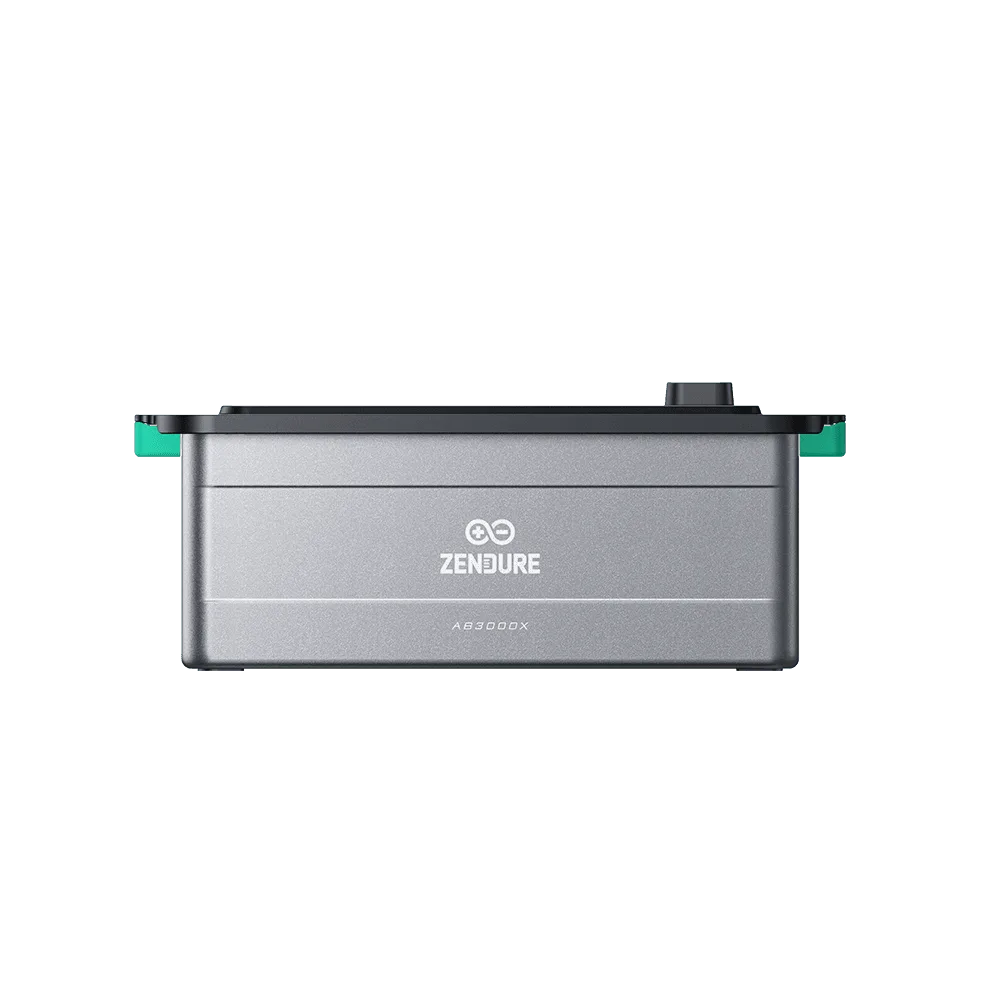
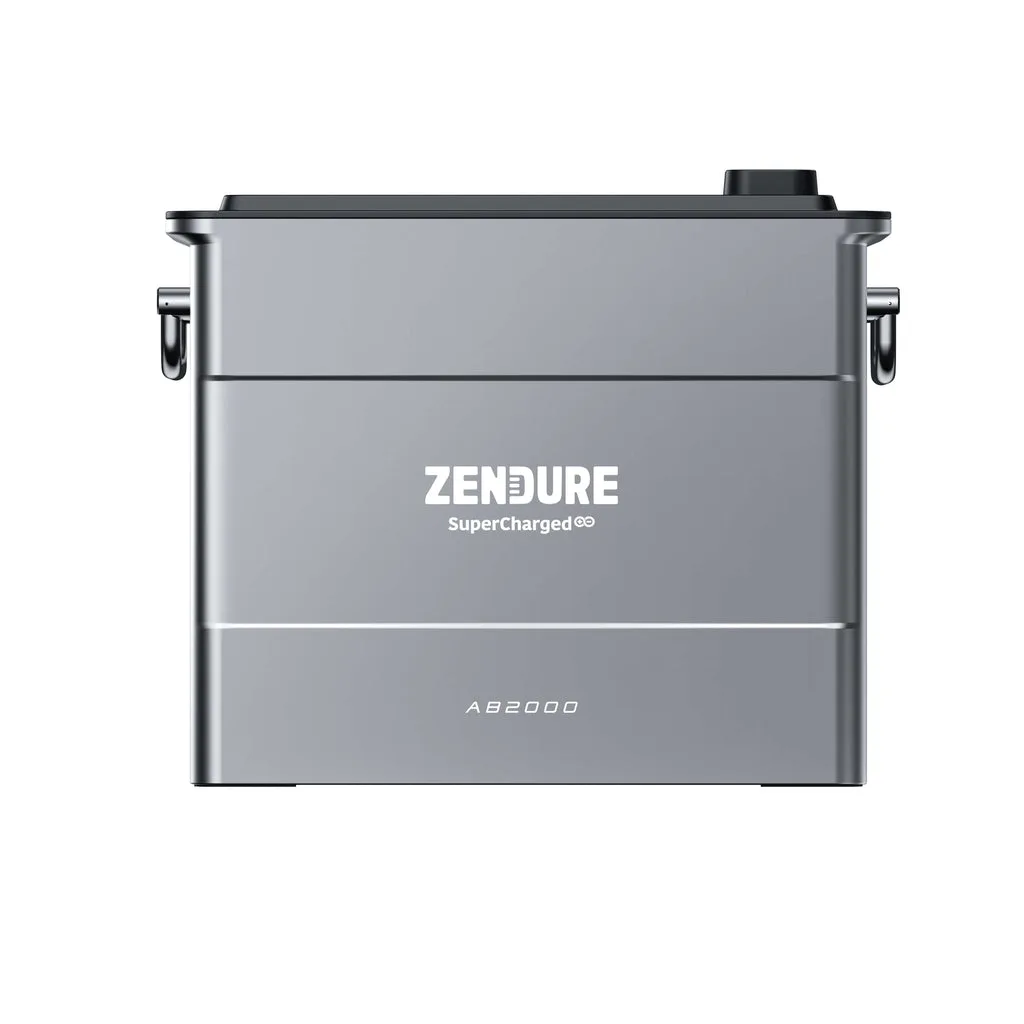
- Zendure Solarflow Battery AB1000: Zendure SolarFlow Add-on Battery AB1000: 10-Year Warranty, TÜV certificate, Easy stack-up expansion, IP65 Waterproof. The 10-year warranty gives peace of mind that proper storage will help you get the most from that coverage. IP65 means it can handle damp conditions, but for long-term storage, indoor is still safer.