Quick Answer
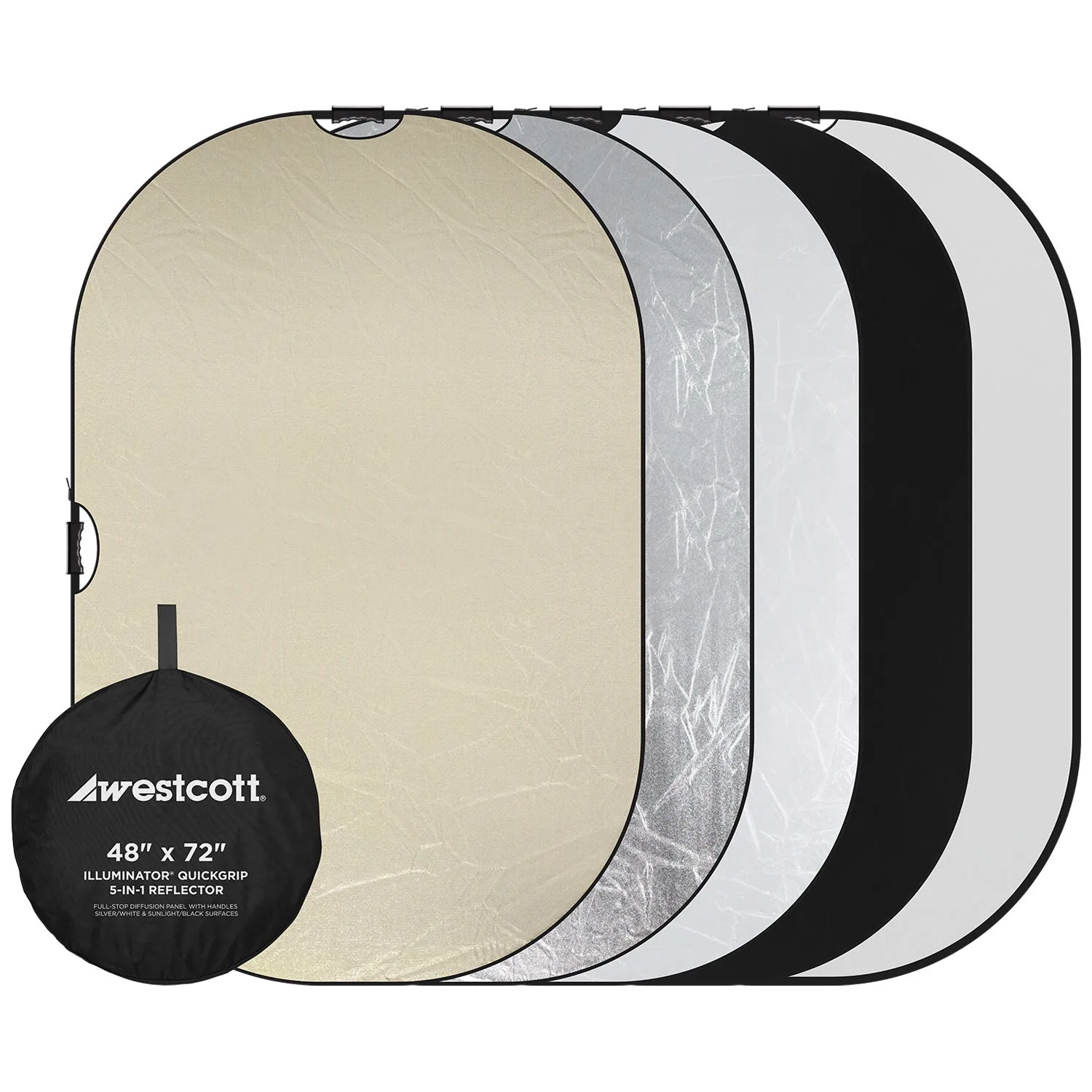
Use a 7-in-1 reflector disc to bounce, soften, or color light for portraits. Choose the panel based on your goal: white for soft fill, silver for punch, gold for warmth, and translucent to diffuse harsh sources.
Why a 7-in-1 Reflector Works for Portraits
A 7-in-1 reflector disc gives you multiple light modifiers in one collapsible kit. The interchangeable sleeves let you switch between white, silver, gold, and translucent panels, plus chroma green/blue for color key work. This makes it a versatile tool for both natural-light and studio portraits.
The key trade-off: the disc is round and can create a circular catchlight in the subject's eyes, which some photographers prefer over a softbox's rectangular shape. However, it requires an assistant or a stand to hold it, so it's less solo-friendly than a fixed modifier.
How to Use a 7-in-1 Reflector Disc for Portrait Lighting
- 1. Choose the Right Panel for Your Lighting Goal: Select the sleeve that matches the effect you want: white for soft, even fill; silver for a bright, specular highlight; gold for warm skin tones; translucent to diffuse a direct light source. Attach the sleeve to the disc frame. Common mistake: using silver for close-up portraits can create harsh, unflattering highlights. Stick with white for softer skin tones.
- 2. Position the Reflector Opposite Your Main Light: Place the reflector on the shadow side of your subject, angled to catch and bounce the main light back onto the face. For a natural look, keep the reflector at the same height as the subject's eyes or slightly above. Checkpoint: if the shadow side remains too dark, move the reflector closer or tilt it upward. If the fill is too strong, move it farther away or switch to a white panel.
- 3. Use the Translucent Disc as a Diffuser: Remove the reflective sleeve and hold the translucent disc between your light source (sun or strobe) and the subject. This softens the light and reduces harsh shadows, ideal for midday outdoor portraits. Common mistake: placing the diffuser too far from the subject. Keep it within 2–3 feet of the subject for maximum softening effect.
- 4. Adjust Distance and Angle for Fine Control: Move the reflector closer to the subject for stronger fill, and farther away for a subtler effect. Rotate the disc to change the angle of the bounced light—a steeper angle creates a more dramatic sidelight. Checkpoint: watch the catchlight in the subject's eyes. If it's too large or oddly shaped, reposition the reflector or switch to a smaller panel.
- 5. Use the Grey Card for Accurate Exposure: The back panel of the 7-in-1 case includes a grey surface. Hold it in the same light as your subject, take a meter reading or custom white balance, and lock that setting before you shoot. Common mistake: forgetting to re-meter after moving the subject to a different light source. Always re-check the grey card in the new lighting condition.
Product Facts
-
PM ReflectaDisc 7-in-1 Plus - 42": The PM ReflectaDisc 7-in-1 Plus (42") includes a translucent center disc for softening light and a back panel that doubles as a grey card for exposure and color balance. You can use the translucent disc as a portable diffuser between your light source and subject, and the grey card helps set accurate white balance before you start shooting.
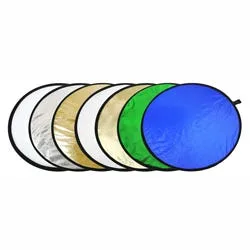
PM ReflectaDisc 7-in-1 Plus - 42"