Quick answer
Most anime lightbox flicker and warmth comes from unstable power, not a dead LED panel. Start by swapping the USB power source and cable, then test battery mode; if the flicker follows the adapter or port, replace that part and keep the lightbox. If the frame itself stays hot to the touch on any power source, stop using it and contact the seller.
Why these lightboxes flicker in the first place
Layered paper lightboxes run on a low-voltage LED strip behind precision-cut paper inside an acrylic frame. That strip needs a steady current. When the current dips, the LEDs blink faster than you can see, which reads as flicker. The usual culprits are a weak USB port, a thin or damaged cable, a nearly empty battery, or a loose connection where the cable meets the frame. The LED strip itself rarely fails first, so replacing the whole lightbox is usually the last step, not the first.
Diagnose flicker in four steps
Run these in order and stop as soon as the flicker disappears, so you know exactly which part was at fault.
- Move the USB plug to a different port or a wall charger rated for at least 1A. Weak laptop ports and unpowered hubs are a common cause of dimming and flicker.
- Swap in a known-good USB cable. A cable that charges a phone slowly may not carry enough current for the LED strip.
- Switch to battery power if your model supports it. If the flicker stops on batteries, the problem is your USB source or cable, not the lightbox.
- Wiggle the connector gently where it enters the frame. If the light cuts in and out, the port or solder joint is loose and the unit needs service or replacement.
What actually causes a lightbox to feel warm
A little warmth after hours of use is normal for any LED product, and an acrylic frame can hold that heat near the surface. Real overheating looks different: the frame becomes uncomfortable to hold, the paper looks scorched or discolored, or the light dims as it heats up. Those signs point to a failing adapter, a blocked vent area, or a strip running at the wrong voltage. Do not open the acrylic frame to investigate. The layered paper is easy to crease, and prying the frame apart usually causes more damage than the original fault.
When to fix, when to replace
If the flicker or heat follows a specific adapter, cable, or battery, replace that part and keep the lightbox. If the lightbox flickers on every power source, including fresh batteries, or if it gets hot on every source, stop using it and ask the seller about a replacement. Continuing to run a unit that overheats risks damage to the paper layers, and those cannot be repaired once they warp or scorch.
Symptom, cause, and what to do
- Flickers only on USB power: The USB port, hub, or cable cannot supply steady current to the LED strip. Try a wall charger rated 1A or higher and a known-good cable. If it still flickers, the lightbox port is the issue.
- Flickers on batteries too: The fault is inside the lightbox rather than your power source. Stop troubleshooting externally and contact the seller about a replacement.
- Frame feels hot to the touch: A failing adapter or a strip running at the wrong voltage is pushing heat into the acrylic and paper. Unplug it and do not keep running it. Heat damage to layered paper is permanent.
- Light works but remote does nothing: The remote needs a 3V lithium battery that is not included with the lightbox. Buy that battery locally first. This is not a lightbox fault.
Power details worth knowing before you troubleshoot
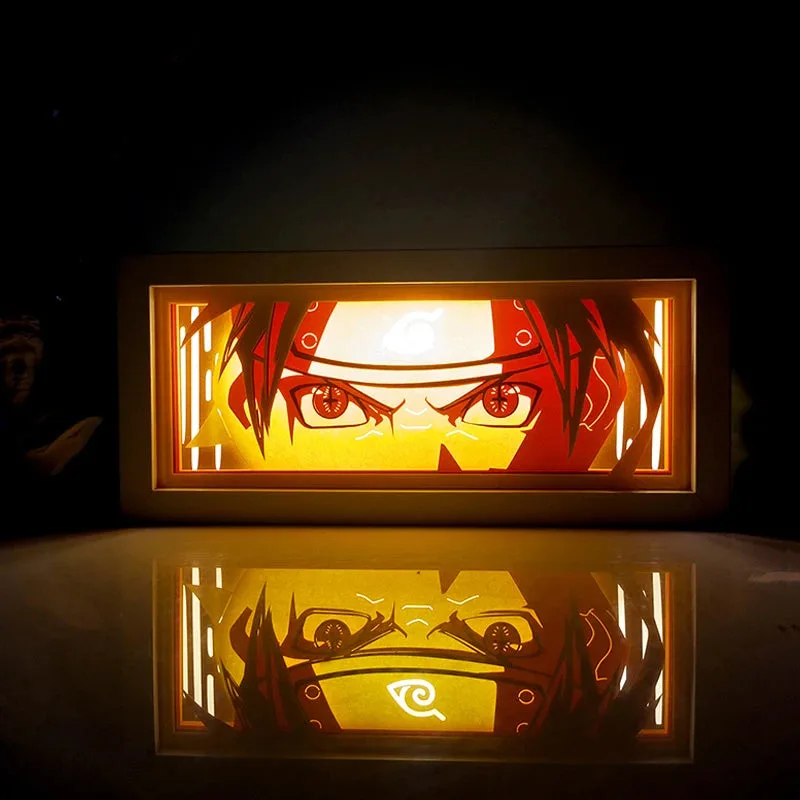
- NARUTO LIGHTBOX: Runs on a vibrant LED backlight with remote control, powered either by USB plug-in (included) or batteries. Because both power paths exist, you can test USB versus battery mode to isolate whether flicker comes from your outlet, cable, or the lightbox itself.
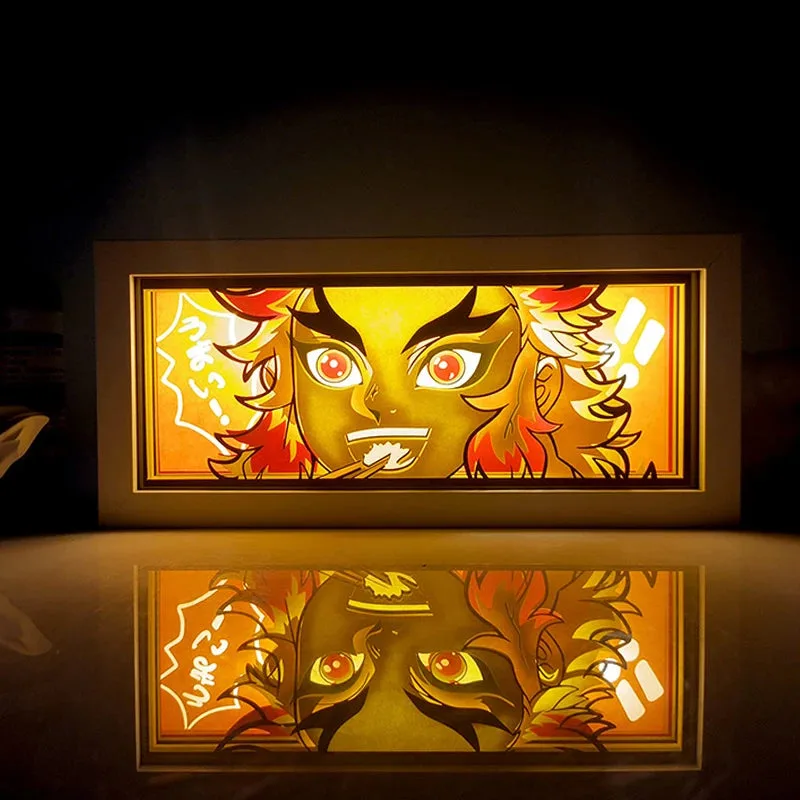
- RENGOKU LIGHTBOX: Uses precision-cut layered paper in a durable acrylic frame with the same USB or battery power options. The acrylic frame protects the paper layers, so never pry it open to chase a wiring fault; troubleshoot the external power first.
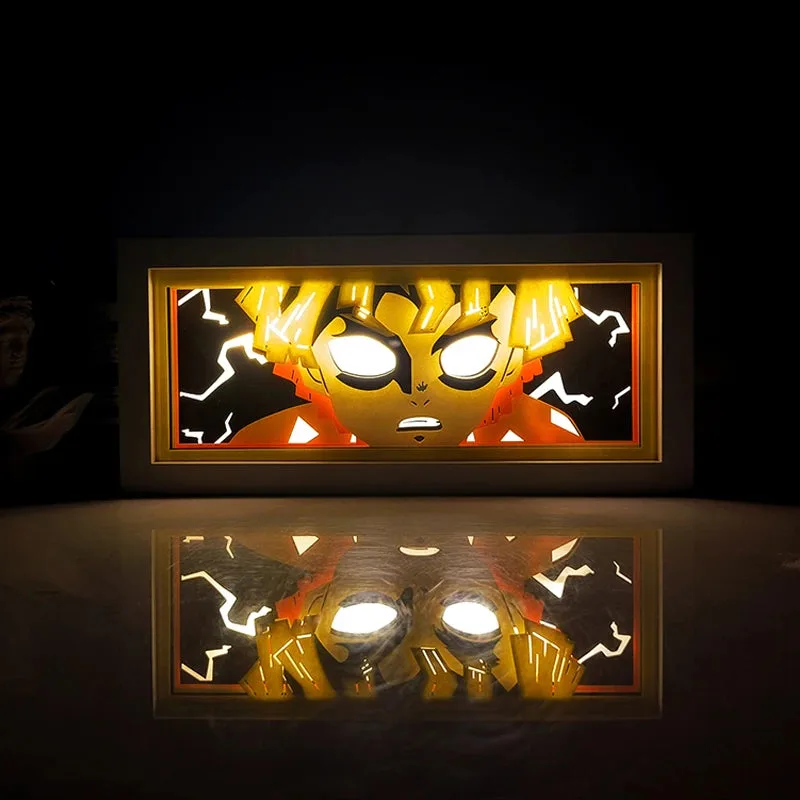
- ZENITSU LIGHTBOX: Remote control requires one 3V lithium battery, not included due to shipping restrictions and must be purchased locally. A dead remote battery can make the lightbox seem unresponsive, so rule that out before assuming the LED panel has failed.