Quick answer
Replacing the battery door on your Atari Lynx Model 2 is a simple fix. The 2-Color Battery Door for Atari Lynx Model 2 offers a snug fit and easier removal than the original.
Why replace the battery door?
The original battery door on the Atari Lynx Model 2 can become brittle or loose over time. A replacement ensures your batteries stay secure and your handheld works reliably. The 2-Color Battery Door is designed to be a little easier to remove while still fitting like the original.
Step-by-step replacement
- Remove the old battery door: Slide the original door off the Atari Lynx Model 2. If it's stuck, gently pry it from the edge using a plastic spudger. Avoid metal tools that could scratch the handheld. Check that the old door's hinge tabs are not broken off inside the slot.
- Insert the new battery door hinge tabs: Align the two small hinge tabs on the 2-Color Battery Door with the slots on the back of the Lynx. Insert them at a slight angle, then press down until they click into place. Do not force the tabs; they should slide in without excessive pressure. If they don't align, re-check the orientation.
- Close and test the fit: Rotate the door down until it snaps shut. The door should sit flush with the handheld's back. Open and close it a couple of times to ensure smooth operation. If the door feels loose or pops open easily, the hinge tabs may not be fully seated. Remove and reinsert them.
Product facts
-
2-Color Battery Door for Atari Lynx Model 2 - Humble Bazooka: This is a replacement for the battery door on an Atari Lynx II handheld. It's designed to be a little easier to remove while still fitting like the original. This version comes in two colors. You get a door that fits securely but is easier to pop off when you need to change batteries, and you can choose a color that matches your Lynx or adds a custom look.
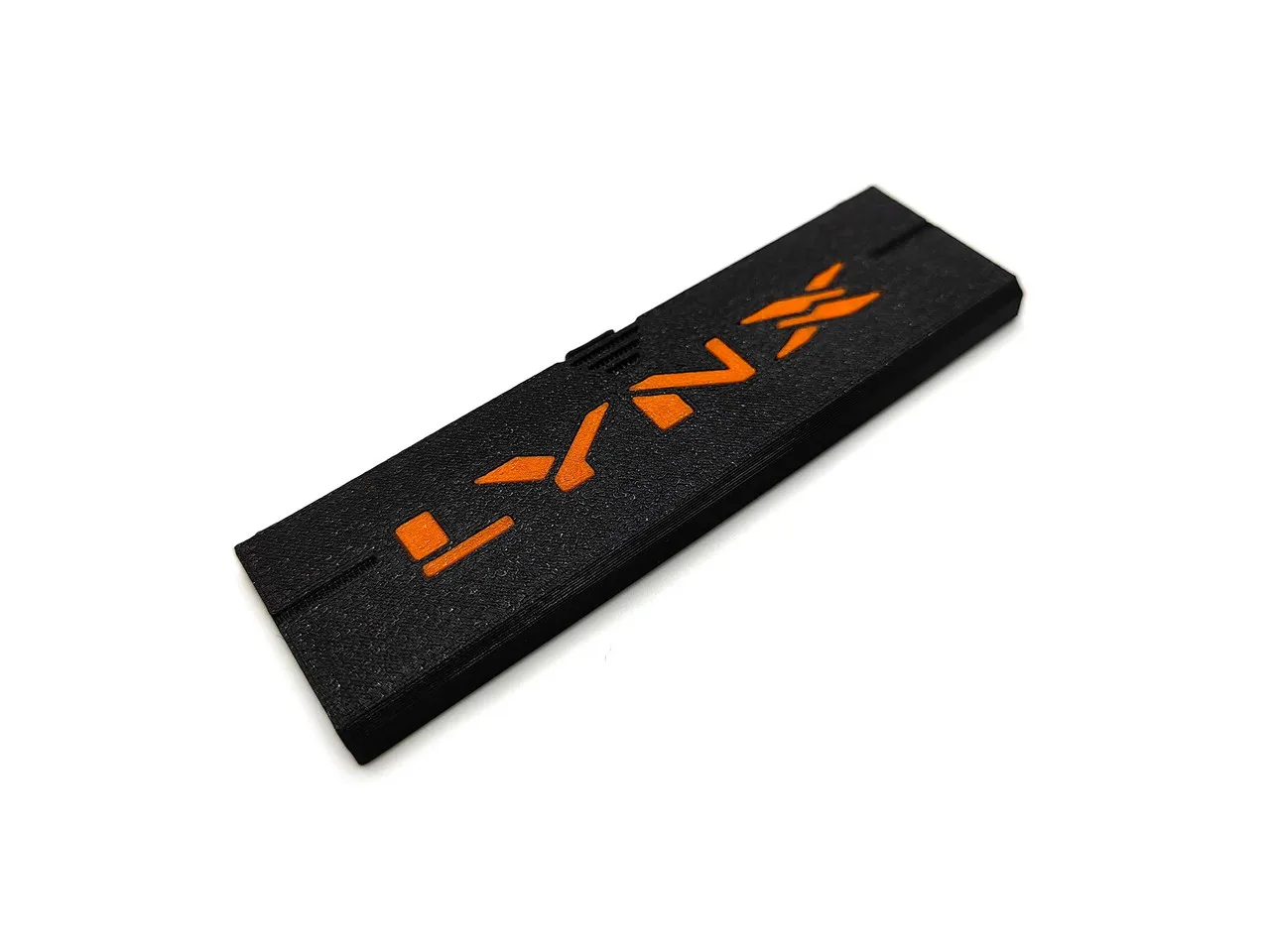
2-Color Battery Door for Atari Lynx Model 2 - Humble Bazooka