Quick Answer
To avoid silvering on your Boeing 747-200 decals, prepare a glossy surface, use a setting solution, and seal with a clear coat. If the decal still looks cloudy, remove it and start over on a properly prepared surface.
Why Silvering Happens on Airliner Decals
Silvering appears as a cloudy or frosted area under a decal, usually because air is trapped between the decal film and the model surface. On a large model like the Boeing 747-200, the long fuselage stripes and window lines are especially prone to this because they cover broad, curved areas.
The most common cause is applying decals over a matte or rough paint finish. The microscopic texture holds air, which shows through the clear decal film. A second cause is not using enough setting solution or not pressing out all the water and air bubbles during application.
A third factor is the decal film itself: if it is old or too thick, it may not conform tightly to the surface. The Boeing 747-200 kit has 22 parts, so the decals are a relatively small part of the build, but they define the airliner look.
Diagnose and Fix Decal Silvering on Your 747-200
- Symptom: You see a cloudy, silver or frosted area under the decal after it dries, especially on the fuselage stripes or window lines. Wait until the decal is fully dry before judging; some cloudiness disappears as the film settles.
- Likely cause: The decal was applied over a matte or rough surface, or not enough setting solution was used, leaving air trapped under the film. If the surface is not glossy, stop and repaint or apply a gloss clear coat before continuing.
- Corrective action: If the decal is still wet, gently lift an edge with a brush, apply decal setting solution underneath, and roll out air bubbles with a soft cotton swab. If the decal is dry, you can sometimes pierce the film and apply setting solution, but this is risky. For a dry decal that does not respond, remove it with tape or decal softener and reapply on a properly prepared surface.
- Stop point / alternative: If the decal is torn, wrinkled, or you have already sealed it with a clear coat, do not try to fix it in place. Remove it carefully and use a fresh decal, or consider painting the stripes and markings instead. When in doubt, a clean painted stripe often looks better than a damaged decal.
About the Boeing 747-200 Kit
-
Boeing 747-200: The Boeing 747-200 is a 1:450 scale model kit with 22 parts, designed to recreate the iconic Jumbo Jet. The small part count makes the build quick, so you can focus your attention on the decal application for a clean, realistic finish.
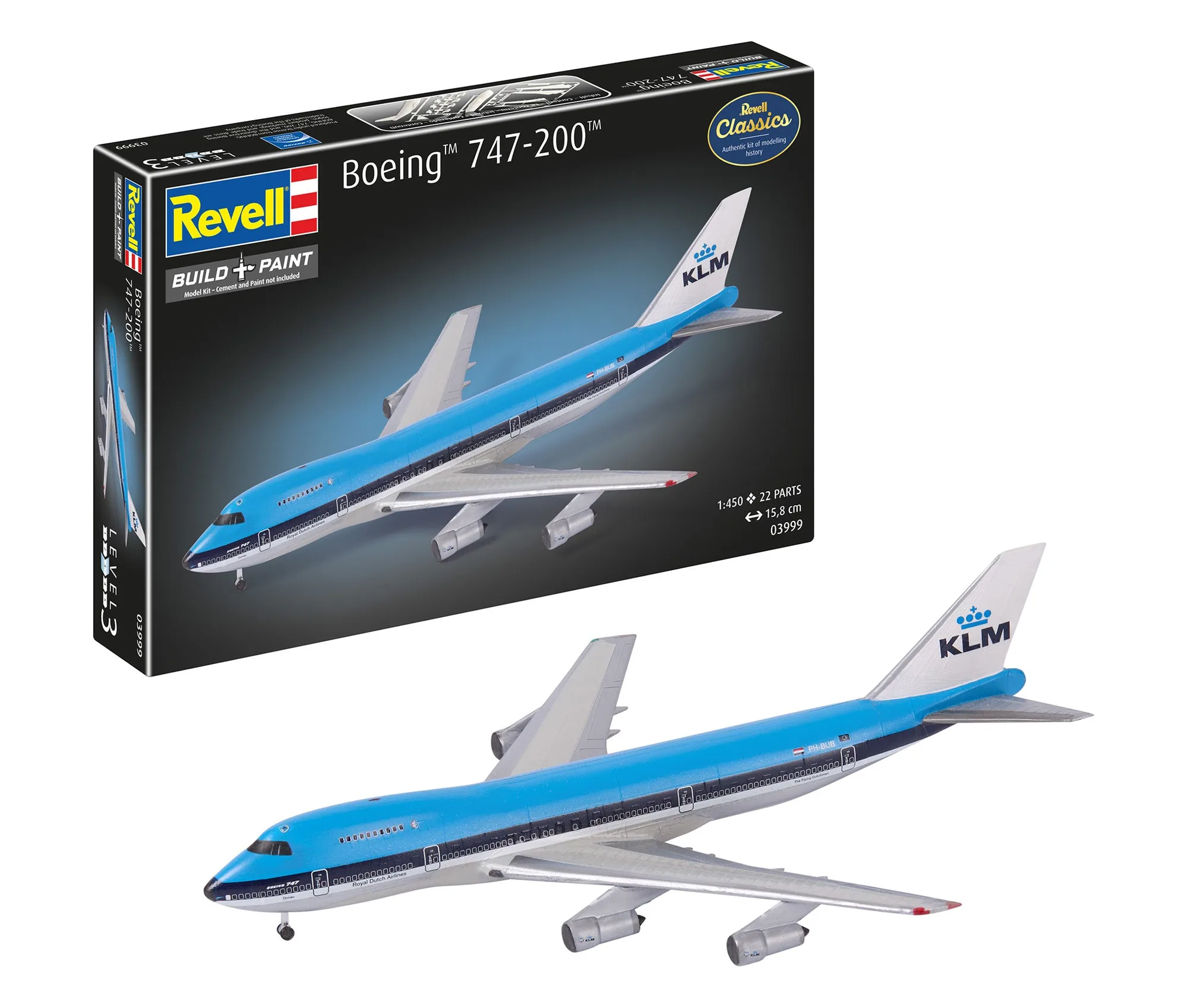
Boeing 747-200