Quick answer
Set up your boom stand by fully extending the legs, mounting the softbox securely on the arm, and always attaching a sandbag to the base before adjusting the boom.
Why a sandbag is non-negotiable
A boom arm shifts the center of gravity forward, making the stand prone to tipping even with a lightweight softbox. The included 18 lb sandbag counteracts this leverage, but only when placed correctly on the leg opposite the arm. Skipping the sandbag or using an undersized weight is the most common cause of studio accidents.
Matching the softbox to the boom
The ephotoinc 16" x 24" softbox is designed for a 4-light head configuration, so it works well with a single boom arm as a key light. Its rectangular shape provides soft, directional light that reduces harsh shadows. The 5/8" stud on the boom arm fits most softbox speed rings, but always confirm your speed ring matches the stud size before tightening.
Step-by-step boom stand setup with softbox and sandbag
- 1. Position and extend the legs: Place the boom stand on a level surface. Fully extend the three legs to their widest position (38-inch diameter footprint) and lock each leg lock. This creates the widest possible base for stability. Checkpoint: Ensure all leg locks are tight before proceeding.
- 2. Attach the sandbag to the base: Drape the 18 lb sandbag over the leg opposite the direction you plan to extend the boom arm. Position the sandbag as low as possible on the leg, near the foot, to maximize stability. Do not place it on the center column. Common mistake: Placing the sandbag on the wrong leg or too high reduces its effectiveness.
- 3. Mount the softbox to the boom arm: Slide the speed ring of the ephotoinc 16" x 24" softbox onto the 5/8" stud at the end of the boom arm. Tighten the locking knob securely. Ensure the softbox is fully assembled and the diffusion panel is in place before mounting. Checkpoint: Give the softbox a gentle tug to confirm it is locked.
- 4. Attach the boom arm to the stand: Insert the boom arm's base into the stand's receiver (typically a 5/8" stud or spigot). Tighten the coupling knob firmly. The arm should be horizontal or slightly angled upward at this stage. Common mistake: Overtightening can strip threads; tighten until snug, then stop.
- 5. Add the light source and adjust: Attach your light head to the softbox (not included with the softbox). Start with the boom arm parallel to the ground. Gradually tilt the arm and adjust the counterweight (if available) while keeping one hand on the stand. Never leave the arm unlocked. Final checkpoint: After every adjustment, re-check that the sandbag is still in place and the leg locks are tight.
Product facts
-
Heavy Duty Photography Video Studio Boom Stand Boom Arm Light Stand & Sandbag Combo: Extends to 6 feet height, arm extends to 7 feet, folds to 4 feet; footprint diameter 38 inches; includes one 18 lb sandbag. The 38-inch footprint provides a stable base for the extended arm, and the included sandbag gives you the counterweight needed for safe softbox use.
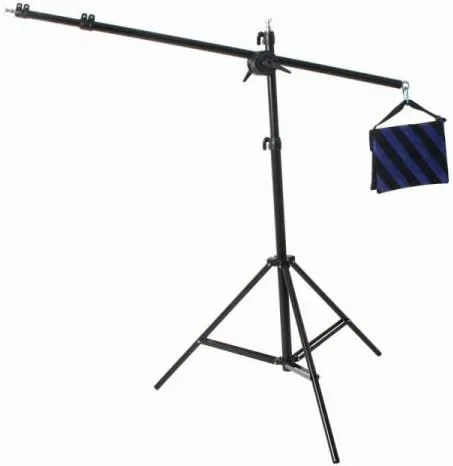
Heavy Duty Photography Video Studio Boom Stand Boom Arm Light Stand & Sandbag Combo
-
Softbox for 4 light head 16" x 24" SOFT04: Measures 16" x 24" and is designed for a 4-light head setup, providing soft diffused light (softbox only; light heads not included). Its rectangular shape is ideal for portrait or product lighting, and the size is manageable for mounting on a single boom arm without overloading the stand.
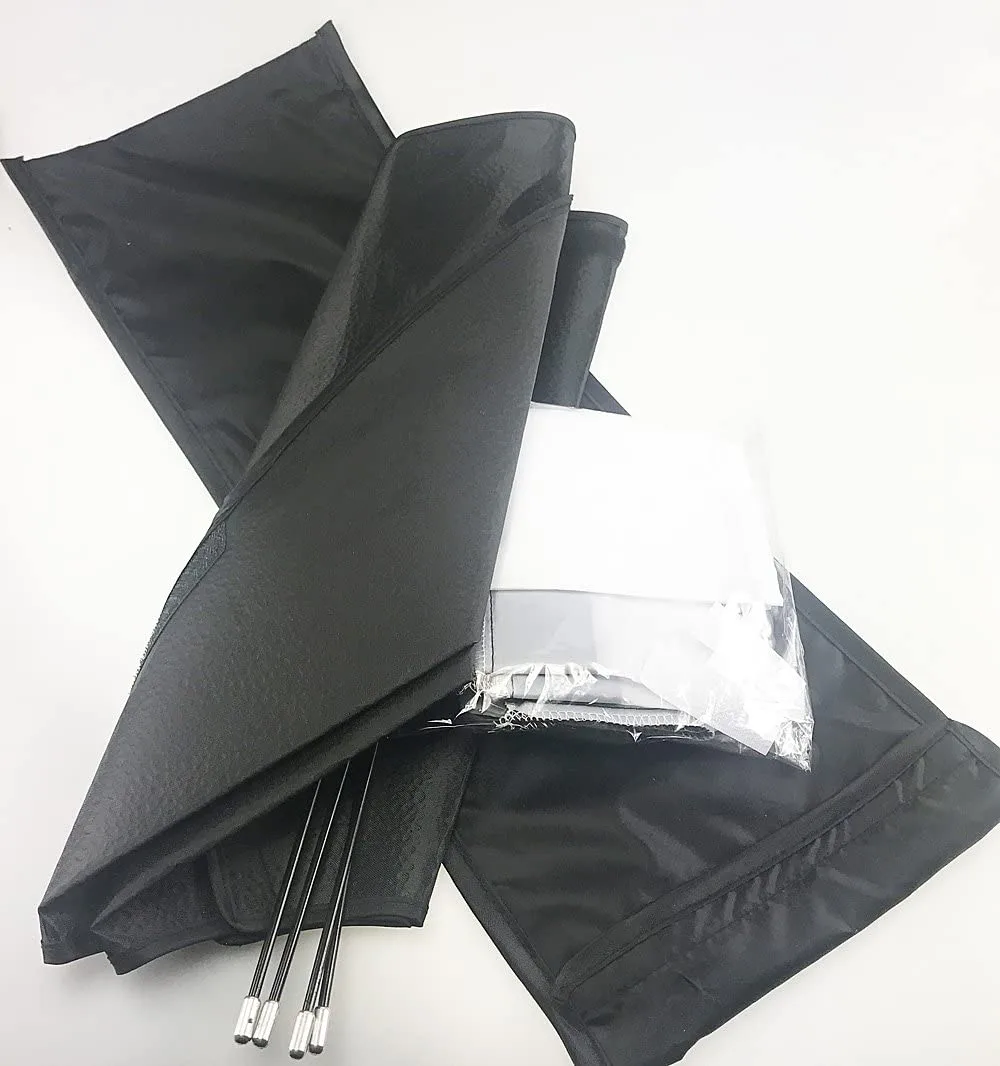
Softbox for 4 light head 16" x 24" SOFT04


