Quick answer
Set up your Lume Cube Broadcast Lighting Kit by positioning two lights at 45-degree angles to your face, adjusting brightness for even coverage, and placing the camera at eye level for natural-looking interviews and streams.
Why lighting placement matters for interviews
Good lighting makes you look professional and engaging on camera. The Broadcast Lighting Kit is designed to reduce distracting glare and shadows, but only if you position the lights correctly. Common mistakes include placing lights too close (causing harsh shadows) or too far (making you look flat).
Step-by-step setup for interviews and streaming
- Position the lights at 45 degrees: Place one light to the left and one to the right of your camera, each angled 45 degrees toward your face. This creates a classic three-point lighting effect that minimizes shadows. Checkpoint: Ensure lights are at the same height and distance from your face to avoid uneven lighting.
- Adjust brightness to match your environment: Start with both lights at medium brightness. Adjust each light individually until the shadows under your chin and nose are soft and barely visible. Avoid max brightness if you have a light background. Common mistake: Setting both lights to the same brightness regardless of ambient light – use a test recording to verify.
- Place your camera at eye level: Position your camera or webcam so the lens is at your eye level. This prevents unflattering angles and makes you appear more engaged with your audience. Checkpoint: If you use a laptop, raise it with a stand or books so the camera aligns with your eyes.
- Test the audio and framing: Record a short test clip to check that your face is centered, the lights don't create hot spots, and your voice is clear. Adjust light positions if you see reflections on glasses or shiny surfaces. Common mistake: Forgetting to check for lens flare from the lights – move lights slightly higher if needed.
Product facts
-
Broadcast Lighting Kit 2- Pack: This flexible, professional-quality broadcast setup works double duty to reduce distracting glare and shadows during your video calls. Using two lights gives you even, shadow-free illumination, which is essential for interviews where you need to look natural and credible.
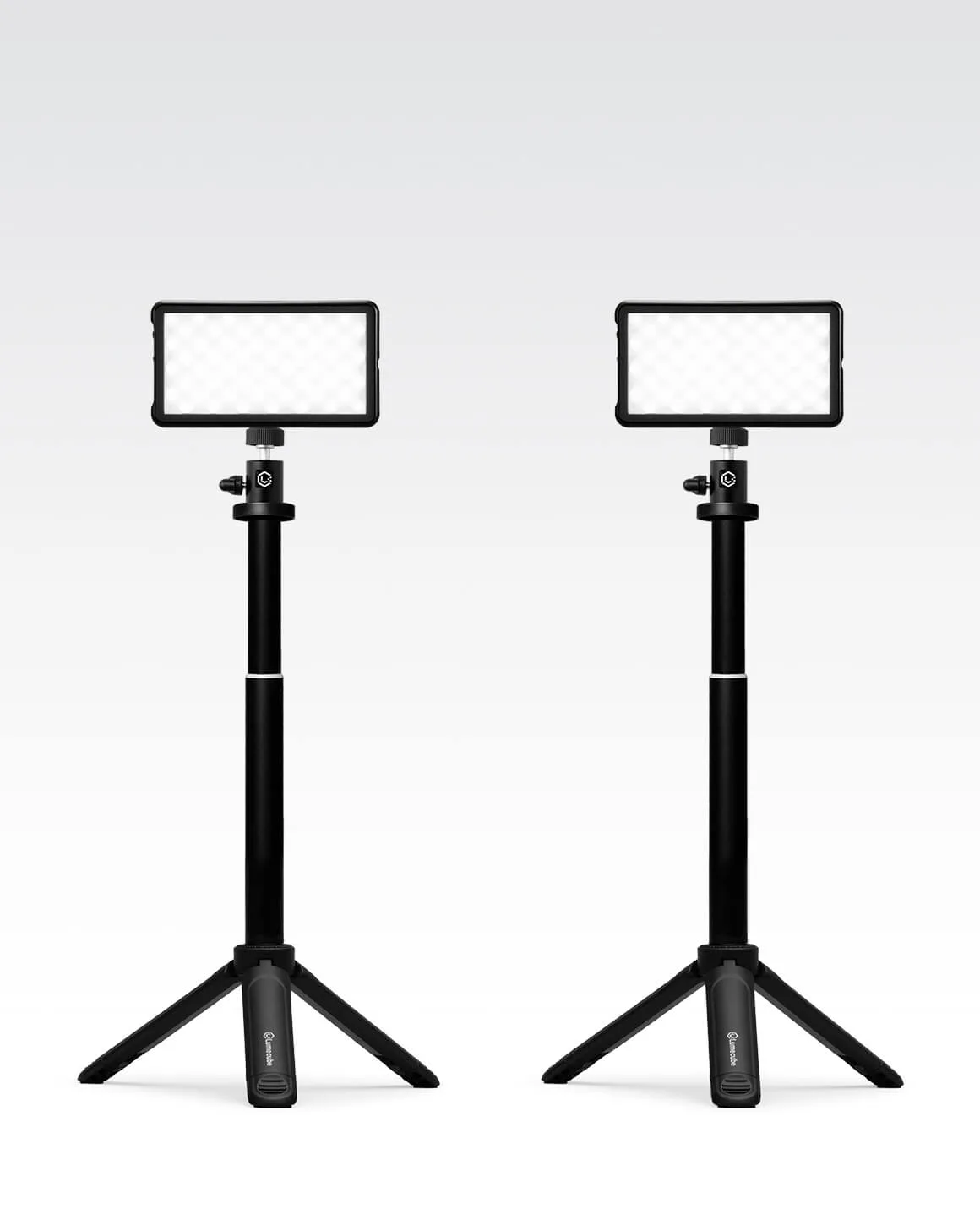
Broadcast Lighting Kit 2- Pack
-
Lume Cube Broadcast Lighting Kit (Open Box): This professional-quality broadcast kit comes with two flexible setups to boost your appearance on video calls, wherever you're broadcasting from. The open-box option offers the same performance at a lower price, making professional lighting more accessible for streamers and remote workers.
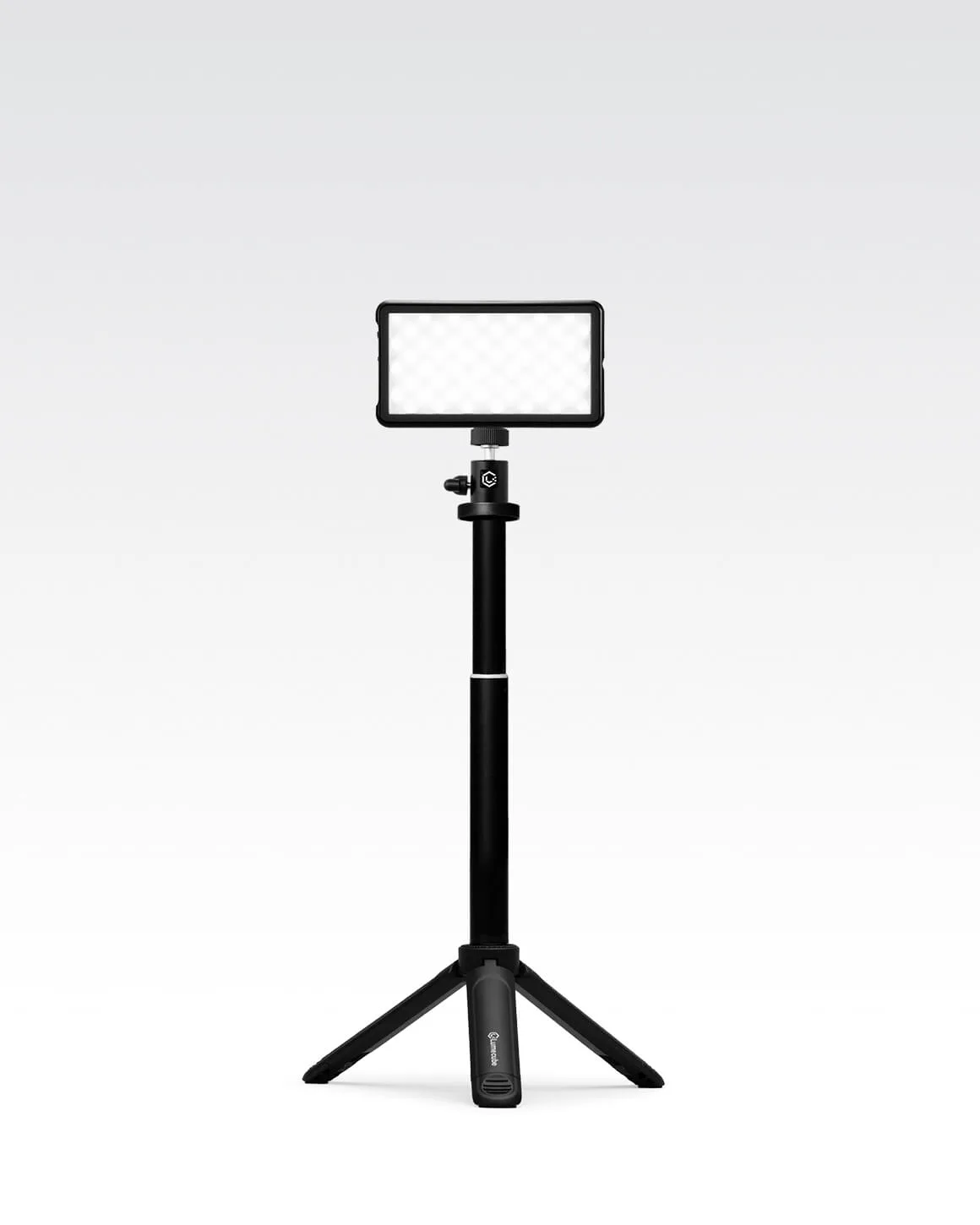
Lume Cube Broadcast Lighting Kit (Open Box)