Quick answer
Blank pages from your Canon PIXMA MG2570S usually mean clogged printheads, low ink, or a driver miscommunication. Start by checking the ink cartridges and running a printhead cleaning cycle.
Why blank pages happen on the MG2570S
The MG2570S is an affordable all-in-one printer designed for light use (recommended print volume: 10–80 pages). Because it uses individual ink cartridges, the printheads can dry out if the printer sits idle for a few weeks. That's the most common cause of blank output.
Another possibility: the printer driver might be sending a blank job or the wrong paper size. This is more common after a computer or network change.
Diagnosis: blank page on the MG2570S
- Symptom: Printer feeds paper but the page comes out completely blank, or only a faint, barely visible mark appears.
- Likely cause: Clogged printhead nozzles due to infrequent use, or an empty ink cartridge that the printer's low-ink warning didn't catch.
- Corrective action: 1. Check ink levels in the Canon Quick Utility or printer driver. 2. Replace any cartridge that is low or empty. 3. Run the printhead cleaning cycle from the printer driver (Maintenance tab → Cleaning). 4. Print a nozzle check pattern. If still blank, repeat cleaning once or twice. If cleaning doesn't help after three cycles, the printhead may be permanently clogged. Consider replacing the printer or using a service center.
- When to stop or choose another option: If the printer is still under warranty, contact Canon support before attempting any manual cleaning. If you've already replaced ink and run cleaning cycles without success, the cost of repair may exceed the printer's value.
About the printer
-
PIXMA MG2570S: Compact All-In-One for Low-Cost Printing. Affordable All-In-One printer with basic printing, copying and scanning functions. Print, Scan, Copy ISO standard Print Speed (A4): up to 8.0ipm black / 4.0ipm colour. Hi-Speed USB 2.0. Recommended Print Volume: 10 - 80 pages. Because the MG2570S is a budget model without a built-in printhead cleaner, you may need to run the software-based cleaning utility manually when pages come out blank.
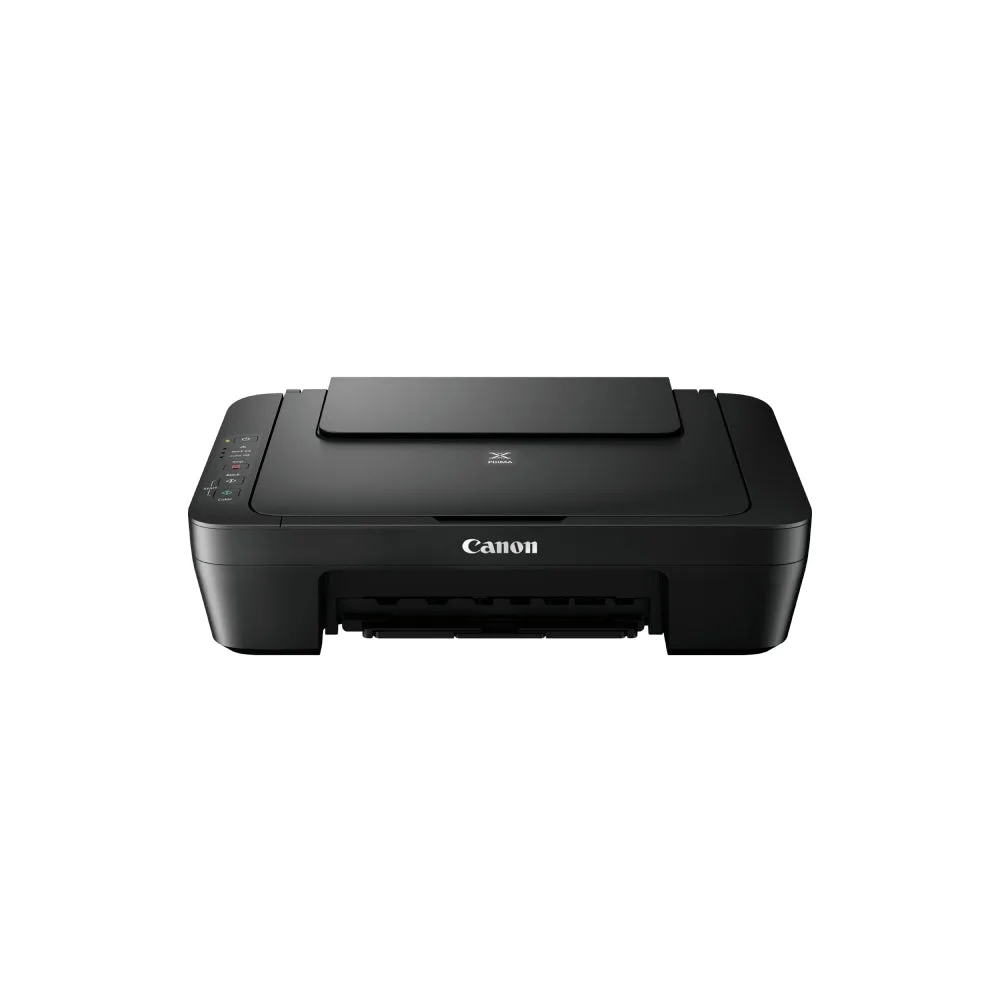
PIXMA MG2570S