Quick answer
You can attach the Peak Design Capture clip to any bag strap, belt, or webbing without using a camera strap. The clip's built-in locking mechanism secures the camera plate directly, giving you quick-access carry with no dangling strap.
When to skip the strap
Using the Capture clip without a camera strap works best when you want a low-profile setup—for example, carrying a compact mirrorless or DSLR on a backpack shoulder strap or belt. The trade-off is that you lose the secondary safety of a neck or shoulder strap. If you're in a high-motion environment (running, climbing), consider keeping the strap attached as a backup.
What you need
You need a Peak Design Capture clip (standard or clip-only version) and a camera with a Capture-compatible plate (Standard or Dual Plate) attached to the tripod socket. The clip itself has a built-in locking arm that holds the plate securely. No strap, no extra hardware.
Steps to attach the Capture clip without a strap
- 1. Open the clip's locking arm: Press the large button on the side of the Capture clip to release the locking arm. The arm swings open, revealing the slot where the camera plate slides in. Common mistake: pressing too lightly. The button requires a firm press; if the arm doesn't open fully, the plate won't seat correctly.
- 2. Slide the clip onto your strap or belt: Position the open clip over the strap or belt webbing you want to use. The clip's back plate should sit behind the strap, with the locking arm in front. Slide it until the strap sits snugly inside the clip's channel. Checkpoint: ensure the strap is flat and not twisted inside the channel. A twisted strap reduces grip and may cause the clip to shift.
- 3. Close and lock the clip: Push the locking arm back into the closed position until you hear a click. The arm should sit flush against the front of the clip, sandwiching the strap securely. Tug gently to confirm it's locked. Common mistake: not pushing the arm until it clicks. If the arm is only partially closed, the clip can slide off the strap under load.
- 4. Attach your camera: With the clip mounted, align the camera plate with the slot on top of the clip. Slide the plate in until it clicks into place. The camera is now secured by the clip's locking mechanism—no strap needed. Checkpoint: after attaching, give the camera a gentle pull to verify the plate is fully seated. If it wobbles, remove and re-insert the plate.
Product facts
-
Capture (Clip Only): The Capture (Clip Only) is a standalone clip without a plate, designed for users who already own a Capture-compatible plate. If you already have a plate on your camera, buying just the clip saves money and reduces clutter—you get the same secure mount without paying for an extra plate.
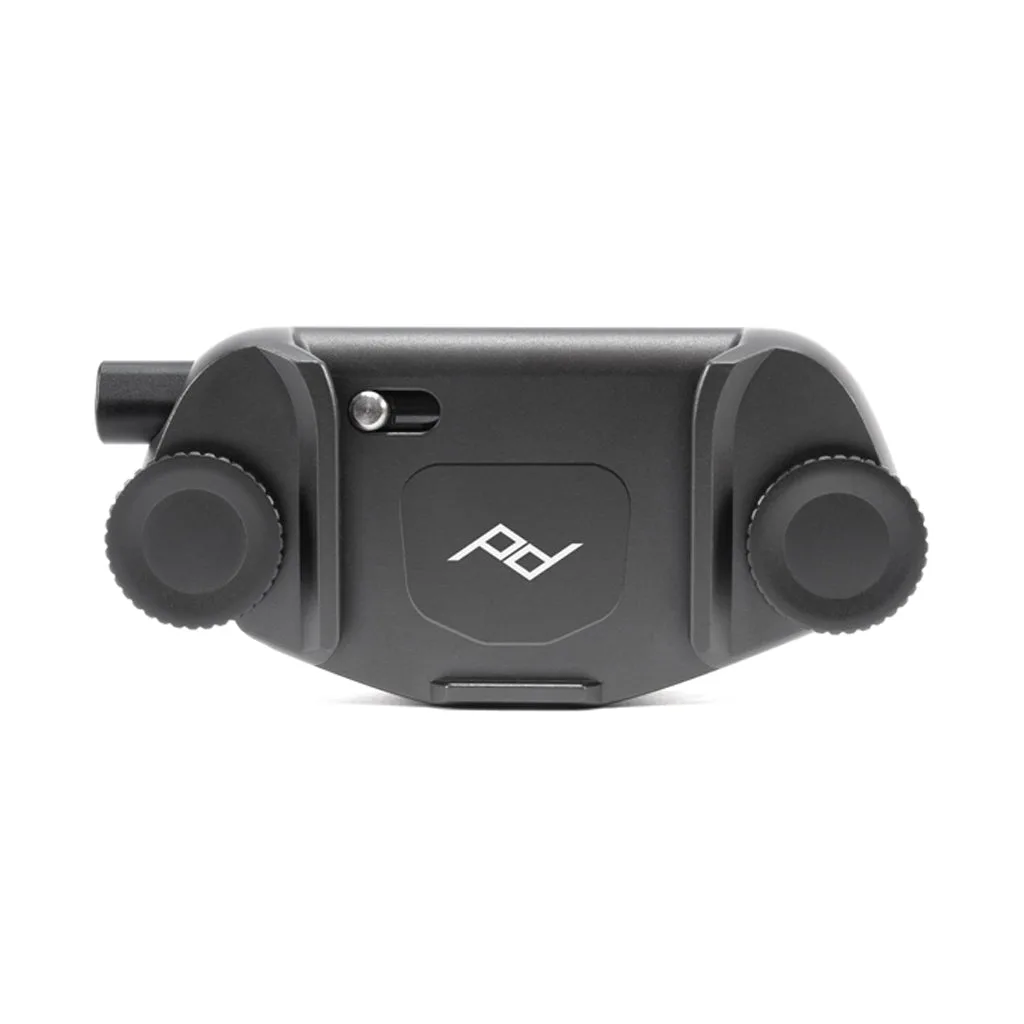
Capture (Clip Only)


