Quick answer
To keep your Certified Refurbished eufy Robot Vacuum Omni E28 performing well, follow a simple care routine: empty the dustbin, clean the mop pad, and check the auto-empty and auto-wash base after each cycle. Use the diagnosis steps below to quickly fix common performance dips.
Why refurbished models need a slightly different care routine
A Certified Refurbished unit like the Omni E28 has been restored to a like-new state (90% new) and tested for reliability. However, its previous use means parts like the dustbin seal or mop wiper may wear slightly faster than a brand-new unit. Staying on top of maintenance helps you get the full benefit of the all-in-one base that auto-empties and auto-washes.
The honest trade-off: you save significantly on the purchase price (the catalog comparison price is USD 699.99, while the refurbished unit is USD 468.99) but may need to replace consumables like filters or side brushes a little sooner. That small extra effort is worth the savings.
Quick diagnosis: Restoring performance to your Omni E28
- Symptom: Vacuum leaves debris behind or loses suction: Likely cause: The dustbin is full or the filter is clogged. Corrective action: Empty the dustbin and tap out the filter. If the filter appears dirty, rinse it with water and let it dry completely for 24 hours before reinstalling. Stop here if the filter is damaged or worn beyond cleaning — replace it with a new eufy filter. Check the filter monthly; replace every 3-6 months depending on usage.
- Symptom: Mop leaves streaks or doesn't wet the floor evenly: Likely cause: The mop pad is dirty or the auto-wash cycle isn't clearing it. Corrective action: Remove the mop pad and hand-wash it with mild detergent. Rinse thoroughly and let it air dry. Reattach and run a manual mop cleaning cycle from the app. Stop here if the pad is frayed or has a persistent odor — replace it with a new pad. Wash the mop pad after every 3-4 cleaning cycles for best results.
- Symptom: The base station doesn't empty the dustbin or wash the mop: Likely cause: The base station's sensors or nozzles are blocked. Corrective action: Turn off the vacuum, unplug the base, and inspect the auto-empty port and the auto-wash tray. Remove any debris or dust buildup with a dry cloth. Restart the system and run a test cycle. Stop here if the base still fails — contact eufy support for a warranty check. Clean the base station's ports every two weeks to prevent clogs.
Product facts
-
Refurbished Robot Vacuum Omni E28 (Certified, 90% New): This Certified Refurbished eufy Robot Vacuum Omni E28 is restored to a like-new state (90% new) and combines powerful suction with an all-in-one base that auto-empties and auto-washes. The base automation reduces daily effort, but you still need to periodically inspect the dustbin and mop pad to keep the self-cleaning cycle effective.
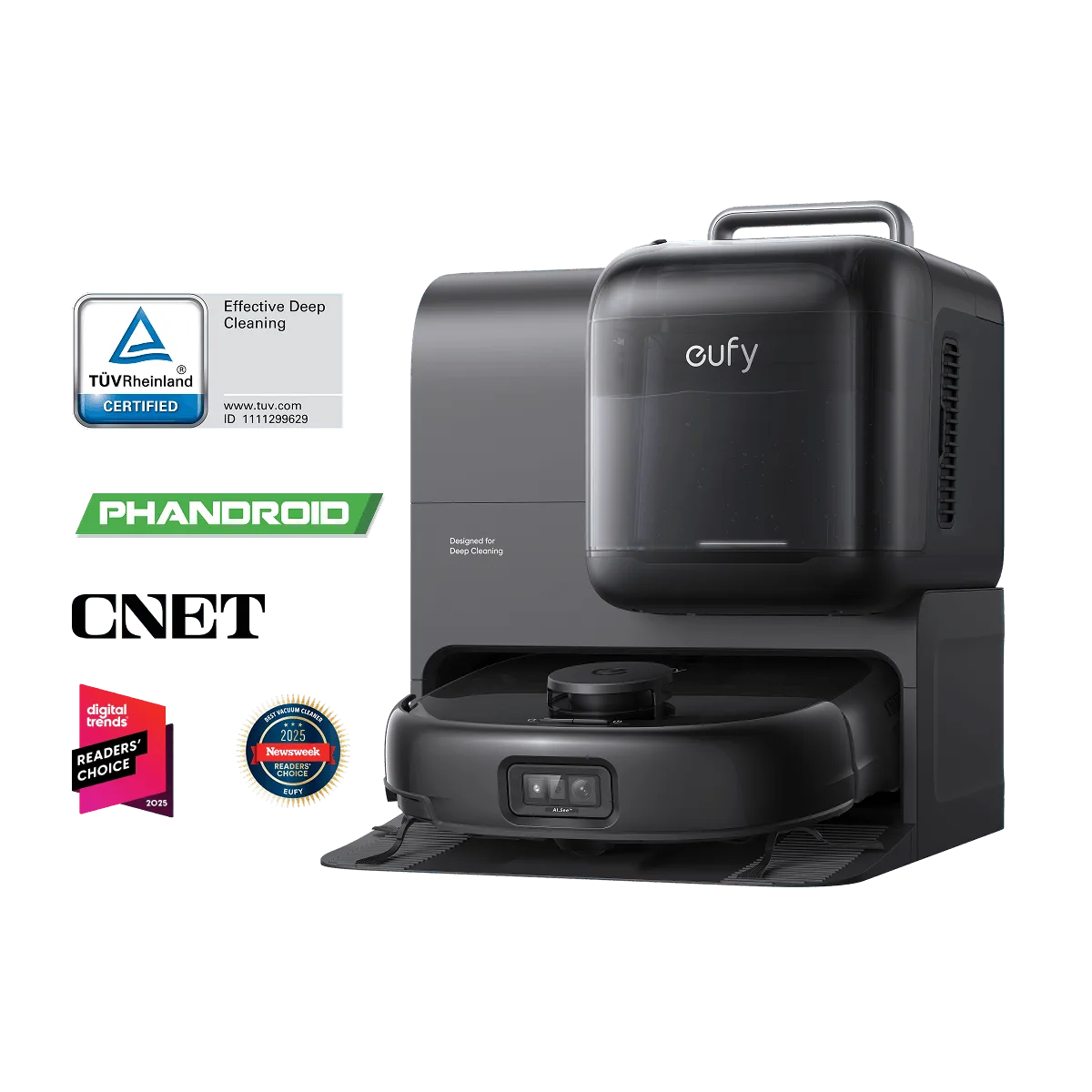
Refurbished Robot Vacuum Omni E28 (Certified, 90% New)