Quick answer
A flickering platelight is almost always caused by a loose USB connection or a failing power source. Before you replace the unit, check the cable, port, and power adapter.
Why a loose connection causes flickering
Platelights use low-voltage LED strips that are sensitive to power fluctuations. If the USB plug isn't fully seated, the light may pulse or strobe instead of staying steady. This is especially common with acrylic panels like the Igris Shadow, where the light diffuses evenly only when the power is stable.
Diagnosis and fix steps
- Symptom: The platelight flickers, strobes, or turns off intermittently.
- Likely cause: Loose USB connection, faulty USB port, or insufficient power from the hub or adapter.
- Corrective action: Unplug the USB cable, inspect the port for debris, then firmly reinsert. Try a different USB port (preferably a dedicated 5V/0.5A or higher port). If using a hub, plug directly into the computer or a wall adapter. If the flickering stops, the fix is complete.
- When to stop or choose another option: If flickering persists after trying multiple ports and a known-good adapter, the LED strip or controller may be defective. Contact support for a replacement rather than attempting to open or repair the unit yourself. Do not open the platelight housing—this voids the warranty and can damage the acrylic.
Products mentioned in this guide
-
Igris Shadow - Solo Leveling Platelight Acrylic: Made of high quality, durable acrylic, these panels allow light from our Platelight to diffuse through, creating a gorgeous backlit piece of art, right inside of your computer. If your Igris Shadow platelight flickers, the acrylic itself is not the cause; the issue is almost certainly in the power connection.
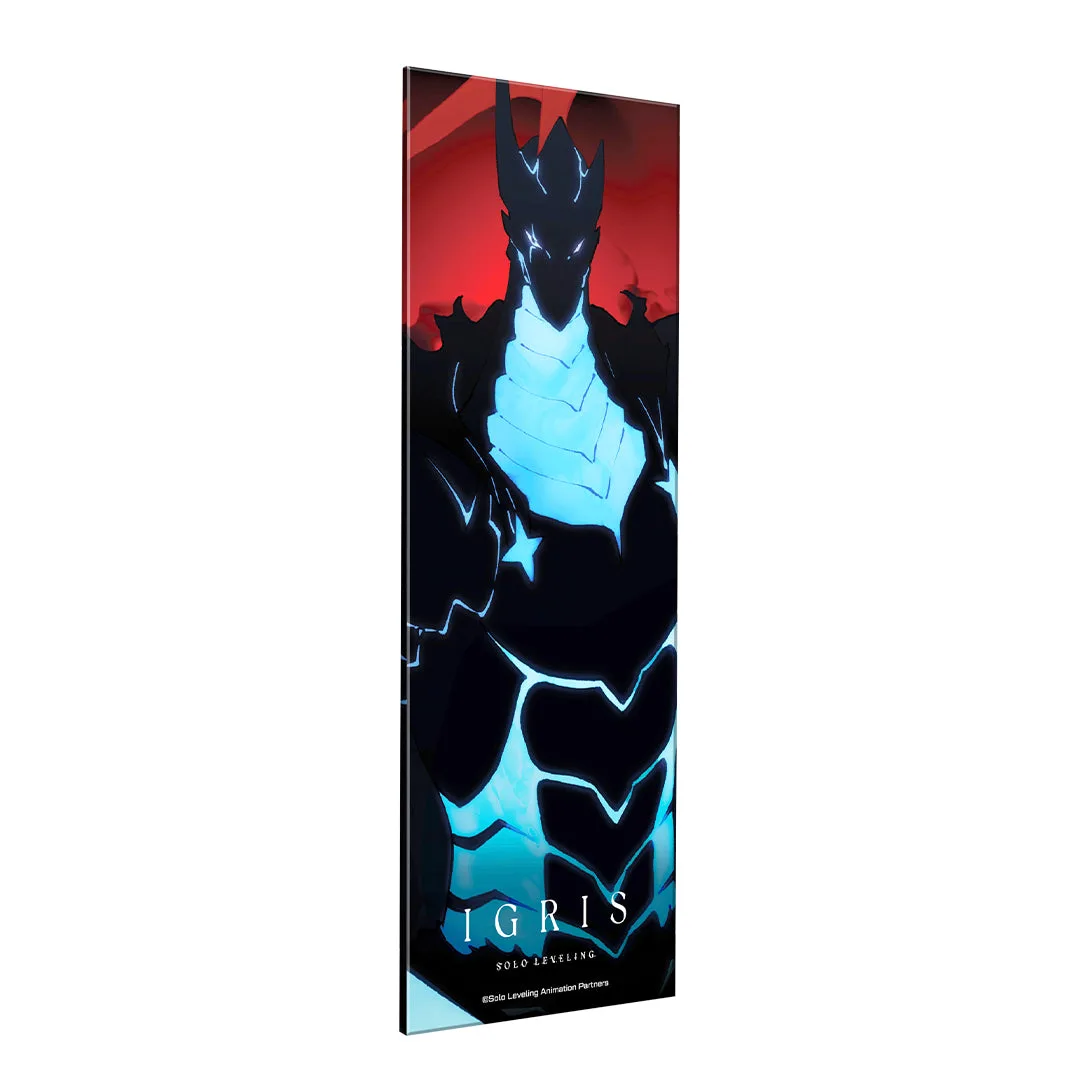
Igris Shadow - Solo Leveling Platelight Acrylic