Quick answer
Choose a dedicated scanner if most of your work is 35mm and you want the sharpest grain-level detail with minimal fuss. Choose a flatbed if you shoot a mix of 35mm and medium format, or if you already need a scanner for prints and documents. Match the scanner to your film format and realistic print size first, then compare resolution.
What resolution actually means for film
Scanner resolution is usually quoted as optical dpi, and that number describes how finely the sensor samples the film, not how good the final file looks. For 35mm, a true optical 3200 to 4000 dpi scan captures most of what the negative holds; beyond that you mostly enlarge grain and dust. For 120 and larger formats, the film area is bigger, so a lower dpi still produces a large, detailed file.
The practical test is your output size. A 35mm frame scanned at 4000 dpi gives roughly a 5600 x 3700 pixel file, which prints comfortably at A3. A 6x6cm frame at 2400 dpi gives a similar pixel count from a much larger negative, which is why medium format tolerates lower dpi settings. Decide your largest likely print first, then work backward to the dpi you need.
Where flatbeds win and where they struggle
A flatbed earns its place when you scan several formats, want one device for prints and documents, or need to digitize a large archive on a modest budget. Modern flatbeds with a transparency unit handle 35mm, 120, and sheet film, and the film holders keep strips flat during the scan.
The trade-off is optical sharpness. Flatbed scanners resolve less real detail than their dpi figures suggest, especially with 35mm, because the light passes through the glass and the film sits slightly above the sensor plane. For 35mm, expect a good but not grain-sharp result; for medium format and larger, the gap narrows considerably.
Where dedicated scanners win and what they cost you
Dedicated film scanners move the film through the machine or hold it in a precision carrier, so the optical path is short and clean. That translates into genuinely sharper 35mm scans, better shadow detail, and often built-in dust and scratch reduction. If 35mm is your main format and print quality matters, this is the category to shop.
The costs are real: dedicated scanners are usually more expensive, often limited to one or two formats, and may be slower per frame. Some models only accept 35mm, so if you also shoot 120, check the carrier options before buying. If you need both formats and can only own one device, a flatbed is the safer single purchase.
Scanning medium format negatives without overspending
Medium format is where flatbeds make the most sense. A 6x6cm or 6x7cm negative scanned at 1600 to 2400 dpi yields a file that prints large and holds fine detail, and the larger film area forgives the flatbed's softer optics. You do not need a high-end dedicated scanner to get excellent 120 results.
If you shoot both 35mm and 120, consider a flatbed for the 120 work and a modest dedicated scanner for the 35mm frames you care about most. That combination usually costs less than a single high-end dedicated scanner that handles both formats, and it lets you play to each device's strength.
Workflow, software, and the hidden costs
Budget for the software and accessories, not just the scanner. Film holders, anti-static brushes, and a calibrated monitor matter as much as dpi. If you process your own film, pair scanning with consistent development so your negatives are clean and evenly exposed before they ever reach the scanner.
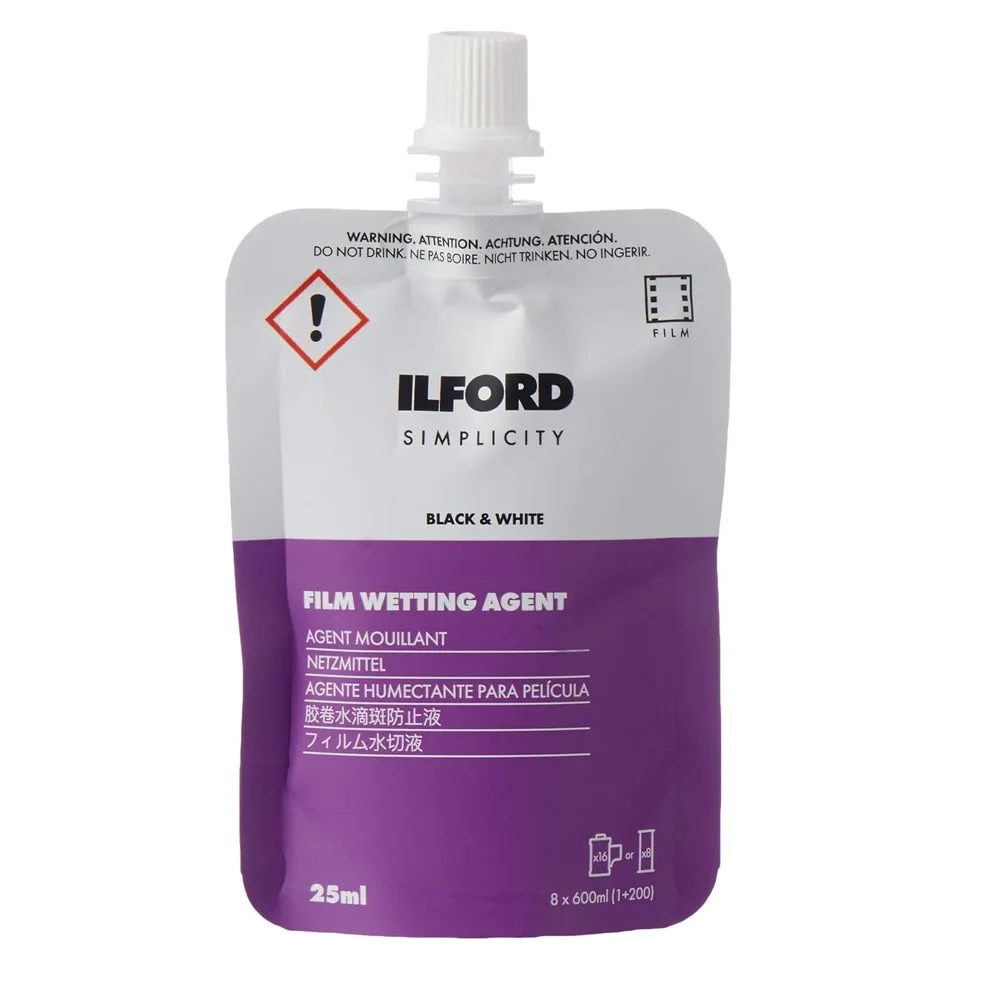
For black and white work, a wetting agent such as Ilford Simplicity Film Wetting Agent helps negatives dry without water spots, which saves retouching time later. Consistent chemistry and clean drying are cheaper upgrades than a higher-resolution scanner.
Decision rules for choosing your scanner
- If 35mm is 80% or more of your shooting: Buy a dedicated 35mm scanner. The optical path is shorter and the carrier holds the frame flat, so you get sharper grain and better shadow detail than a flatbed at the same dpi. Prioritize real optical sharpness over a high dpi number.
- If you shoot 120 or sheet film regularly: Buy a flatbed with a transparency unit and film holders. The larger negative area means 1600 to 2400 dpi is enough for large prints, and you keep one device for prints and documents. Match dpi to format, not to marketing.
- If you shoot both 35mm and 120: Choose a flatbed as your main scanner and add a modest dedicated 35mm scanner later if you need more bite from small frames. Two focused devices usually cost less than one high-end dual-format scanner. Split the job rather than overspending on one machine.
- If you only post online: A flatbed at 2400 dpi is more than enough for web and small prints. Spend the difference on film, chemistry, and a decent film holder instead of resolution you will not use. Buy for your real output size.
Products that support a scanning workflow
- Ilford Simplicity Film Wetting Agent - 25ml: Ilford Simplicity Film Wetting Agent comes in a 25ml squeezable pouch and is part of a four-pack system covering developer, stop bath, fixer, and wetting agent. Clean, spot-free negatives scan faster and need less retouching, so a few dollars of wetting agent protects the quality of every scan you make.
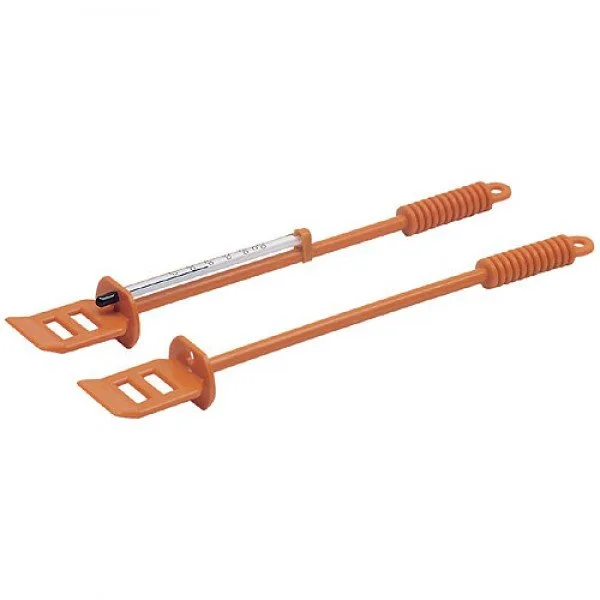
- AP Thermometer Stirrer: The AP Thermometer Stirrer combines stirring and temperature measurement in one tool for color and black and white film processing. Accurate, consistent development gives you negatives with predictable density, which makes scanner exposure and color balance easier to judge.
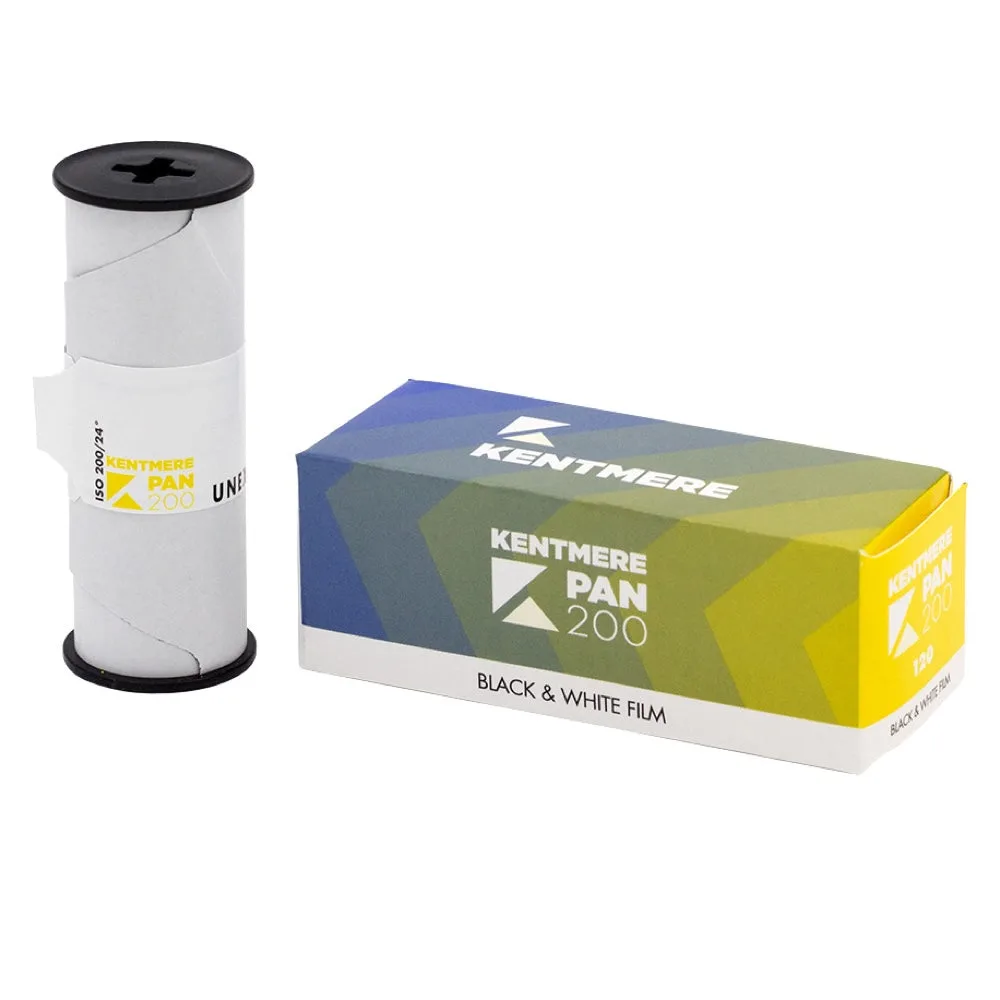
- Kentmere PAN 200 - 120: Kentmere PAN 200 is a 120 roll film positioned as an affordable, easy-to-use black and white film for learning and experimenting. Inexpensive 120 film lets you practice medium format scanning without worrying about the cost of every frame.
Is this scanner right for you?
Best for
- Photographers who shoot mostly 35mm and want maximum detail from each frame
- Archivists digitizing a mix of 35mm, 120, and sheet film on one device
- Beginners who want an affordable path into scanning medium format negatives
Not for
- Anyone who only needs quick web-sized scans and no prints
- Photographers who shoot exclusively 35mm and need grain-level sharpness
- Users who want a single device to handle every format at the highest quality