Quick Answer
To choose the right photo printer ink, match the cartridge to your printer model, decide between pigment and dye ink based on your print needs, and compare cost per print.
Why Ink Type Matters
Photo printer ink generally falls into two categories: pigment and dye. Pigment inks sit on top of the paper, offering better fade resistance and water resistance, making them ideal for archival prints and photos you plan to display or sell. Dye inks soak into the paper, producing vibrant colors and smooth gradients, but they are more prone to fading over time.
Your printer is designed to work with a specific ink type, so you cannot switch between pigment and dye in the same model. That means your choice is largely determined by the printer you own or plan to buy. If you already have a printer, stick to the manufacturer's recommended ink cartridge types.
Compatibility: The First Filter
Before looking at price or performance, confirm that the cartridge fits your printer model. Using the wrong cartridge can damage the print head or produce poor-quality prints. Check your printer's manual or the manufacturer's website for the exact cartridge codes. For example, the Epson Stylus Photo R3000 uses specific Turtle-series cartridges, while the Canon Image Prograf PRO-1000 uses PFI-series cartridges.
Genuine cartridges are designed and tested for your printer, ensuring consistent ink flow and color accuracy. Third-party or refilled cartridges may save money upfront but can risk clogging or color shifts. Weigh the savings against the potential for wasted paper and ink.
Cost Per Print vs. Upfront Price
The sticker price of a cartridge is only part of the cost. A higher-capacity cartridge may cost more but deliver more prints, lowering the cost per print. Conversely, a cheaper cartridge with lower yield can be more expensive in the long run. Look for the page yield or photo count provided by the manufacturer to estimate your actual cost per print.
Also consider how often you print. If you print rarely, a lower-cost cartridge may be fine, even if the cost per print is higher. If you print frequently, investing in larger or higher-yield cartridges can save money over time.
Decision Rules for Buying Printer Ink
- Match the cartridge to your printer model: Check the printer manual or manufacturer's website for the exact cartridge codes. Using a non-compatible cartridge can damage the printer or produce poor prints. Write down your printer model and the cartridge codes it accepts before shopping.
- Decide pigment vs. dye based on your print purpose: Choose pigment ink for archival prints, display pieces, or photos that need fade resistance. Choose dye ink for vibrant colors and smooth gradients when longevity is less critical. Consider where the print will be displayed and how long it needs to last.
- Compare cost per print, not just cartridge price: Divide the cartridge price by the number of prints it yields to estimate cost per print. A higher-priced cartridge with higher yield may be more economical. Calculate cost per print for at least two cartridge options before deciding.
Ink Cartridges to Consider
-
Canon Ink Jet Cartridge PFI-1000P - Photo Cyan: The Canon Ink Jet Cartridge PFI-1000P is designed for the Canon Image Prograf PRO-1000 and can print up to 600 photos in A2 size. This high-capacity cartridge suits photographers who produce large volumes of A2 prints, reducing the frequency of cartridge changes.
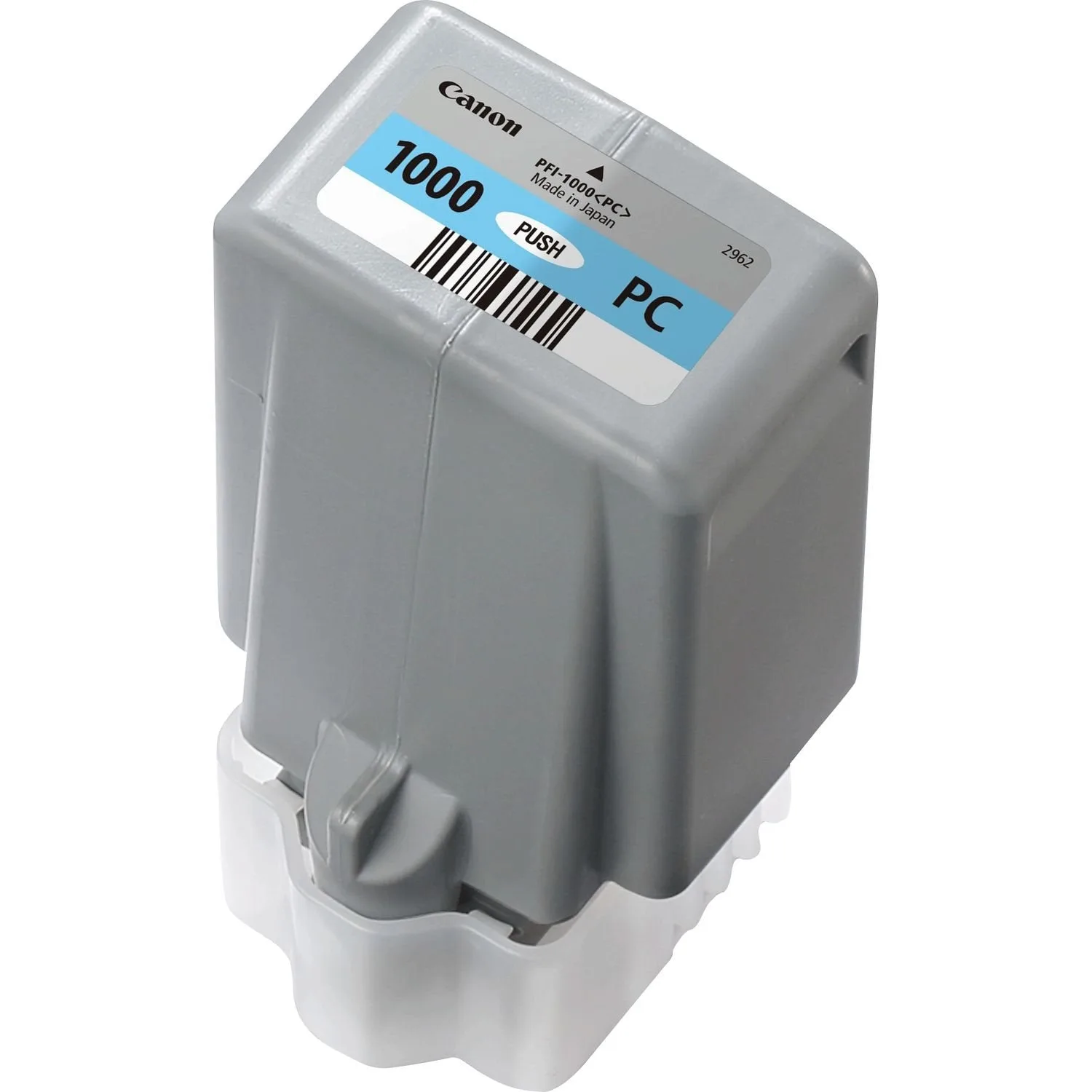
Canon Ink Jet Cartridge PFI-1000P - Photo Cyan
-
Epson Ink Jet Cartridge T1579 - Turtle Light Light Black: The Epson Ink Jet Cartridge T1579 in Turtle Light Light Black is a genuine Epson consumable for the Epson Stylus Photo R3000. This cartridge ensures precise, consistent output for black-and-white or neutral-tone prints, ideal for monochrome photography.
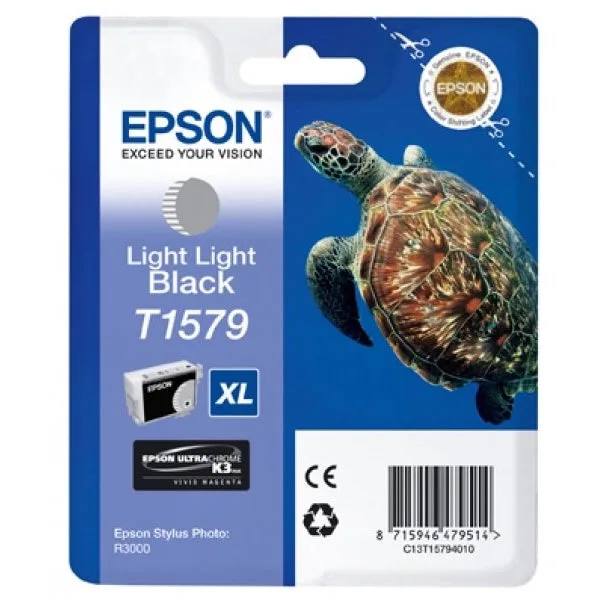
Epson Ink Jet Cartridge T1579 - Turtle Light Light Black
Who Should Choose What
Best for
- Photographers who print large volumes and need high-capacity cartridges like the Canon PFI-1000P for A2 prints.
- Users of the Epson Stylus Photo R3000 who need reliable, genuine cartridges for consistent color and monochrome output.
Not for
- Users who print only occasionally and may prefer lower-cost cartridges or smaller yields.
- Those who need to switch between pigment and dye ink, as printer models are typically locked to one type.