Quick answer
To clean your KeySmart Statik wallet, use a soft microfiber cloth with mild soap and water, avoid harsh chemicals, and dry it immediately. For maintenance, periodically check the elastic band and screws, and store it away from extreme heat to preserve the aluminum and RFID blocking.
Your KeySmart Statik wallet combines sleek aluminum construction with RFID blocking to keep your cards safe. But like any everyday carry item, it collects dirt, oils, and grime that can dull its finish and even affect its function over time.
Regular cleaning and a few simple habits will keep your wallet looking sharp and working reliably. Here’s a practical guide to cleaning and caring for your KeySmart Statik wallet, with tips to avoid common mistakes.
What You Need to Clean Your KeySmart Statik
Before you start, gather a soft, lint-free microfiber cloth, a small bowl of lukewarm water, and a drop of mild dish soap. Avoid abrasive scrubbers, paper towels, or cleaning products with bleach or ammonia, as these can scratch the aluminum or strip its coating.
For stubborn spots, a cotton swab dipped in soapy water can help reach crevices around the card slot and edges. If your wallet has a finish or coating, test any cleaner on a small, hidden area first to ensure it doesn’t cause discoloration.
- Use only mild soap and water – never harsh chemicals.
- Keep a microfiber cloth handy for quick daily wipes.
Step-by-Step Cleaning Process
Start by removing all cards from the wallet. This gives you full access to the interior and prevents any liquid from trapping between cards. Shake out any loose debris or dust.
Dip your microfiber cloth in the soapy water and wring it out until just damp (not wet). Wipe down the exterior and interior surfaces in gentle, circular motions. For the card slot, use a dry cloth first to remove dust, then a damp one if needed.
Rinse the cloth with clean water, wring it out, and wipe the wallet again to remove any soap residue. Finally, dry the wallet thoroughly with a dry microfiber cloth, and let it air dry for a few minutes before reloading your cards.
- Never submerge the wallet in water – moisture can damage the RFID blocking layer.
- Check that the wallet is completely dry before inserting cards to prevent sticking.
Maintaining the RFID Blocking and Card Holder
The KeySmart Statik uses RFID blocking to protect your cards from unauthorized scans. To keep this effective, avoid bending or flexing the wallet excessively, as this could damage the internal shielding. Also, keep the wallet away from strong magnetic fields, which can interfere with the blocking material.
For the card holder mechanism, inspect the elastic band (if your model has one) for signs of wear, such as stretching or fraying. If the band feels loose, it may need replacement to keep your cards secure. Similarly, check any screws or fasteners periodically and tighten them gently if they loosen.
- Avoid exposing the wallet to extreme heat, such as leaving it in a hot car, to prevent warping.
- If the card holder becomes stiff, apply a tiny amount of silicone-based lubricant to moving parts – but never oil-based products.
Step-by-Step Care Routine
- Empty the wallet: Remove all cards and shake out debris. This prevents damage and ensures a thorough clean. Checkpoint: Make sure no cards remain before proceeding.
- Wipe with damp cloth: Use a microfiber cloth dampened with mild soapy water to gently clean all surfaces. Avoid getting the interior too wet. Mistake to avoid: Don't use paper towels or abrasive pads that can scratch aluminum.
- Rinse and dry: Wipe with a clean damp cloth to remove soap residue, then dry thoroughly with a dry microfiber cloth and air dry completely. Checkpoint: Ensure it's fully dry before reloading cards to prevent sticking or moisture damage.
- Inspect and maintain: Check the elastic band and screws for wear. Replace any stretched bands and tighten loose screws gently. Mistake to avoid: Over-tightening screws can strip threads; use light pressure.
Related KeySmart Products for Your Carry
- KeySmart® Rugged | Extra Durable Key Holder | Expandable To Hold Up to 14 Keys: KeySmart Rugged is the most durable key holder that makes your keys compact, quiet and comfortable to carry. Includes pocket clip and bottle opener Saves pocket space Attach your car fob using the built-in loop Universal design fits your existing keys Expandable from 2-8 keys (includes an extra set of screws to fit up to 14 keys) If you also carry keys, this rugged holder pairs well with your Statik wallet, keeping your pocket organized and reducing wear on both items.
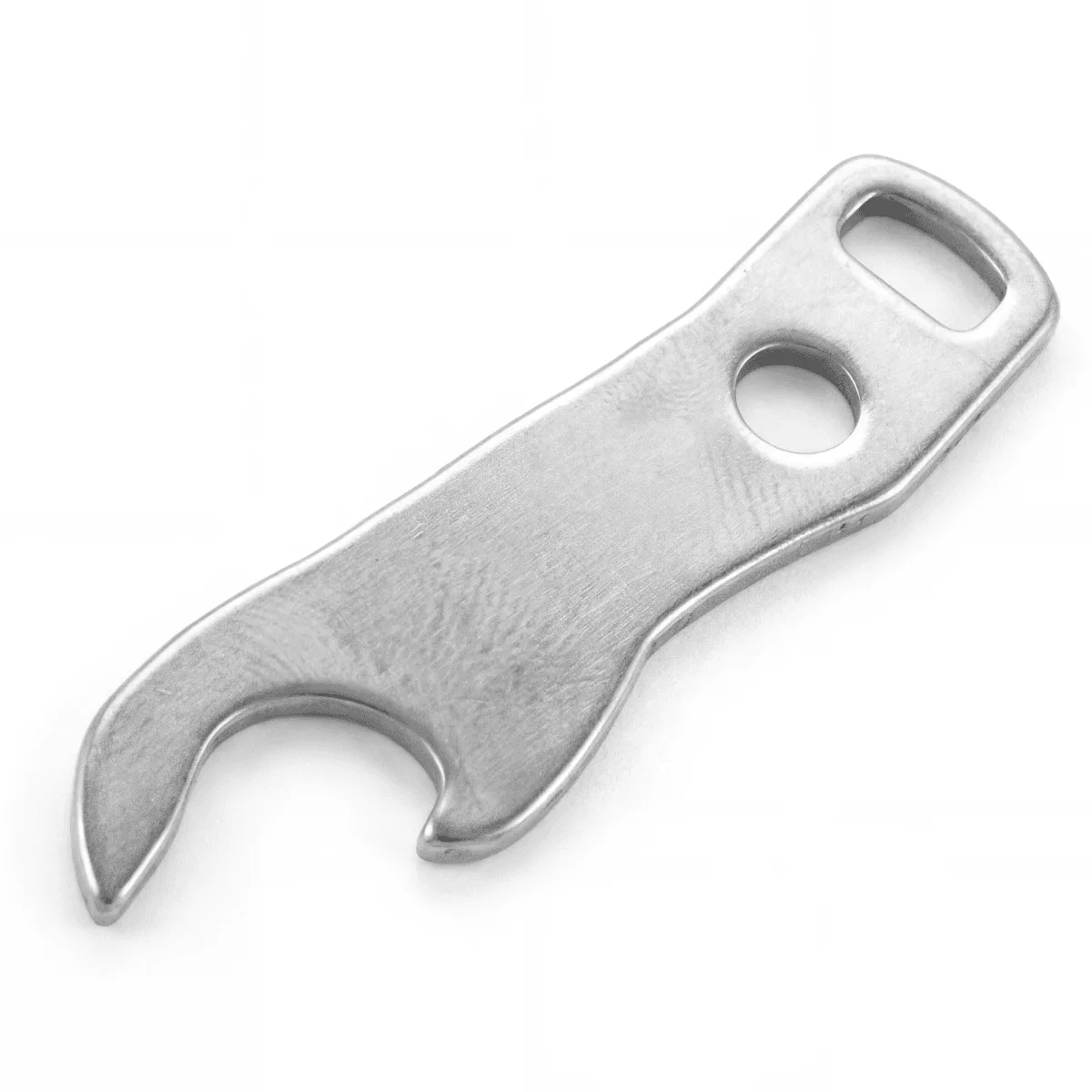
bottle opener
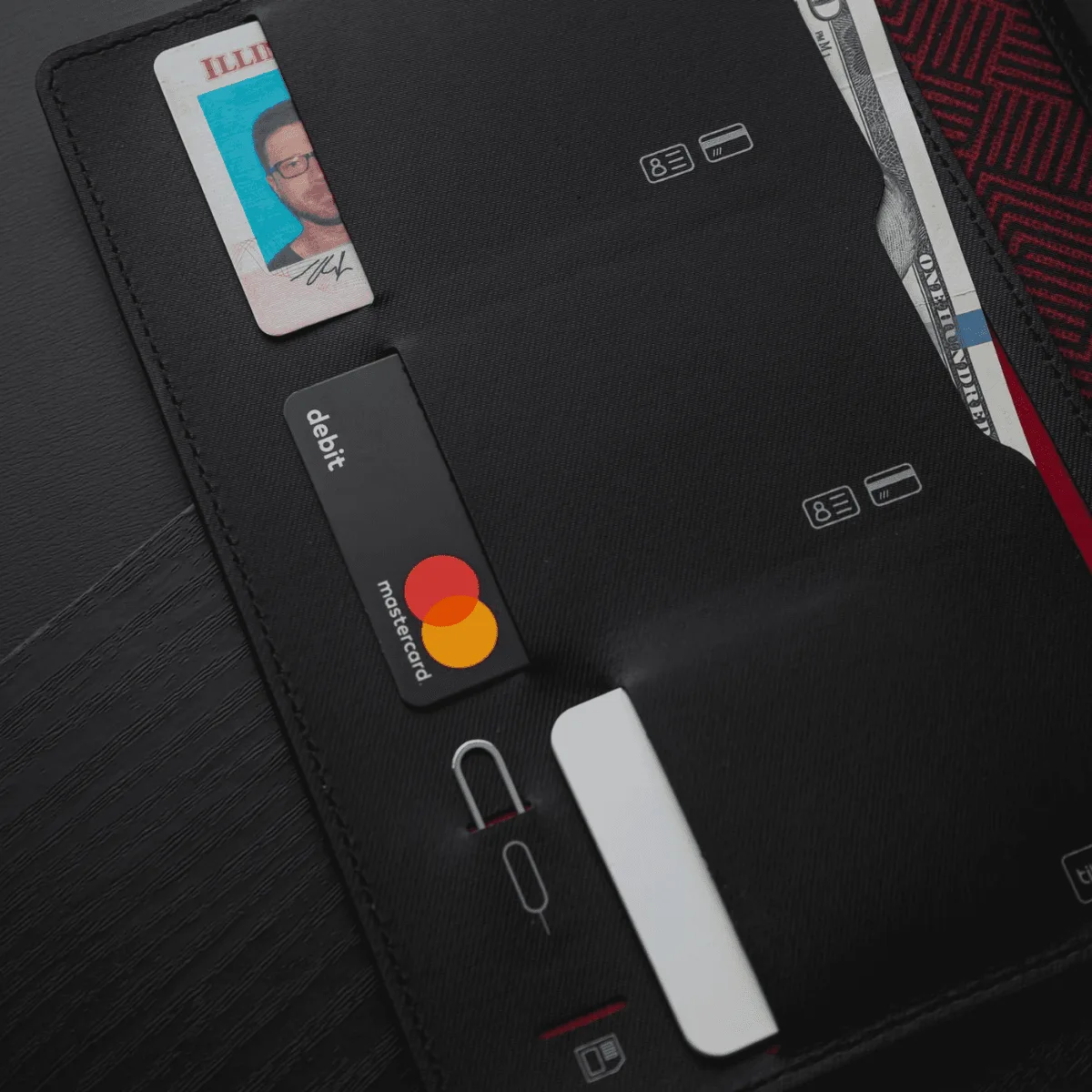
- SlimCard | 2-pack of Apple AirTag Holders: Keep an Apple AirTag in Your Wallet. Using the Apple FindMy App, you can track your wallet anywhere it goes with this ultra-slim card. Apple AirTag not included. Wallet-Ready Design. Roughly the size of a standard credit card, the SlimCard will fit in just about any wallet – and help keep your cash and credit cards safe. Durable. Water Resistant. Built to last a long time. Easy Snap-In Design. Simply press your... Adding a SlimCard to your Statik wallet lets you track it if misplaced, complementing the wallet's security features with peace of mind.
With regular cleaning and mindful care, your KeySmart Statik wallet will stay looking great and protecting your cards for years. Remember to avoid harsh chemicals, keep it dry, and address wear early. Pair it with other KeySmart accessories like the Rugged key holder or SlimCard for a complete, organized carry.