Why the Lenspen MicroPro Works for Sensor Cleaning
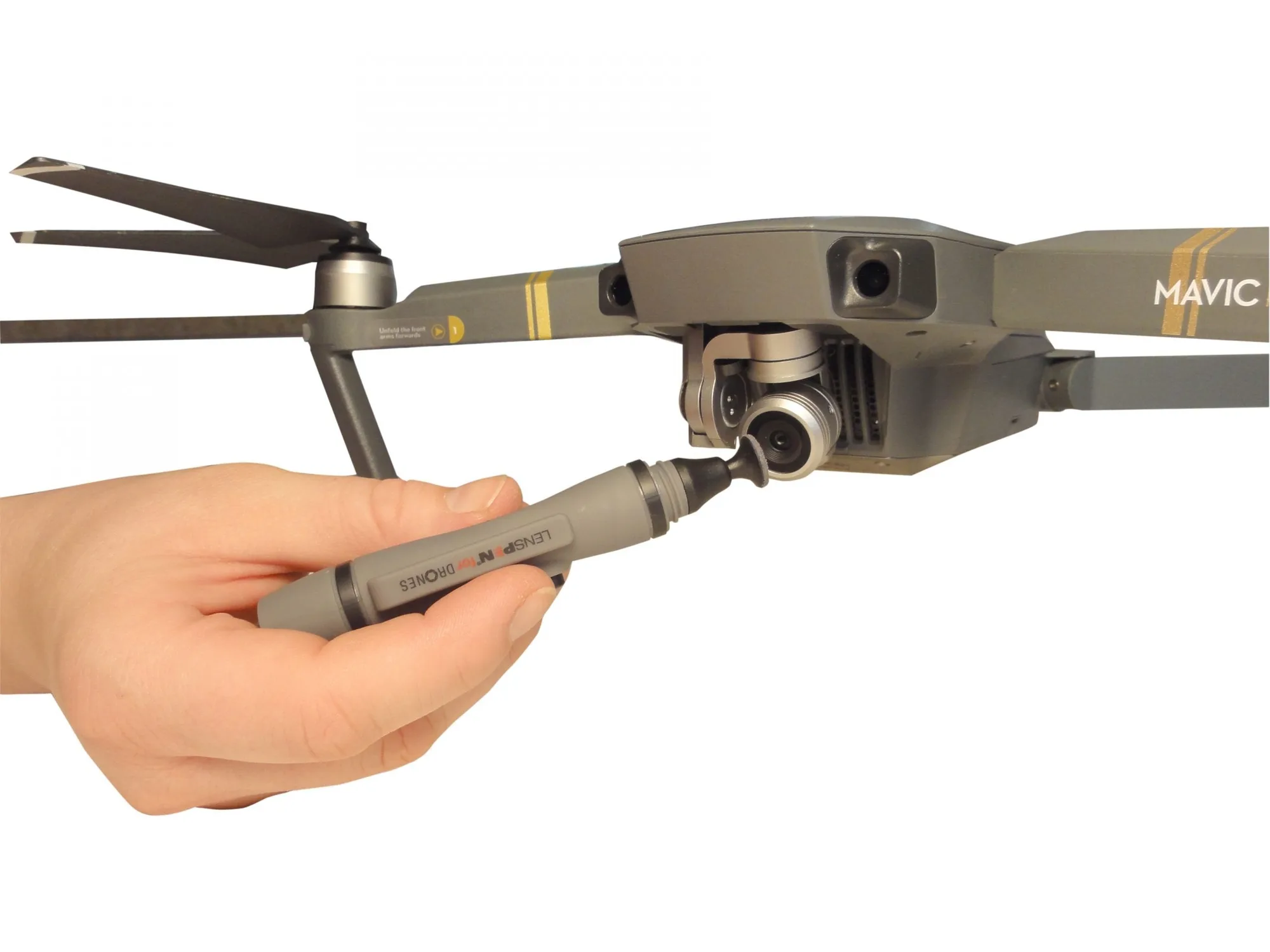
Keeping your camera sensor free of dust and smudges is essential for sharp images, but the sensor area is delicate and often hard to reach. The Lenspen MicroPro is designed specifically for small optics and tight spaces, making it a practical choice for cleaning micro camera lenses and sensor surfaces. Its specially designed tip applies the Lenspen cleaning compound to places larger tools can't reach, and the retractable brush removes loose dust before you apply the compound.
Lenspen MicroPro Key Features
-
Lenspen MicroPro: Now with NEW Invisible Carbon! LensPen MicroPro safely and effectively cleans micro camera lenses. The Invisible Carbon compound is formulated to outperform other cleaning systems, helping you remove stubborn residues without scratching the sensor.
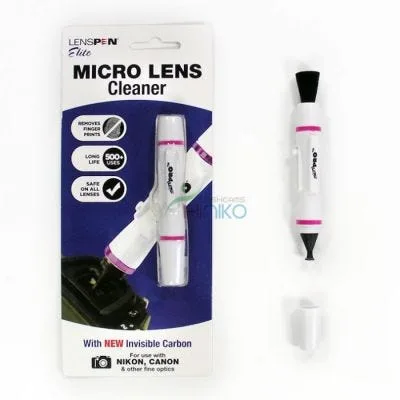
Lenspen MicroPro
-
Lenspen MicroPro: Retractable brush removes dust and the unique LensPen Invisible Carbon compound outperforms all other cleaning systems. The retractable brush lets you clear loose particles before using the cleaning pad, reducing the risk of grinding debris into the sensor.
-
Lenspen MicroPro: Improved replenishment cap to guarantee longer life. The cap recharges the cleaning tip between uses, so the MicroPro remains effective over many cleaning sessions.
How to Clean Your Camera Sensor with the Lenspen MicroPro
Before you begin, make sure your camera is turned off and the sensor is accessible according to your camera's manual (usually via the 'Sensor Cleaning' menu option). Work in a low-dust environment if possible.
- 1. Remove loose dust with the retractable brush: Slide the brush out and gently sweep it across the sensor surface to lift any loose particles. Avoid pressing hard; the brush is designed to attract dust without scratching.
- 2. Apply the Invisible Carbon compound: Twist the cap to replenish the cleaning tip, then gently dab or swipe the tip across the sensor area where smudges remain. The compound lifts oils and residues without leaving streaks.
- 3. Inspect and repeat if needed: Use a sensor loupe or take a test shot at a small aperture (e.g., f/16) against a plain surface to check for remaining spots. If dust persists, repeat the brush step first, then reapply the compound.
- 4. Store the MicroPro properly: Replace the cap after each use to keep the tip clean and recharged. The improved replenishment cap helps maintain the tool's performance over time.
What the Lenspen MicroPro Doesn't Cover
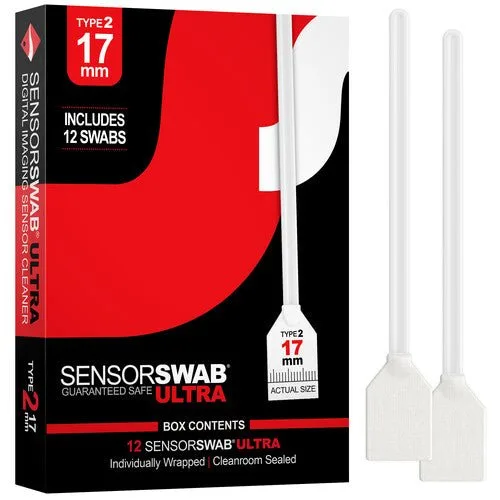
The MicroPro is intended for micro camera lenses and small sensor areas. It is not a full-frame sensor cleaning swab, and the supplied information does not specify compatibility with every camera model or sensor size. For larger sensors or stubborn debris, you may need a dedicated sensor cleaning kit. Always follow your camera manufacturer's cleaning instructions and avoid using the MicroPro on wet or heavily soiled surfaces.