Why a Non-Liquid Cleaner Belongs in Your Drone Kit
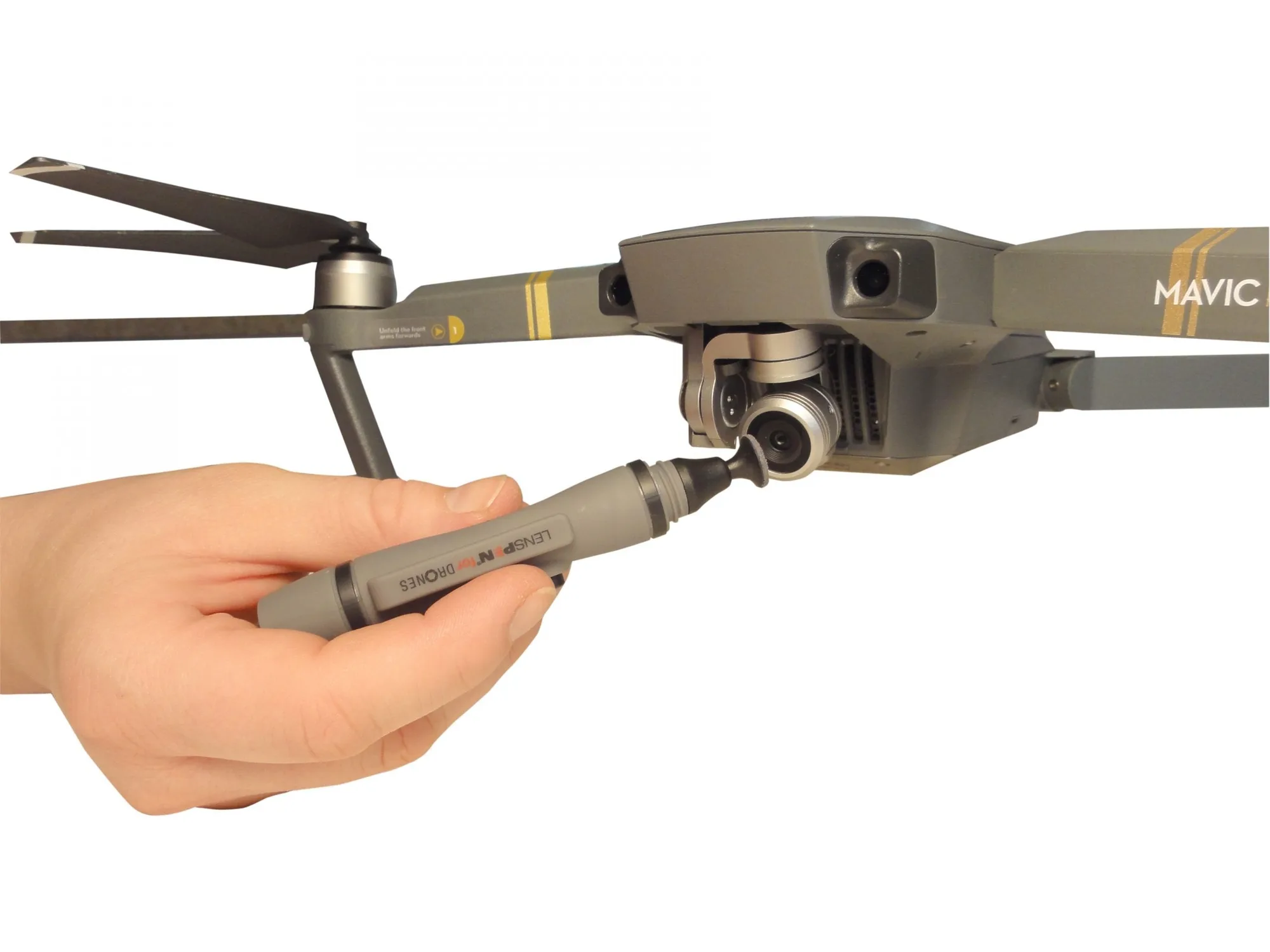
Drone camera lenses, filters, and sensors are small and often exposed to dust, fingerprints, and grease during flight or transport. Using a liquid cleaner on these delicate optics can leave residue or even seep into the camera housing. That is where the LensPen MicroPro for Drones comes in: it is a non-liquid cleaning tool designed specifically for the tiny lenses and sensors found on drones like the DJI Spark.
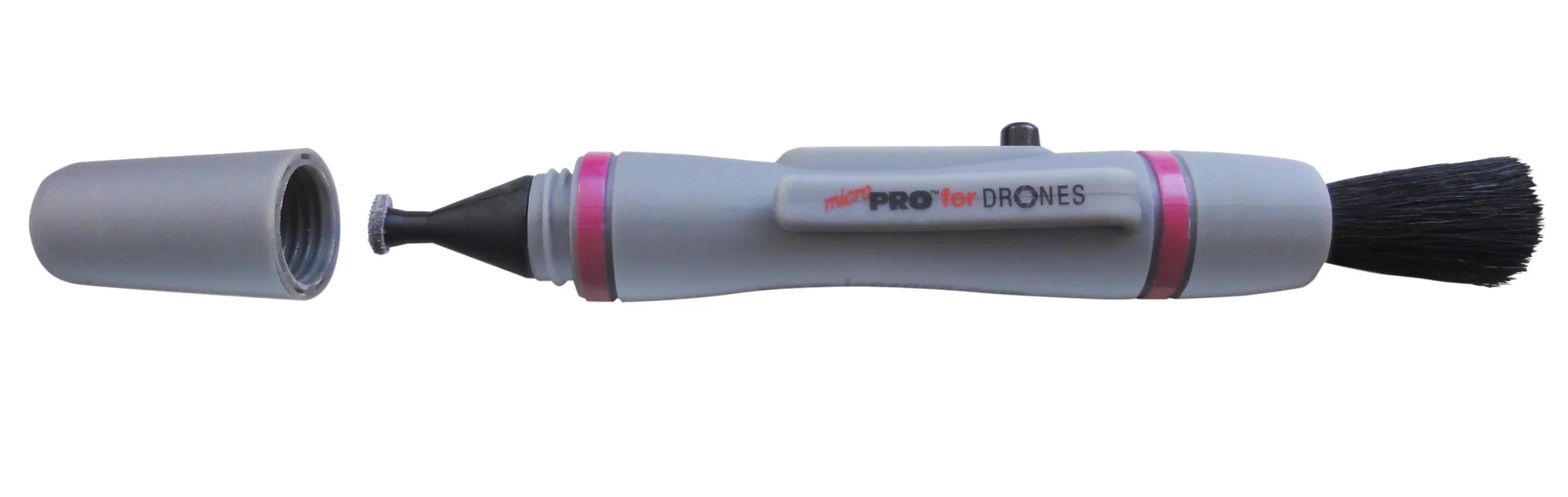
The MicroPro for Drones is 9.5 cm long and features the smallest cleaning tip in the LensPen line, just 4 mm in diameter. This size makes it easy to reach into tight spaces around the camera gimbal without touching other components.
What the MicroPro for Drones Is Built to Clean
-
MicroPro™ for Drones: Perfect for drone camera lenses, filters, sensors and other optical items. This confirms the MicroPro is safe for the specific glass and coated surfaces you need to protect on your drone.
MicroPro™ for Drones
-
MicroPro™ for Drones: Designed for the very small optics, sensors and camera lenses – perfect for a DJI spark or other similar drones. If you fly a compact drone, this tool is sized to match its optics. Larger professional drones may need a bigger tip.
-
MicroPro™ for Drones: Comes with a handy retractable dust removal brush and a special non-liquid cleaning element, designed to never dry out. The brush removes loose dust before the tip touches the lens, reducing the risk of scratches. The non-liquid element means no drying time and no residue.
Safe In-Field Cleaning Steps for Your Drone Lens
The following sequence is based on the product's design and supplied instructions. Always check your drone's manual for any specific lens care guidance.
- 1. Brush away loose dust: Retract the brush from the MicroPro and gently sweep it across the lens, filter, or sensor. This removes grit that could scratch the coating when you apply the cleaning tip.
- 2. Apply the carbon cleaning tip: Twist the cap to extend the cleaning tip. Using light pressure, wipe the lens in a circular motion. The non-liquid element lifts fingerprints and grease without leaving streaks.
- 3. Inspect and repeat if needed: Check the lens under good light. Stubborn smudges may need a second pass. The tip is designed to stay effective for many cleanings—it never dries out.
- 4. Store the pen safely: Retract the brush and replace the cap. The MicroPro ships in a poly bag with an instruction sheet, so keep it in your drone case for quick access.
What the Supplied Information Does Not Cover
The MicroPro for Drones is effective for cleaning optics, but the supplied details do not specify how many cleanings one pen can handle, nor do they provide a recommended replacement schedule. If you clean your drone lens frequently, inspect the tip for visible dirt buildup and replace the pen when the tip no longer lifts smudges cleanly.
Also, the product is designed for the lens itself, not for cleaning the drone body or gimbal housing. Use a separate cloth for the exterior surfaces.